




Find Your Ergonomic Mouse
Mouse discomfort usually comes from the shape not matching your hand and how you hold it, not from the mouse being "bad." ProtoArc makes three families: vertical mice, trackball mice, and compact travel mice. Start with how you control the cursor, then check hand size and desk space.
Every model below is a ProtoArc product, so the comparison is between our own designs rather than between brands. If you are still choosing a chair, start with Find Your Ergonomic Chair.
Find Your Grip
Which mouse shape fits how you work?
Start with how you control the cursor, then match hand size and desk space.
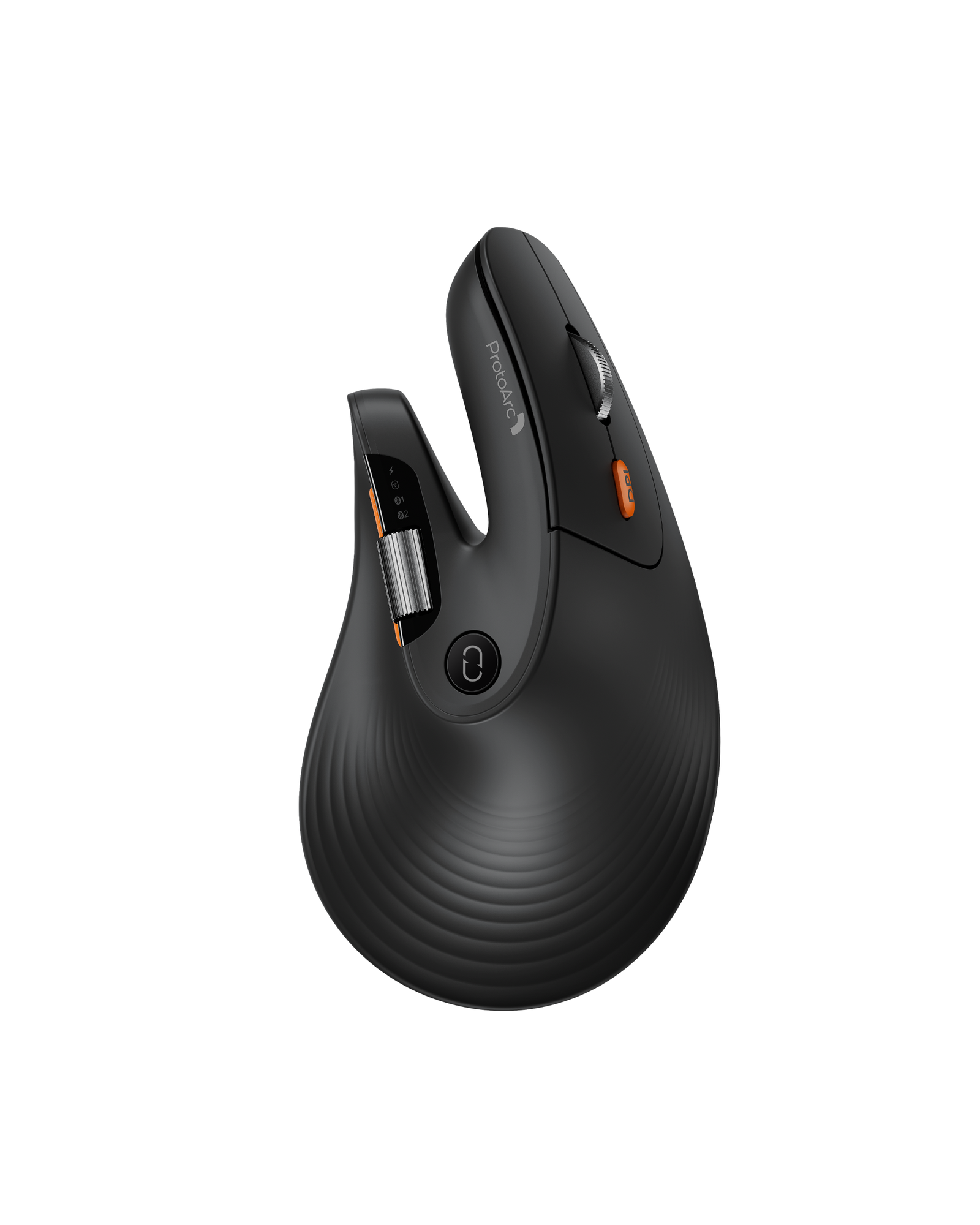
Vertical grip
A handshake-style grip at 58° that keeps the palm supported and the forearm turned toward a neutral position. Best for long sessions where you want to keep mouse-style control.
Thumb trackball
Move the cursor with your thumb and leave the arm still. A 62° tilt plus a thumb ball suits tight desks and anyone who wants less arm travel.
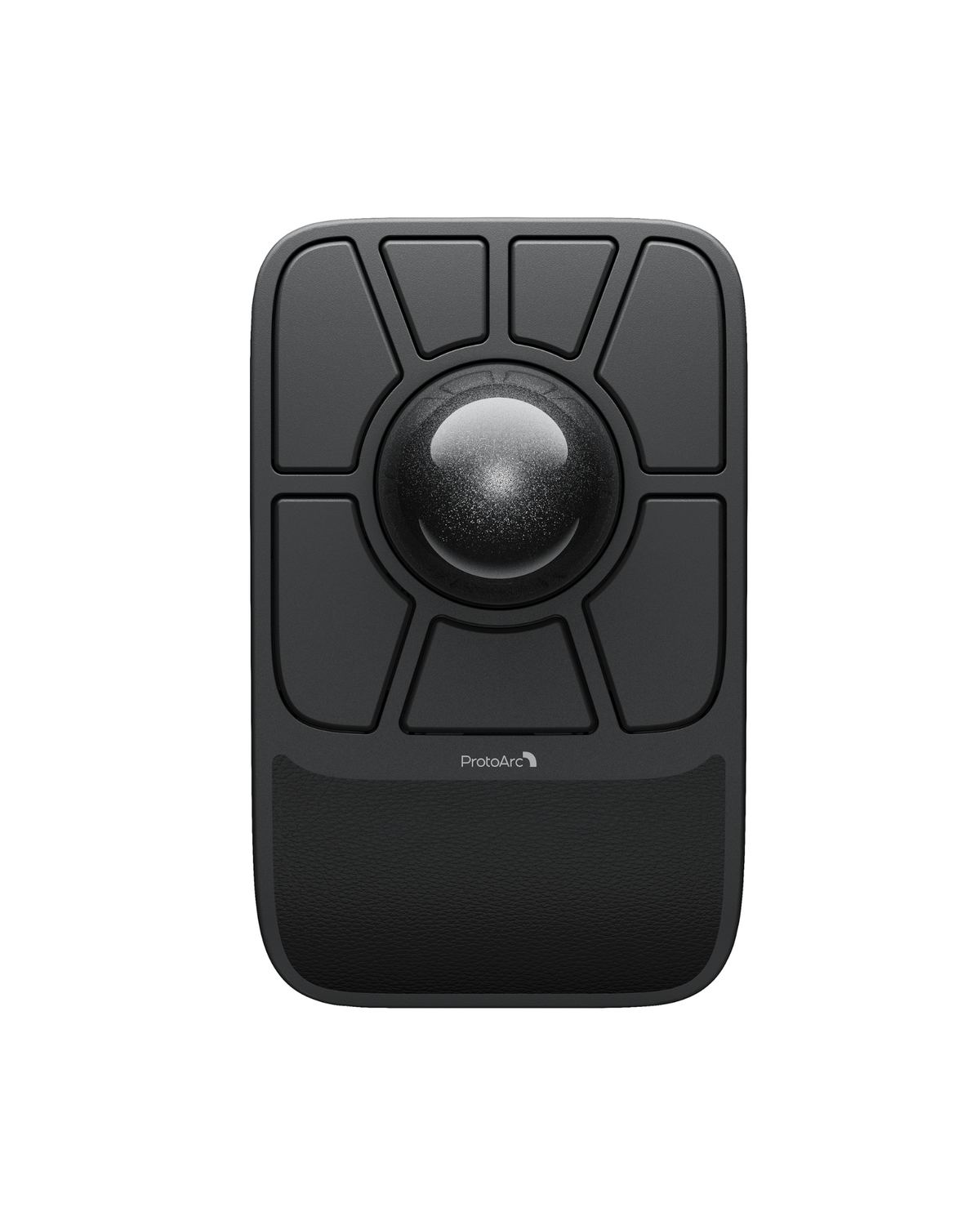
Finger trackball
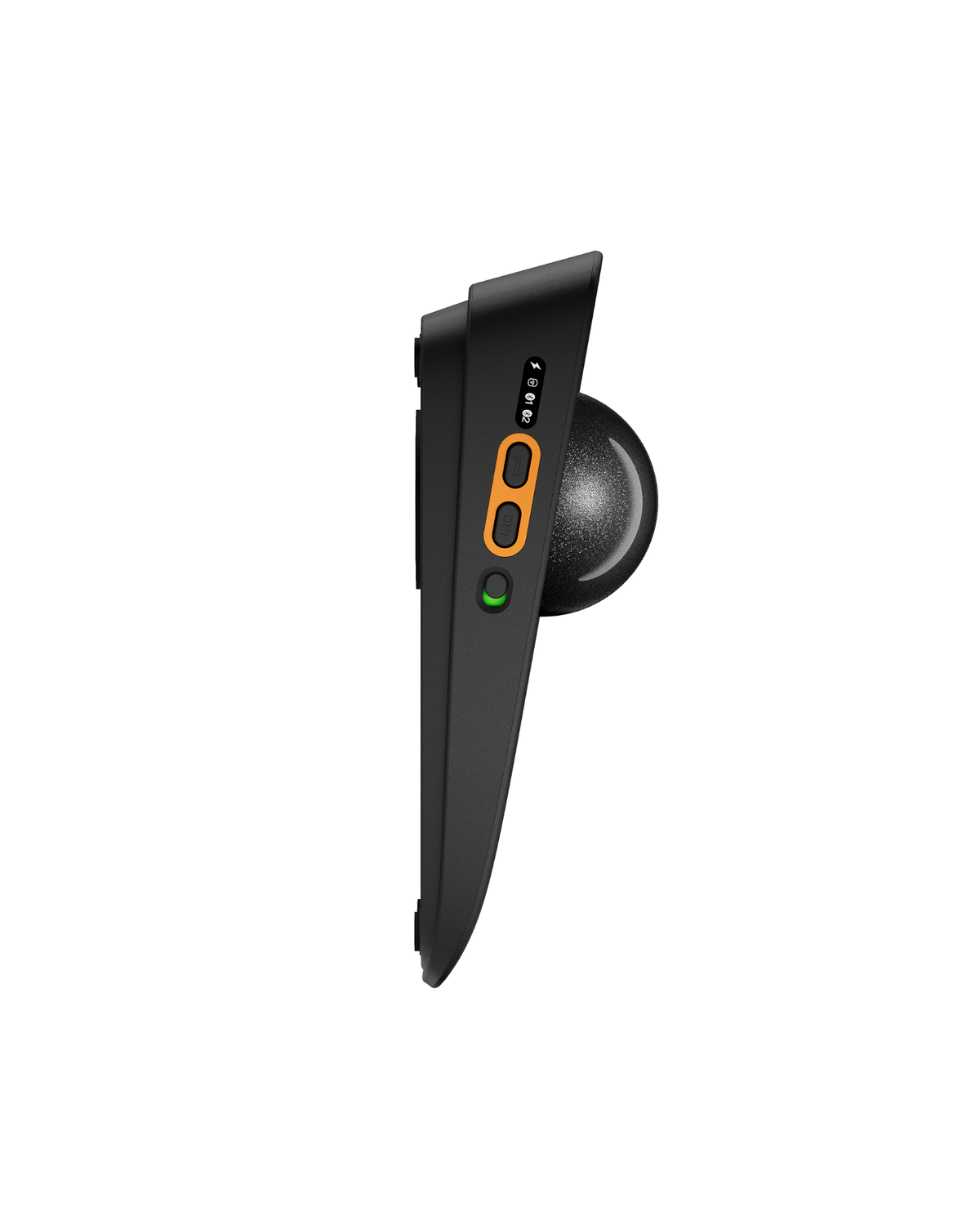
A 55 mm finger ball with built-in wrist support, seven programmable buttons and four onboard profiles. Precise, stationary control for editing, design and multi-monitor work.
Compact & travel
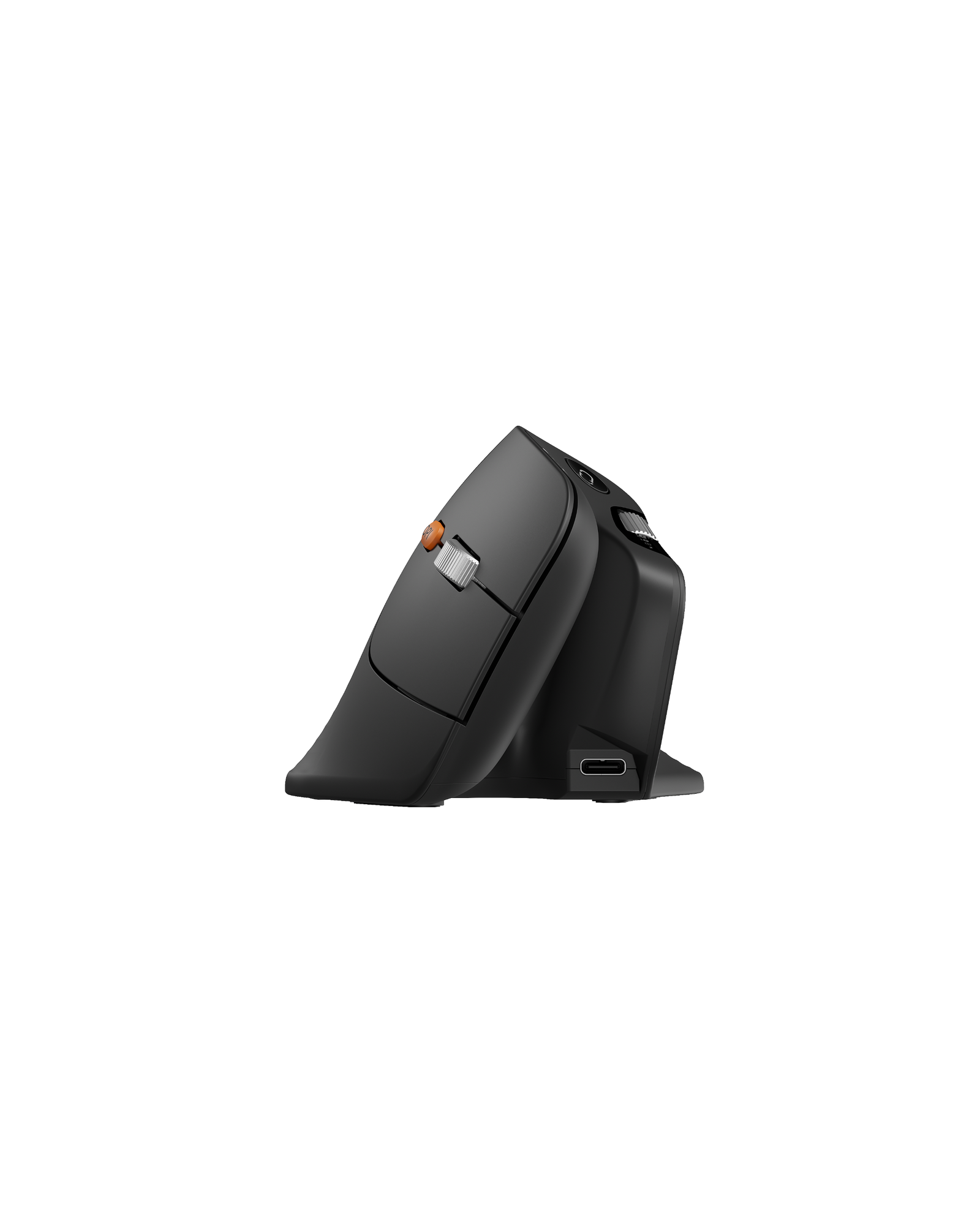
Lightweight bodies with Bluetooth, USB-A and USB-C options for laptops, tablets and hybrid setups. The EM15 weighs 68 g and switches between three devices.
Ergonomic Mice
Shop Ergonomic Mice
Four shapes, one brand. Compare the details below or open a product page.


Compare
Compare ProtoArc Mice
Same brand, different shapes. Rows that do not apply to a model are marked with a dash.
Large hands (19–21.5 cm) and long editing or spreadsheet sessions
Wrist strain relief with a stationary thumb ball
Adjustable tilt for palm and thumb control
Precise finger control with heavy button customization
58° vertical, palm grip
62° vertical, thumb trackball
0–20° adjustable hinge, thumb trackball
55 mm finger trackball, ambidextrous
Optical
Advanced optical
Optical
Dual PAW3212 optical, ruby static bearings
6 levels, up to 7200 DPI
5 levels, 200–1600 DPI
5 levels, 200–1600 DPI
5 levels, 200–1600 DPI
2.4G + 2× Bluetooth (3 devices)
2.4G + Bluetooth 5.1 + Bluetooth 3.0
2.4G + dual Bluetooth
2.4G + 2× Bluetooth + USB-C wired
Configurable buttons + side scroll wheel, browser-based
Standard buttons, quiet clicks
Standard buttons, quiet clicks
7 programmable buttons, 4 onboard profiles
500 mAh, USB-C
Rechargeable, USB-C
Rechargeable, USB-C
930 mAh, USB-C (wired use supported)
Large hands, 19–21.5 cm
Medium to large hands
Any hand; tilt adjusts to your grip
Left or right hand, with wrist support
Before You Buy
What to Look for in an Ergonomic Mouse
Five things decide whether a mouse suits your hand and your desk, in roughly this order of importance.
Vertical mice tilt the palm toward a handshake position (58°–62°). Trackballs keep the hand flatter but remove arm movement entirely, which is a different trade-off, not automatically a better one.
Optical sensors track on most surfaces. A trackball uses a fixed ball, so the cursor moves without moving the mouse – useful when desk space is tight, or when you work on a sofa or a bed.
Higher DPI moves the cursor further for the same hand movement. 200–1600 DPI covers everyday office work; up to 7200 DPI suits large or high-resolution displays.
A 2.4G receiver is plug-and-play and needs no pairing. Bluetooth frees a USB port. Triple-device models switch between laptop, tablet and desktop with one button.
For vertical mice, hand length matters more than width. The EM11 Pro is sized for hands measuring 19–21.5 cm from wrist to fingertip; smaller hands usually sit better on the EM05 NL or EM15.
FAQ
Quick Answers About ProtoArc Mice
What people ask most before choosing a mouse.
Will a vertical mouse fix my wrist pain?
A vertical mouse changes the forearm position, but it is not a treatment. If pain is sharp or persists, see a clinician. Treat the mouse as one part of the setup, alongside desk height, chair fit and regular breaks.
Trackball or vertical mouse?
If you want to keep your arm still and save desk space, choose a trackball. If you want to keep palm-based mouse control with a more neutral forearm position, choose a vertical mouse.
Which mouse is best for large hands?
The EM11 Pro is designed for hands measuring 19–21.5 cm. If your hands are smaller, the EM05 NL and EM15 are easier to reach around.
Do these mice work with Mac, iPad and Android?
Yes. The EM11 Pro, EM05 NL, EM01 NL and EM06 support Windows, macOS, Android, iPad and iPhone over Bluetooth or a 2.4G receiver. Check the connection type on each product page if you need a specific port.
Do I need to install software?
No. The EM11 Pro and EM06 are configured in a browser, so buttons and profiles can be changed without installing anything.
