






About this video
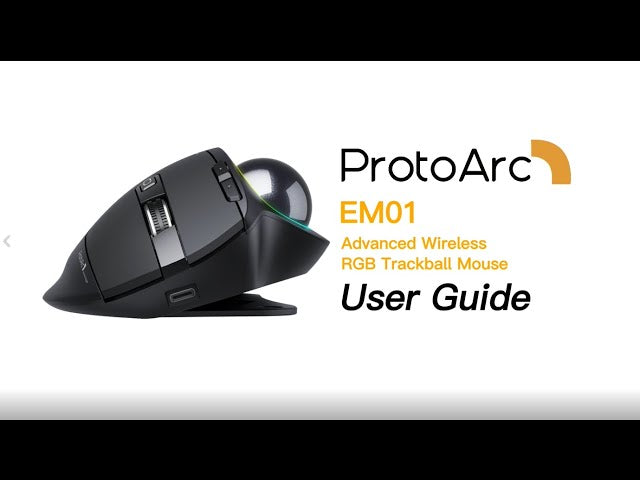
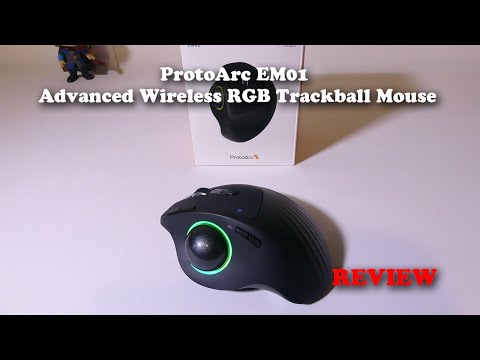
This page embeds an independent review of the EM01 advanced wireless RGB trackball mouse. The reviewer works through the mouse in the video; the notes below describe what the EM01 is, so you can judge whether the format suits the way you work before watching.
What the EM01 offers
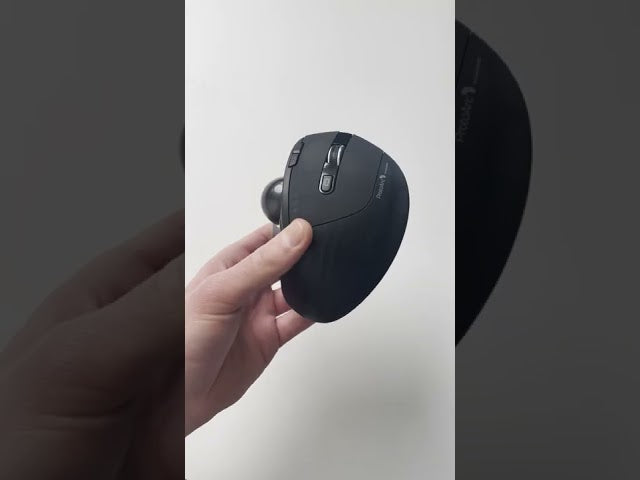
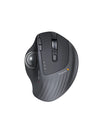
The EM01 replaces hand movement with a thumb-controlled ball, so the mouse stays in one place and the wrist does not have to rotate or reach across the desk. The shell can be set flat or tilted to 20 degrees, and the main buttons sit under a quiet switch. A scroll wheel, forward and back buttons, a DPI button and a light button sit within reach of the same hand.
Connectivity covers three devices - one 2.4G receiver plus two Bluetooth channels - which is the practical part for anyone moving between a work laptop, a personal machine and a tablet. Charging is over USB-C, and the RGB ring has four effects that can be switched or turned off to save power.
A trackball asks for a short adjustment period: cursor control moves to the thumb, and a lower pointer speed helps while you adapt. After that, the appeal is space and posture - no mouse pad, no reaching, and a desk that stays clear.
See the current EM01 NL Trackball Ergonomic Mouse, or browse our trackball mice collection.