






Solutions pour l'espace de travail
A workspace solution is not one product. It is the combination of seating, input and accessories that keeps your body neutral through an eight-hour day — at a desk, at home, or on the move.
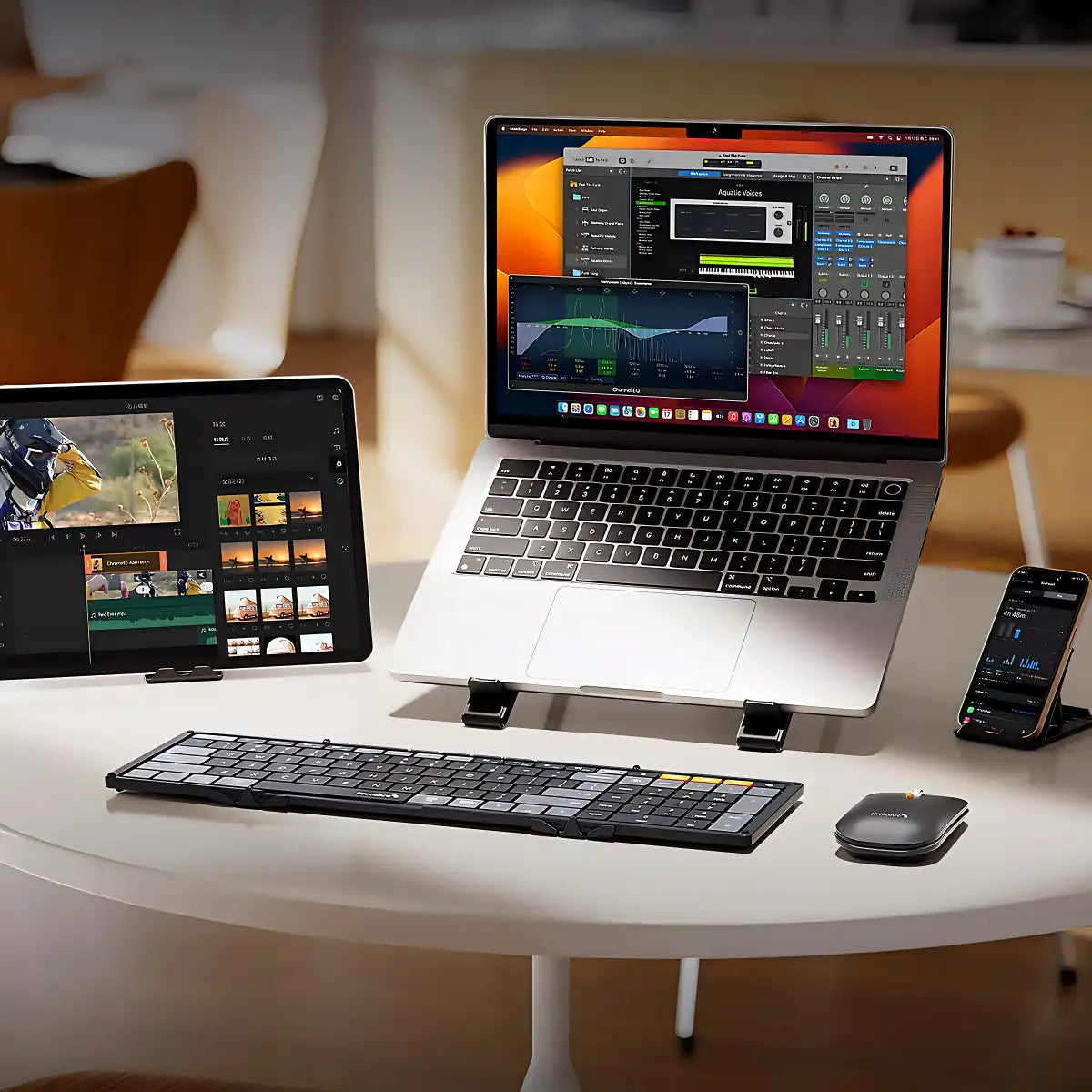
ProtoArc builds two kinds of setups: a stationary ergonomic workspace for home and office, and a compact travel kit for flights, hotel desks and coworking spaces. Start from what hurts, or start from where you work.
Solutions by discomfort
Solutions ergonomiques
Cliquez sur votre inconfort dans la liste ci-dessous et découvrez des produits spécifiquement conçus pour améliorer votre confort au travail.


Configurations ergonomiques personnalisées pour le bureau, la maison et les voyages
Solutions en milieu de travail pour chaque scénario
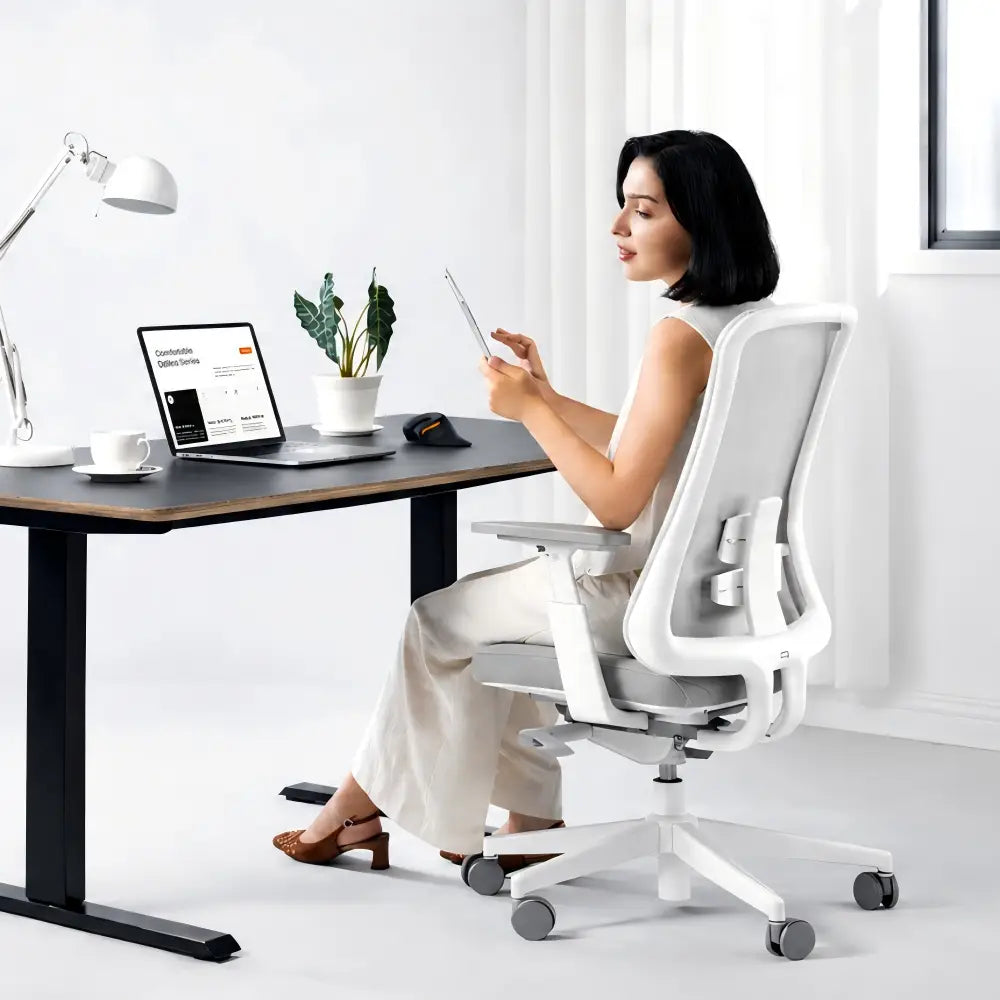
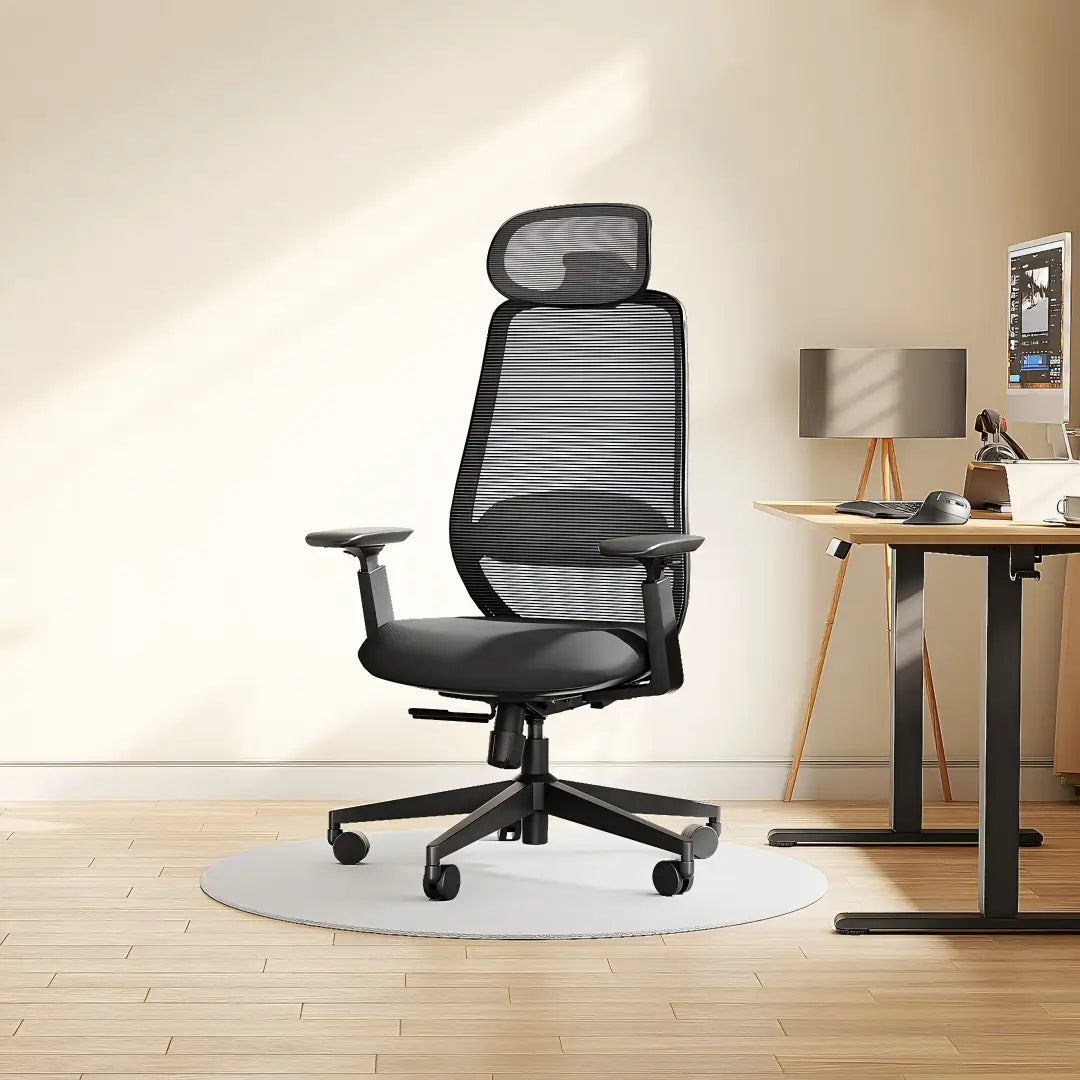
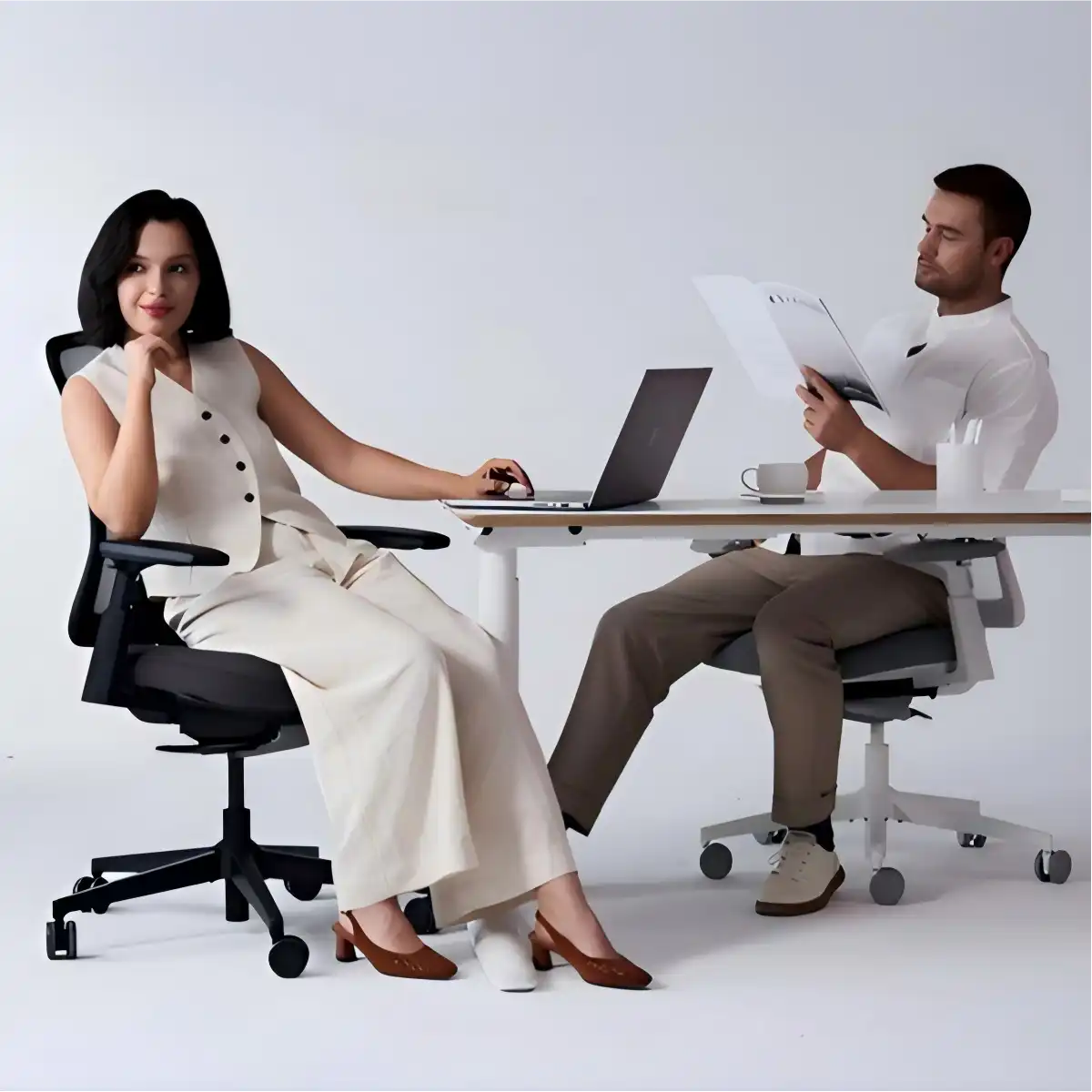
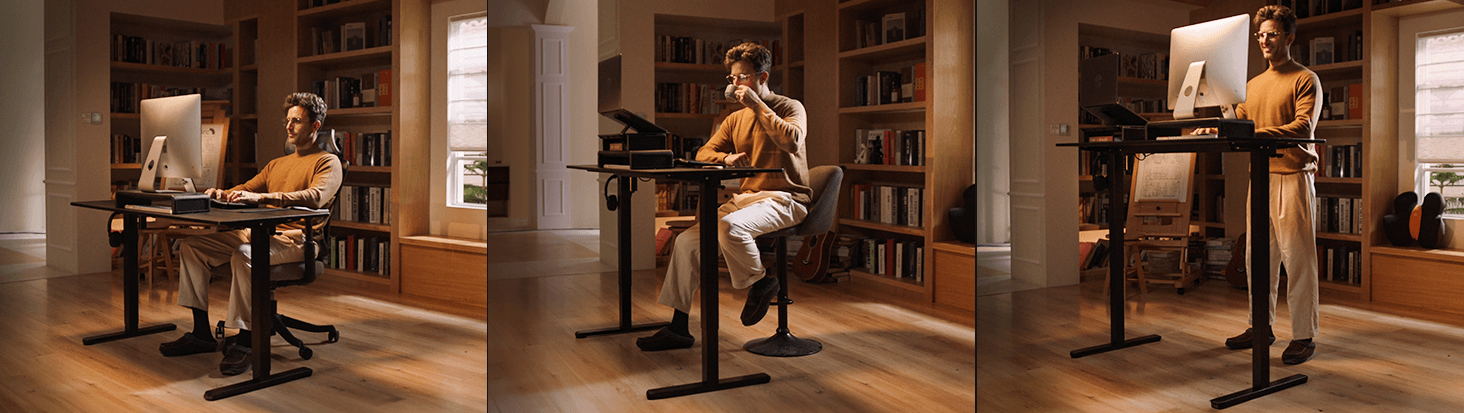
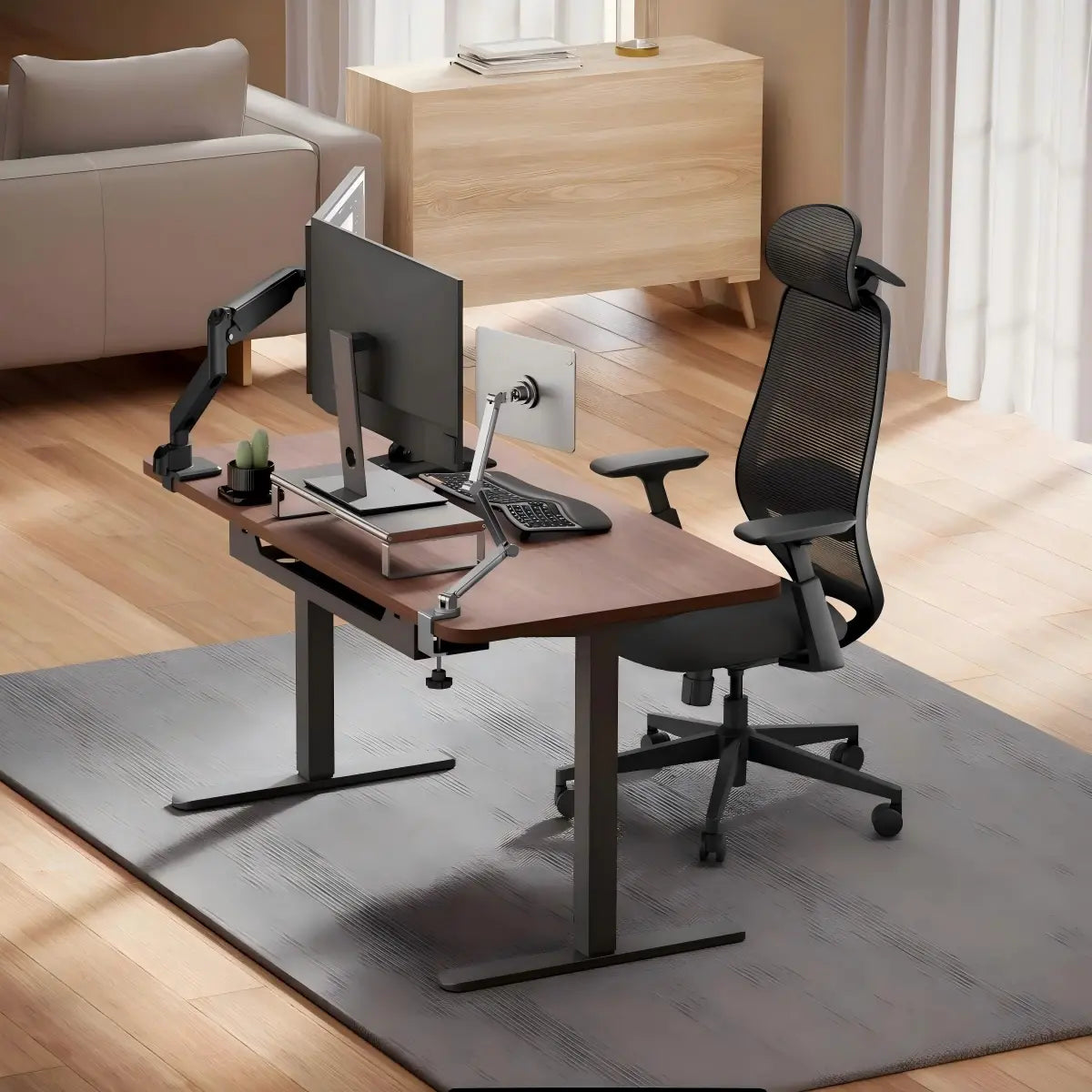
Configurations ergonomiques complètes conçues pour s'adapter à différents environnements de travail. Une conception réfléchie garantit un confort, un maintien de la posture et une efficacité constants, que ce soit dans un bureau dédié, un espace de travail à domicile ou lors de fréquents déplacements professionnels.
Build it in three steps
A Complete Setup, One Piece at a Time
You do not have to replace everything at once. Fix the piece that causes the most discomfort first, then add the next one when it makes sense.
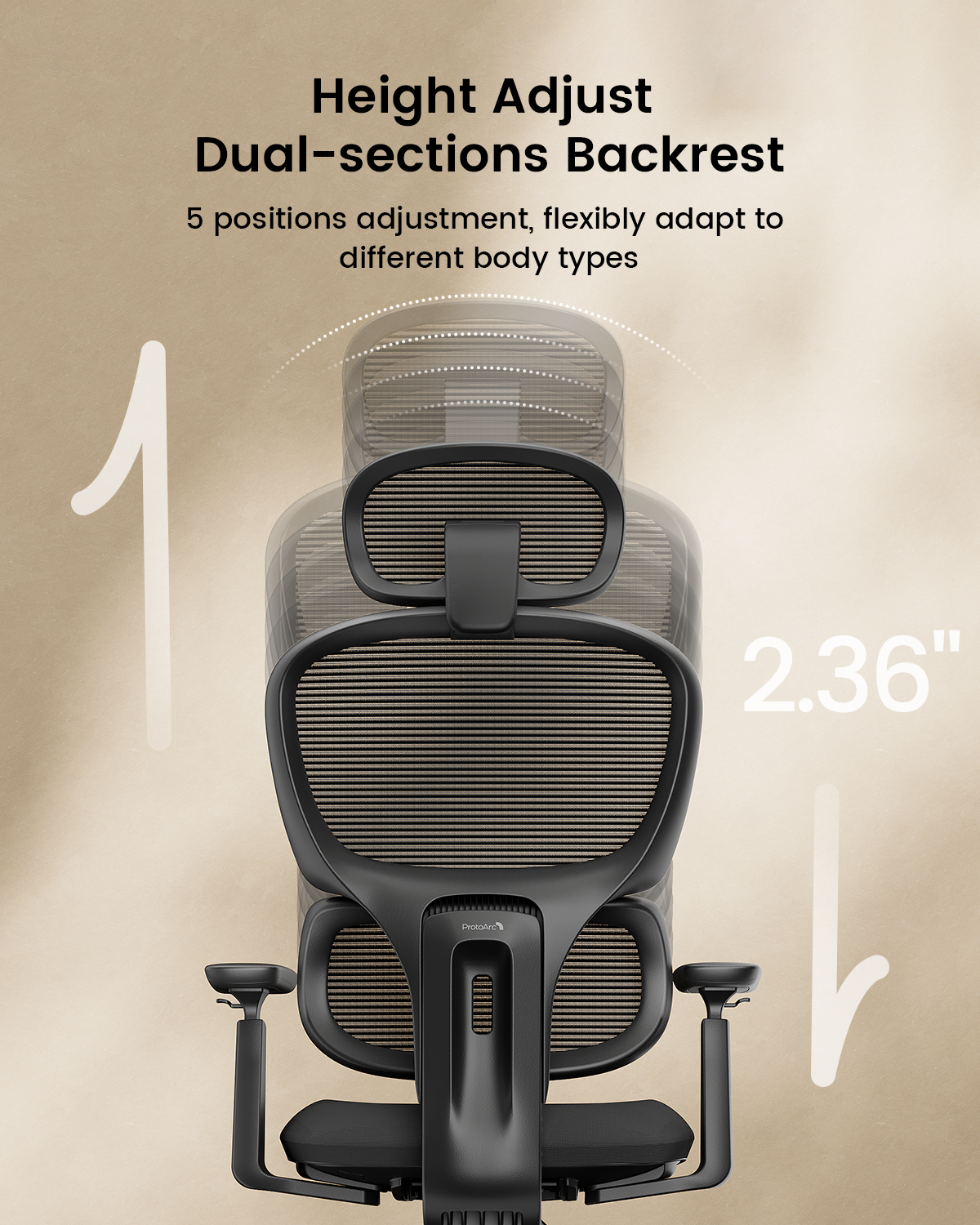
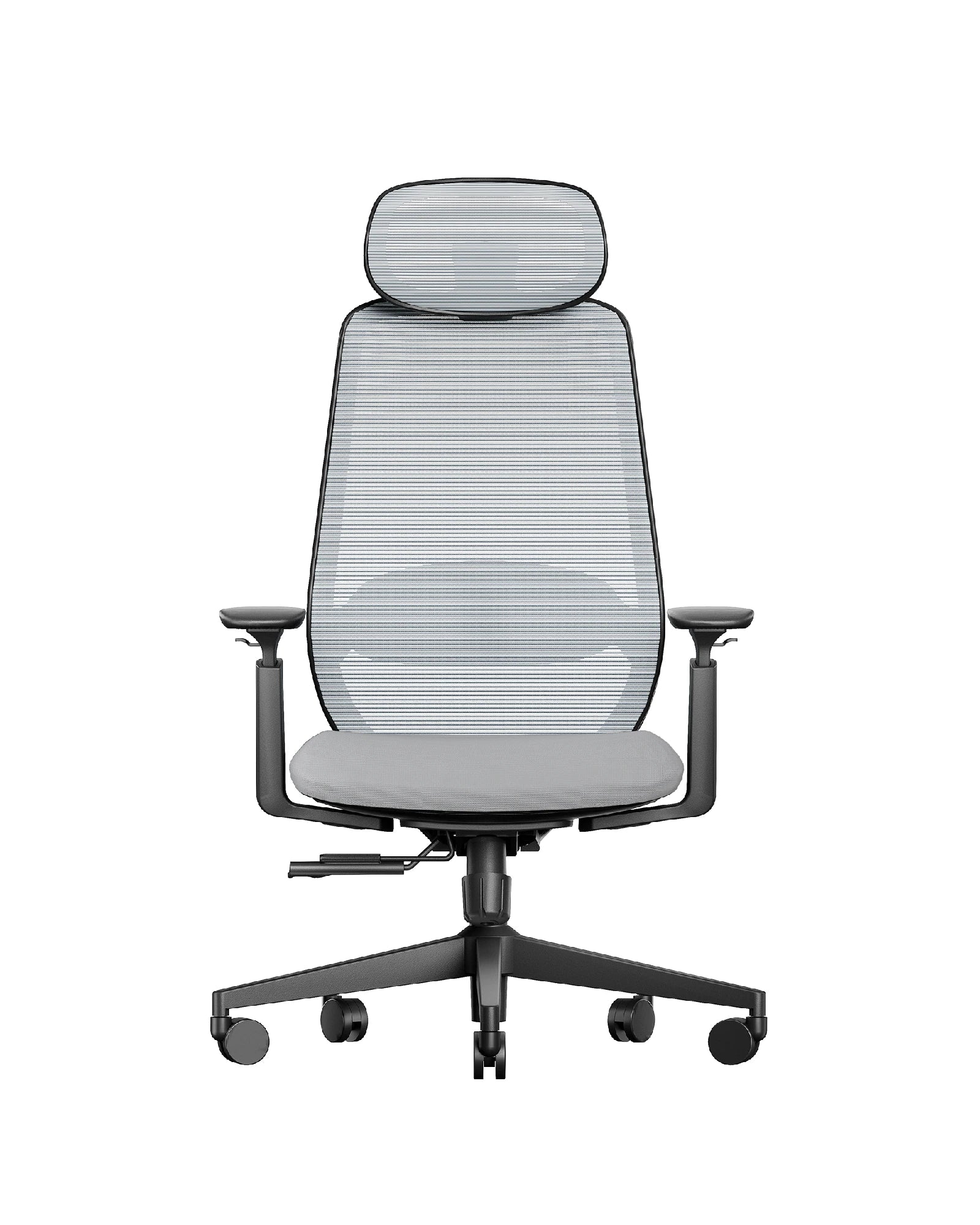
Start with the chair
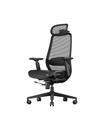
Seat depth, lumbar support and armrest height set your posture for the rest of the day. Match them to your height and the hours you sit.
Fix the wrists
A split or wave layout keeps your wrists straight and your shoulders open. Choose by layout, wrist support and whether you need a numpad.
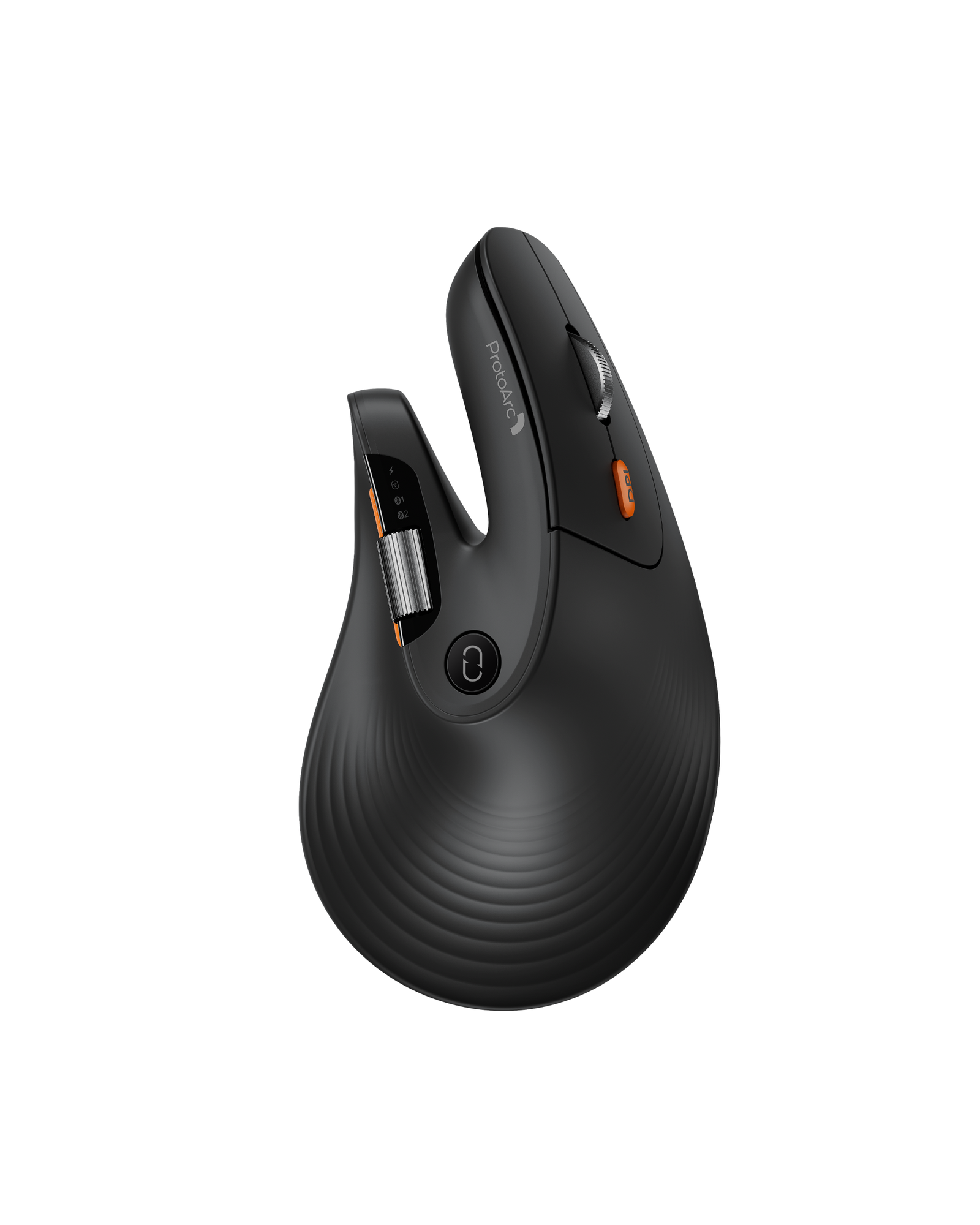
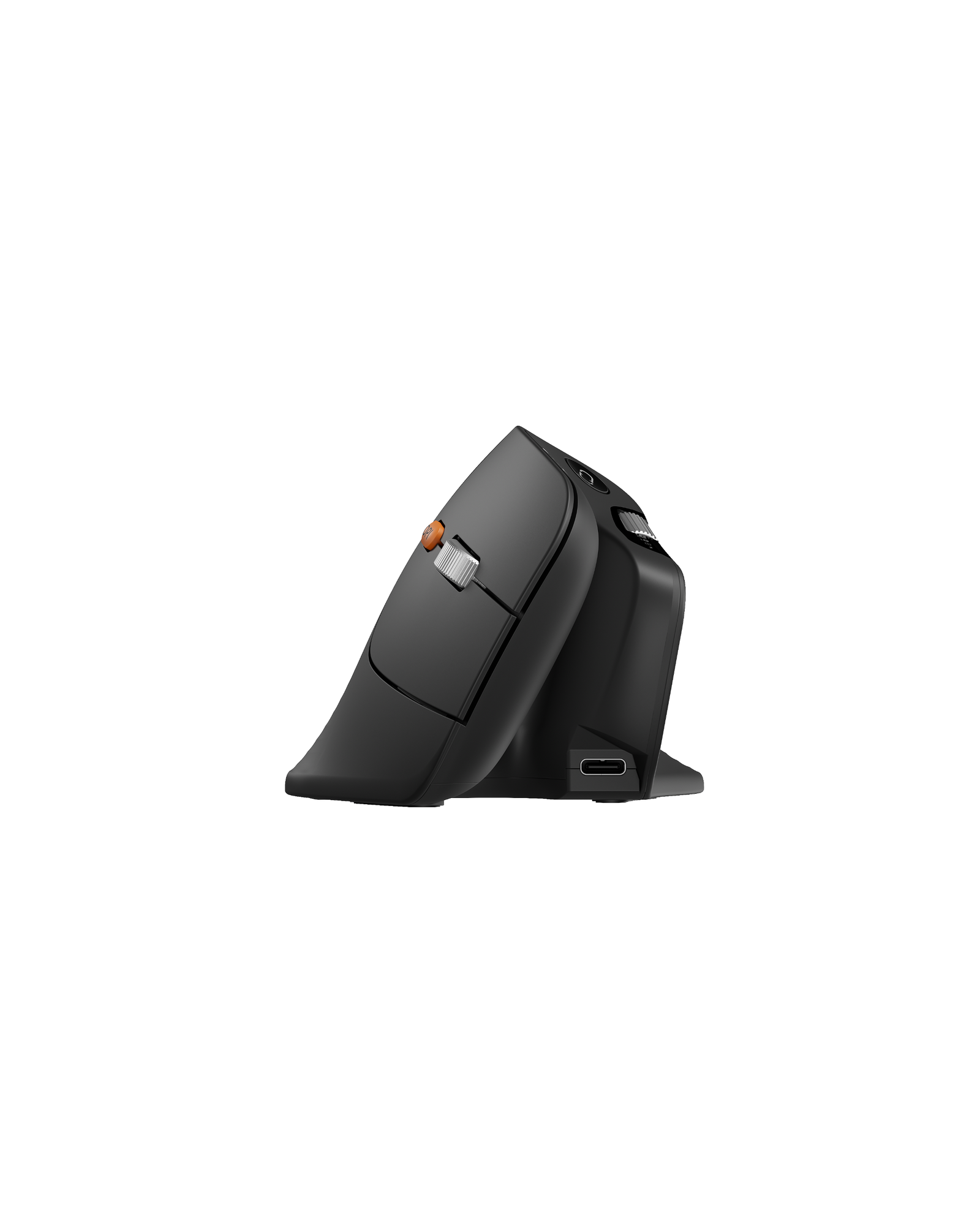
Match the mouse
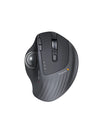
Vertical, trackball or compact: the right shape depends on your grip, hand size and how much desk space you have.
Start here
Most Chosen by ProtoArc Customers
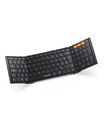
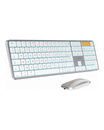
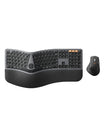
One chair, one keyboard, one mouse and one travel keyboard — the four models customers pick most often.




FAQ
Foire aux questions sur l'aménagement ergonomique du poste de travail.
What counts as an ergonomic workspace solution?
It is the combination of seating, input devices and accessories that keeps your body in a neutral position: a chair that supports your lower back, a keyboard that keeps your wrists straight, and a mouse that removes the reach. You do not need to replace everything at once.
Should I start with the chair, the keyboard or the mouse?
Start where you feel it. Back or hip discomfort points to the chair; wrist, forearm or shoulder discomfort points to the keyboard and mouse. If you sit eight hours a day, the chair usually makes the largest difference per dollar.
Can I mix home, office and travel products?
Yes. Every ProtoArc product uses standard Bluetooth or 2.4 GHz connections, so a travel keyboard can pair with the same laptop as your desk setup. Many customers keep one kit at the desk and one in a bag.
How do I choose between split, wave and foldable keyboards?
Split keyboards separate the hands to keep wrists straight and are the most common choice for wrist strain. Wave layouts are gentler than a standard keyboard at a lower price. Foldable models trade some key feel for portability. Compare keyboard layouts before you decide.
What warranty and returns come with ProtoArc solutions?
Ergonomic chairs carry a 5-year structural warranty and keyboards, mice and accessories carry a 2-year limited warranty. Orders can be returned within 30 days under our return policy.
