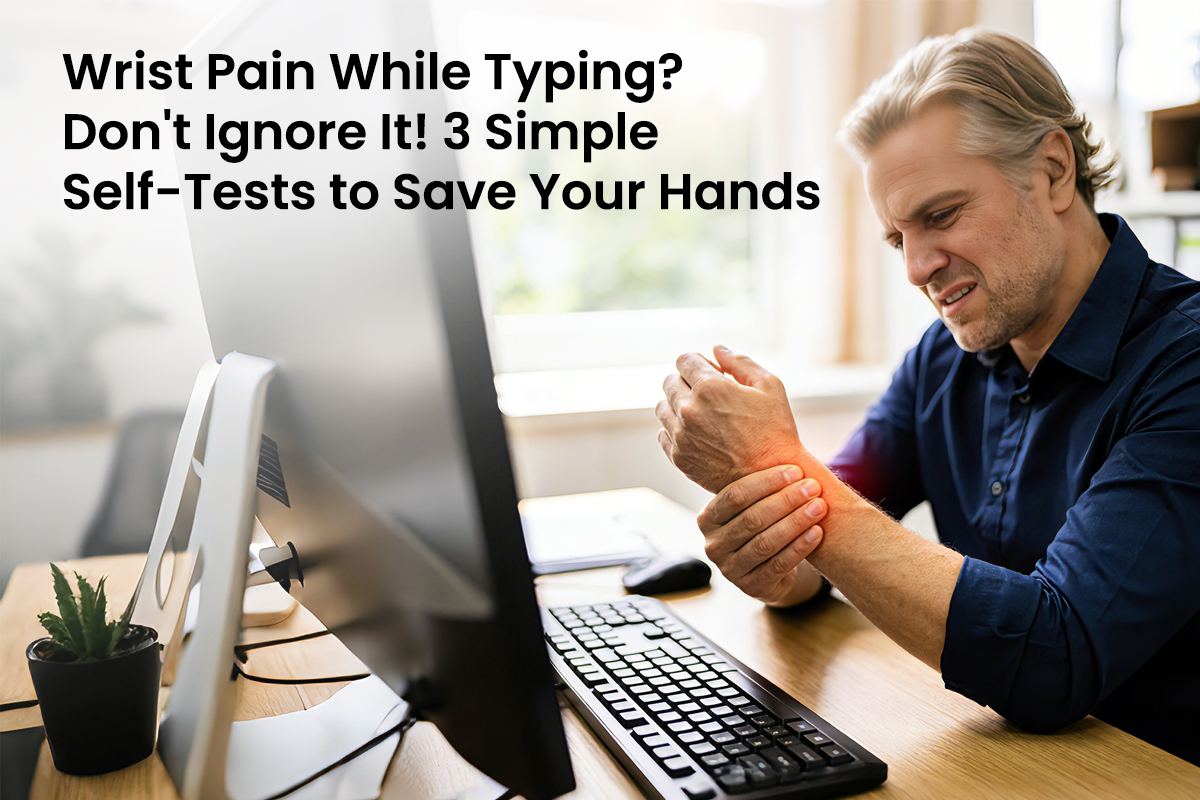









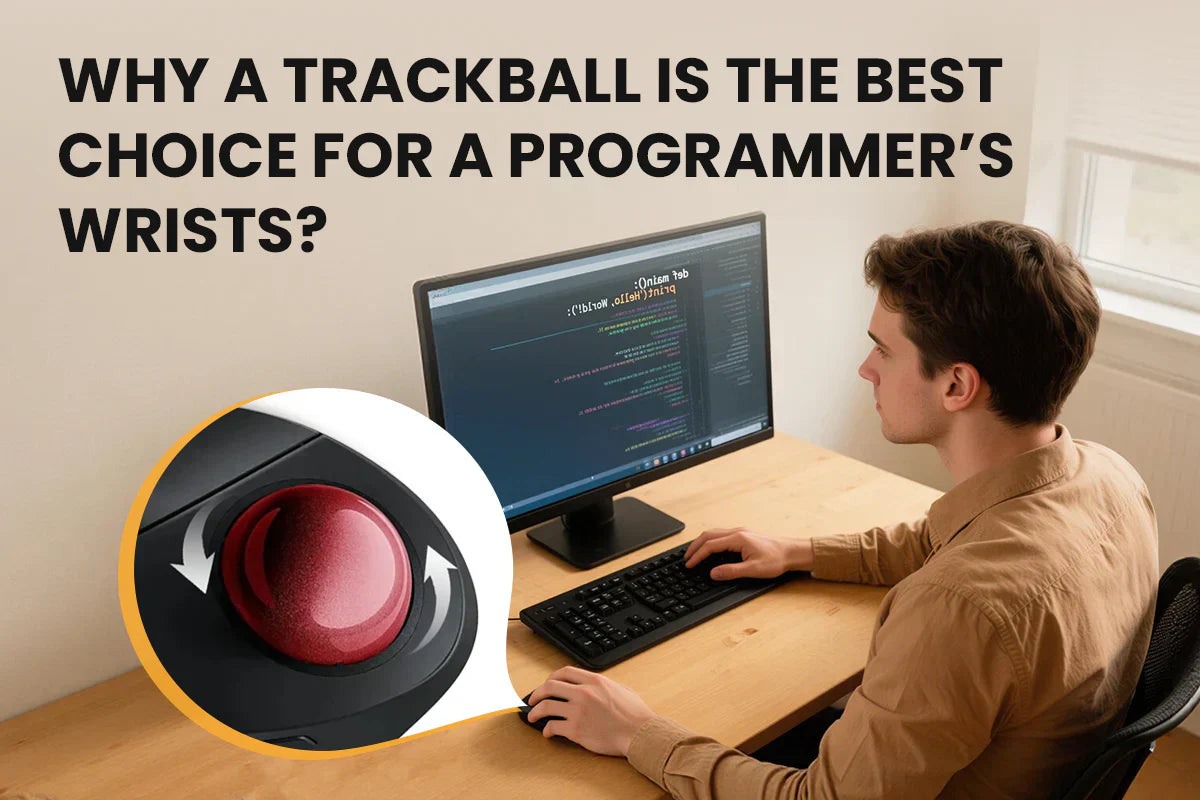
Valentine's Day often involves chocolate or flowers, but for a programmer, the most romantic gesture is acknowledging the physical toll of their craft. While a developer spends hours building digital worlds, their physical world often shrinks to the repetitive click of a standard mouse. This constant motion creates silent strain that lingers long after the computer shuts down. Swapping a traditional peripheral for a trackball is more than a tech upgrade. It is a commitment to their long-term health and a way to show you care about the hands that build their future.
Quick Answer: A trackball mouse is the superior choice for programmers because it remains stationary, eliminating the repetitive arm and wrist sliding that causes Carpal Tunnel Syndrome. Using a finger-operated ball for navigation allows the hand to rest in a natural, neutral posture, which significantly reduces muscle fatigue during long coding sessions. Additionally, its precision and multi-monitor efficiency make it a high-performance productivity tool that protects long-term career health.

The Hidden Health Risks of a Standard Mouse
Most people view a computer mouse as a harmless tool, yet its design forces the human body into an unnatural position. When a programmer uses a standard mouse, they must keep their palm face down. This position causes a physical issue known as pronation. Pronation is a term that describes the rotation of the forearm, which causes the two long bones to cross over each other. This creates internal pressure on the nerves and blood vessels within the arm.
The danger of a standard mouse lies in its requirement for constant movement. This leads to Repetitive Strain Injury. This injury occurs when a person performs the same small motion until the soft tissues become inflamed.
The daily use of a standard mouse involves these specific risks:
- Constant friction between the sensitive wrist bone and the hard desk surface.
- Frequent flicking motions that strain the carpal tunnel area.
- Lack of desk space, which leads to cramped and awkward arm angles.
- Tension in the neck and upper back caused by moving the entire arm.

Better Wrist Support with a Trackball Mouse
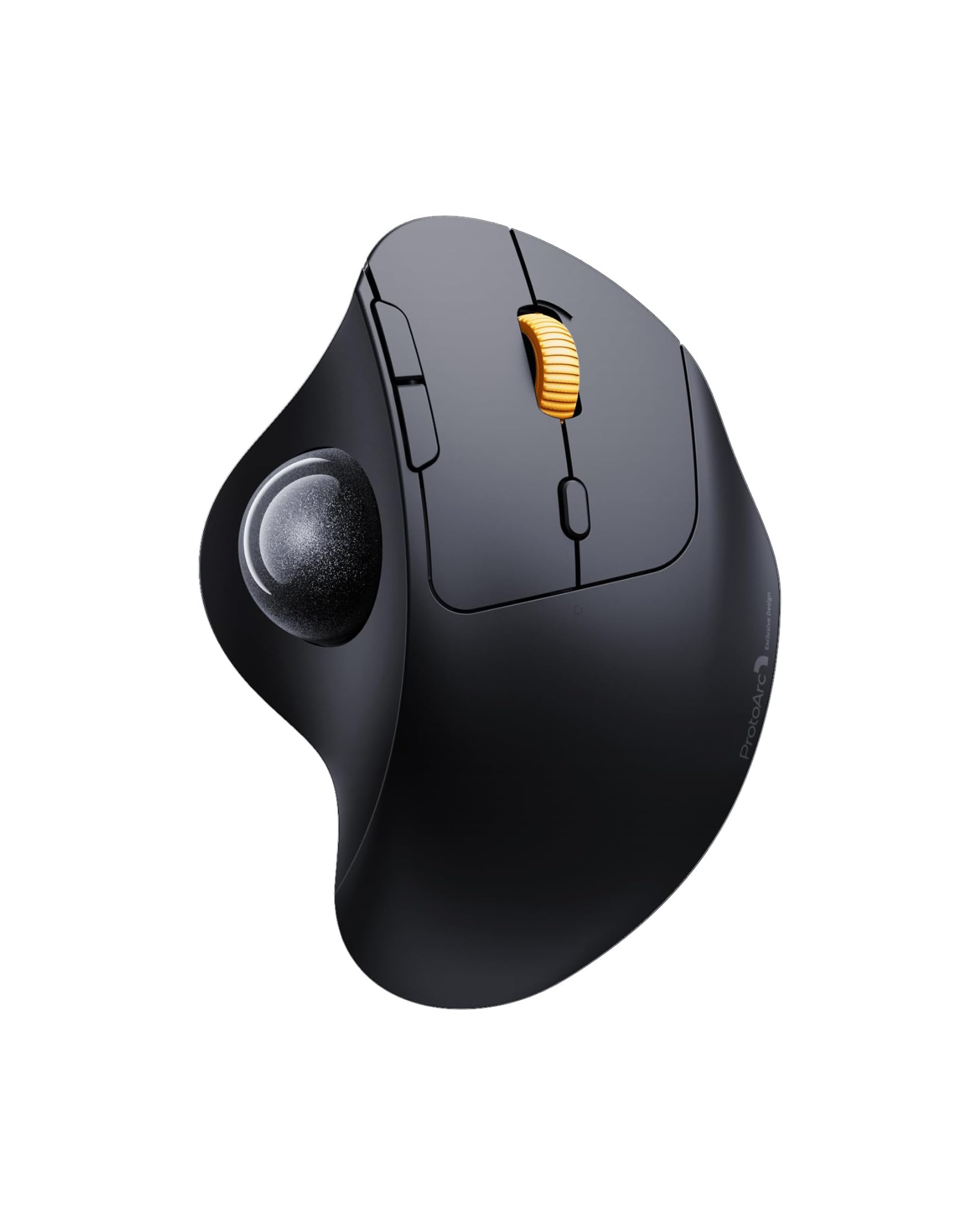
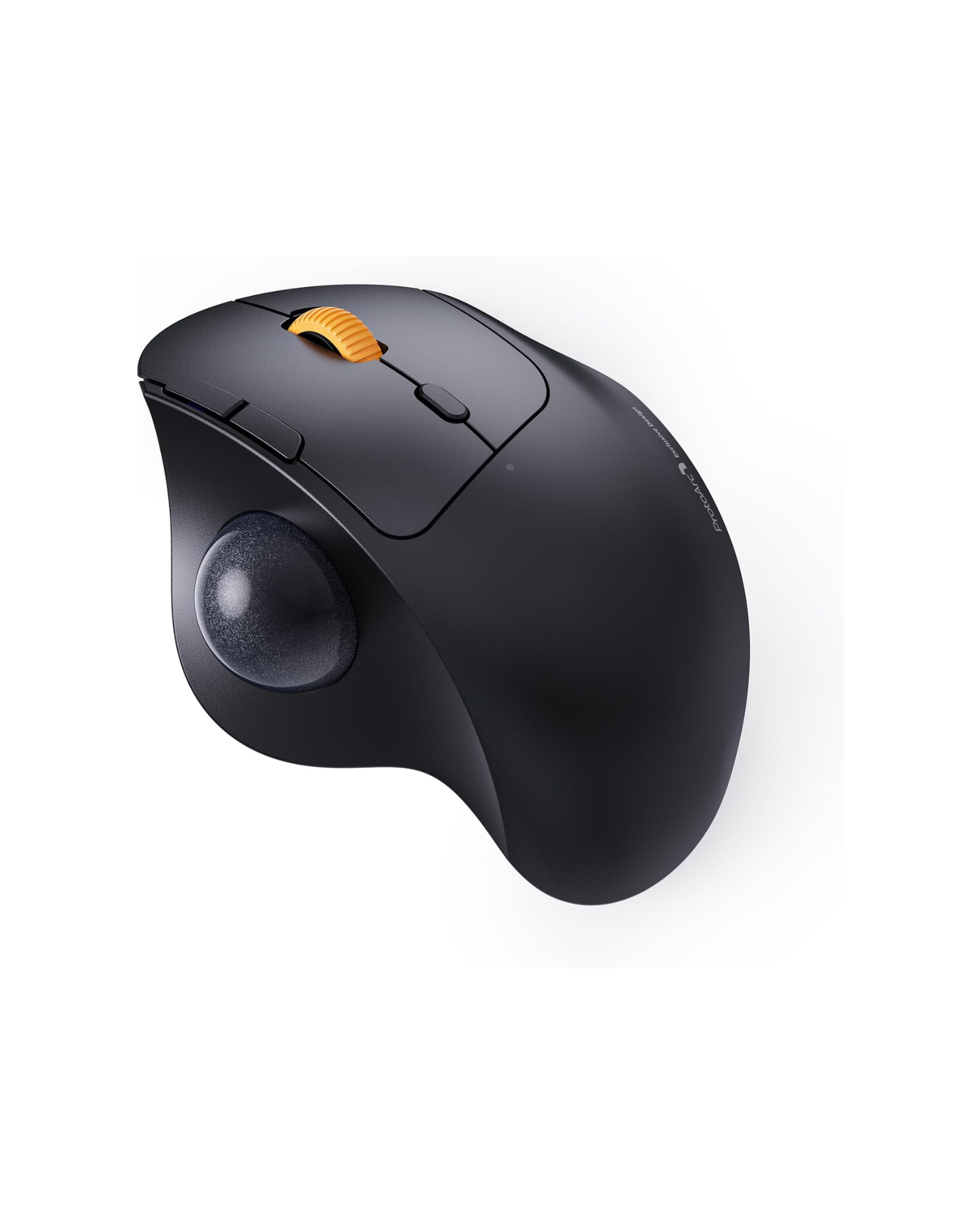
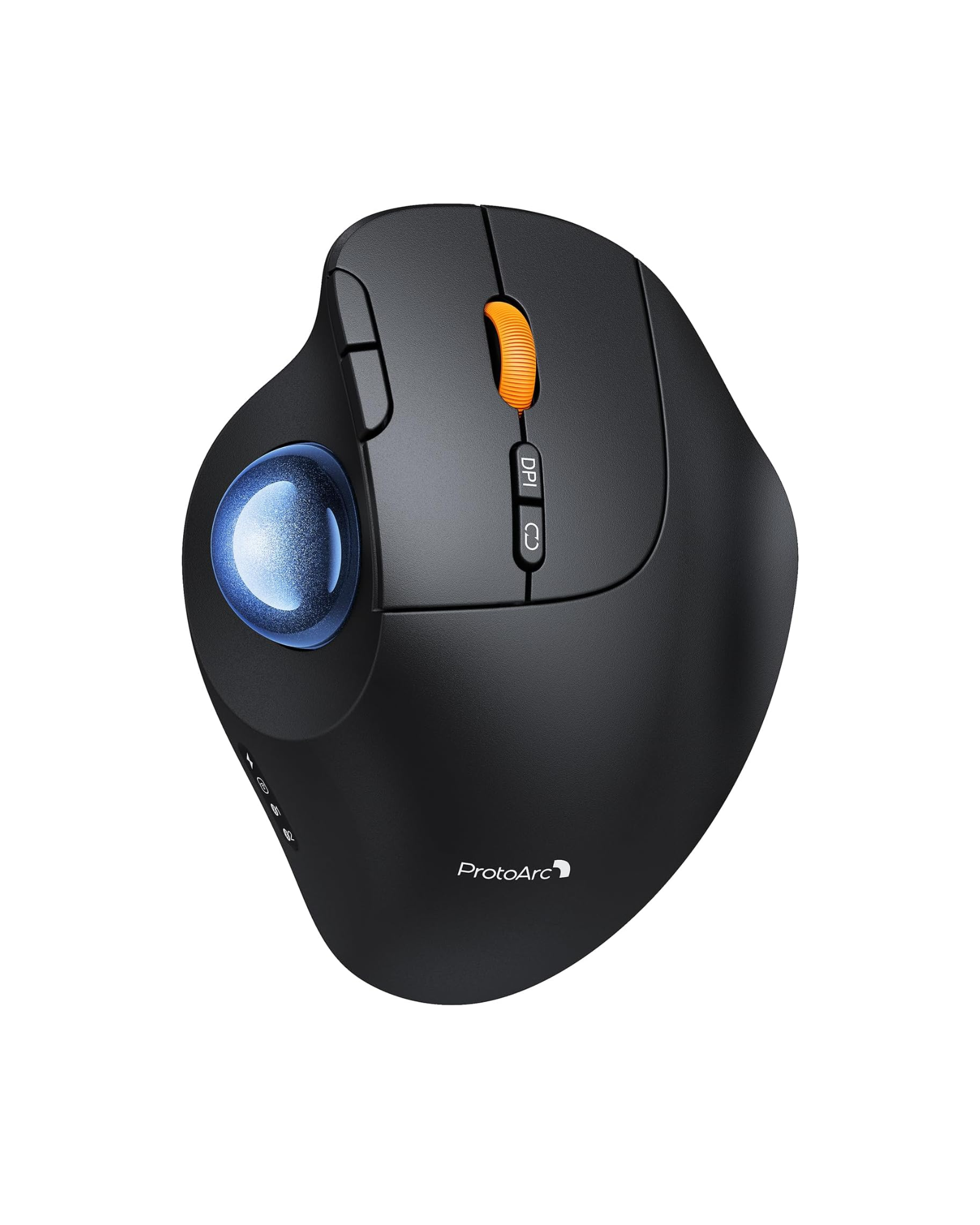
A trackball mouse offers a completely different physical experience because it remains stationary. Instead of sliding a heavy device across a pad, the user moves the cursor by rotating a smooth ball with their thumb or fingers. This simple shift in mechanics removes the need for any forearm or shoulder movement. It allows the arm to rest in one place while only the fingers perform the work.
One of the greatest benefits of this design is the neutral grip. Most trackball devices allow the hand to rest at a natural angle. This is similar to the position of a relaxed handshake. This prevents the forearm bones from crossing and keeps the wrist in a straight and supported line. Medical experts often refer to this as an ergonomic advantage. Ergonomics is the science of designing equipment so that it fits the human body and its natural movements more perfectly.
By keeping the hand still, a trackball mouse provides superior support in several ways:
- Elimination of Surface Friction: Since the hand does not slide, the skin and nerves on the underside of the wrist do not rub against the desk.
- Static Muscle Loading Reduction: The arm stays in a rested state, which prevents the muscles from staying locked in a tense position for hours.
- Optimal Joint Alignment: The design encourages a natural vertical tilt that keeps the wrist at a comfortable, sloped angle rather than forcing it to be perfectly flat.
- Targeted Nerve Protection: By shifting the weight of the hand to the outer palm, the device avoids putting pressure on the sensitive carpal tunnel area.
The stationary nature of the device means the large muscles in the arm and shoulder can finally relax. This creates a ripple effect of comfort throughout the upper body. When the arm does not have to travel back and forth hundreds of times an hour, the user experiences less tension in their upper back and neck. It transforms the desk from a place of physical labor into a place of relaxed productivity. A high-quality trackball mouse also features a sculpted base that mirrors the natural curve of the palm. This ensures that every part of the hand is supported, leaving no muscles straining to hold the hand aloft.

Higher Precision and Speed for Coding Tasks
Efficiency is the primary language of a programmer. While comfort is essential, a tool must also perform well under the pressure of tight deadlines. A trackball mouse excels in complex environments where a standard mouse might feel clunky or slow. It provides a level of control that feels more like an extension of the hand than a piece of external hardware.
Programmers often use multiple monitors to view different sets of code simultaneously. Moving a cursor from the far left of one screen to the far right of another with a standard mouse requires multiple swipes and arm movements. With a trackball, a single flick of the fingers sends the cursor flying across several screens with fluid precision. This saves seconds on every task, which adds up to hours of saved time over a month.
The following table compares how these two devices handle common developer workflows.
| Performance Feature | Standard Mouse | Trackball Mouse |
| Physical Movement | High and repetitive | Minimal to zero |
| Desk Space Required | Large area for sliding | Only the size of the device |
| Precision Control | Depends on arm stability | Controlled by finger skills |
| Multi-device Flow | Usually single device | Supports multiple connections |
This comparison shows that the stationary nature of the trackball allows for a much cleaner and more efficient workspace.
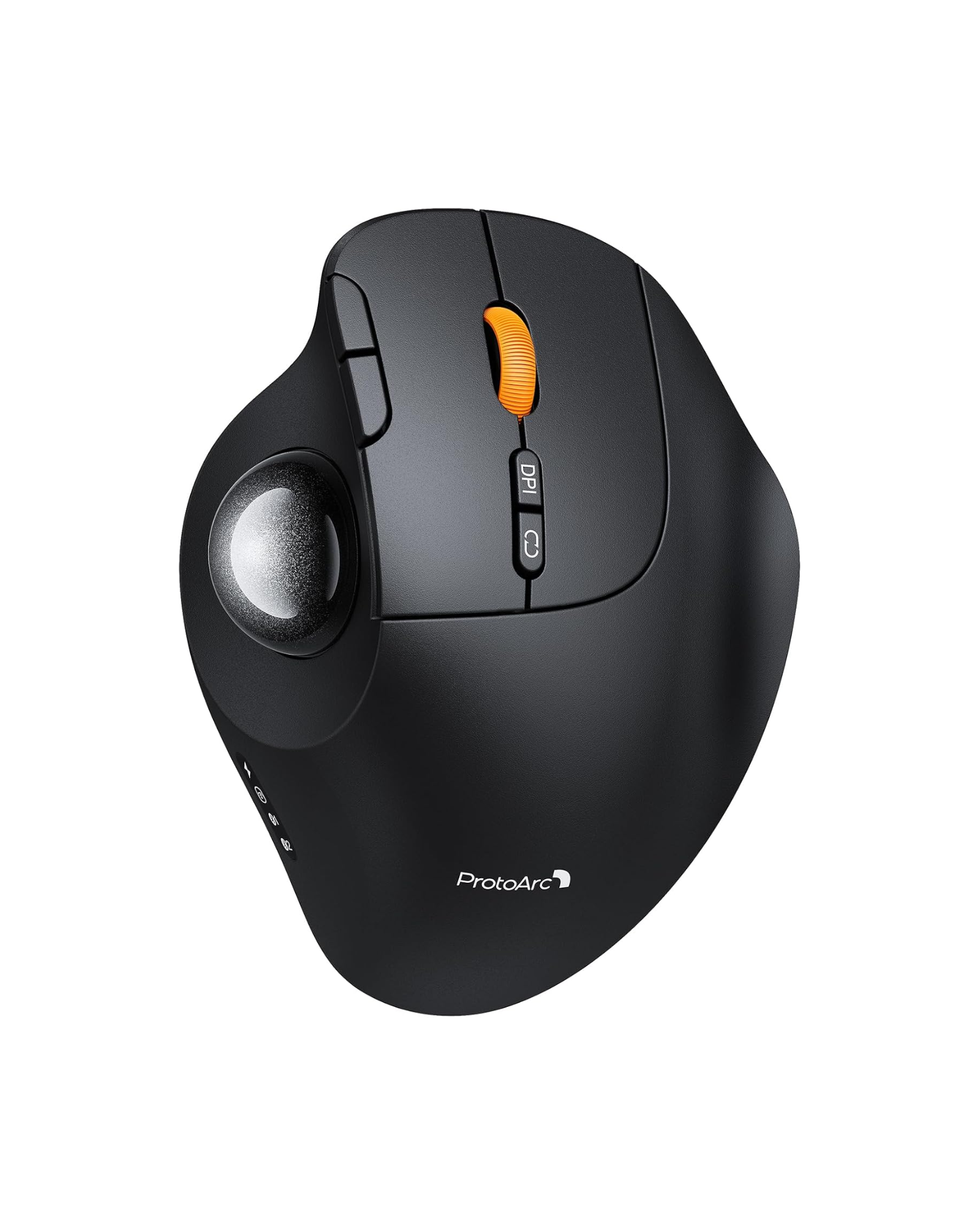
Beyond the movement, modern trackball devices offer features that a standard mouse often lacks. For instance, the ability to toggle between multiple computers with a single button press is vital for developers who manage a laptop and a desktop at once. Furthermore, the inclusion of soundless clicking technology ensures that the programmer can stay in their flow state without the distracting noise of loud plastic clicks.
Tips to Choose the Best Trackball Mouse for a Gift
Not all trackballs are designed the same way, and the choice usually comes down to personal preference and hand size. You should look for a device that feels substantial and offers a high degree of customization for their specific software needs.
The two main categories are thumb-controlled and finger-controlled models. Thumb-controlled mice look more like a standard mouse but have a ball on the side. These are excellent for people who want a familiar feeling. Finger-controlled models have a large, central ball and are often preferred by those who want the most ergonomic freedom possible.
Consider these specific tips before you make a final decision:
- Check for multi-device connectivity to ensure the mouse can switch between a MacBook, a PC, and a tablet effortlessly.
- Look for a model with adjustable cursor sensitivity so the programmer can customize how fast the pointer moves across high-resolution screens.
- Prioritize devices with a built-in rechargeable battery and a modern charging port to avoid the hassle of searching for spare batteries.
- Choose a design with silent buttons, which are essential for shared office spaces or late-night coding sessions.
- Seek out a textured, non-slip surface that provides a premium feel and keeps the hand stable during long hours of use.
Focus on build quality and the tactile response of the buttons. A high-quality mouse will have a satisfying feel that makes the act of coding feel more substantial. Most modern options work seamlessly across all platforms, but it is always wise to double-check the compatibility with their specific operating system. A programmable device is especially useful for developers who use different environments like Linux or macOS.
FAQs
Q1. Will a Trackball Mouse Slow Down Programming Speed?
Not necessarily. There is usually a short learning curve when your hand gets used to moving the cursor with your fingers instead of your arms. After using it regularly for three to five days, most programmers find that they can navigate faster. Once you get used to it, being able to move between numerous monitors without having to move the device or run out of mousepad space can speed up your work.
Q2. Should I Buy a Thumb or Finger-Controlled Mouse?
Thumb-operated models feel immediately familiar since the button layout resembles traditional mouse designs, making them ideal if you want minimal adjustment time. Finger-controlled trackballs have a bigger ball in the middle, which many people say makes it easier to pick minor interface items or modify intricate code. It ultimately depends on whether you prefer immediate familiarity or maximum ergonomic freedom during the transition period.
Q3. Is a Trackball Mouse Compatible with Every Computer?
Generally, yes. Modern trackball devices work with Mac, Windows, Linux, and even tablets without needing special software. They connect over regular Bluetooth or USB wireless receivers. This universal adaptability makes them a good gift choice even if you don't know exactly what the recipient has. Some more advanced models let you switch between several linked devices with only one button press.
Q4. Can This Mouse Be Used for Gaming?
Yes, especially for certain game genres. Trackballs are great for strategy games, simulation games, and turn-based games where accuracy is more important than quick reflexes. A lot of programmers like having one comfy device that they can use for both work and gaming at night. They aren't as widespread in competitive fast-paced games, but the ergonomic benefits they offer over long play periods make them worth thinking about for recreational gamers who care about their wrist health.
Protect Their Health This Valentine's Day
Giving a trackball mouse shows that you value the hard work and passion your partner puts into their career. It is a thoughtful gift that provides daily physical relief and boosts their productivity at the same time. Investing in their comfort is a lasting gesture of love that they will appreciate every time they sit down to work. Visit a local electronics retailer or browse a trusted online tech store to find a model that fits their style. Secure a gift that will keep their wrists pain-free for years to come.