

















EM02 Wireless Trackball Mouse
$10
Apply Discount
Details
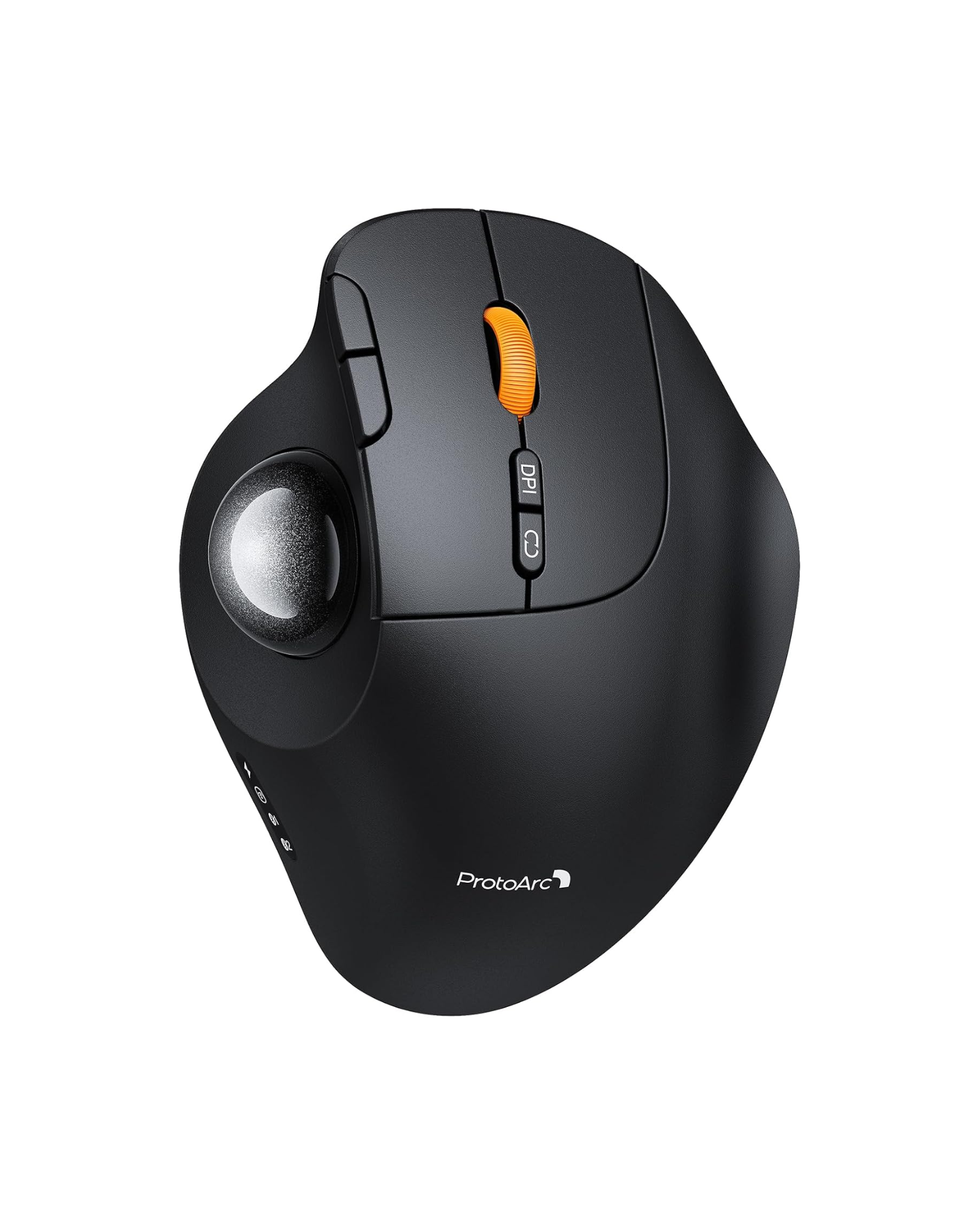
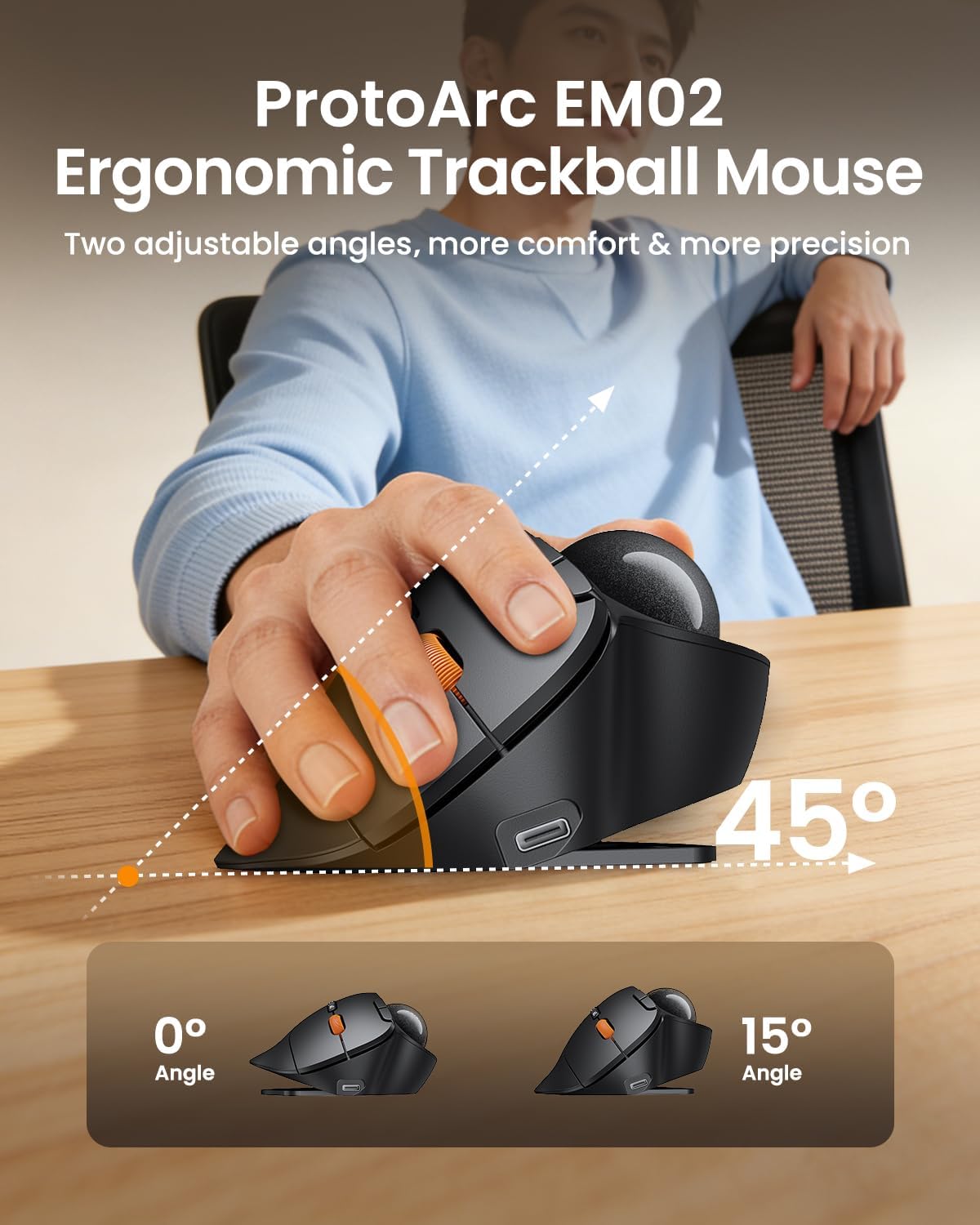
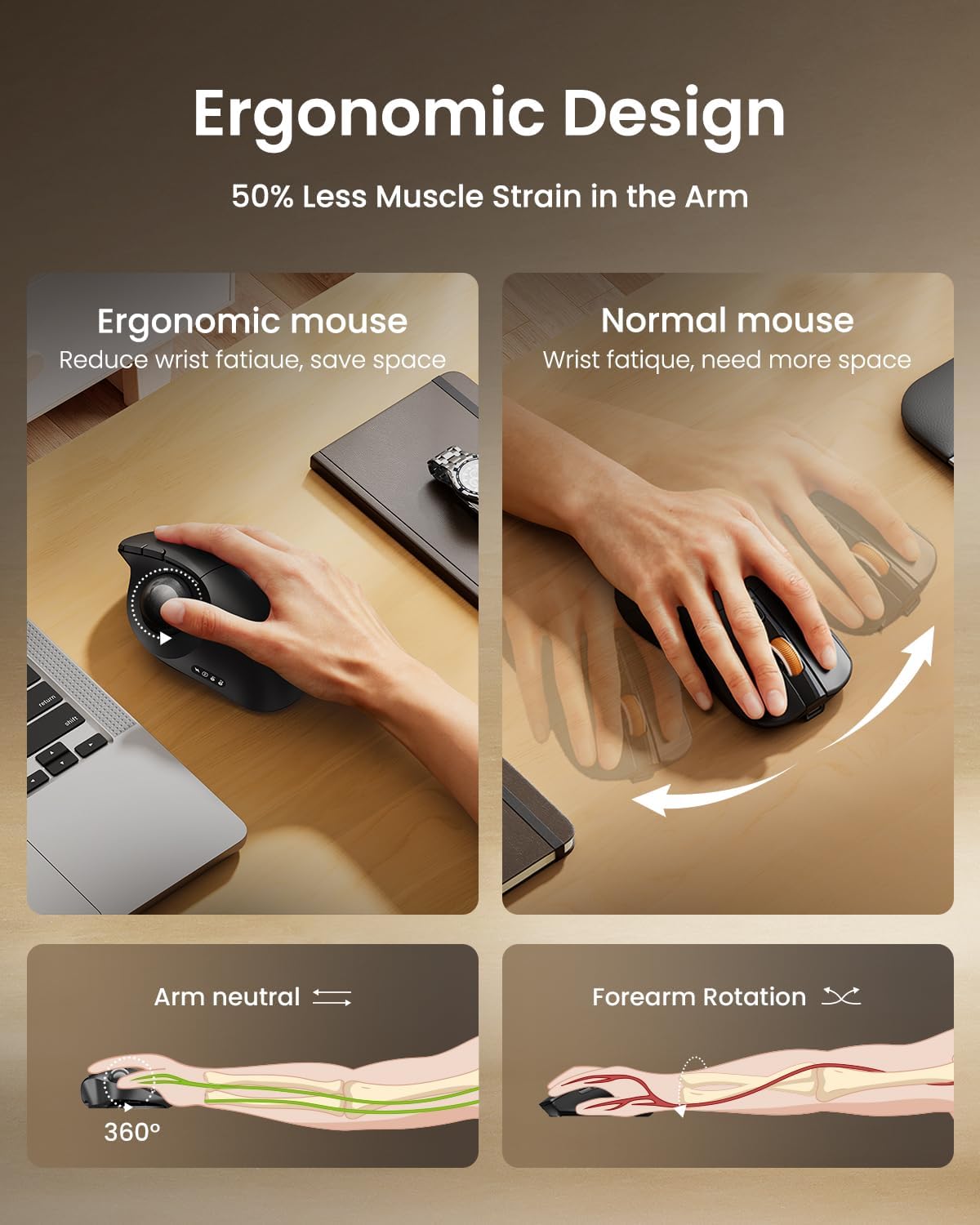
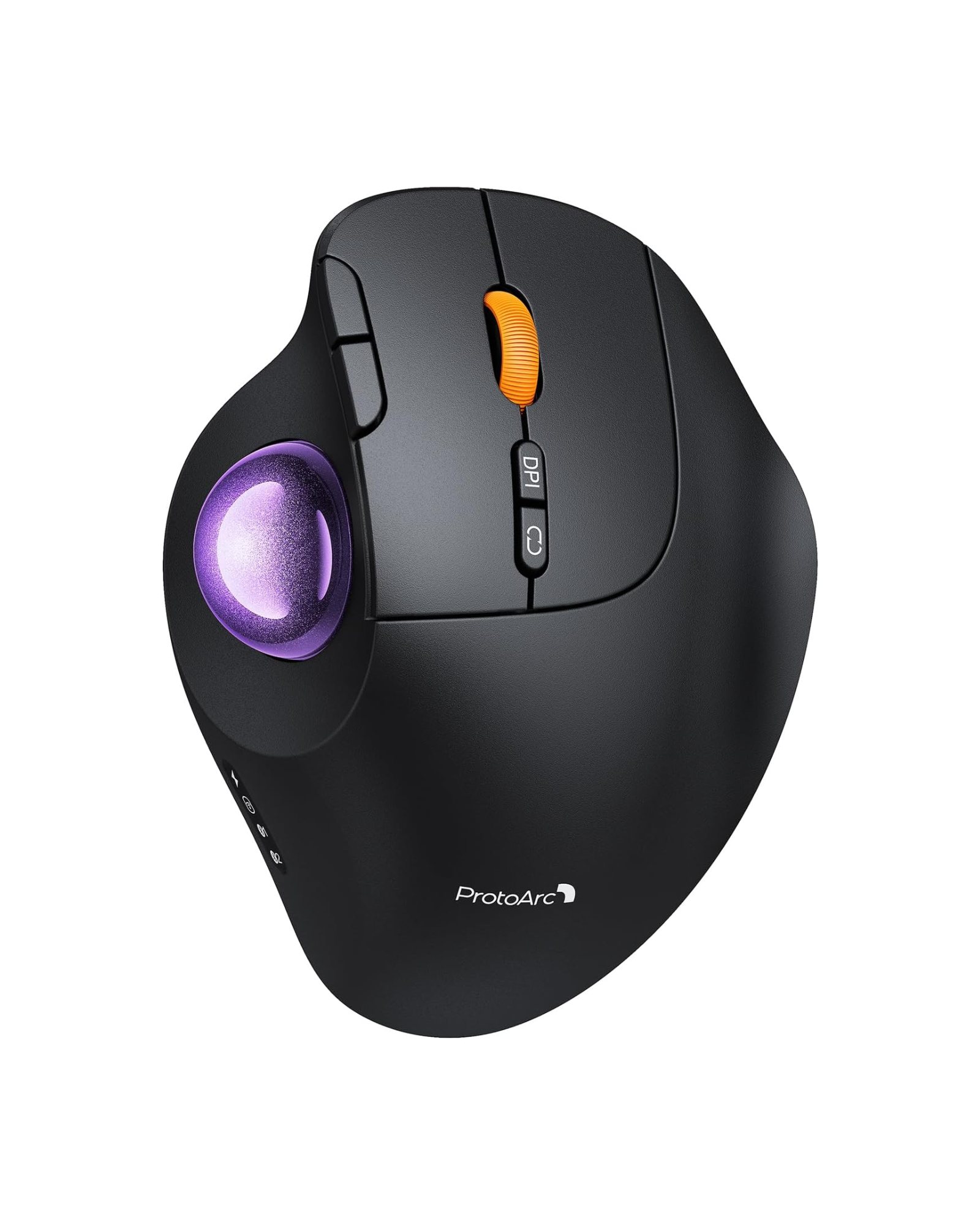
- Adjustable 0° / 15° ergonomic tilt – reduces wrist strain and promotes natural hand posture
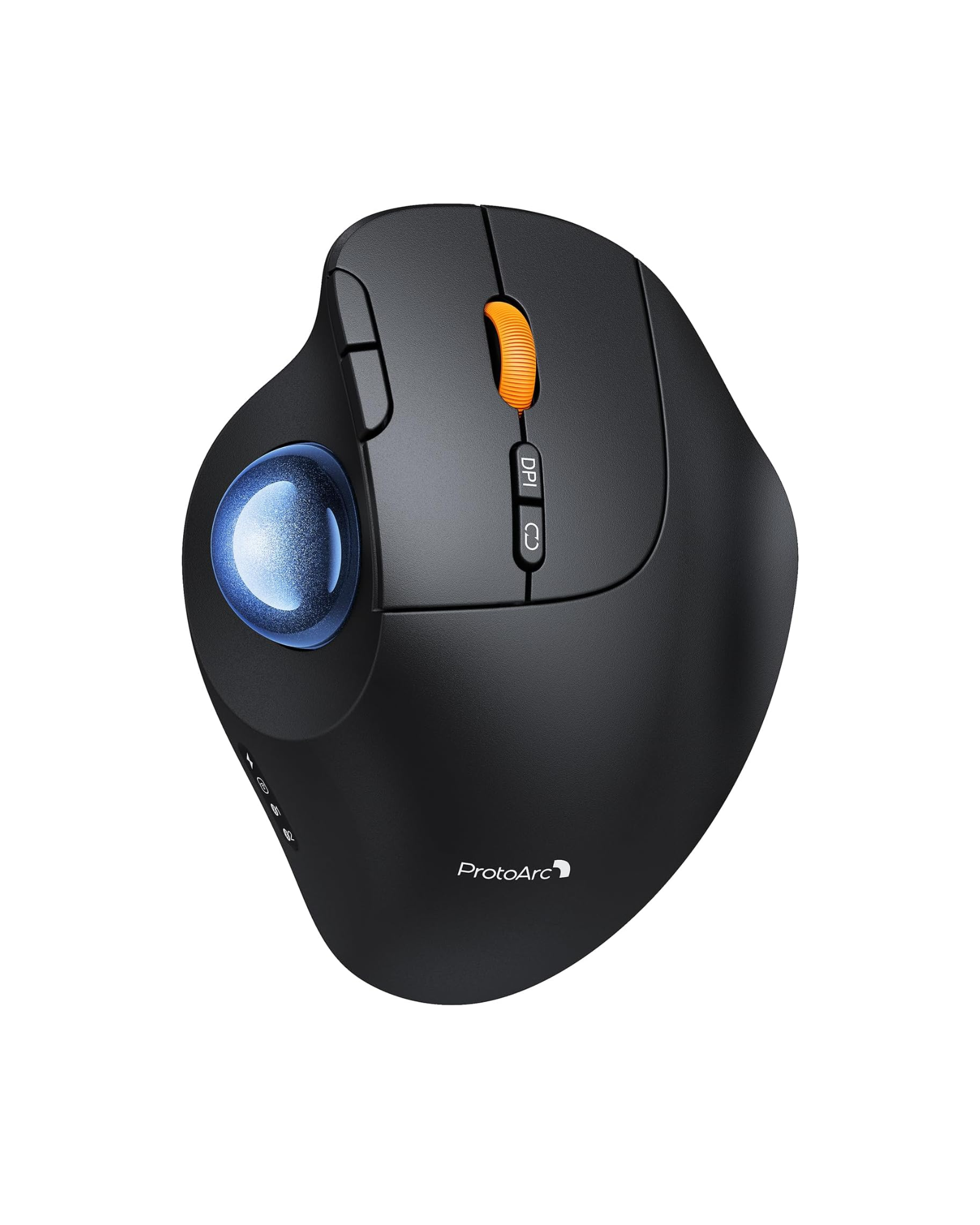
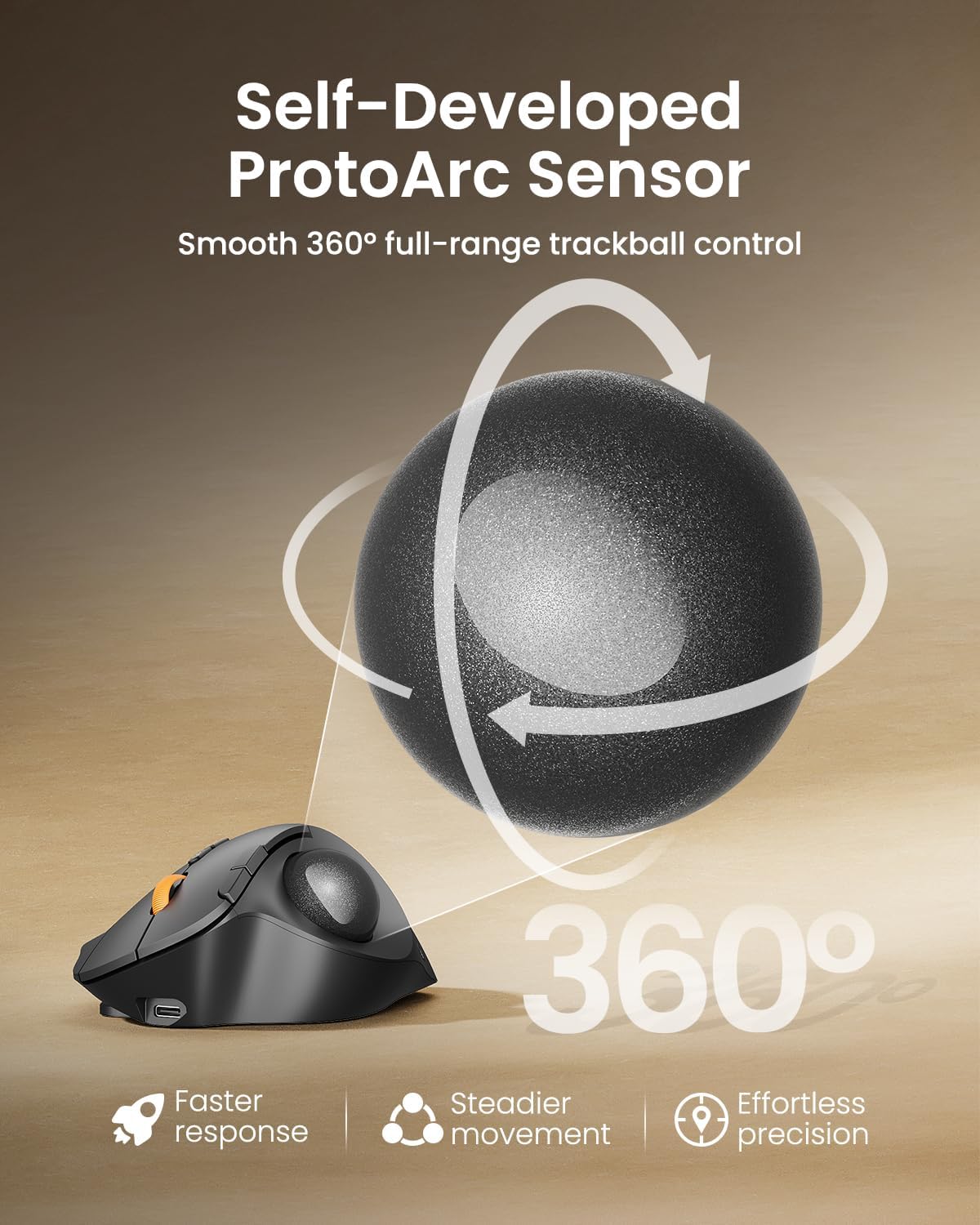
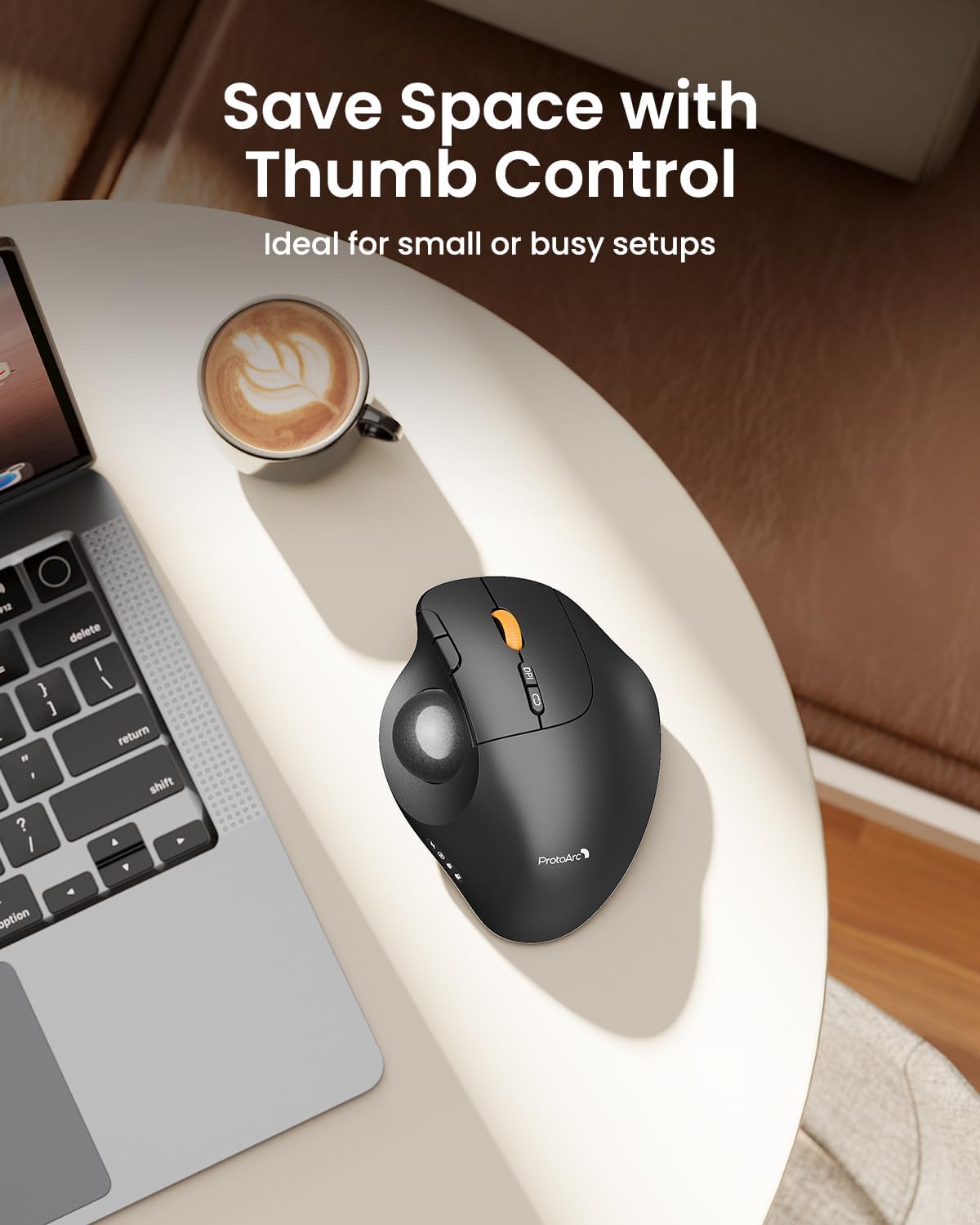
- Thumb-operated trackball – stationary control, ideal for tight spaces like sofas or laps
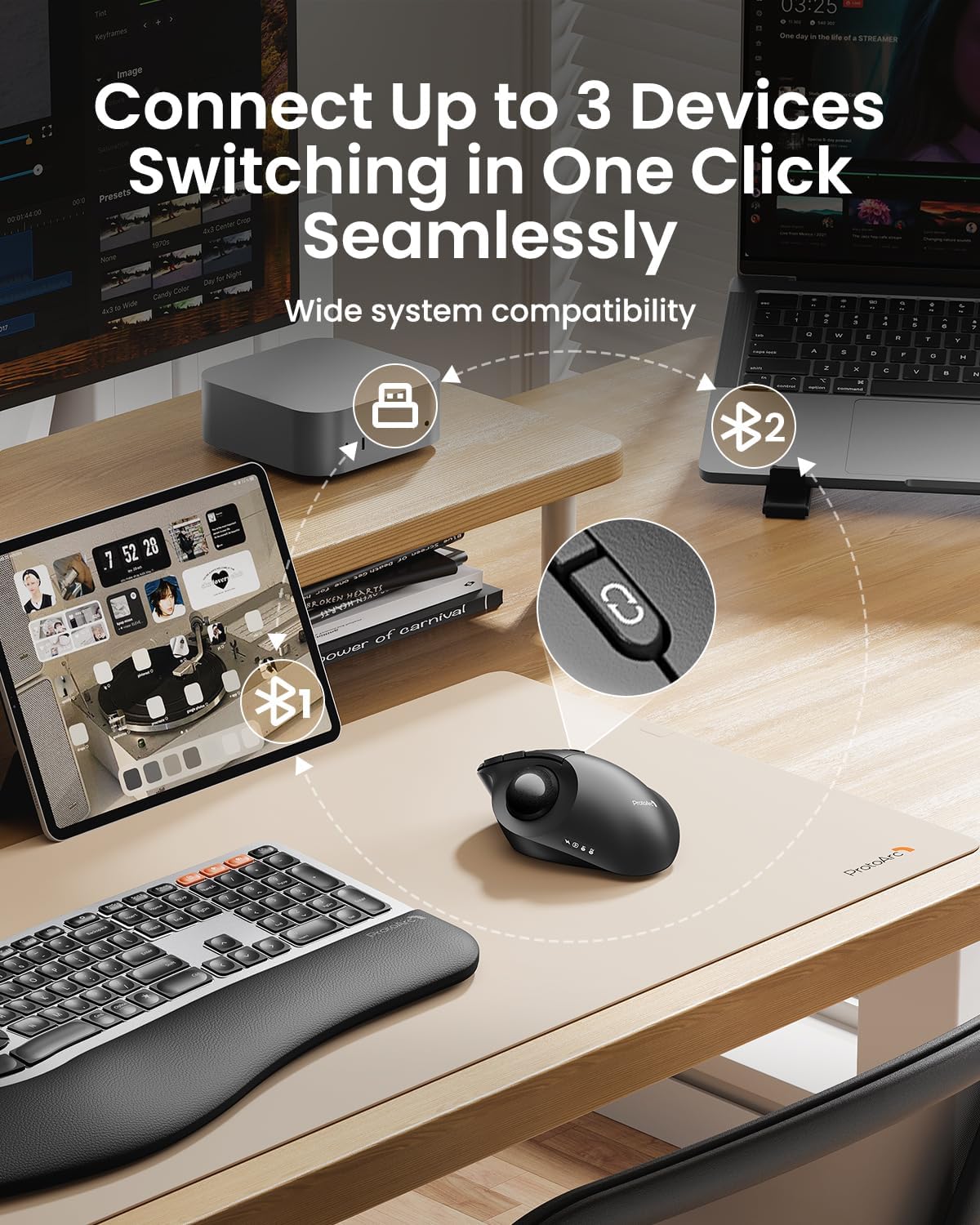
- Triple device connectivity – Bluetooth (2 devices) + 2.4GHz USB (1 device), switch with one button
- Quiet left/right clicks – perfect for libraries, offices, or late‑night work
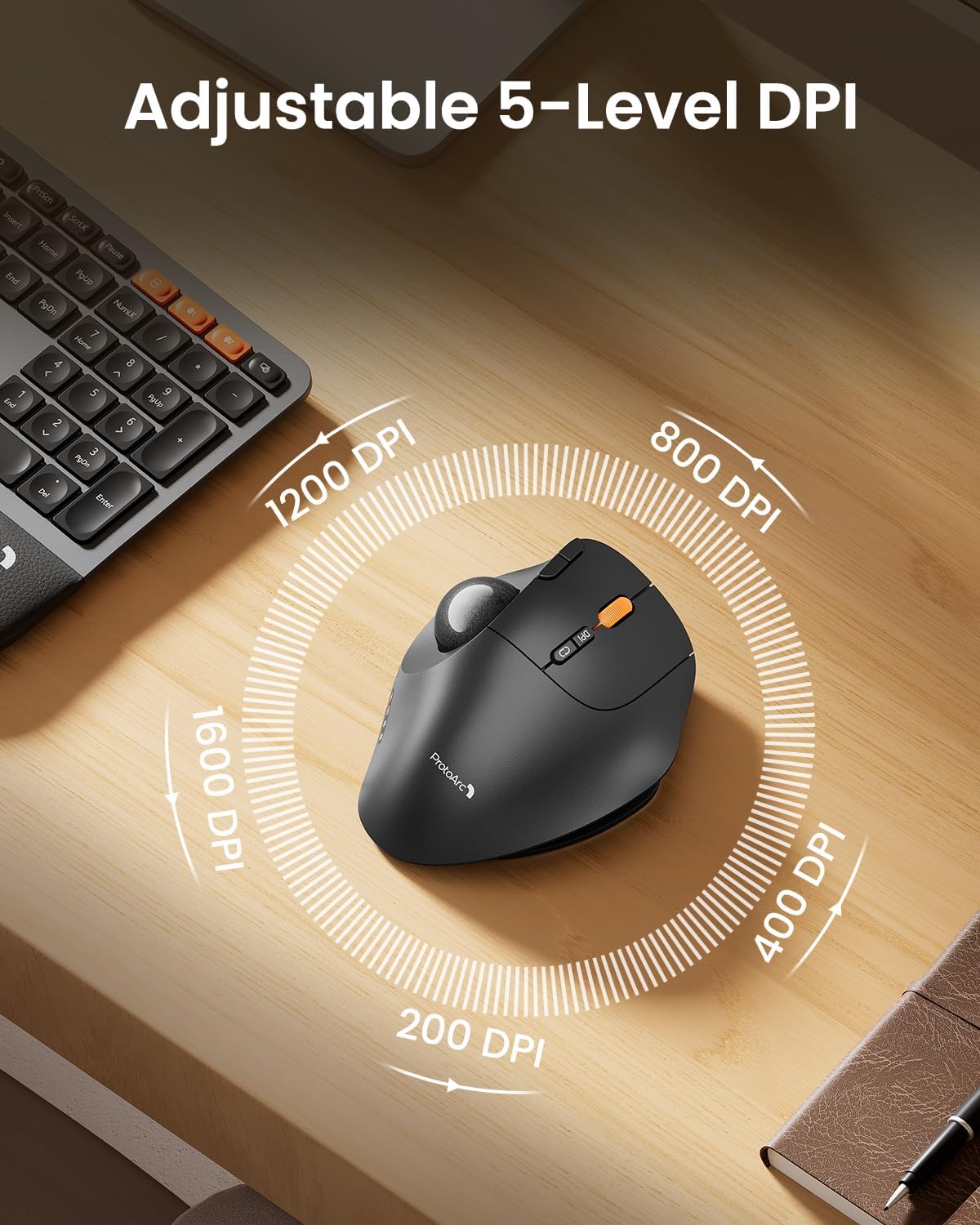
- 5‑level adjustable DPI (200/400/800/1200/1600) – customizable cursor speed
- Forward/backward side buttons – enhance browsing efficiency (not compatible with macOS)
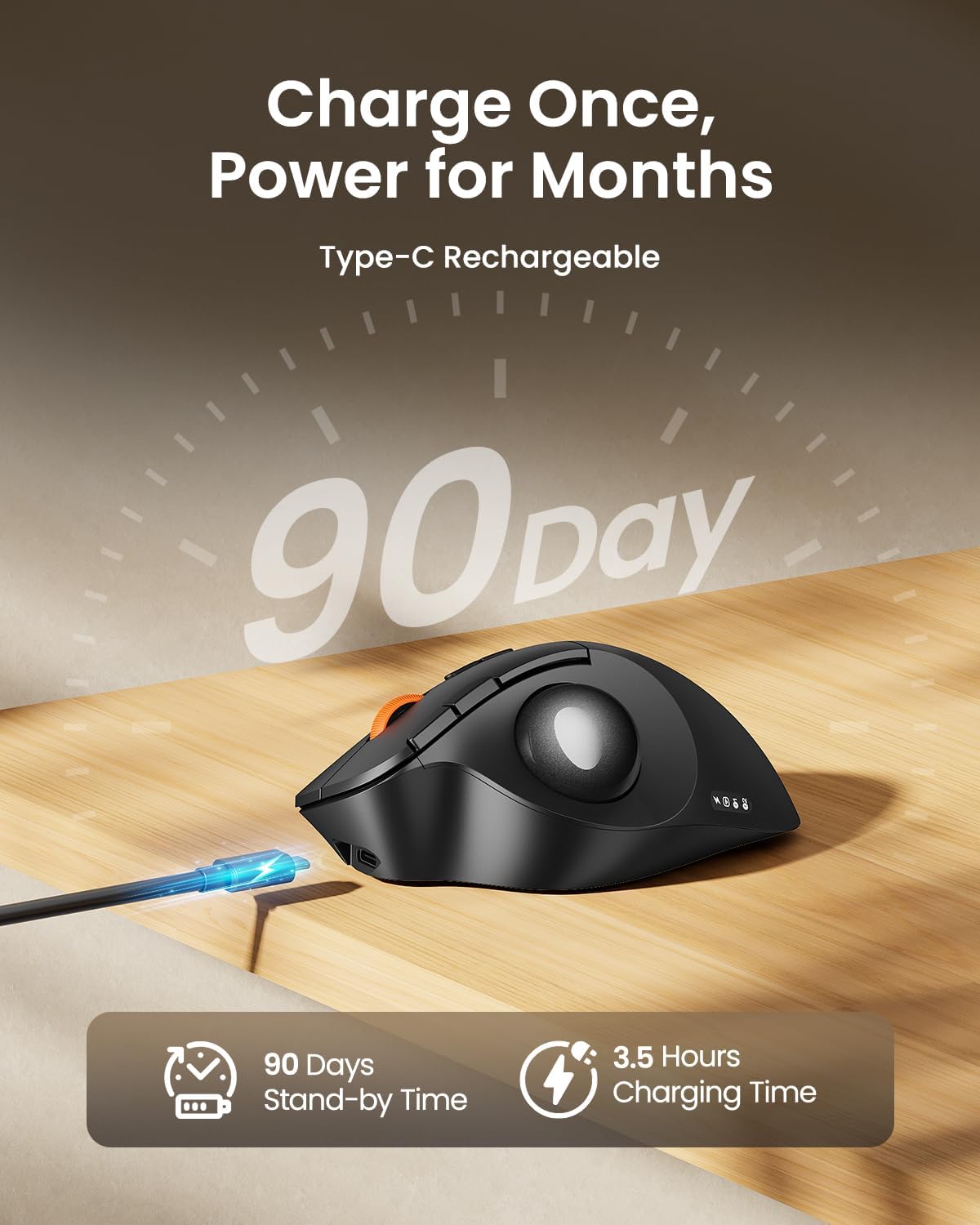
- 500mAh rechargeable battery – up to 150 hours of continuous use, 90 days standby
- Type‑C charging – no battery replacement needed, battery level indicator included
- Easy to clean – trackball can be popped out via the back hole for regular maintenance
- Compatible with Windows, macOS, iOS, Android – plug‑and‑play, no driver needed
🫱🏼🫲🏻 Bulk Discount:
10% off for 5+ pcs • 15% off for 50+ pcs
Automatically applied — no inquiry needed.
Free Shipping
30-Day Returns
2 Years
Warranty


Why Choose EM02
EM02 is built for users who want more control with less wrist movement. The thumb-controlled trackball lets you navigate smoothly without sliding the mouse across your desk, making it ideal for compact workspaces, long work sessions, and users transitioning from a traditional mouse.
With adjustable 0° and 15° tilt angles, quiet clicks, 5 DPI levels, USB-C rechargeable power, and 3-device connectivity, EM02 provides a more flexible and ergonomic way to work across laptops, desktops, and tablets.
FAQ
Does EM02 require moving the mouse on the desk?
No. Cursor movement is controlled by the thumb-operated trackball, helping save desk space and reduce wrist movement.
What adjustable angles does EM02 support?
EM02 supports two tilt angles: a flat 0° position and a tilted 15° position, allowing you to choose the hand posture that feels most comfortable.
Does EM02 support multiple devices?
Yes. EM02 supports Bluetooth and 2.4GHz wireless connection and can switch between up to 3 devices.
Is EM02 rechargeable?
Yes. EM02 features USB-C rechargeable power and offers up to 90 days of standby time on a full charge.
Does it take time to get used to a trackball mouse?
Yes. A trackball mouse feels different from a traditional mouse. For first-time users, we recommend starting at 200 or 400 DPI and allowing 1–2 weeks to adapt.
Does EM02 support horizontal scrolling?
No. This model does not support horizontal scrolling or tilt scrolling.
Is EM02 suitable for image editing or CAD work?
EM02 is designed for productivity, browsing, office work, and general computer use. It is not recommended for tasks requiring extremely fine cursor control, such as professional image editing or CAD design.
Are the buttons programmable?
No. The buttons are not programmable. The Forward and Back buttons are not compatible with macOS.
What should I know before charging?
Please use the included USB charging cable. Some separately purchased USB cables may not charge the device properly.
| Model | EM02 |
|---|---|
| Type | Thumb‑operated trackball mouse |
| Adjustable Angle | 0° / 15° (2 levels) |
| Connectivity | Bluetooth (2 devices) + 2.4GHz USB (1 device) |
| DPI Levels | 200 / 400 / 800 / 1200 / 1600 |
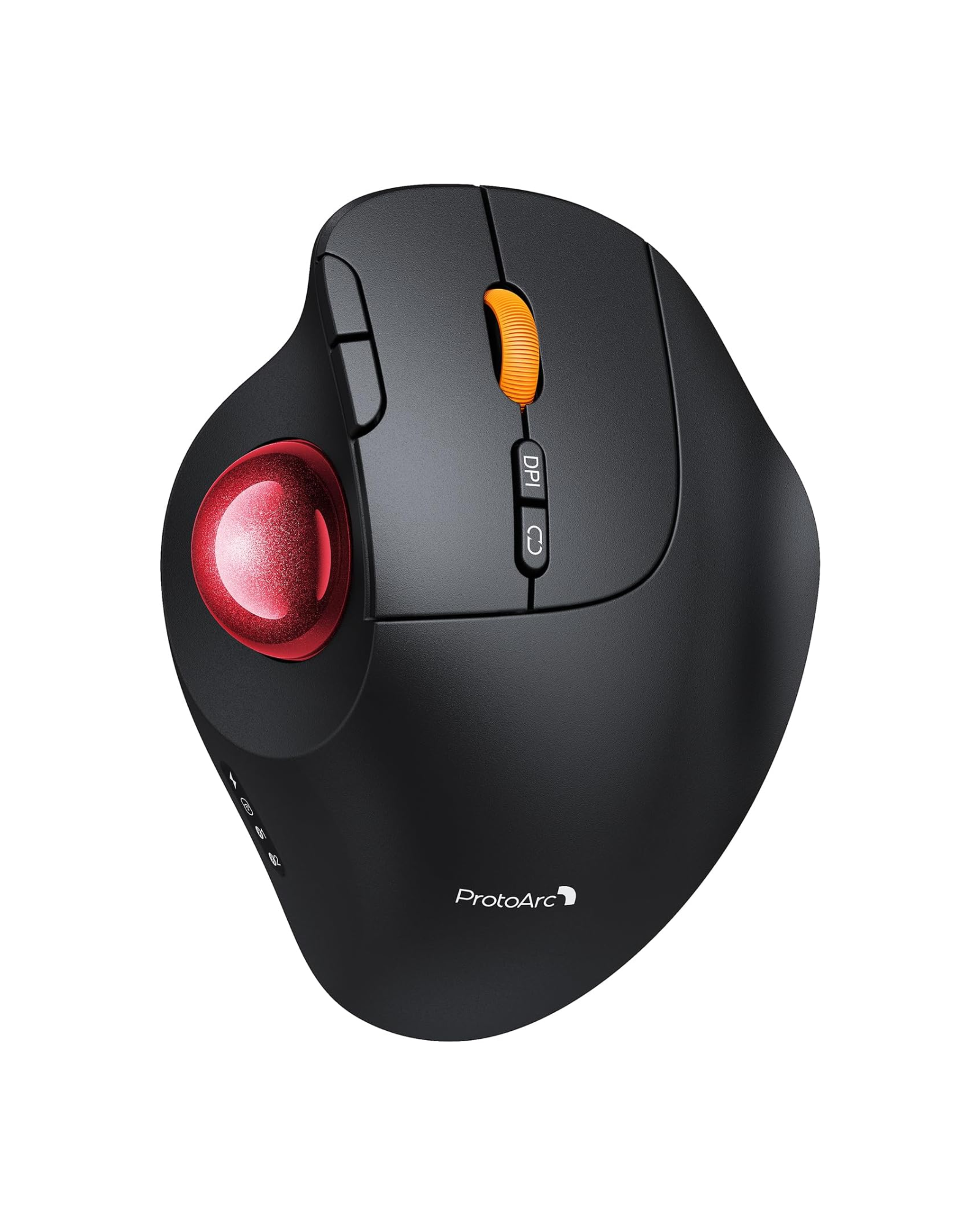
| Buttons | Left, right, scroll wheel, DPI button, forward/backward side buttons |
| Quiet Clicks | Yes (left/right buttons only) |
| Battery Capacity | 500mAh rechargeable lithium |
| Battery Life | Up to 150 hours continuous use; 90 days standby |
| Charging Port | USB‑C |
| Tracking Ball Diameter | 34mm |
| Compatibility | Windows 7/8/10/11, macOS X 10.12+, Android 5.0+, iOS 13+ |
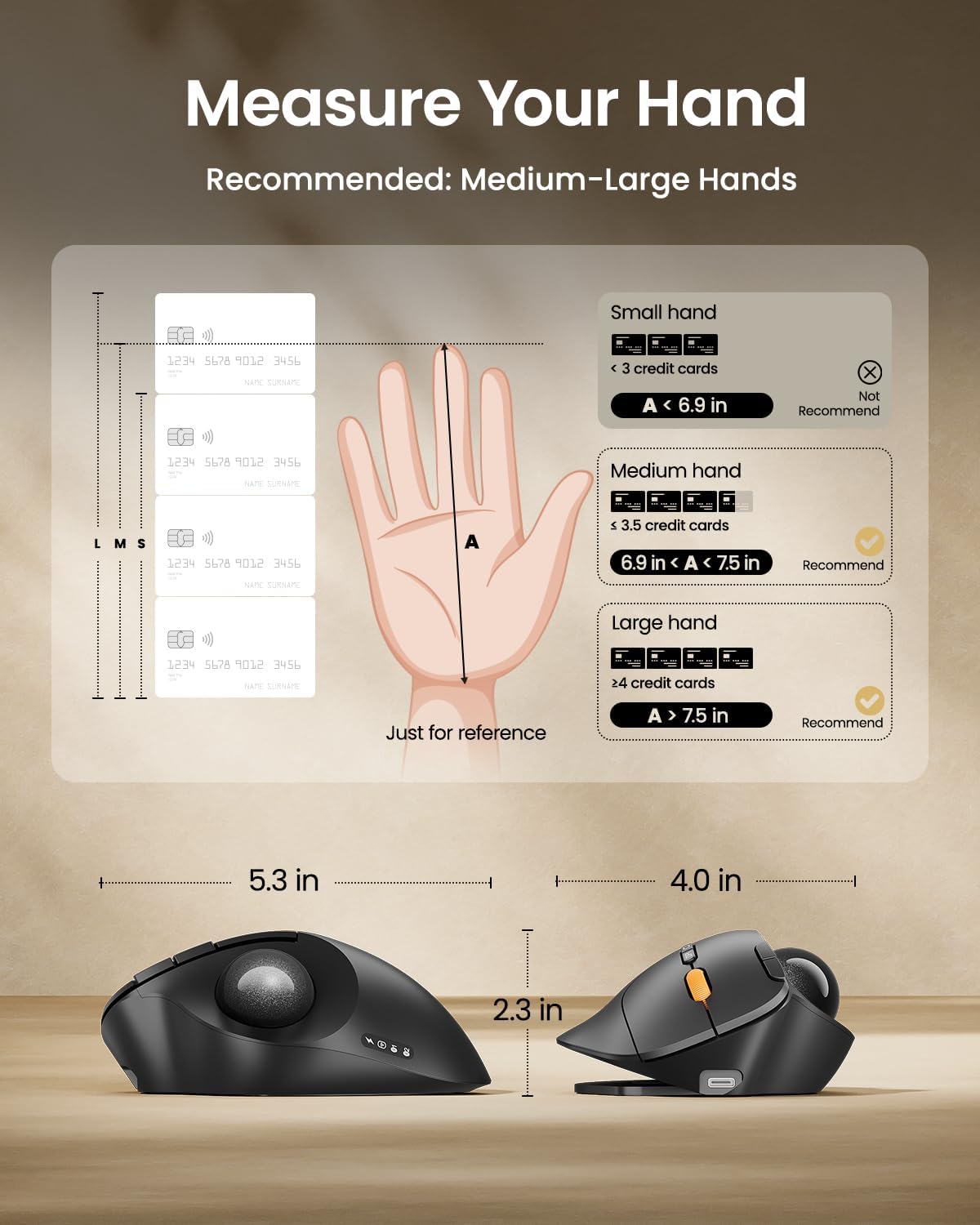
| Hand Size Recommendation | Medium to large (palm length 17.5‑20cm / 6.9‑7.9 inches) |
| Color | Black |
