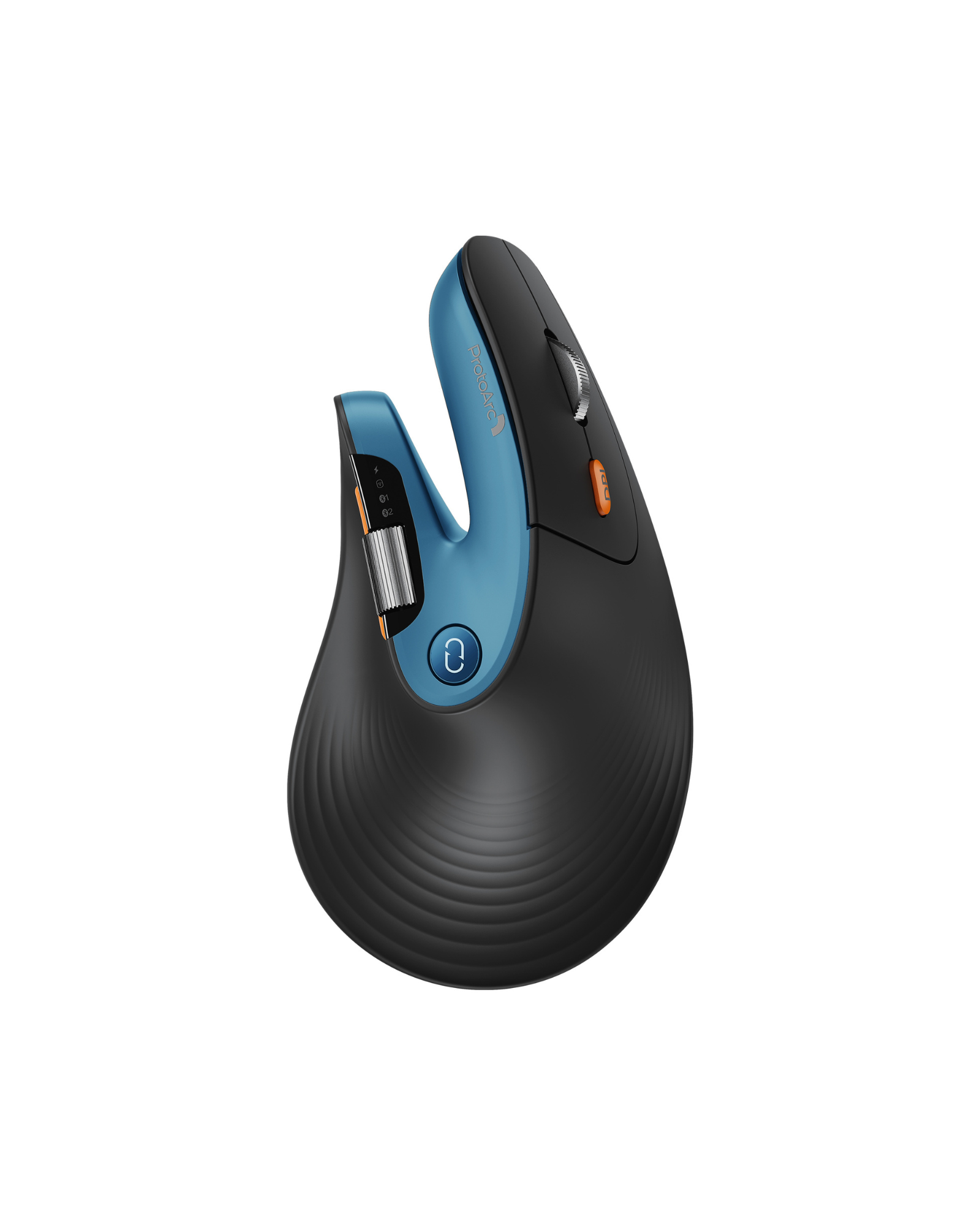
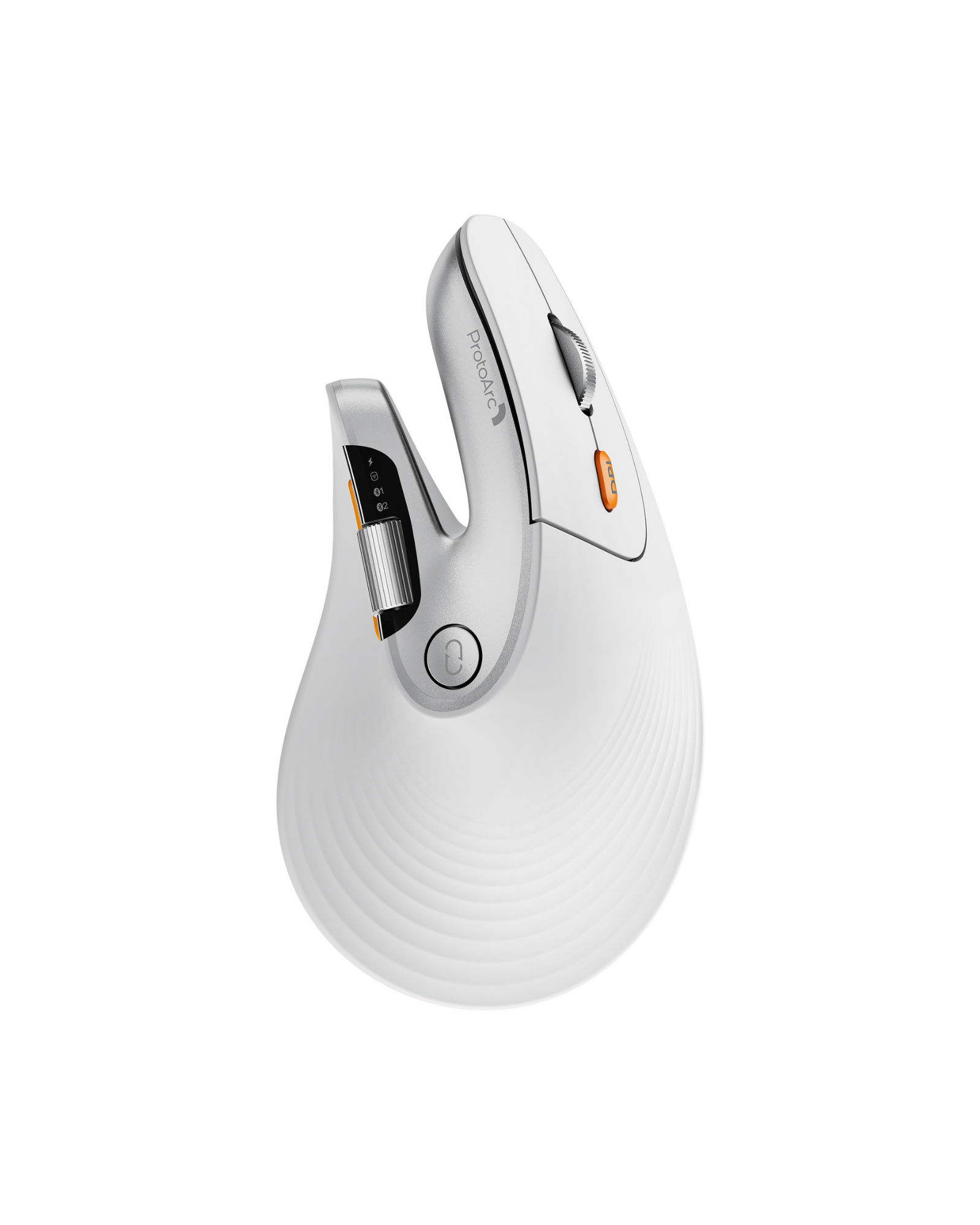
Mouse Ergonomico EM11 PRO a Scorrimento Veloce (Copia)

High-Performance Vertical Wireless Mouse with Dual Scroll Wheels, Web-Based Driver & Adjustable DPI

Colore: Nero
Limited early-bird offer MSRP $49.99

Reveal your reserved pre-order price

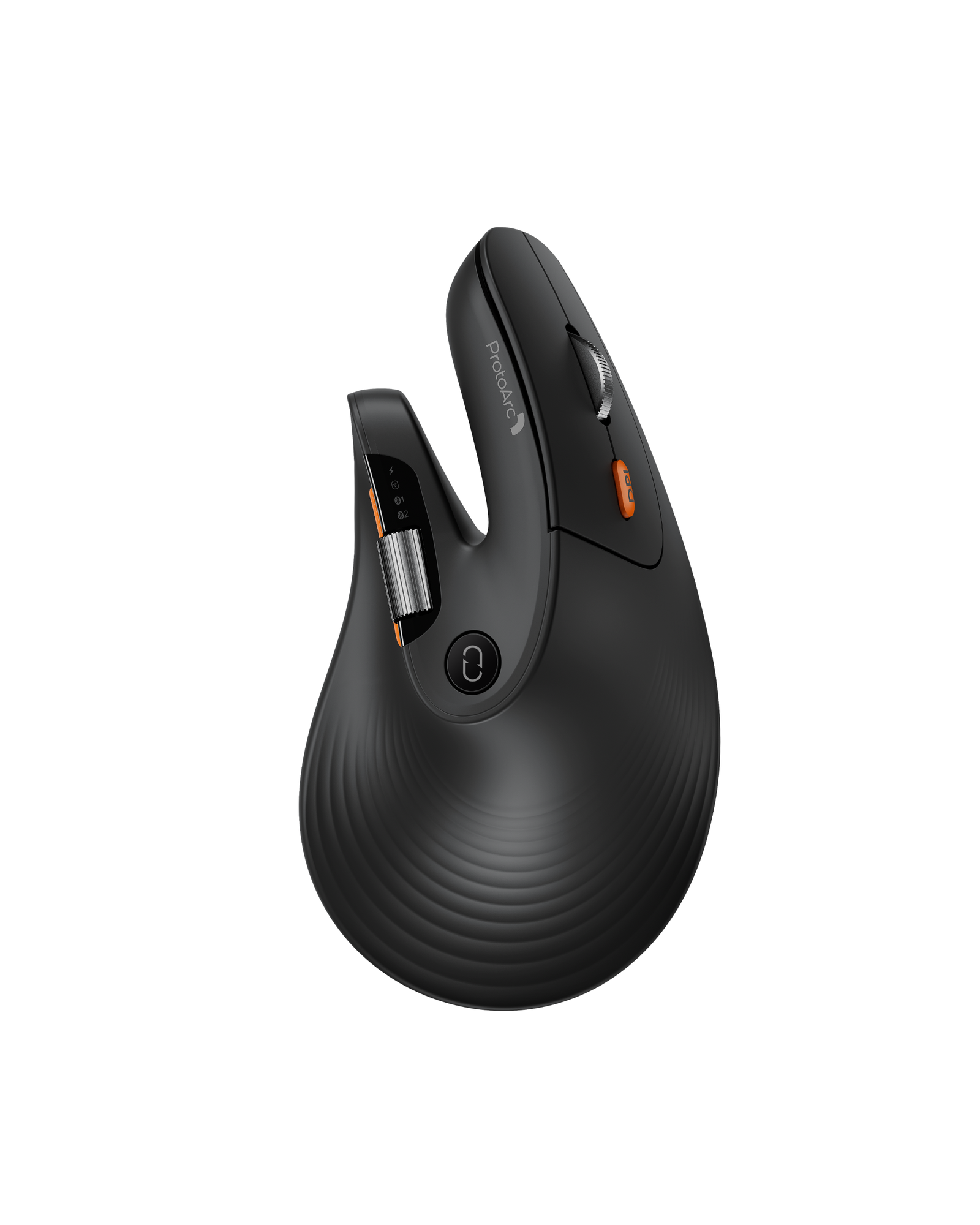
ProtoArc EM11 Pro Ergonomic Mouse

Your Reserved Price Locked
$ --.--

Locked until you enter email

MSRP $49.99

Guaranteed at least $10 off MSRP.

One reserved price per customer. Applies to EM11 Pro only. Discount applies automatically at checkout.

This is a pre-order product. Goods are en route to our US warehouses. Orders will be dispatched within 10–20 days, and all shipments will go out within 1 month at the latest.
Free Shipping 30-Day Returns 2 Years  Warranty
This is a PRE-ORDER item. Stock is not yet available currently. Estimated shipping time: 10 to 30 days. Free Shipping on eligible orders. U.S. orders arrive within 2–3 business days, while some international orders may take 7–12 business days. Please refer to our Shipping Policy for details.
30-Day Returns for added peace of mind. Please review our Returns Policy before purchase.
2 Years backed by responsive support for product and parts-related issues. Click for Warranty Policy.

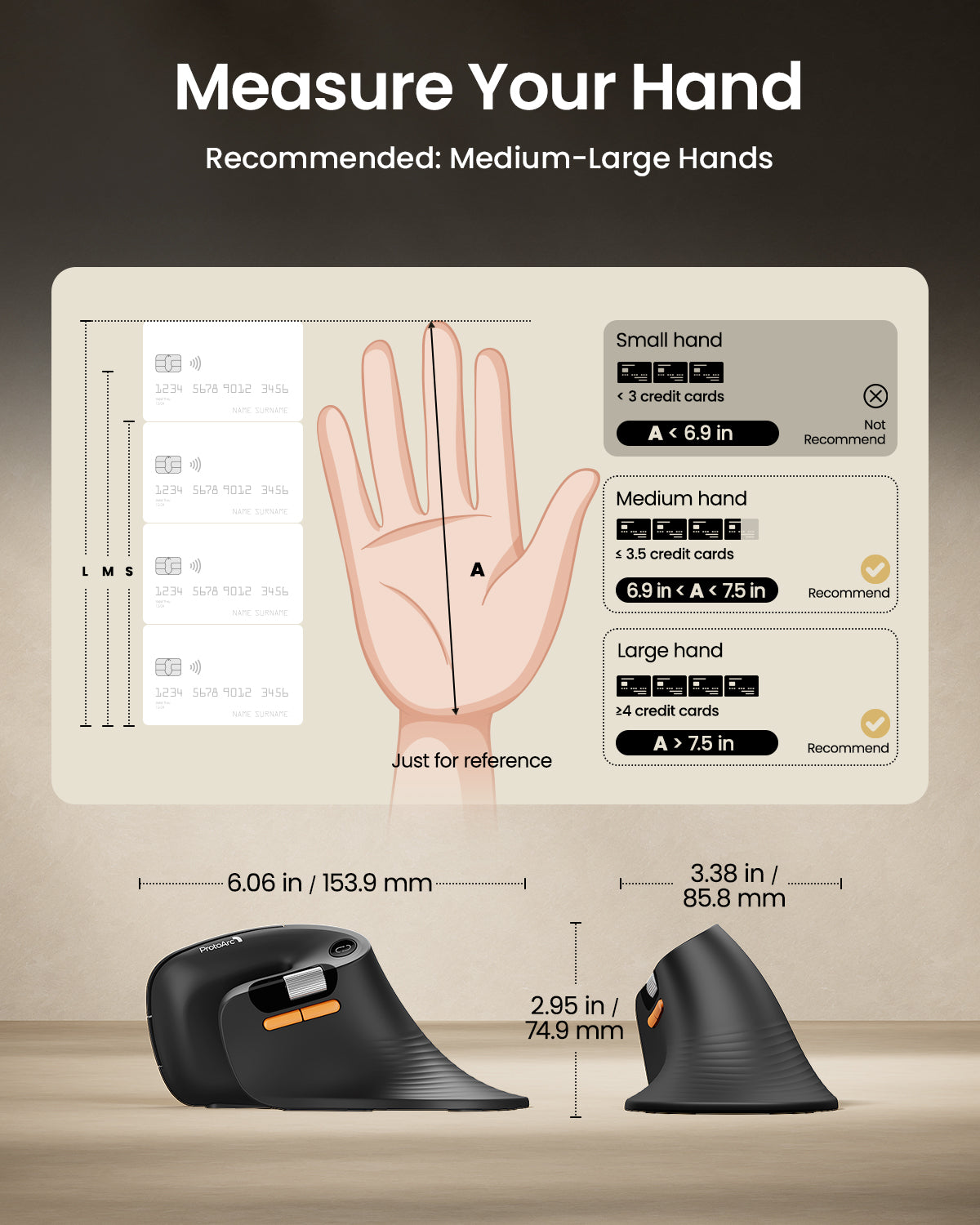
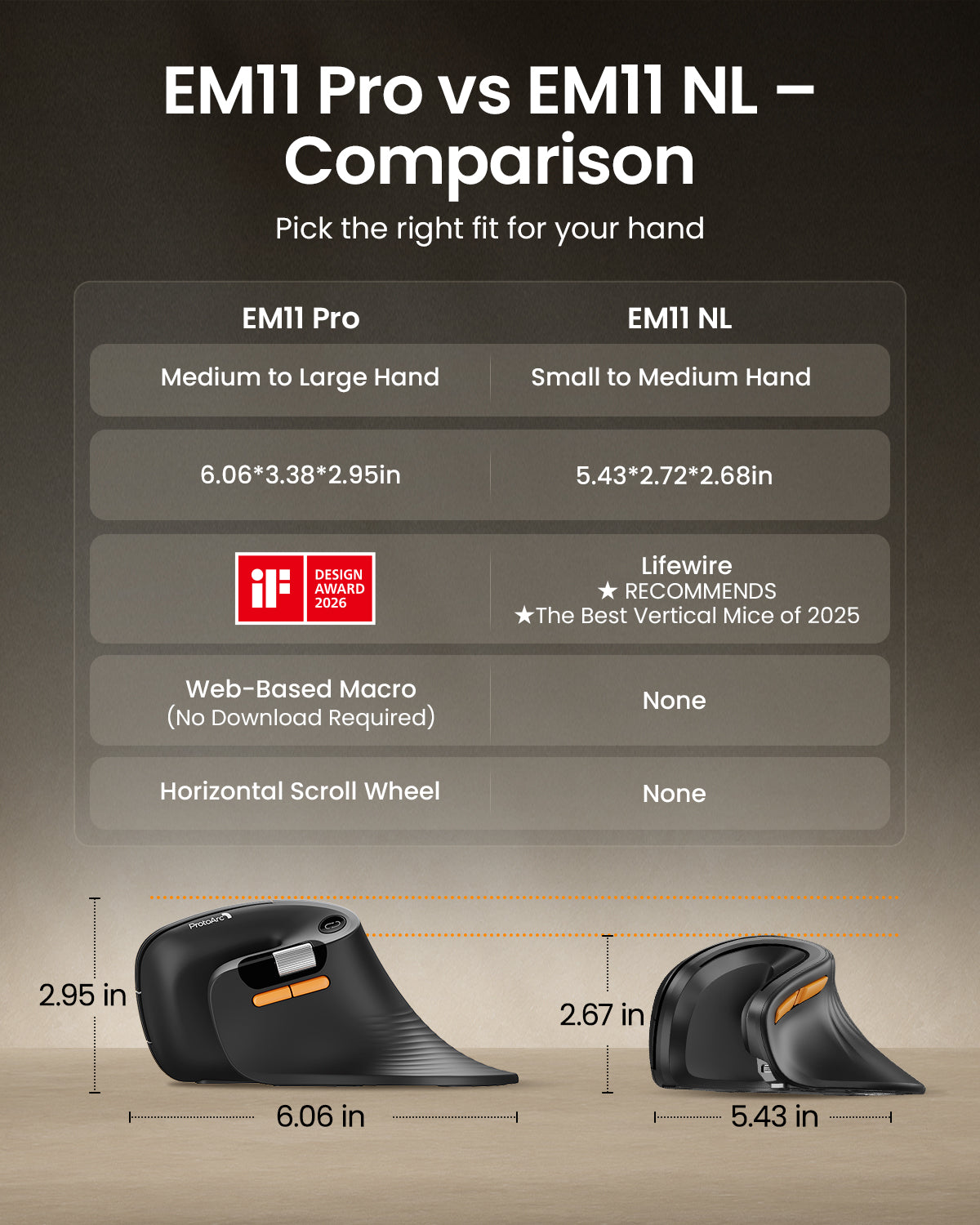
Built for Medium-Large Hands. More Comfort. More Efficiency.

EM11 Pro Ergonomic Mouse

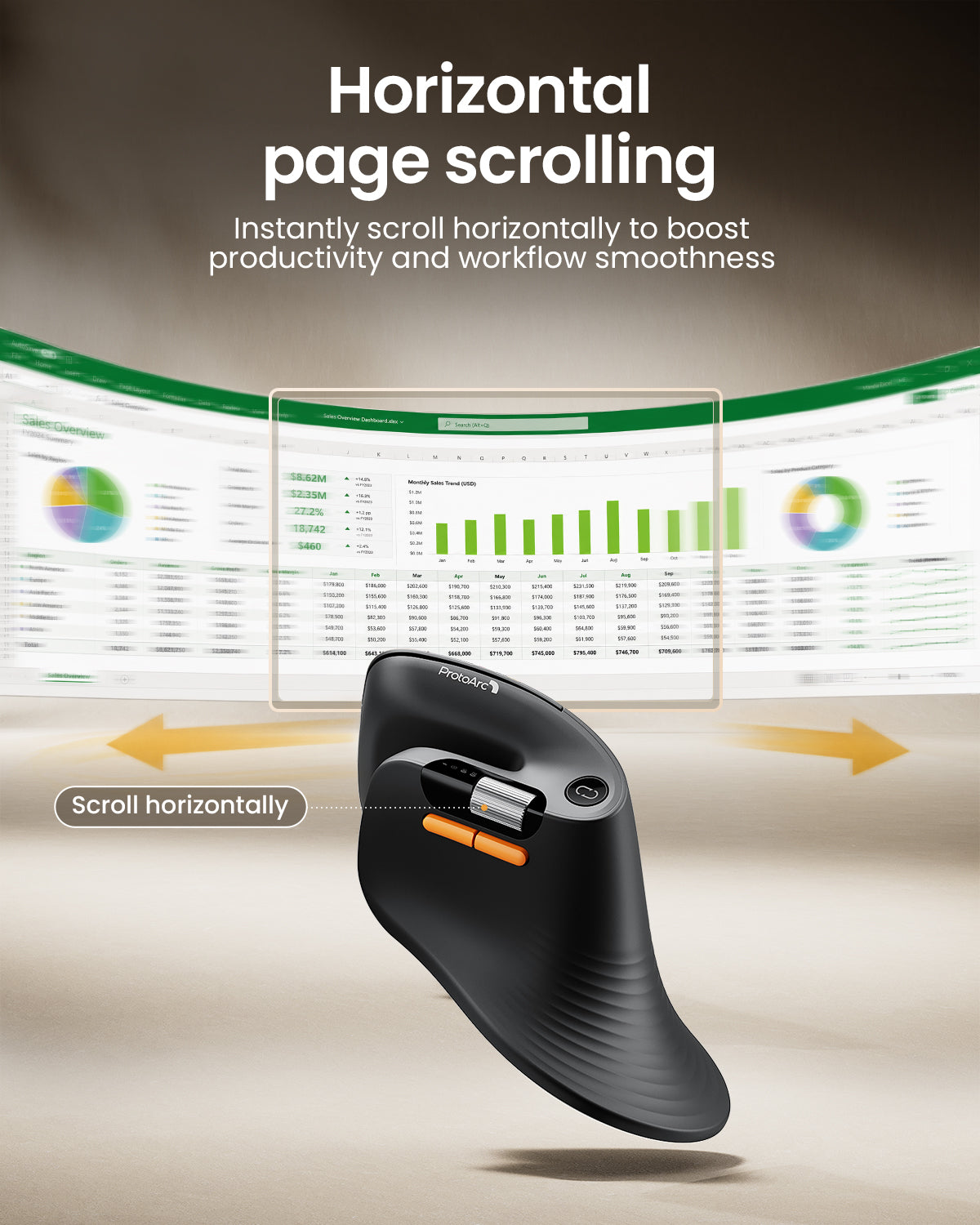
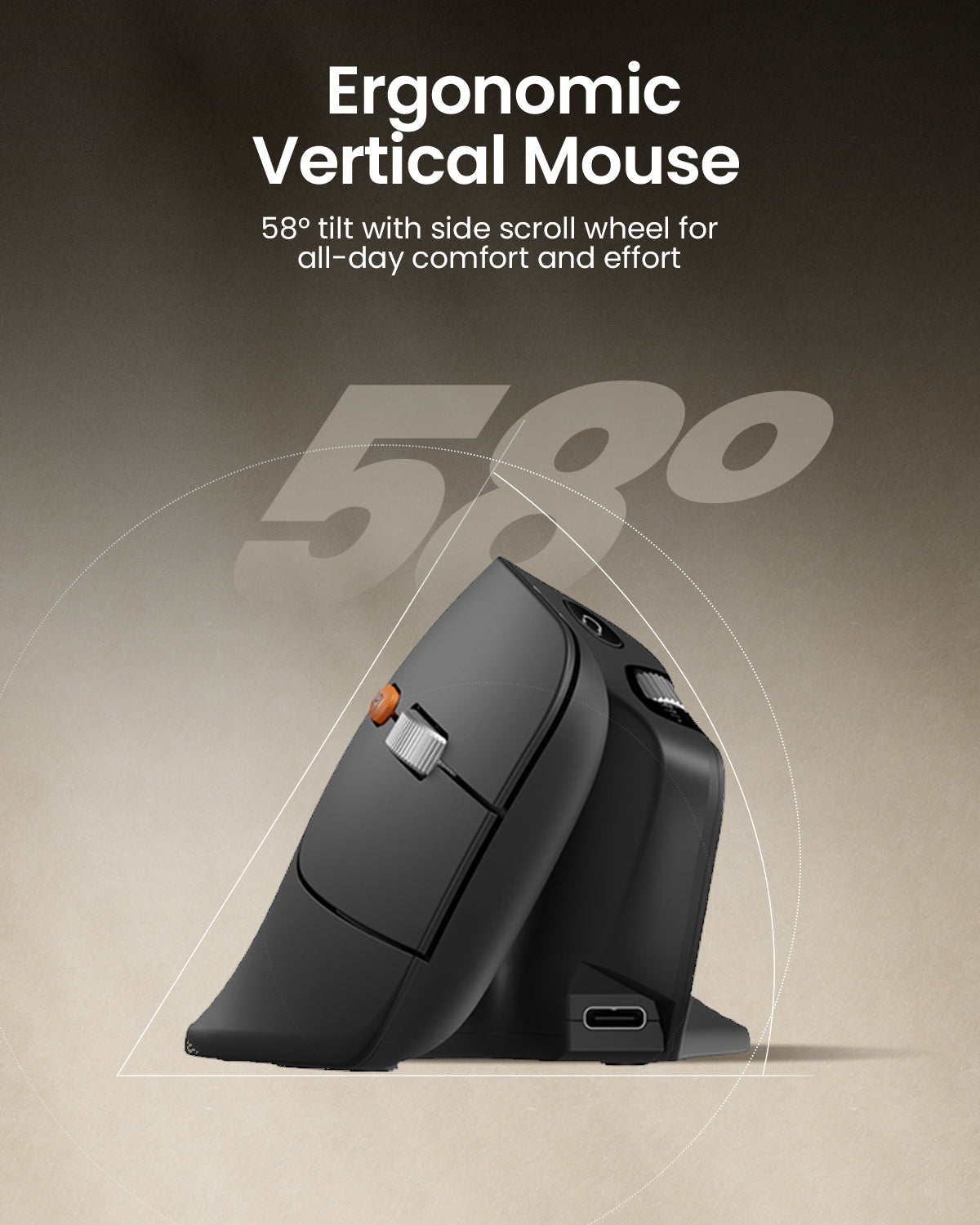
Ergonomics|Web-Based Customization|Side Scroll Wheel|58°|iF Design Award

Read Design Story
01

Customize Your Workflow


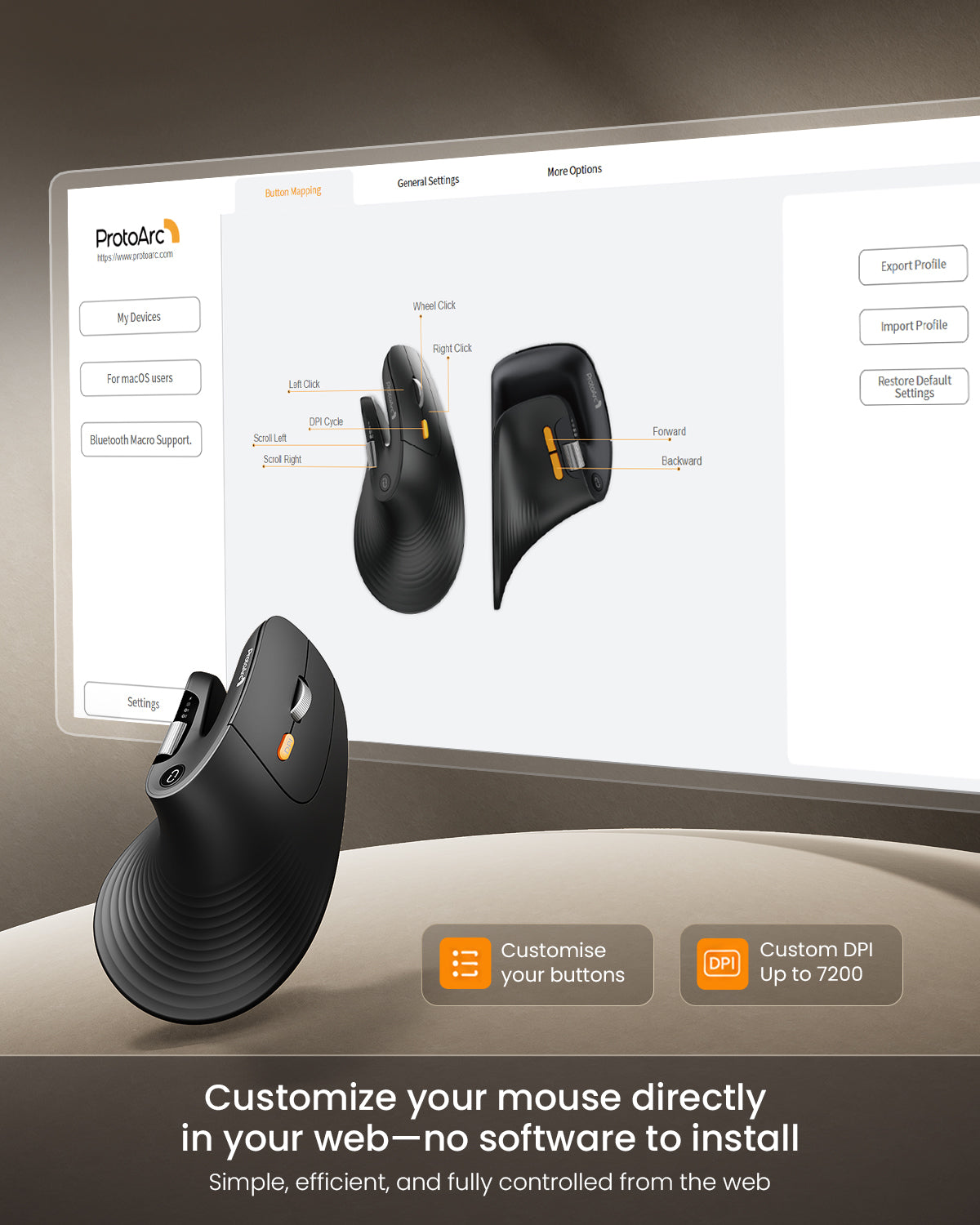
Create personalized mouse shortcuts through the web-based macro editor — customize buttons for copy/paste, app switching, screenshots, workflow tools, and repetitive actions to work faster with fewer clicks.

02

High-Precision Control

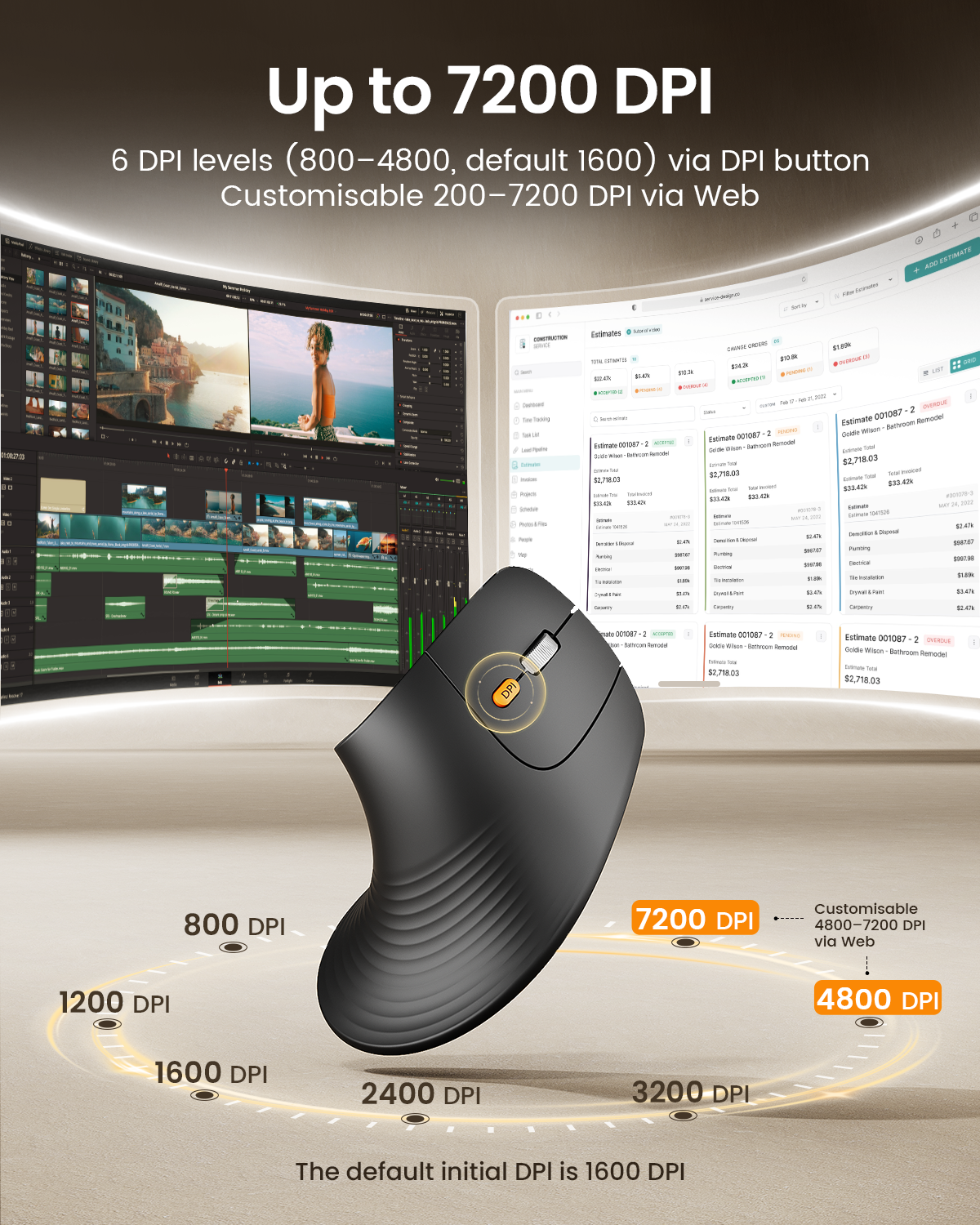
Adjustable up to 7200 DPI for smooth, precise tracking — move faster, navigate with accuracy, and stay efficient across different work tasks.

03

All-Day Ergonomic Comfort

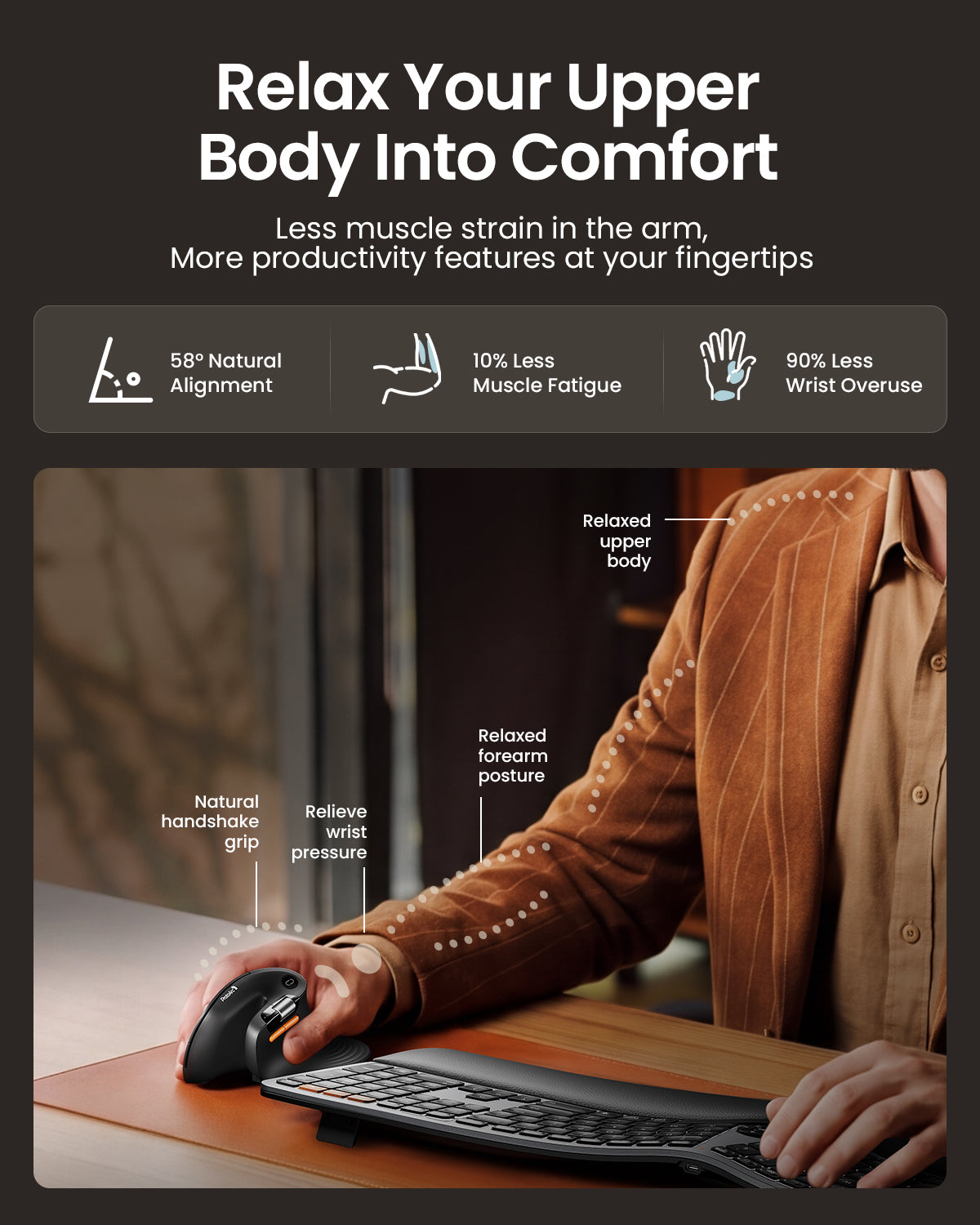
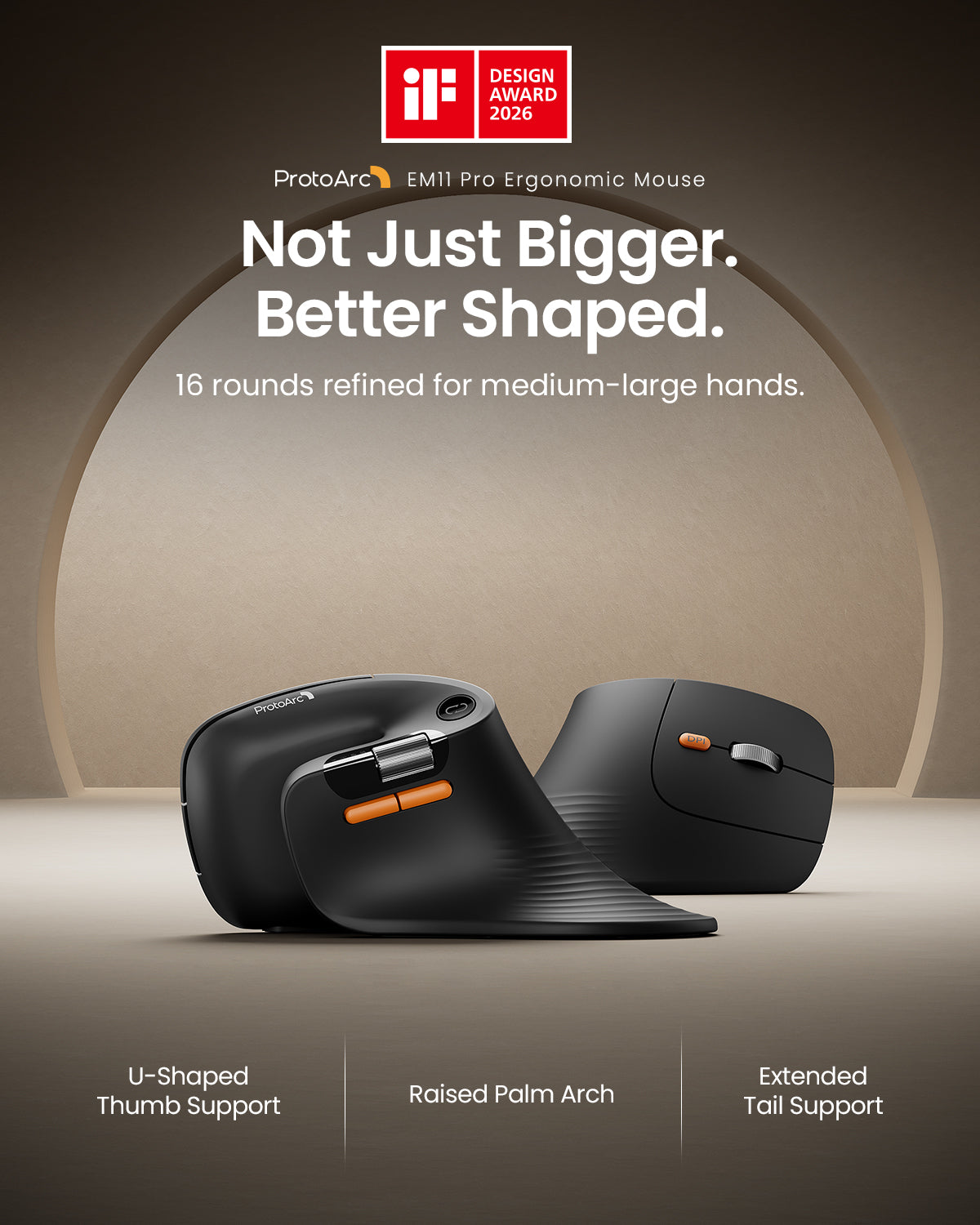
Every curve is shaped to fit the natural form of your hand. From the U-shaped thumb support to the fuller palm arch and widened tail design, each detail is refined to provide better support, reduce friction, and create a more comfortable ergonomic experience throughout the day.

01

Customize Your Workflow


Create personalized mouse shortcuts through the web-based macro editor — customize buttons for copy/paste, app switching, screenshots, workflow tools, and repetitive actions to work faster with fewer clicks.

02

High-Precision Control

Adjustable up to 7200 DPI for smooth, precise tracking — move faster, navigate with accuracy, and stay efficient across different work tasks.

03

All-Day Ergonomic Comfort

Every curve is shaped to fit the natural form of your hand. From the U-shaped thumb support to the fuller palm arch and widened tail design, each detail is refined to provide better support, reduce friction, and create a more comfortable ergonomic experience throughout the day.

Winner of the International iF Design Award

When we learned that the product had received the iF Design Award, we were truly excited. It meant a lot to the whole team.

Before it had even reached many users, the product had already been recognized by the industry. For our team, it felt like every late night, every small adjustment, and six months of focused effort had finally been seen.

Winner of the International iF Design Award

When we learned that the product had received the iF Design Award, we were truly excited. It meant a lot to the whole team.

Before it had even reached many users, the product had already been recognized by the industry. For our team, it felt like every late night, every small adjustment, and six months of focused effort had finally been seen.

Mouse bluetooth ergonomico a scorrimento veloce ProtoArc EM25

ProtoArc EM25 è un mouse ergonomico con scorrimento veloce progettato per aiutarti a navigare più efficacemente tra pagine lunghe, fogli di calcolo e documenti. Con una rotella di scorrimento ad alta velocità da 1000 linee e controllo tramite rotella per il pollice, riduce lo sforzo di scorrimento mantenendo la navigazione fluida e precisa.

Supporta anche la personalizzazione dei pulsanti e la creazione di macro basate sul web, così puoi assegnare scorciatoie e automatizzare azioni ripetitive senza scaricare software. Unito a una precisione fino a 8000 DPI, clic silenziosi, alimentazione ricaricabile e connettività multi-dispositivo, EM25 è progettato per flussi di lavoro orientati alla produttività.

bolt

Scorrimento veloce a 1.000 linee/s

swap_horiz

Rotella di scorrimento per il pollice

auto_fix_high

Personalizzazione macro

dispositivi

Connessione fino a 3 dispositivi

pan_tool

Comfort ergonomico

ads_click

Precisione 8000 DPI

Panoramica

Rotella di scorrimento veloce e controllo di precisione di ProtoArc EM25 Design ergonomico del mouse ProtoArc EM25 per il comfort Comfort naturale per il polso e supporto posturale di ProtoArc EM25 Connessione multi-dispositivo e DPI regolabile di ProtoArc EM25 Caratteristiche ergonomiche del mouse ProtoArc EM25 per lavoro e ufficio Layout dei pulsanti e design dei controlli di ProtoArc EM25 Mouse wireless a clic silenzioso ProtoArc EM25 Pulsanti personalizzabili e configurazione del flusso di lavoro di ProtoArc EM25

Guida all'installazione e ai driver di EM25

Configura la personalizzazione dei pulsanti, le macro e i controlli avanzati tramite lo strumento web di EM25. Non è necessario scaricare software.

Apri la guida di configurazione EM25

Perché scegliere ProtoArc EM25

ProtoArc EM25 è progettato per chi vuole lavorare più velocemente senza rinunciare al controllo. La sua rotella di scorrimento ad alta velocità ti aiuta a navigare rapidamente tra pagine lunghe, fogli di calcolo e documenti, mentre la rotella per il pollice rende la navigazione orizzontale più fluida ed efficiente.

Con la personalizzazione web e il supporto macro, puoi assegnare scorciatoie e automatizzare azioni ripetitive per ottimizzare il tuo flusso di lavoro. Aggiungi comfort ergonomico, clic silenziosi, alimentazione ricaricabile, commutazione multi-dispositivo e precisione fino a 8000 DPI, e EM25 diventa un mouse pratico per la produttività moderna.

FAQ

1. A quanti dispositivi può connettersi ProtoArc EM25?

EM25 può connettersi fino a 3 dispositivi contemporaneamente tramite USB 2.4G e due canali Bluetooth. Puoi passare da un dispositivo all'altro con una semplice pressione di un pulsante.

2. Quali sistemi operativi sono supportati?

EM25 supporta Windows, macOS, ChromeOS, iPadOS e Android per l'uso generale, inclusi movimento del puntatore, scorrimento e funzioni di base.

3. Quali sistemi supportano driver e personalizzazione?

Il driver e le funzionalità di personalizzazione, inclusa la rimappatura dei pulsanti e la configurazione delle macro, sono supportati su Solo Windows e macOS. È necessaria una connessione USB durante la configurazione.

4. Quali browser sono supportati per la personalizzazione?

Lo strumento di personalizzazione basato sul web funziona con i browser Google Chrome, Microsoft Edge e Opera.

5. Il mouse è ricaricabile?

Sì. EM25 ha una batteria ricaricabile integrata da 500mAh e include un cavo Type-C per la ricarica.

6. È adatto per ambienti silenziosi?

Sì. I pulsanti sinistro e destro sono progettati con clic silenziosi, rendendo EM25 adatto agli uffici, librerie e spazi di lavoro condivisi.

7. Dove posso trovare la guida di configurazione e del driver EM25?

Puoi aprire qui la guida ufficiale di configurazione e impostazione EM25: Apri la guida di configurazione EM25

Specs

TECHNICAL SPECIFICATIONS

Performance

Tracking: Optical
DPI: Adjustable from 800 to 7200 DPI
Design: Vertical ergonomic mouse
Buttons: Programmable buttons supported
Quiet clicks: Left and right buttons are quiet

Battery

Battery capacity: 500mAh
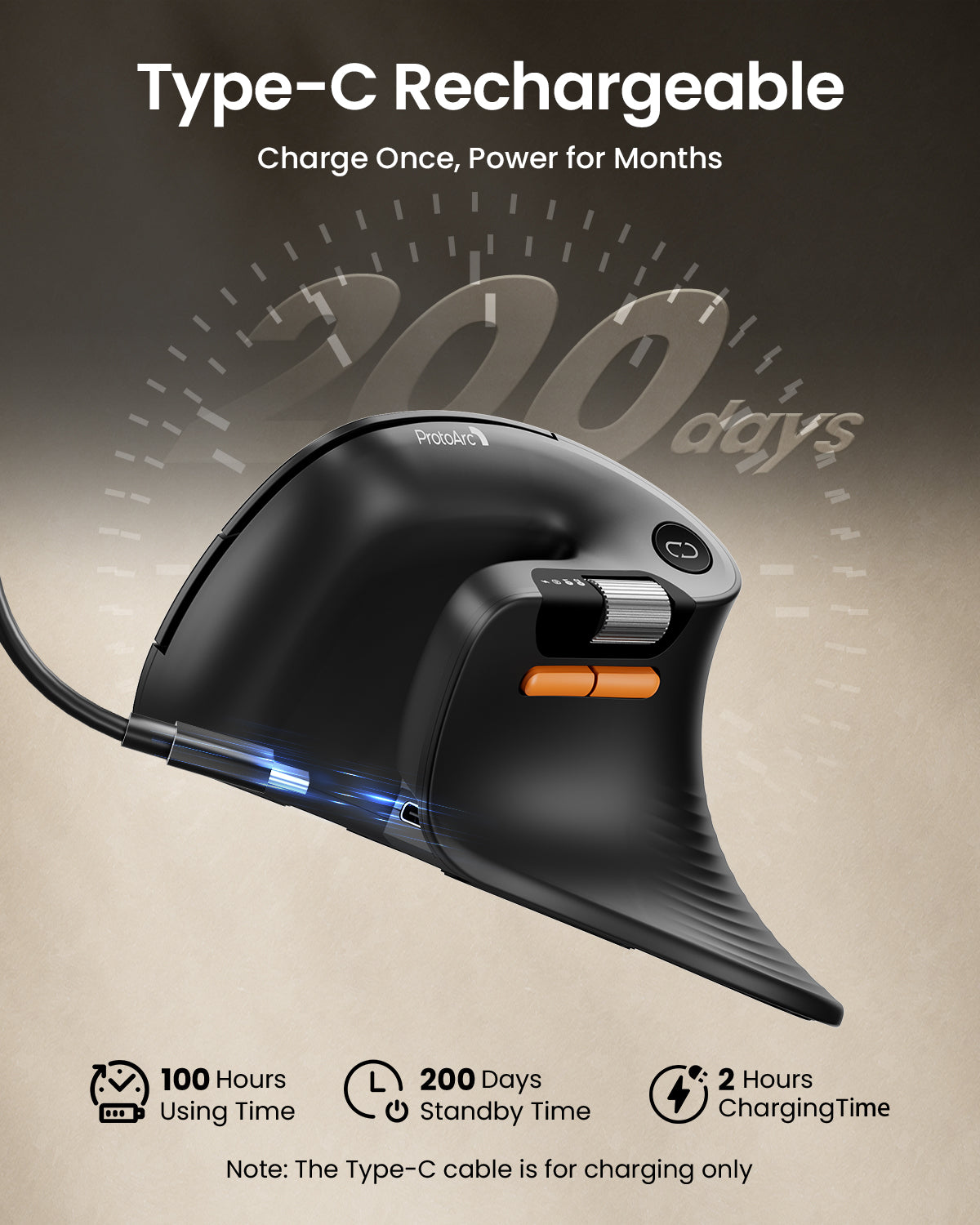
Battery life: Up to 200 days on a single charge
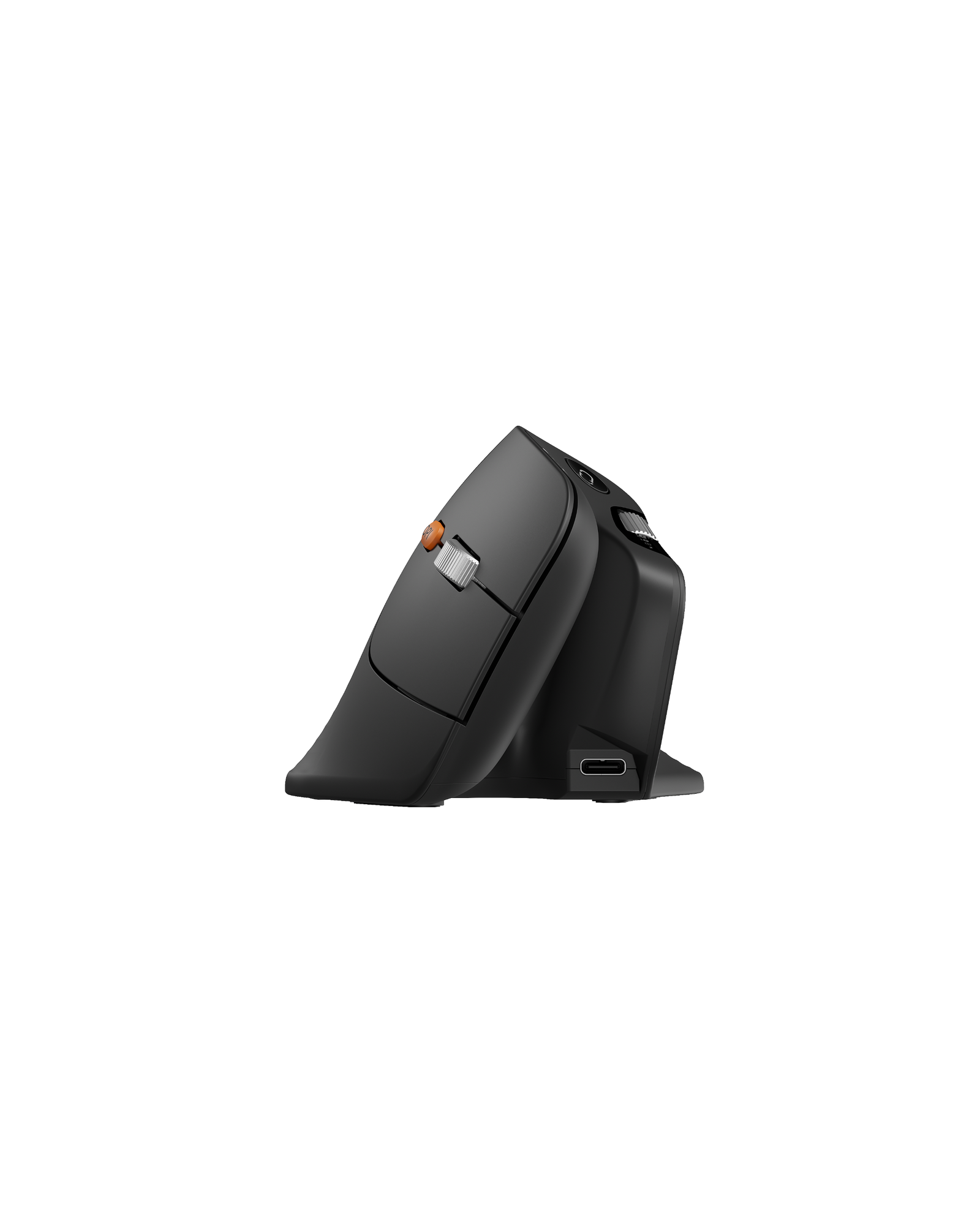
Charging: USB-C rechargeable

Connection Type

2.4G USB receiver
Bluetooth wireless connection
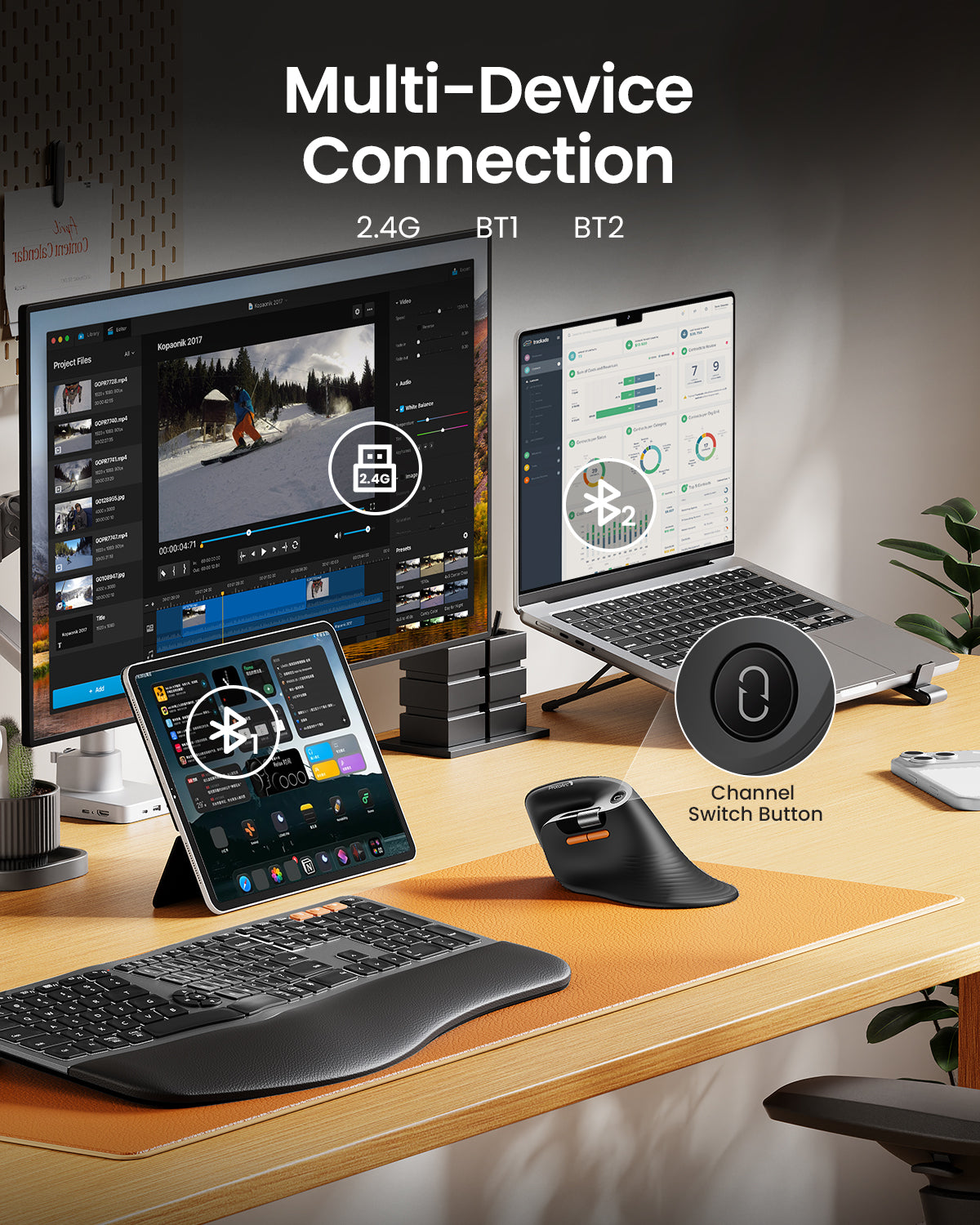
Multi-device support
Easy device switching

SYSTEM REQUIREMENTS

2.4G USB Receiver

Requires an available USB port.

Bluetooth

Requires a Bluetooth-enabled device.
Compatible with Windows, macOS, ChromeOS, iPadOS, and Android.
Works with computers, tablets, and smartphones.

Web-Based Customization

Supports button remapping, shortcut settings, and macro customization through the web-based driver.
A wired USB connection is required only when configuring settings.
Supported browsers: Google Chrome, Microsoft Edge, and Opera.
Customization is supported on Windows and macOS only.

PACKAGE CONTENTS

1 x ProtoArc EM11 Pro Wireless Mouse
1 x 2.4G USB Receiver
1 x USB-C Charging Cable
1 x User Manual


SETUP & SUPPORT

Open ProtoArc Setup Hub
Open User Manual Center