





Video summary
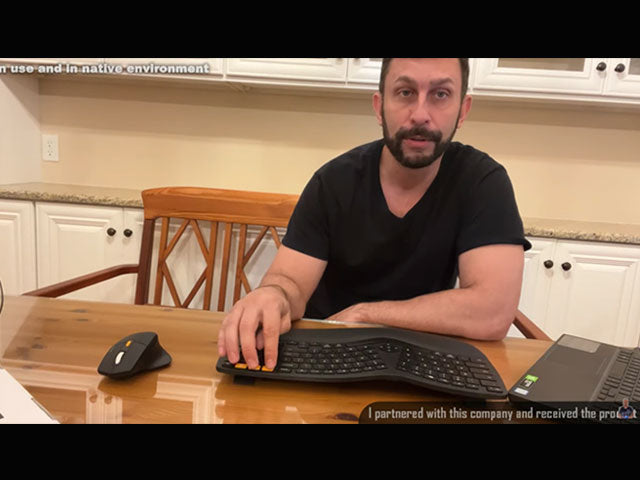
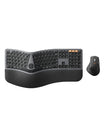
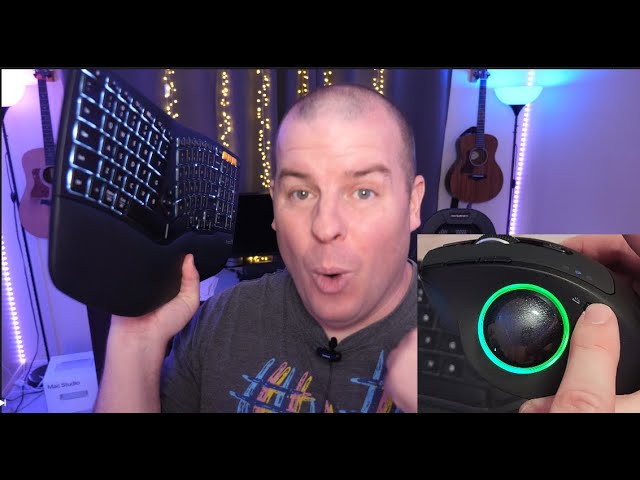
A two-part unboxing: the EK01 split keyboard first, then the EM01 trackball mouse, both connected to a Mac Studio. The reviewer starts with the mouse because the box contents set the tone - a USB-C cable rather than micro-USB, a printed manual, and a receiver stored inside the mouse.
On the keyboard he demonstrates the three orange device keys: the first selects the 2.4G receiver, the other two select Bluetooth channels, and holding a key for three to five seconds puts it into pairing mode. He then covers the built-in wrist rest, the two space bars, the adjustable rear feet, the backlight and brightness control, the media keys in the centre, and the shortcut row for search, brightness and window management. The number pad matters to him, as does the natural angle of the split layout.
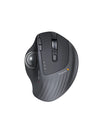
On the mouse he shows the thumb ball, the scroll wheel, the light button, the DPI button, forward and back buttons, and switching between three devices. Both devices charge over USB-C and can be used while charging.
See the current EK01 Plus Backlit Ergonomic Keyboard and EM01 NL Trackball Ergonomic Mouse, or browse ergonomic solutions.