










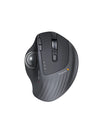



EM25 Fast-Scroll Ergonomic Mouse
£4
Apply Discount
Details
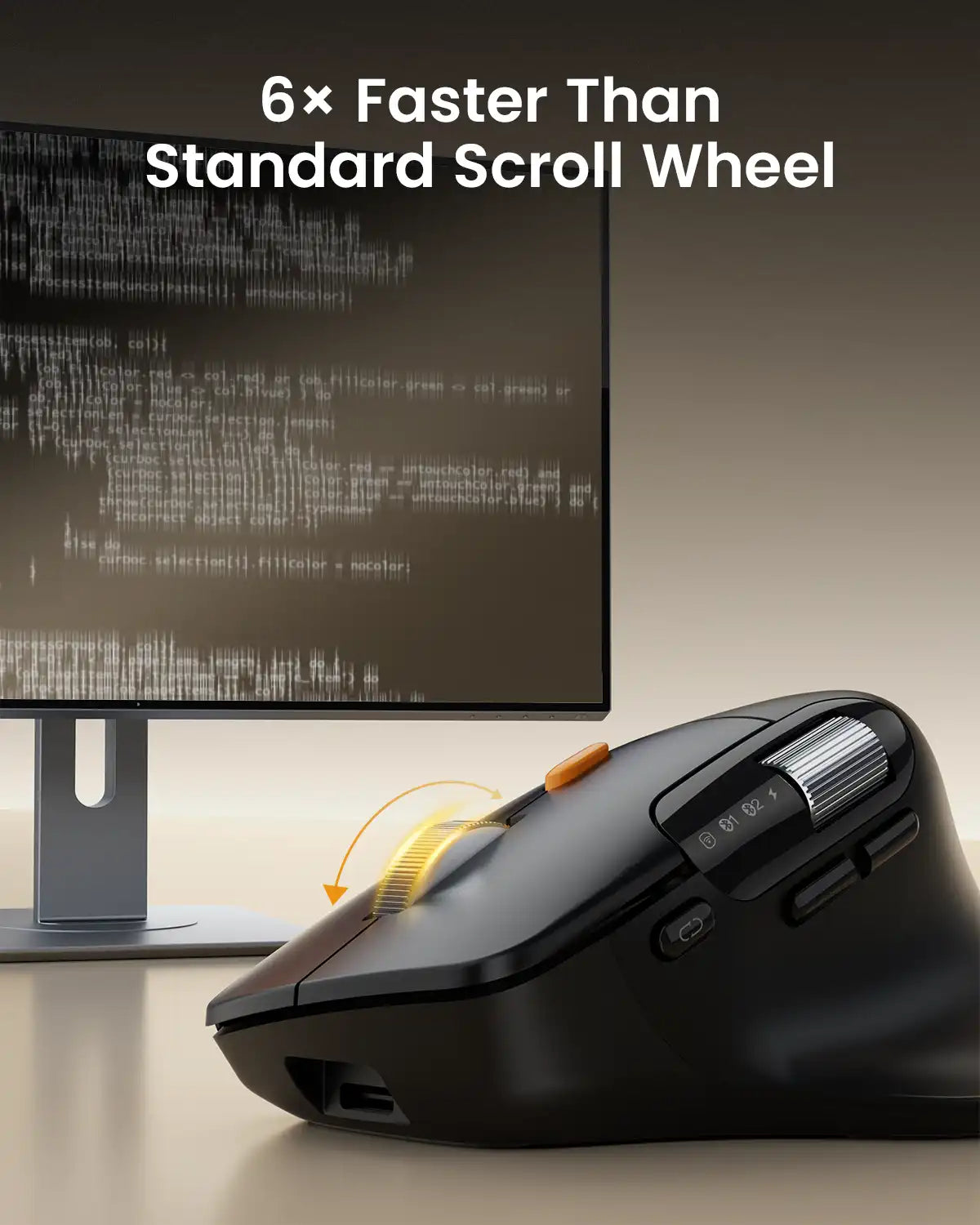
- High-Speed Flywheel Scroll Wheel with 1000 Lines Per Second Scrolling
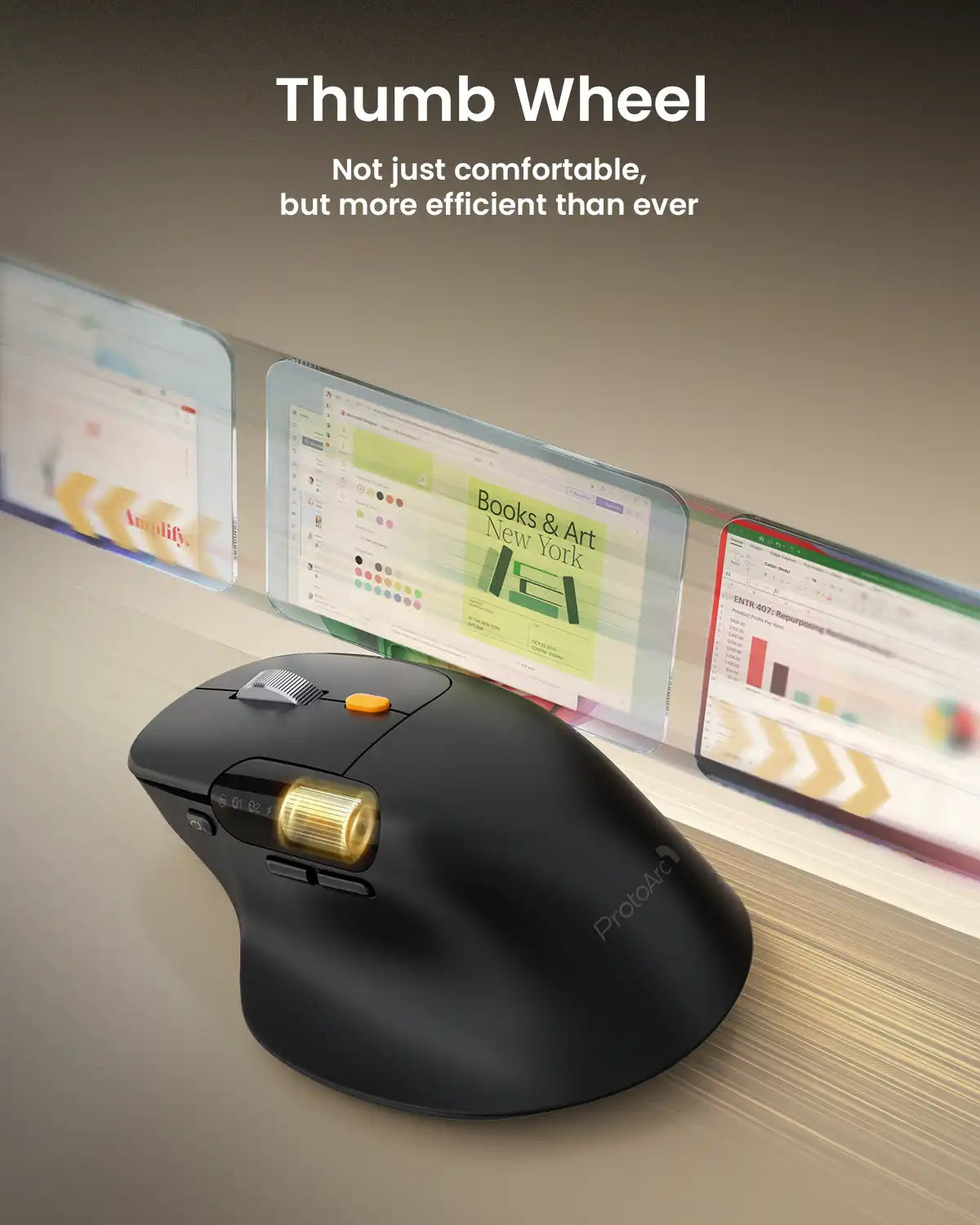
- Integrated Thumb Scroll Wheel for Reduced Hand Stress
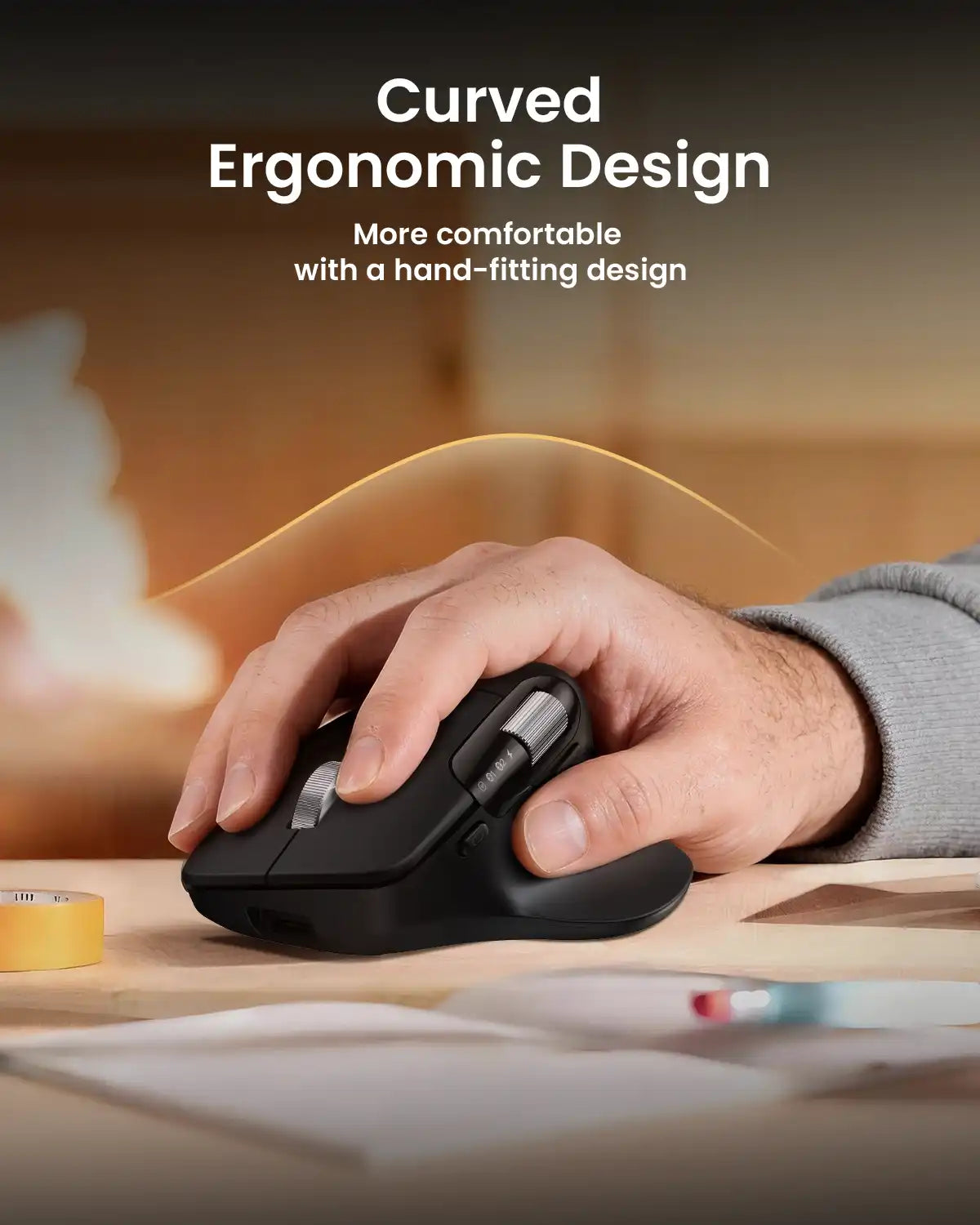
- Ergonomic Natural Tilt Design for All-Day Comfort
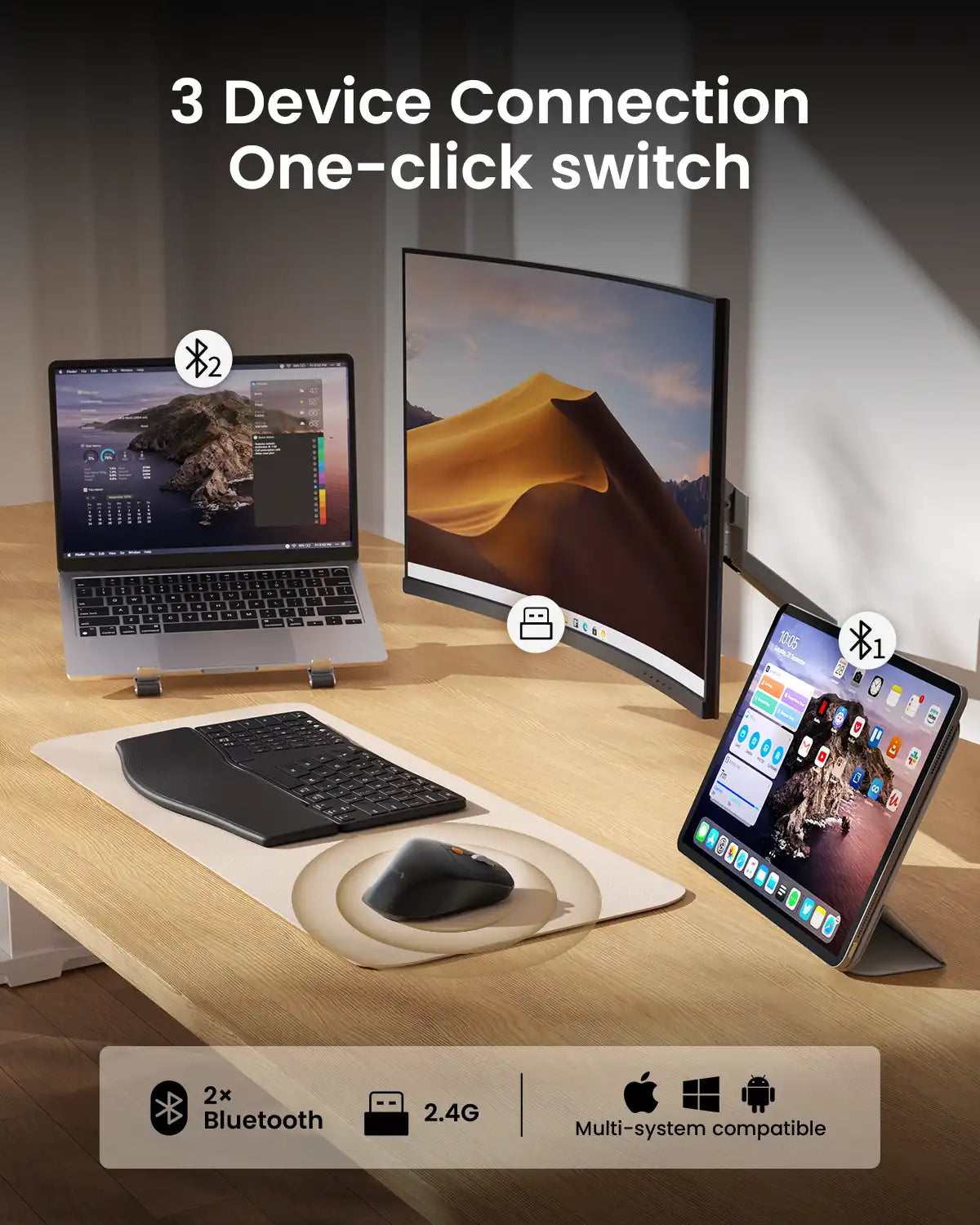
- Triple Connectivity (2.4G + Dual Bluetooth) for 3-Device Switching
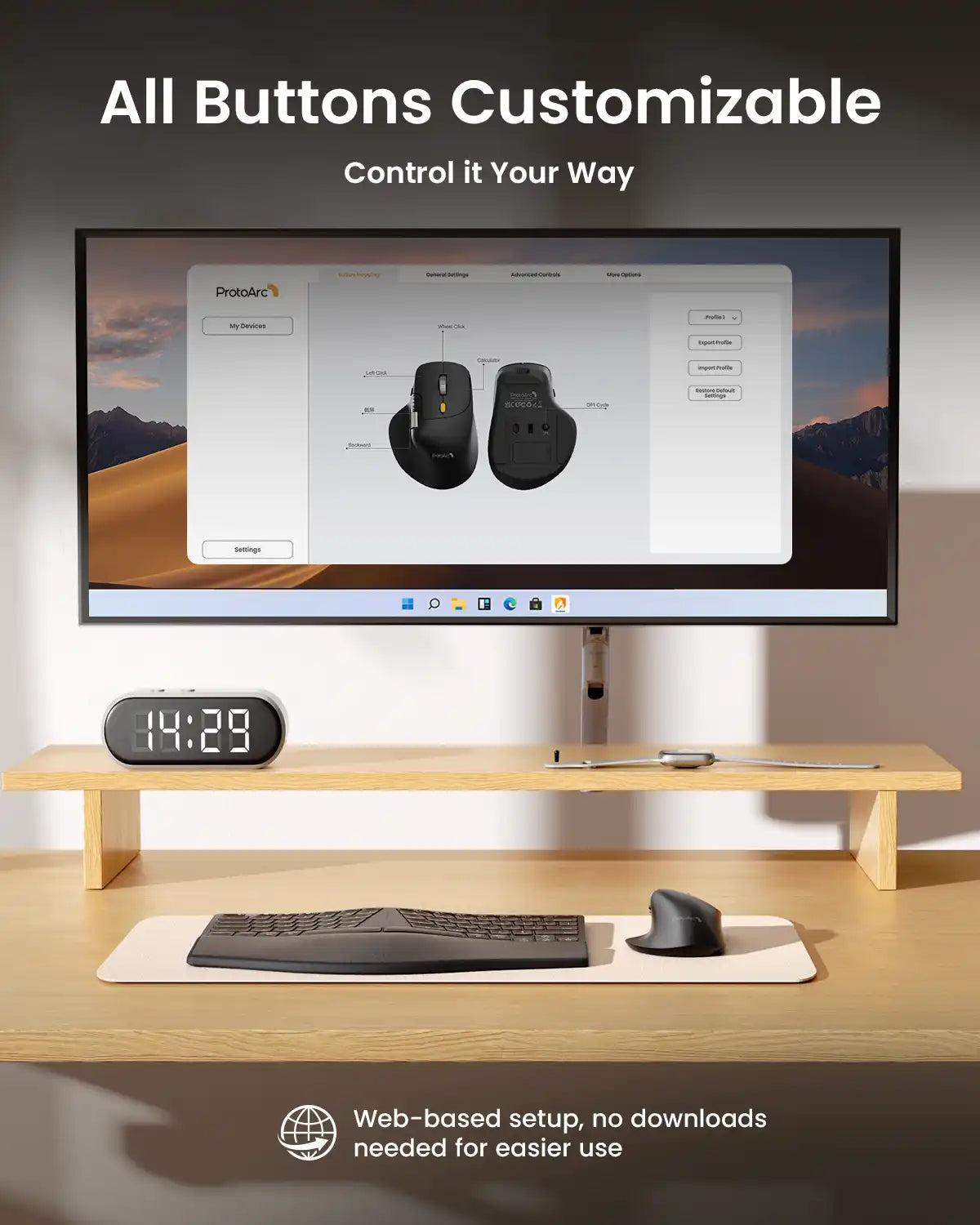
- Web-Based Button Customization & Macro Programming
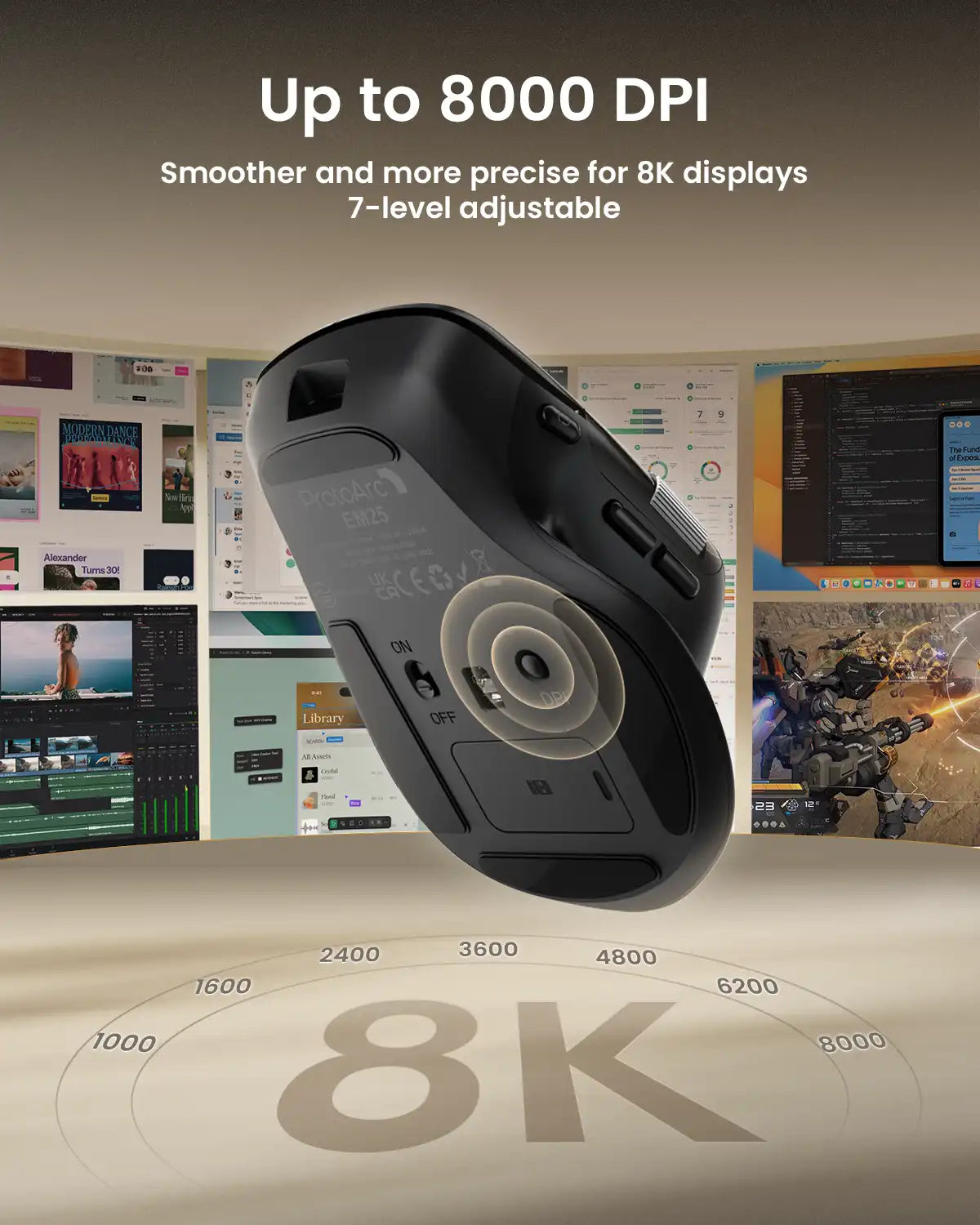
- Adjustable 8000 DPI for Precise Optical Tracking
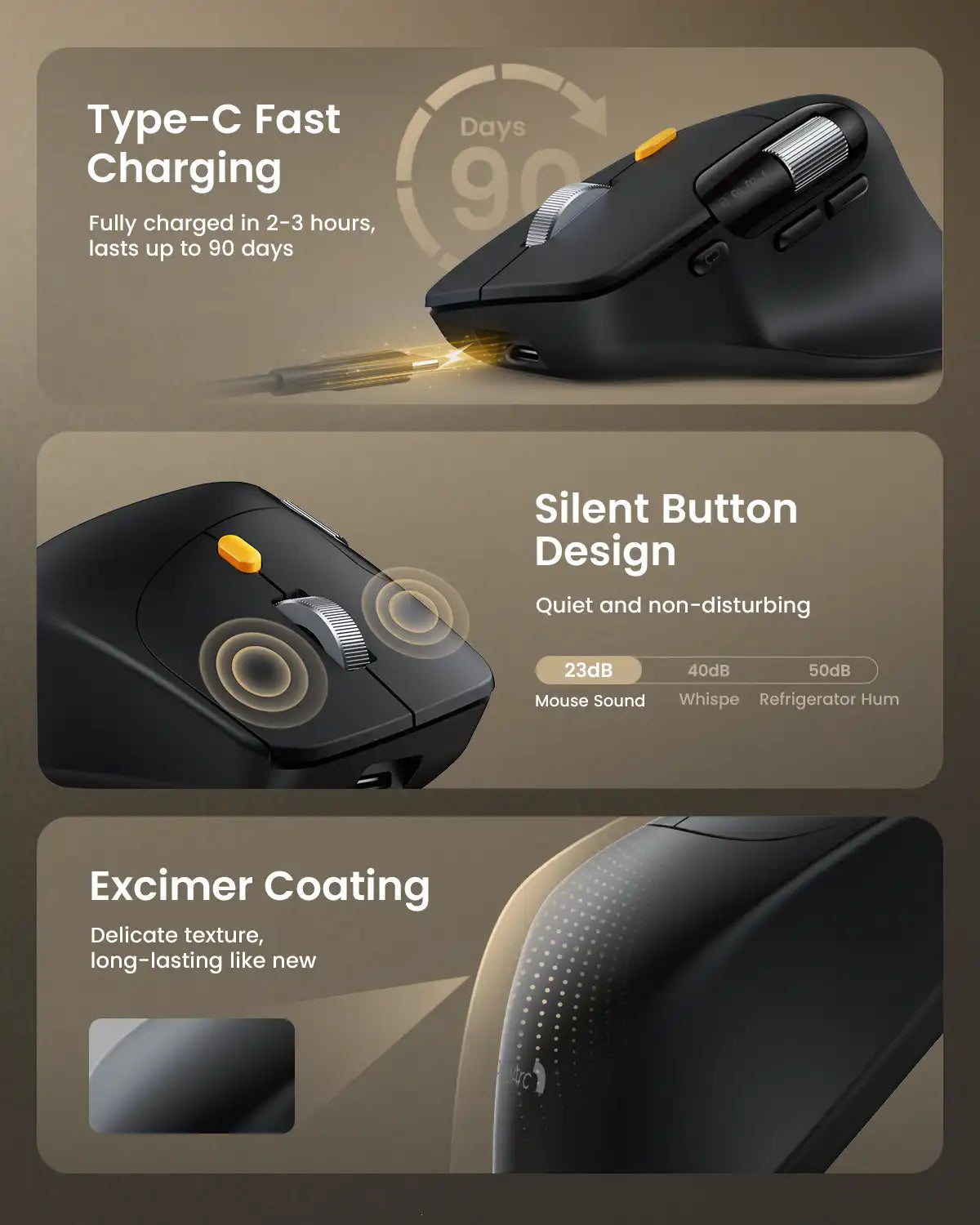
- Quiet Left & Right Click Operation
- Built-In 500mAh Rechargeable Battery with Type-C Charging
ProtoArc EM25 is an ergonomic wireless mouse featuring dual scroll wheels, programmable buttons, and up to 8000 DPI. It supports triple-device connection via 2.4G and Bluetooth, offers web-based customization, and uses a rechargeable battery for efficient, quiet, and comfortable daily use.
🫱🏼🫲🏻 Bulk Discount:
10% off for 5+ pcs • 15% off for 50+ pcs
Automatically applied — no inquiry needed.
Free Shipping
30-Day Returns
2 Years
Warranty


ProtoArc EM25 is a fast-scroll ergonomic mouse designed to help you move through long pages, spreadsheets, and documents more efficiently. With a 1000-line high-speed scroll wheel and thumb wheel control, it reduces scrolling effort while keeping navigation smooth and precise.
It also supports web-based button customization and macro creation, so you can assign shortcuts and automate repetitive actions without downloading software. Combined with up to 8000 DPI precision, quiet clicks, rechargeable power, and multi-device connectivity, EM25 is built for productivity-focused workflows.
1,000 Lines/S Fast Scrolling
Thumb Scroll Wheel
Macro Customization
Connect Up to 3 Devices
Ergonomic Comfort
8000 DPI Precision


EM25 Setup & Driver Guide
Set up button customization, macros, and advanced controls through the EM25 web-based tool. No software download required.
Open EM25 Setup GuideSYSTEM REQUIREMENTS
USB Receiver (2.4G)
Required: Available USB port
Bluetooth
Required: Bluetooth support
Compatible OS: Windows, macOS, ChromeOS, iPadOS, and Android
Compatible devices: Computers, tablets, and smartphones
Customization
Supports button remapping and macro creation through the web-based customization tool.
USB connection required for setup.
Supported browsers: Google Chrome, Microsoft Edge, and Opera.
Customization supported on Windows and macOS only.
TECHNICAL SPECIFICATIONS
Performance
Tracking: Optical
DPI: Up to 8000 (adjustable)
Scrolling: Fast scroll wheel + thumb scroll wheel
Buttons: 6 programmable buttons
Quiet clicks: Left and right buttons are quiet
Battery
Rechargeable Li-Po (500 mAh) battery
Connection Type
2.4G USB receiver
Dual Bluetooth
Multi-device support: Up to 3 devices
One-button device switching
PACKAGE CONTENTS
1 x ProtoArc EM25 Wireless Mouse
1 x USB Receiver
1 x USB-C Charging Cable
1 x User Manual
SETUP PAGE
