














Zubehör
Filter
8 Produkte




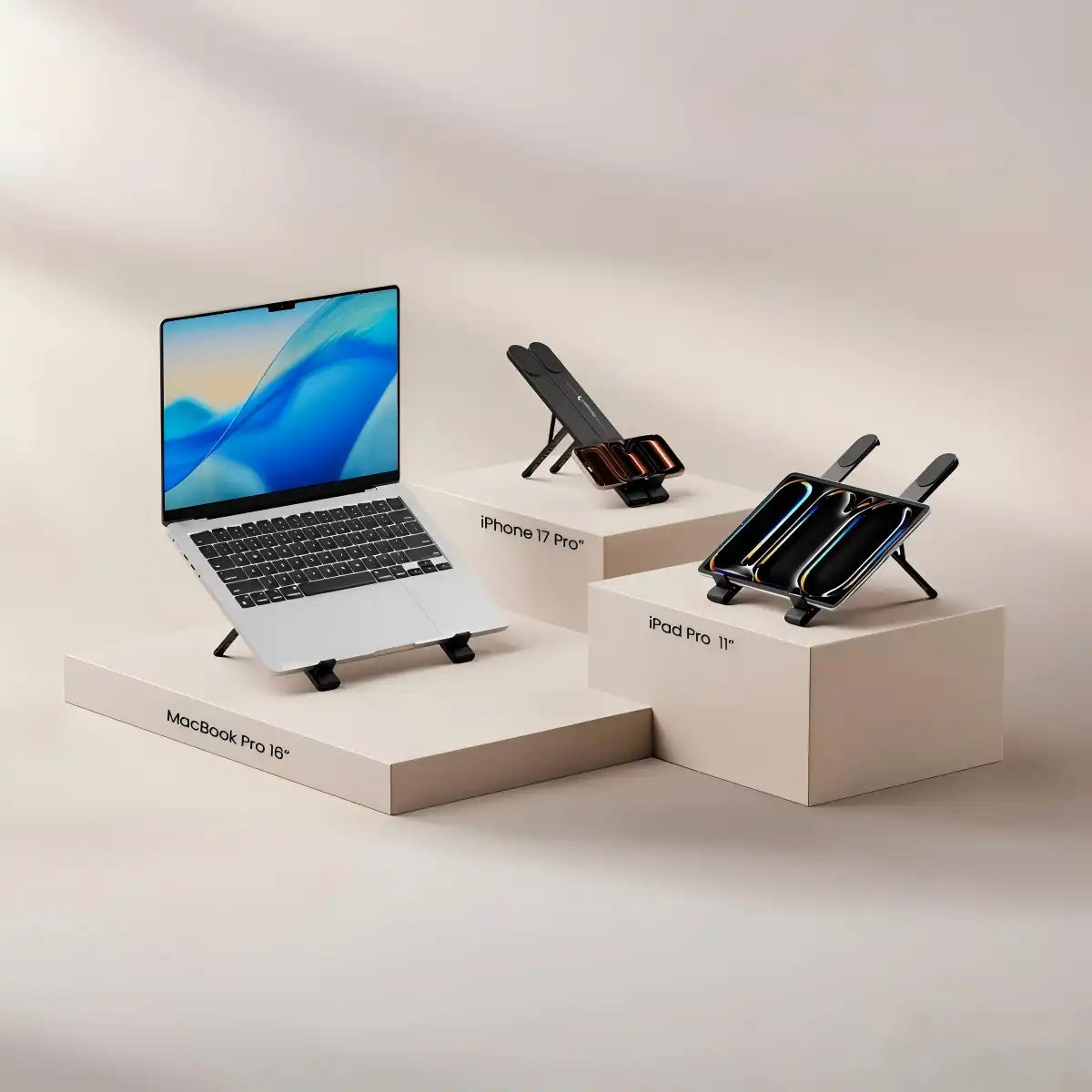
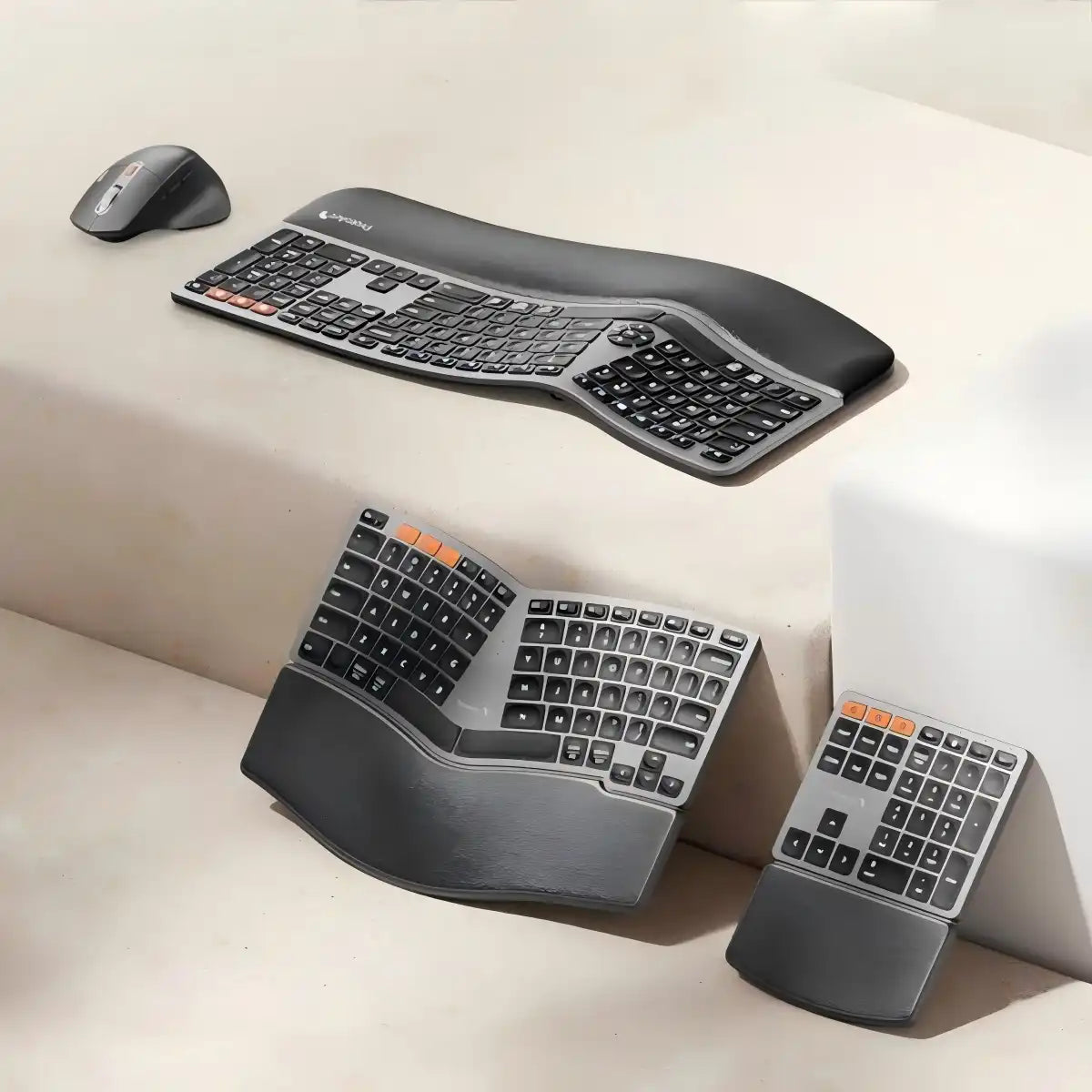

Ergonomisches Zubehör für Ihren Arbeitsplatz: Handgelenkauflagen, Sitzkissen & Trackpads
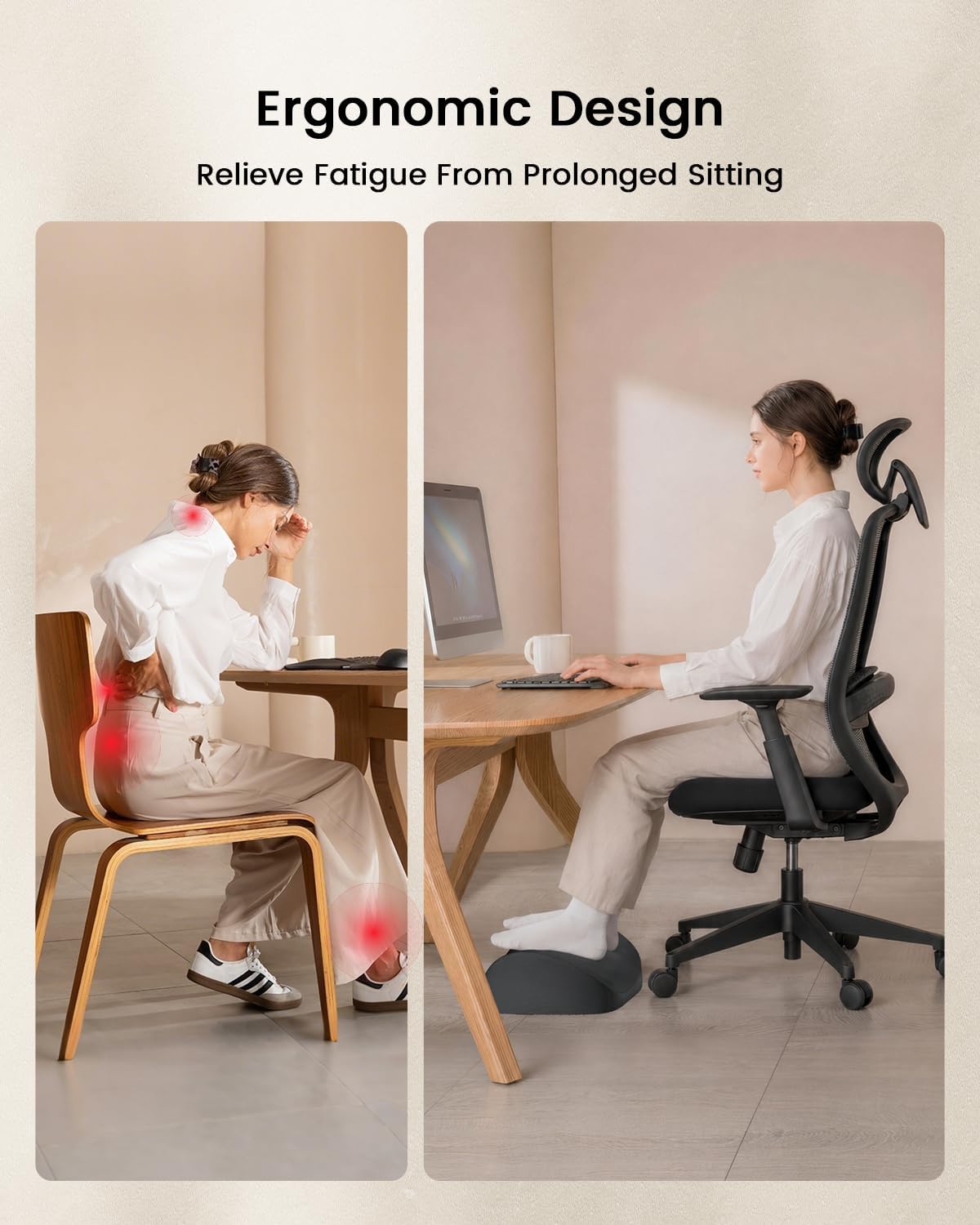
Lange Stunden am Schreibtisch fordern ihren Tribut – Untersuchungen zeigen, dass 65 % der Büroangestellten im Laufe der Zeit muskuloskelettale Probleme entwickeln, wobei Handgelenkschmerzen, Schmerzen im unteren Rücken und Nackenschmerzen zu den am häufigsten gemeldeten Beschwerden gehören. Das richtige Zubehör erhöht nicht nur den Komfort; es behebt die körperlichen Ursachen der Ermüdung, damit Sie den ganzen Tag über konzentriert und produktiv bleiben können. Die Zubehörkollektion von ProtoArc basiert auf einem Prinzip: Jedes Produkt sollte Ihren Körper aktiv unterstützen und nicht nur auf Ihrem Schreibtisch stehen. Hier ist ein strukturierter Überblick über die verfügbaren Produkte und wie jeder Artikel in einen gesünderen Arbeitsplatz passt.
Was ProtoArc Zubehör lösen soll
Ergonomisches Zubehör zielt auf die spezifischen körperlichen Belastungen ab, die sich bei längerer Computernutzung ansammeln – und die Notwendigkeit ist offensichtlich. Studien, die in von Experten begutachteten Forschungsarbeiten veröffentlicht wurden, zeigen, dass etwa 10,9 % der Computernutzer im Büro ein Kribbeln oder Taubheitsgefühl in der Hand aufweisen, das mit einer Kompression des Nervus medianus übereinstimmt, während Nackenschmerzen (60,3 %), Schmerzen im unteren Rücken (59,5 %) und Schulterschmerzen (49,6 %) die am häufigsten gemeldeten muskuloskelettalen Beschwerden bei Büroangestellten sind. Die Zubehörkollektion von ProtoArc adressiert drei primäre Schmerzbereiche:
- Ermüdung des Handgelenks und der Handfläche – verursacht durch flache Mausoberflächen, die das Handgelenk bei stundenlanger Cursorbewegung in eine unnatürliche Überstreckung zwingen
- Steißbein-, Hüft- und Lendenwirbelsäulendruck – verursacht durch standardmäßige flache Sitzkissen, die das Gewicht ungleichmäßig auf die Sitzknochen verteilen
- Handbelastung durch wiederholtes Klicken – behoben durch Trackpad-Alternativen, die Klick-und-Zieh-Bewegungen durch natürliche Fingergesten ersetzen Jedes Produkt in dieser Kollektion wurde aus echtem Benutzerfeedback entwickelt und nach ergonomischen Prinzipien getestet, im Einklang mit ProtoArcs Gründungsmission: die körperlichen Kosten langer Arbeitszeiten zu reduzieren.
Produkte – Was jedes davon leistet und für wen es gedacht ist
Jedes Zubehörteil in dieser Kollektion löst ein spezifisches Problem. Hier ist eine klare Aufschlüsselung, die Ihnen hilft, das richtige Produkt für Ihre spezifischen Bedürfnisse zu finden.
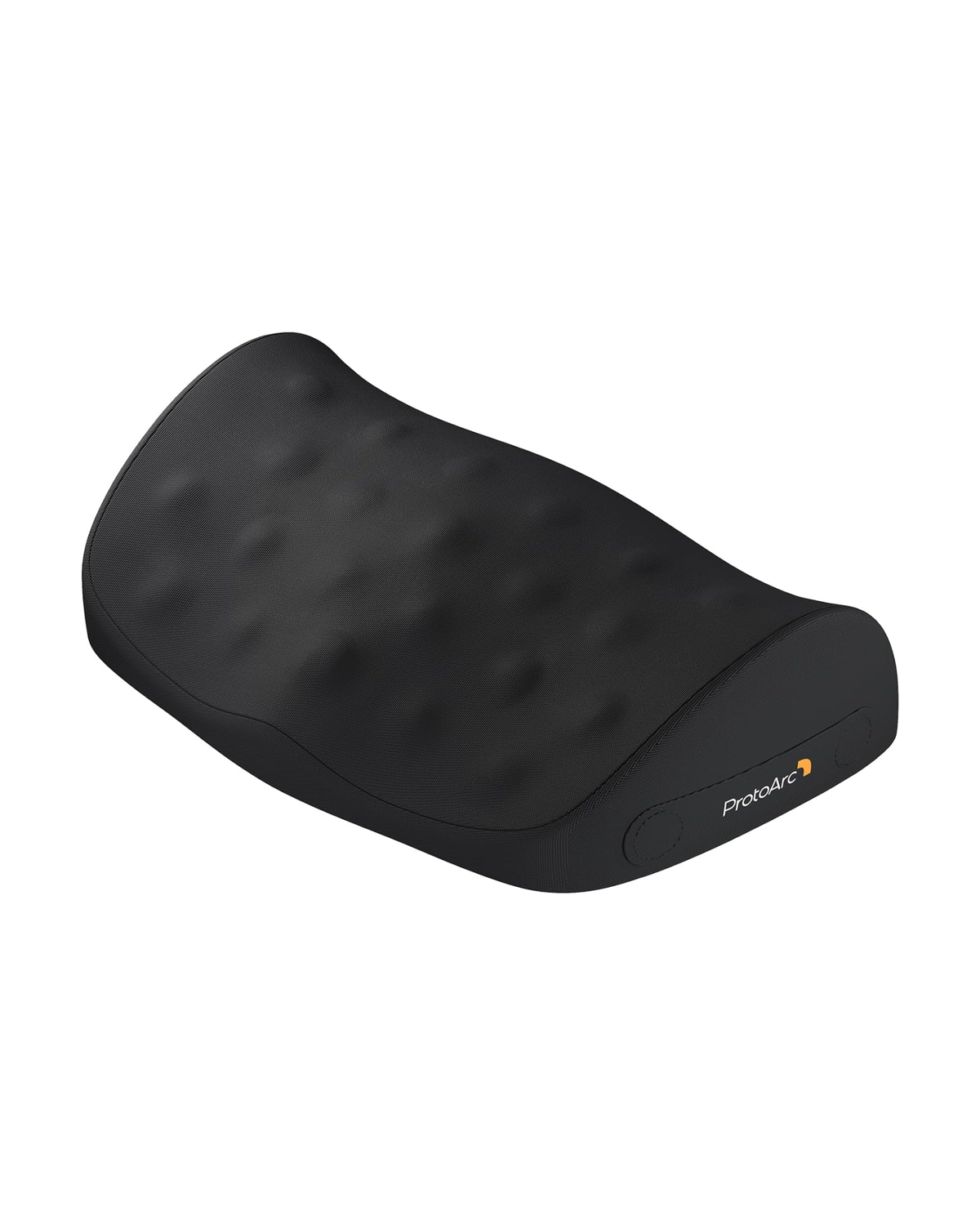
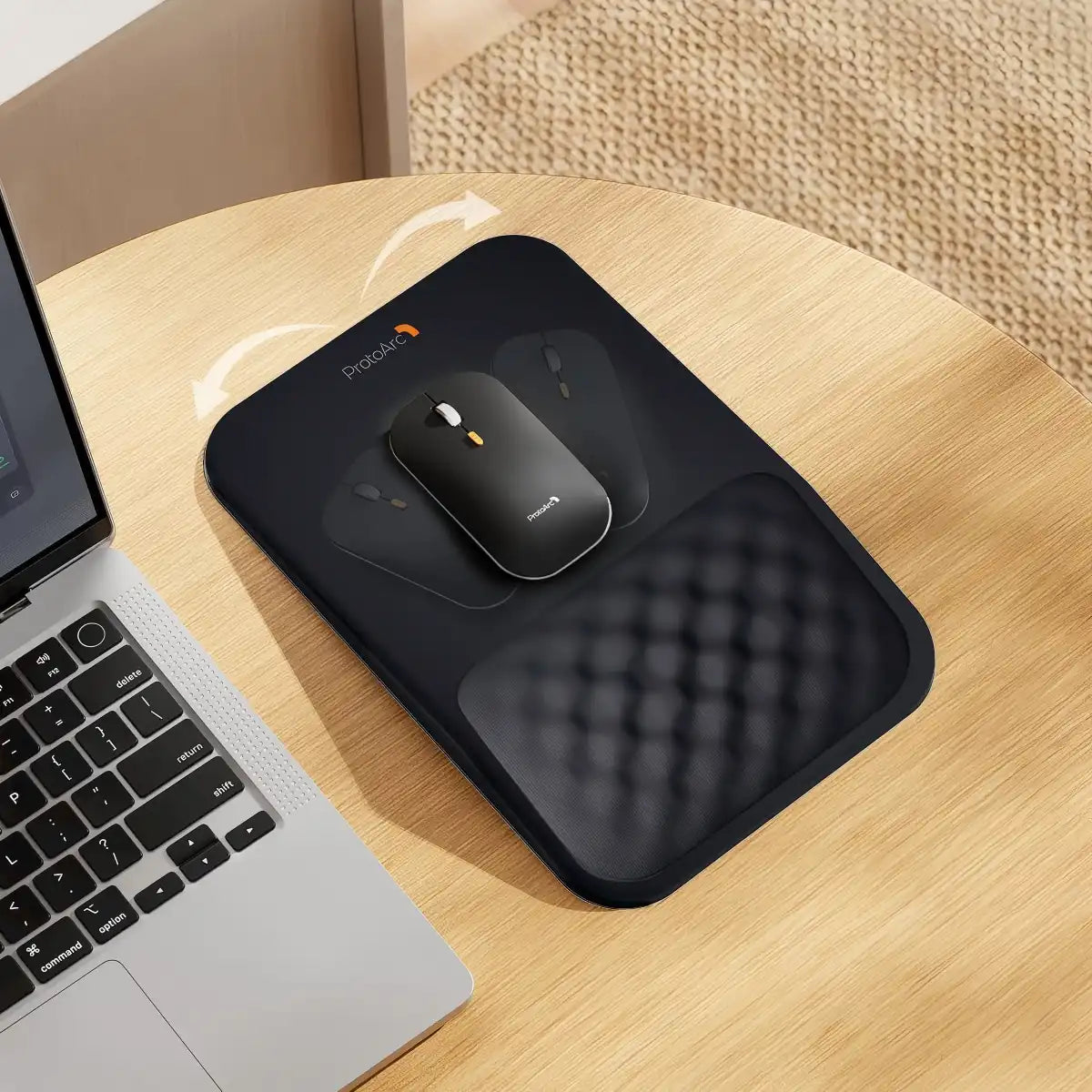
MP50 Ergonomisches Mauspad mit Handgelenkauflage — 20,49–28,49 $
Das MP50 ist die direkteste Lösung für Benutzer, die beim Gebrauch der Maus Handgelenkbeschwerden haben. Sein entscheidendes Merkmal ist eine 8-Grad-Ergonomieneigung, die das Handgelenk und die Handfläche in einem natürlich gestützten, leicht erhöhten Winkel positioniert – wodurch die Überstreckung reduziert wird, die Ermüdung verursacht und im Laufe der Zeit zu Symptomen des Karpaltunnelsyndroms (KTS) beiträgt.
Wichtige Spezifikationen
| Merkmal | Detail |
|---|---|
|
Gesamtgröße |
30 × 19,5 × 3 cm (11,81 × 7,67 × 1,57 Zoll) |
|
Ergonomische Neigung |
8° Neigung |
|
Füllung der Handgelenkauflage |
Memory-Schaum mit langsamer Rückfederung |
|
Oberfläche |
Glattes Lycra-Gewebe (präzise Mausverfolgung) |
|
Basis |
Rutschfester PU-Gummi |
|
Besondere Merkmale |
Massage-Noppenstruktur für Luftzirkulation & Handgelenkkühlung |
|
Handstütze |
Rechts- und Linkshänder |
Hinweis von der Produktseite: Erstbenutzer sollten eine 1–2-wöchige Anpassungsphase erwarten, während sich das Handgelenk an den erhöhten Winkel gewöhnt. Dies ist normal und zu erwarten. Verfügbare Farben: Schwarz, Grau, Beige, Schwarzes PU-Leder. Am besten geeignet für: Büroangestellte und alle, die täglich 4+ Stunden an einer Maus verbringen und Handgelenksermüdung oder frühe KTS-Beschwerden haben.
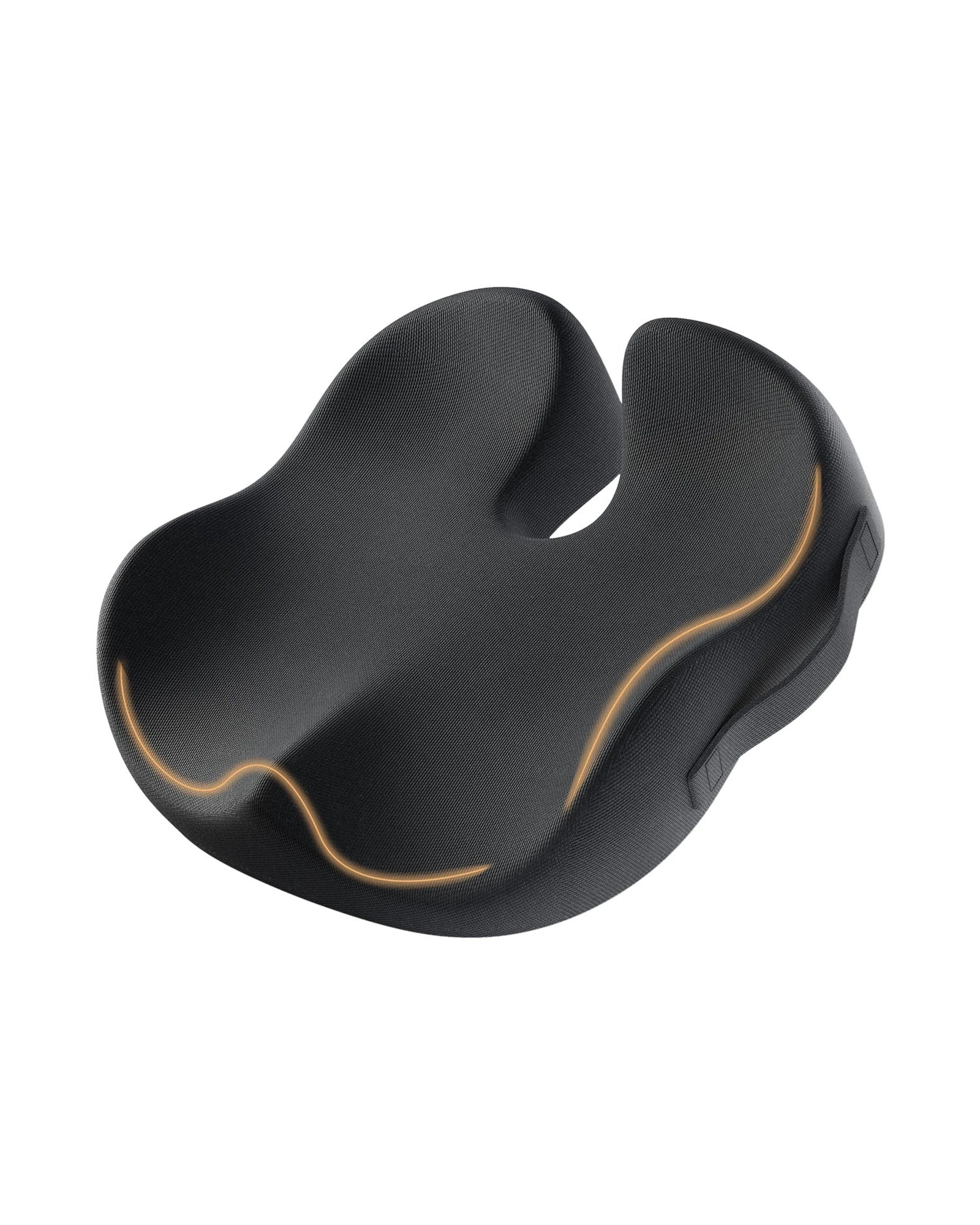
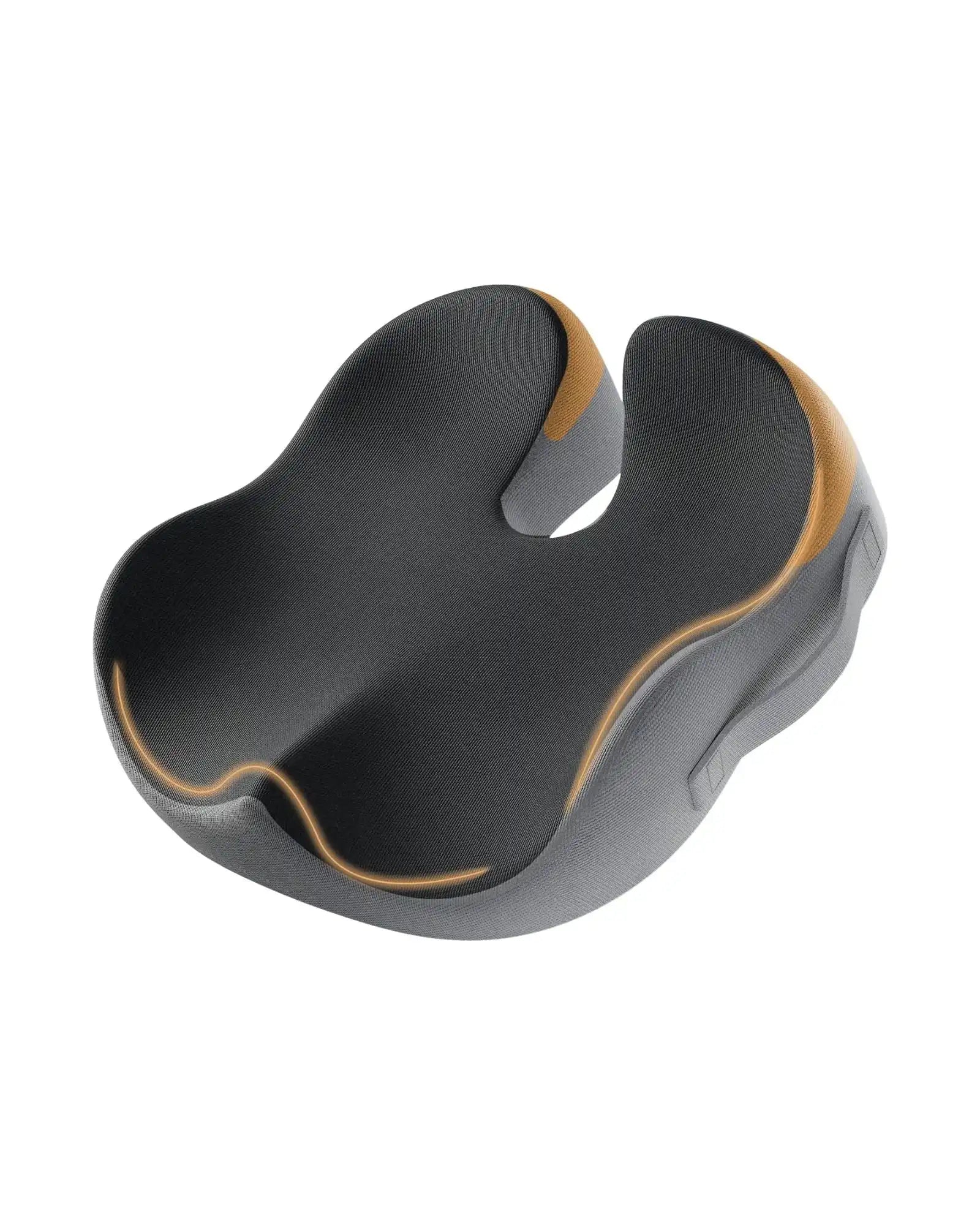
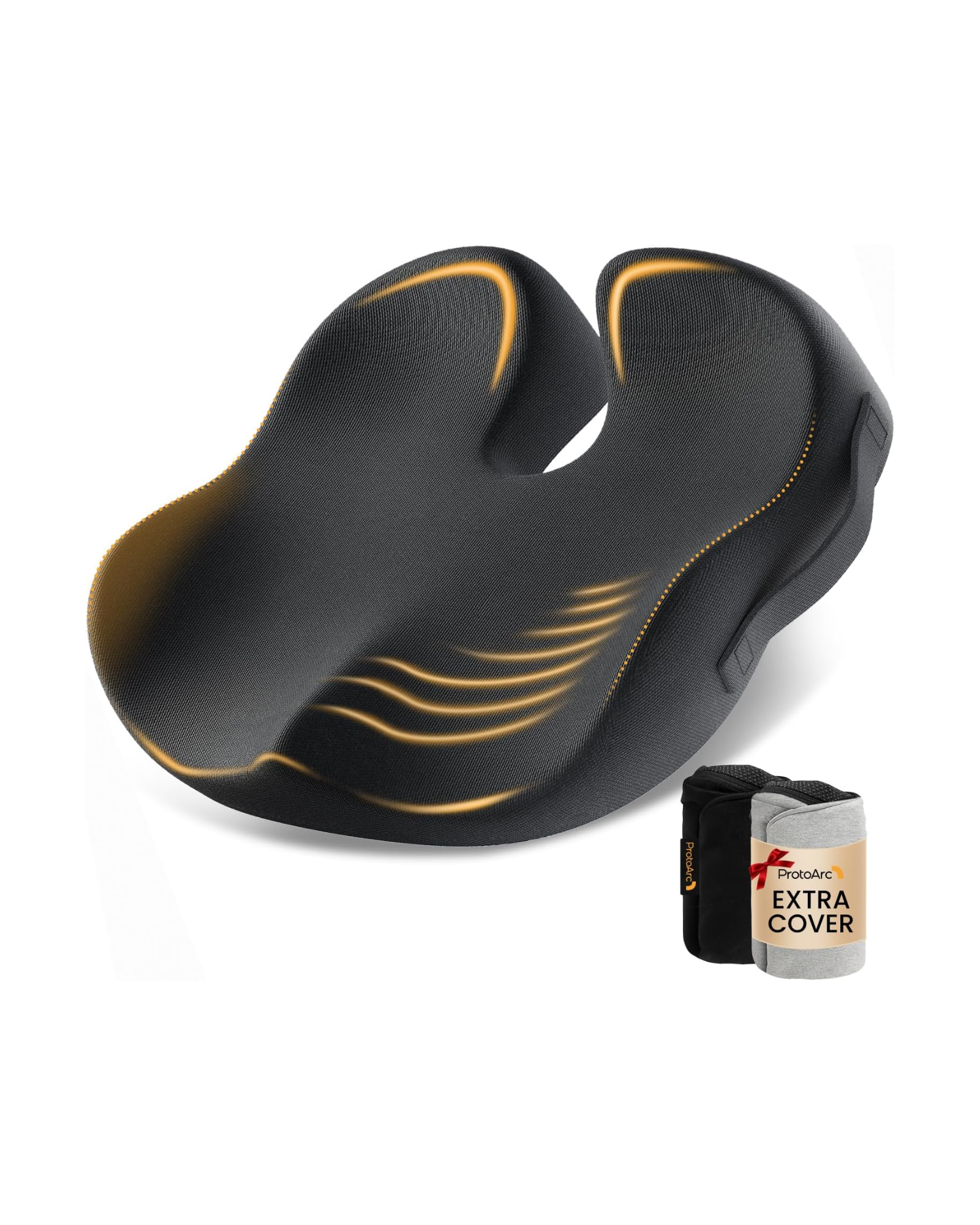
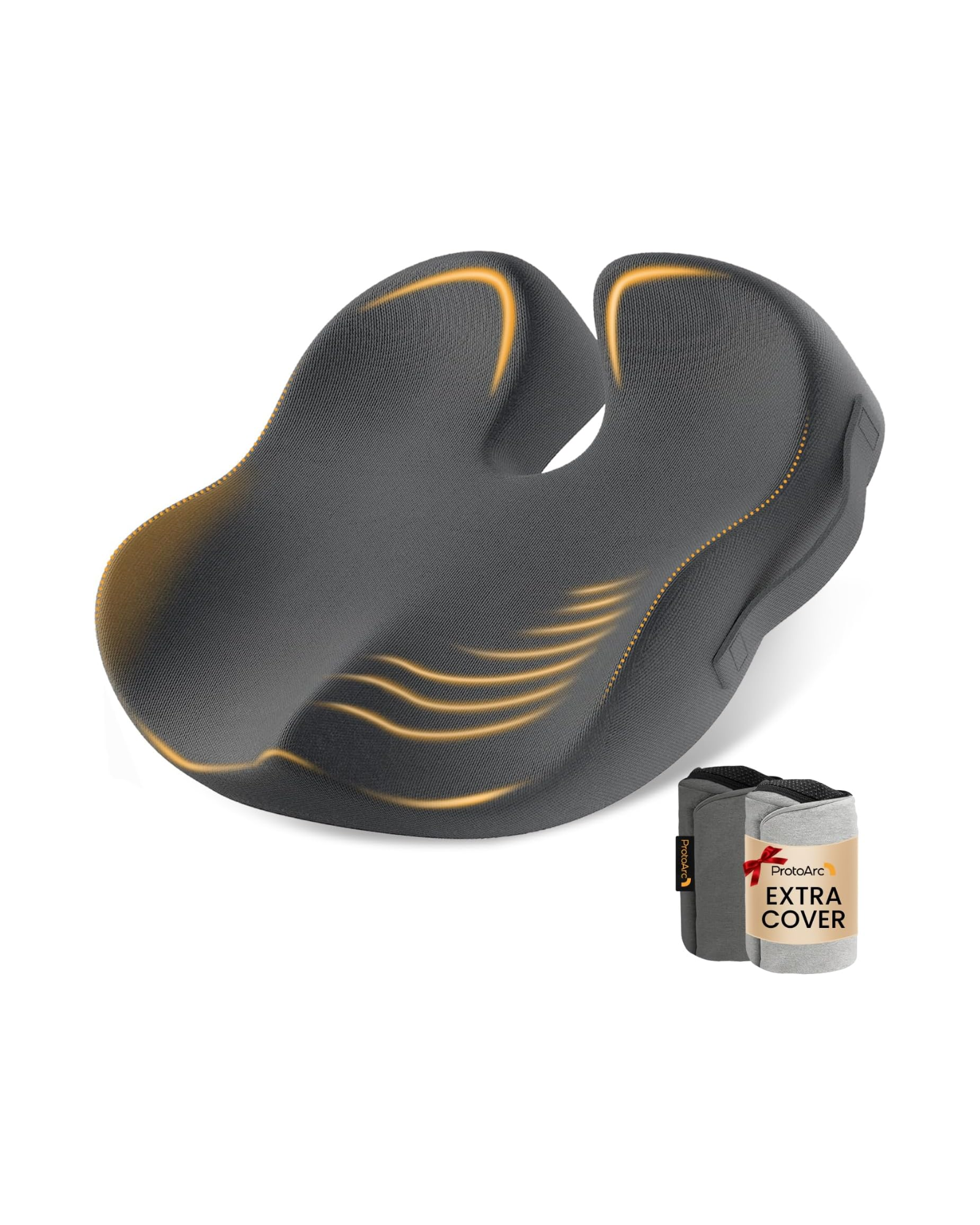
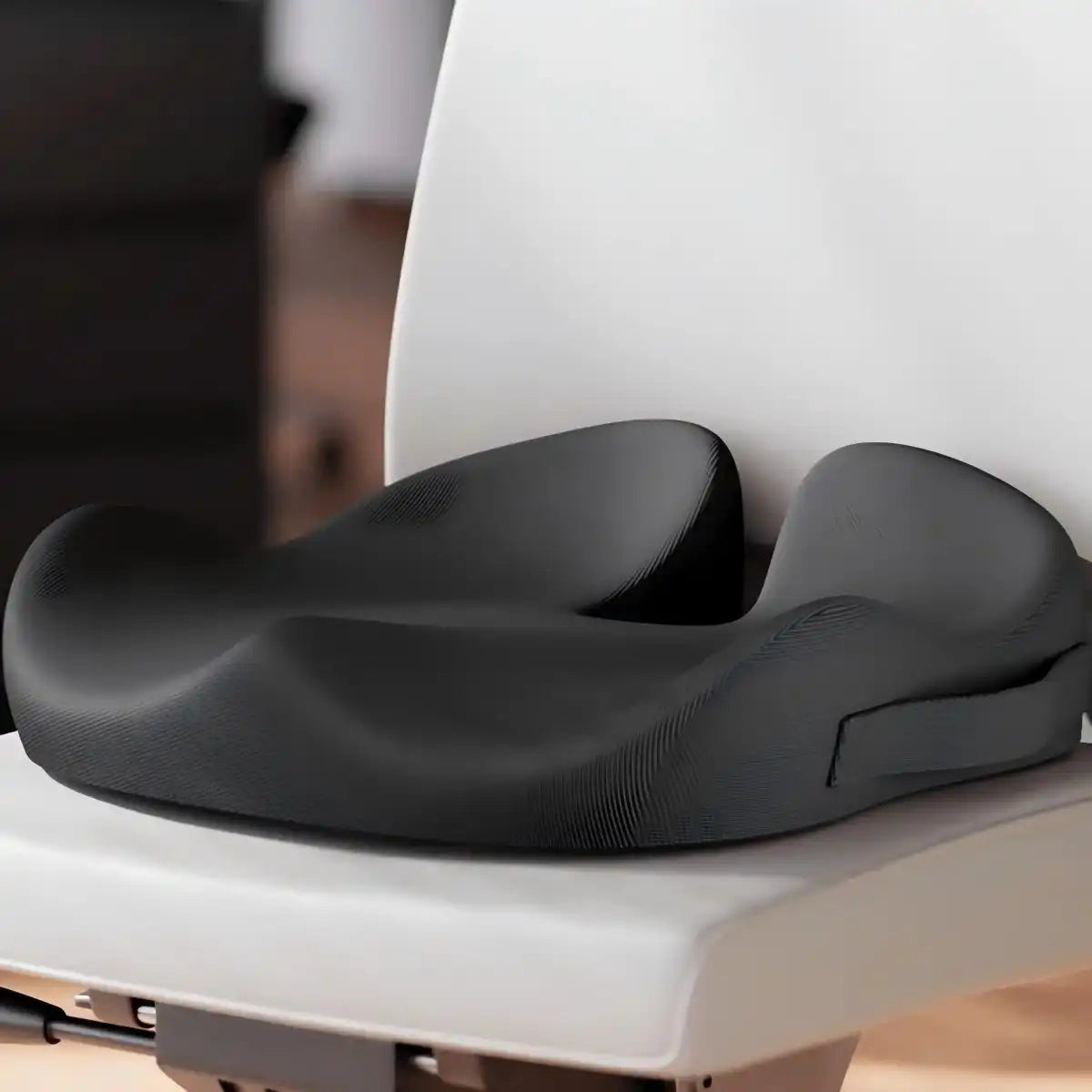
SC Butterfly Ergonomisches Sitzkissen — 25,98–32,99 $
Das SC Butterfly lindert den Druck auf Steißbein, Hüfte und unteren Rücken durch langes Sitzen. Seine schmetterlingsförmige, halbkreisförmige Form zielt gleichzeitig auf fünf spezifische Druckzonen ab – ein funktionales Design, kein dekoratives.
Wichtige Spezifikationen
| Merkmal | Detail |
|---|---|
|
Abmessungen |
18,3 Zoll (L) × 15,7 Zoll (B) × 4,3 Zoll (H) |
|
Gewicht |
35,3 oz (1 kg) |
|
Füllmaterial |
Adaptiver Memory-Schaum (empfohlen unter 220 lbs) |
|
Stoff |
Pillingbeständige Baumwolle, verdeckter Reißverschluss, maschinenwaschbar |
|
Basis |
Rutschfeste Silikonpunkte |
|
Besondere Merkmale |
Steißbeinausschnitt, erhöhte Seiten, hintere Belüftungsöffnung |
Verfügbare Farben: Schwarz, Dunkelgrau, Kaffee. Am besten geeignet für: Fernarbeiter, Fahrer und Studenten, die täglich 6+ Stunden sitzen und unter Ermüdung des unteren Rückens, Steißbeinschmerzen oder Hüftbeschwerden leiden. Tragbar genug für Reisen und Pendeln.
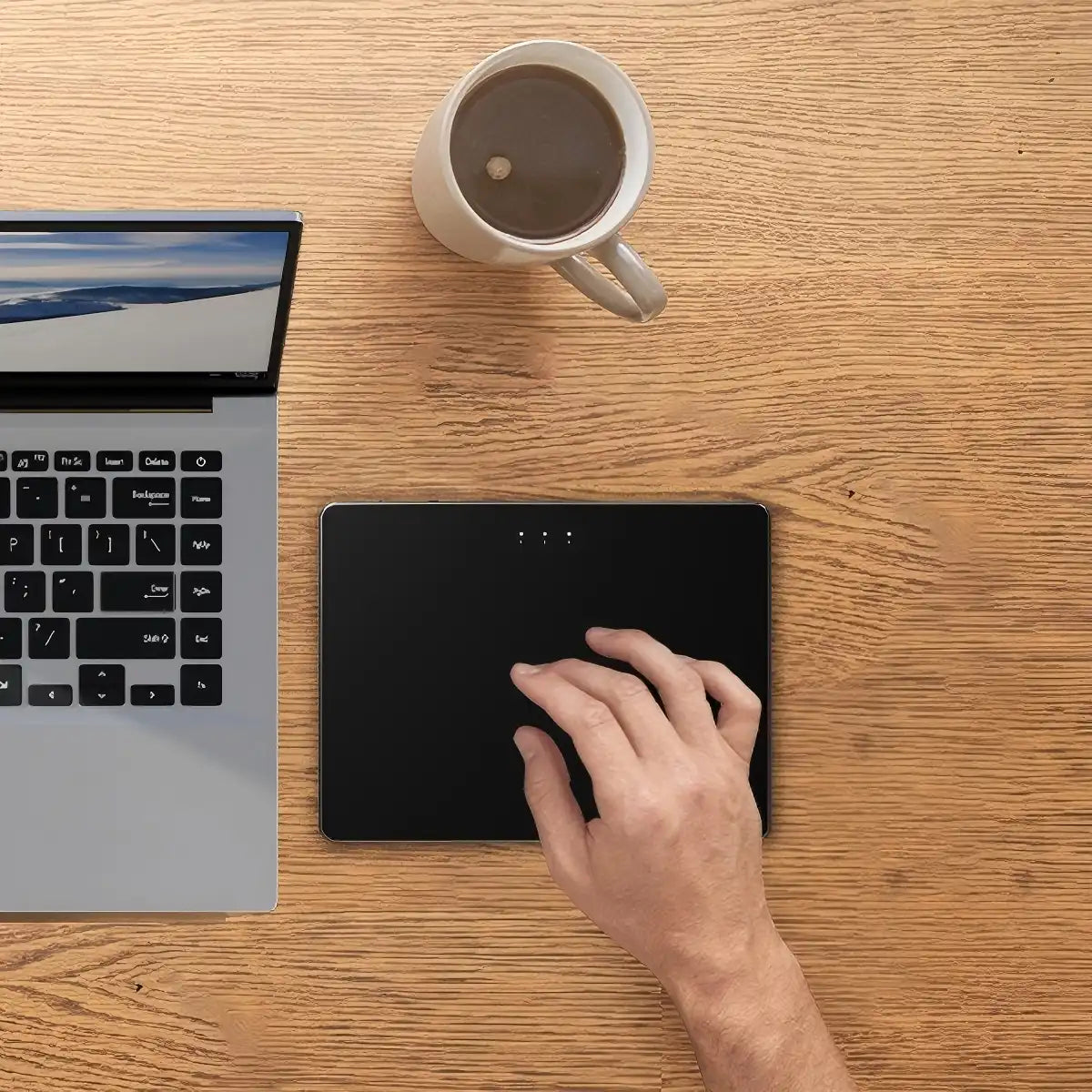
T1 Plus Kabelloses Trackpad für Windows — 46,49–47,99 $
Das T1 Plus wurde für Windows-Benutzer entwickelt, die wiederholte Handgelenkbewegungen reduzieren möchten, indem sie die traditionelle Mausnavigation durch eine Multi-Touch-Gestensteuerung ersetzen. Die Trackpad-Bedienung erfordert nur ein oder zwei Finger – deutlich weniger Belastung für das Handgelenk als eine vollständige Mausbewegung.
Wichtige Spezifikationen
| Merkmal | Detail |
|---|---|
|
Oberflächengröße |
6,4 × 4,8 × 0,4 Zoll – ultradünnes Metall |
|
Konnektivität |
3-Geräte-Bluetooth (Ein-Knopf-Umschaltung) |
|
Akku |
500 mAh, Type-C wiederaufladbar, bis zu 50 Std. |
|
Gestenunterstützung |
Bis zu 4-Finger-Gesten |
|
Kompatibilität |
Nur Windows (nicht macOS / Chrome OS / Linux) |
|
Basis |
Rutschfest |
Verfügbare Farben: Grau, Schwarz, Weiß. Am besten geeignet für: Windows-Benutzer, die geräteübergreifend Multitasking betreiben, Gestennavigation bevorzugen oder sich von einer Handgelenksbelastung erholen.
T1 Kabelgebundenes Trackpad für Windows — 26,59–28,49 $
Das T1 Wired ist die Plug-and-Play-Alternative für Benutzer, die Trackpad-Präzision ohne Batteriemanagement wünschen. Es teilt die gleiche 6,4-Zoll-Metalloberfläche und Multi-Touch-Gestenunterstützung wie das T1 Plus und wird über USB-C für eine stabile, latenzfreie Verbindung angeschlossen – kein Pairing erforderlich.
Wichtige Spezifikationen
| Merkmal | Detail |
|---|---|
|
Oberflächengröße |
6,4 × 4,8 × 0,4 Zoll |
|
Anschluss |
USB-C kabelgebunden, Plug-and-Play, kein Treiber erforderlich |
|
Auflösung |
1878 × 1407 |
|
Gestenunterstützung |
Bis zu 4-Finger-Gesten |
|
Kompatibilität |
Nur Windows 7 / 10 / 11 |
|
Garantie |
2 Jahre eingeschränkte Hardwaregarantie |
Verfügbare Farben: Schwarz, Weiß. Am besten geeignet für: Windows-Benutzer mit festem Arbeitsplatz, die eine zuverlässige kabelgebundene Präzision ohne drahtlose Einrichtung wünschen.
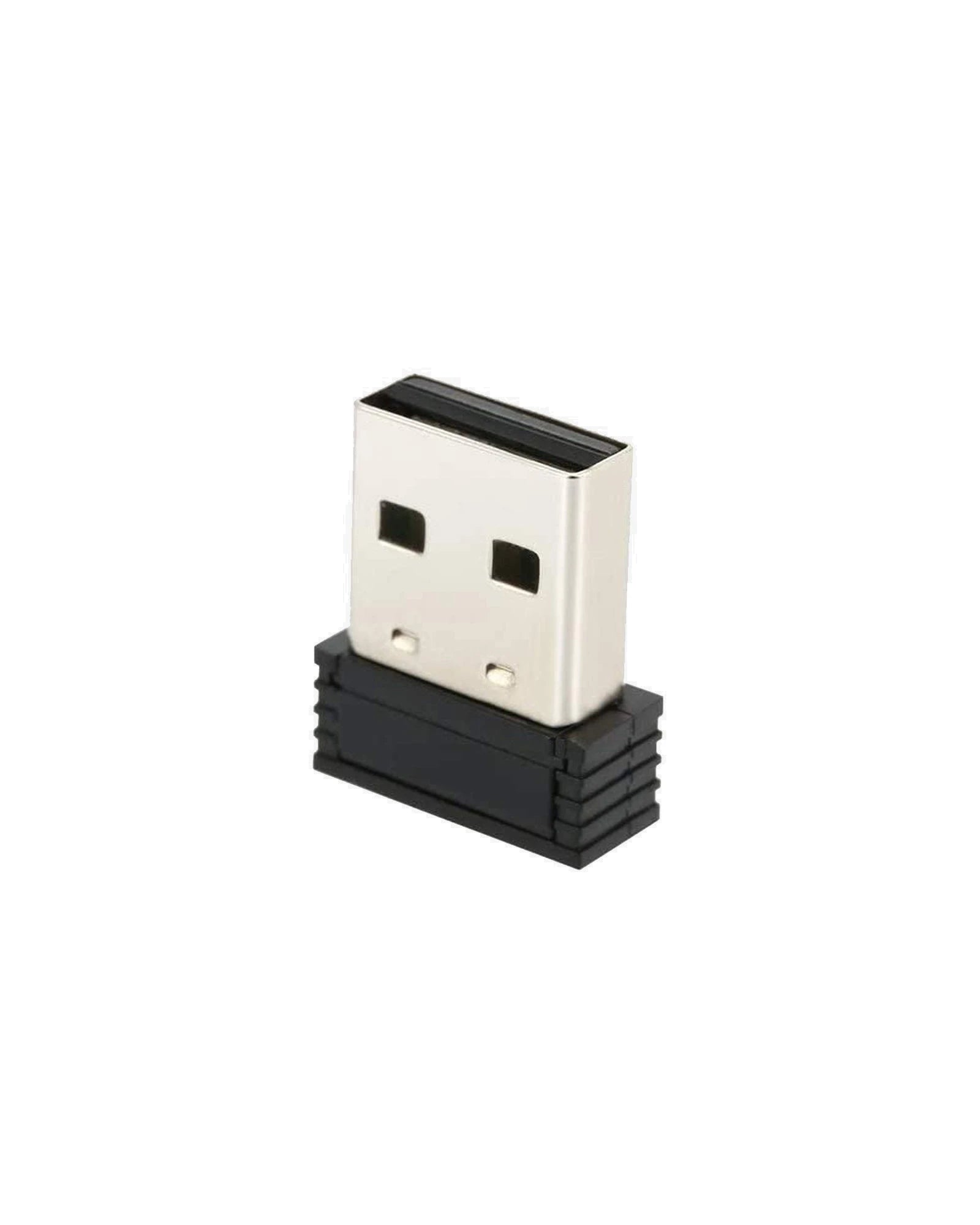
SM002 Unifying USB-Empfänger — 9,90 $
Der SM002 ist ein Ersatz-2,4-G-USB-Empfänger für drahtlose ProtoArc-Geräte – nur über den Kundendienst erhältlich, gedacht für Benutzer, die den Originalempfänger verloren oder beschädigt haben. Hinweis: Kontaktieren Sie vor dem Kauf den ProtoArc-Kundendienst, um die Kompatibilität mit Ihrem spezifischen Gerät zu bestätigen.
So wählen Sie das richtige Zubehör aus
Das richtige Zubehör hängt davon ab, woher Ihre Beschwerden stammen und wie Sie arbeiten. Diese Tabelle ordnet häufige Schmerzpunkte dem relevantesten Produkt zu:
| Schmerzpunkt / Bedarf | Empfohlenes Produkt | Preisspanne |
|---|---|---|
|
Handgelenksermüdung oder frühe KTS-Symptome durch Mausgebrauch |
MP50 Ergonomisches Mauspad |
20,49–28,49 $ |
|
Steißbein-, Hüft- oder Kreuzschmerzen vom Sitzen |
SC Butterfly Sitzkissen |
25,98–32,99 $ |
|
Handgelenksbelastung durch wiederholte Mausbewegungen (kabellos) |
T1 Plus Kabelloses Trackpad |
46,49–47,99 $ |
|
Handgelenksbelastung durch wiederholte Mausbewegungen (kabelgebunden) |
T1 Kabelgebundenes Trackpad |
26,59–28,49 $ |
|
Verlorener oder beschädigter kabelloser USB-Empfänger |
SM002 USB-Empfänger |
9,90 $ |
Das MP50 und das SC Butterfly adressieren unterschiedliche Körperzonen und funktionieren gut zusammen – sie lösen völlig getrennte ergonomische Probleme ohne Konflikte. Alle ProtoArc-Zubehörteile werden in den USA versandkostenfrei ab einem Bestellwert von 19,99 $ geliefert, haben ein 30-tägiges Rückgaberecht und eine 2-jährige eingeschränkte Hardwaregarantie für die entsprechenden Produkte.
FAQ
Quick answers about seat cushions, trackpads, mouse pads, and receivers.
What ergonomic accessories does ProtoArc offer?
Which accessory is best for relieving back or tailbone pain?
Do ProtoArc trackpads work with my Windows laptop?
Can I use the trackpad with a desktop computer?
What makes the mouse pad ergonomic?
Do I need a receiver for my mouse? Which mice are compatible?
Can I use the seat cushion in my car or on a wheelchair?
How do I clean these accessories?
