


















Speed Edit Like a Pro and Streamline Your Video Editing Workflow with a Trackball
Stationary ergonomic mice drastically improve post-production workflows. Eliminate arm movement to navigate long timelines faster and reduce carpal tunnel.

How to Fix a Sticky Trackball Mouse: 4 Steps to Smooth Precision
Four steps: eject the ball carefully, scrub bearings with isopropyl alcohol, lubricate with skin oil or lanolin, clean optical sensor for perfect tracking.
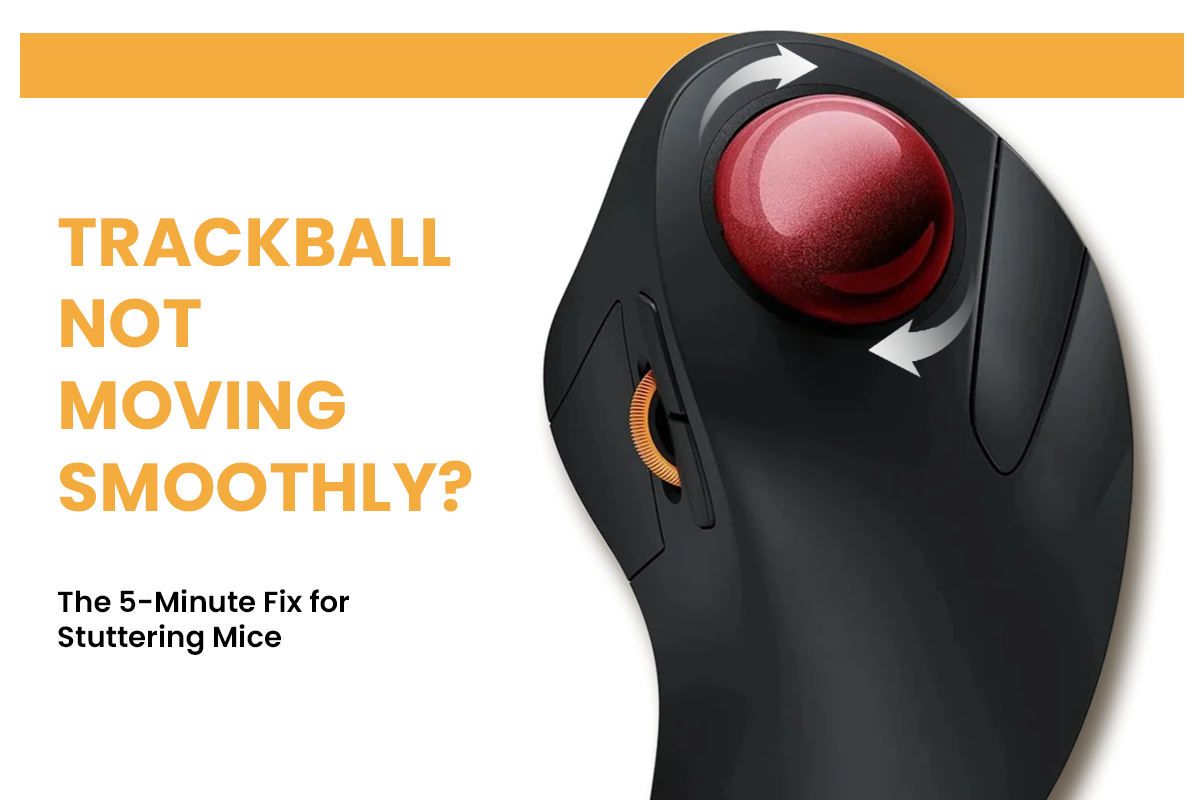
Trackball Not Moving Smoothly? The 5-Minute Fix for Stuttering Mice
Stuttering caused by dust and oils on bearings and sensors. Clean the ball socket, polish the sphere, blast the optical port, and adjust software settings.

What Is "Mouse Elbow"? How to Fix the Pain Without Giving Up Your Computer
Repetitive mouse use causes tendon inflammation at your elbow. Switch to vertical or trackball mice, adjust desk height, and perform wrist stretches every 2 hours.
