








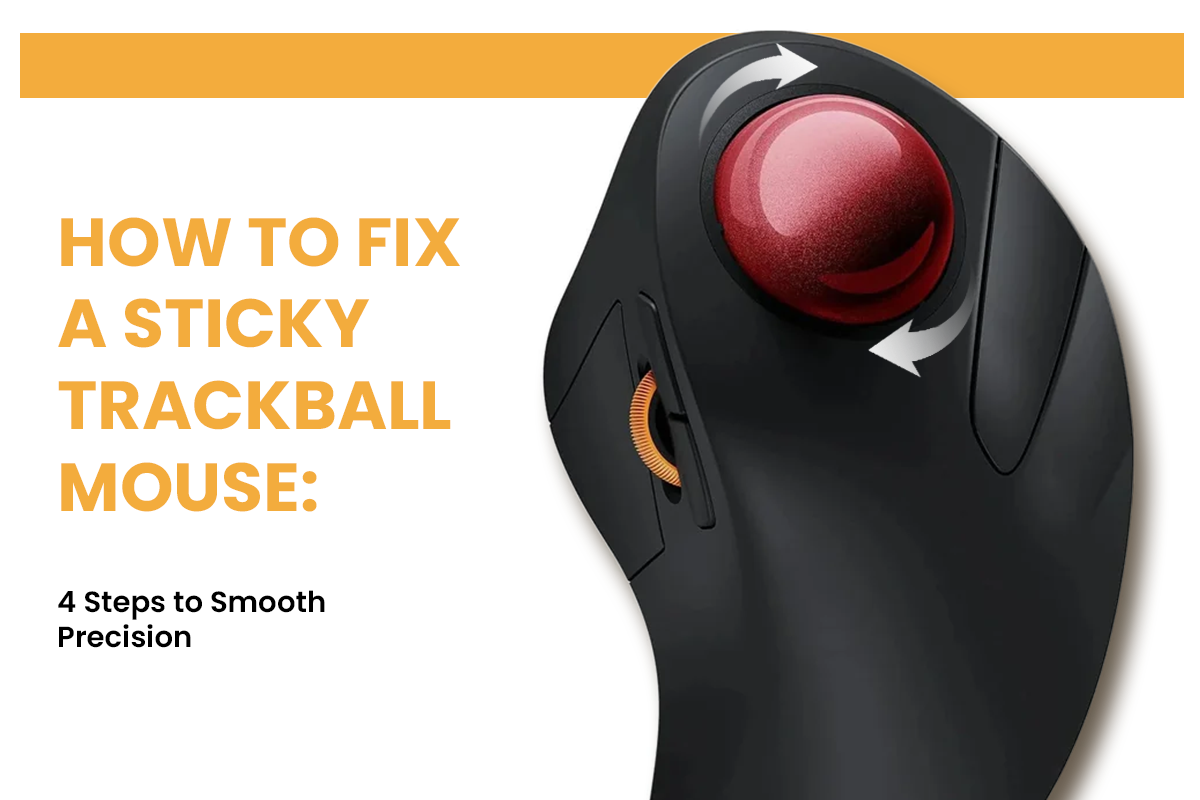
A stuttering cursor is the ultimate productivity killer during a high-stakes project. When your mouse refuses to glide across the screen, every small movement feels like a battle against invisible glue. This physical resistance disrupts your creative flow and causes unnecessary hand strain.
Most users assume their hardware is failing when the solution is actually a simple matter of hygiene and friction management. You can restore that effortless rolling sensation by following a professional maintenance routine.
Signs Your Trackball Mouse Needs a Deep Clean
Knowing the symptoms of a dirty device allows you to fix the issue before it impacts your work quality. Watch for these specific indicators that your device requires attention. The Centers for Disease Control and Prevention (CDC) provides research on how alternative computer mouse designs can reduce muscle loading and strain.
- Stiction: This term combines the words static and friction to describe a ball that feels stuck until you apply extra force.
- Grinding Noises: You may hear or feel a crunchy sensation caused by grit trapped between the ball and the bearings.
- Cursor Skipping: The pointer on your screen jumps or teleports because the optical sensor cannot read the ball surface through a layer of grime.
- Erratic Tracking: Your trackball mouse moves smoothly in one direction but struggles when moving diagonally or vertically.
Step 1: Safely Remove the Ball from Your Trackball Mouse
Because these devices are precision instruments, you must handle the removal process with care to avoid misaligning the sensitive internal parts. Different models require different approaches to ensure the casing remains intact. Follow these steps to eject the ball without causing damage:
- Locate the Ejection Port: Look for a circular hole on the underside of the device designed for a finger or a blunt pen cap.
- Apply Gentle Pressure: Push upward through the hole until the ball pops out of its socket.
- Check for Retaining Rings: Some older models require you to twist a plastic ring counterclockwise before the ball can be released.
- Use Gravity: If no hole exists, cup your hand over the ball and tilt the trackball mouse upside down while applying light pressure to the edges of the ball.
Never use metal tools or sharp objects to pry the ball out. Even a microscopic scratch on the sphere will create a permanent bump that you will feel every time you move the cursor. Once the ball is free, place it on a clean microfiber cloth so it does not roll away or collect more dust from your desk surface.

Step 2: Clean the Bearings Inside Your Trackball Mouse
The most critical components of your trackball mouse are the three small support bearings located inside the cup. These bearings are magnets for a substance often called gunk, which is a mixture of skin oils and ambient dust. When this material builds up, it creates a flat surface that prevents the ball from spinning freely.
To clear this debris, you can use the following tools:
- Cotton swabs
- Isopropyl alcohol (a fast-evaporating liquid used to clean electronics)
- Compressed air
Dampen a cotton swab with the alcohol and firmly rub each of the three bearings. You will notice a dark ring of dirt transferring onto the swab. After the bearings shine, use the compressed air to blow out any loose particles that may have fallen into the optical sensor hole. This ensures the path is clear for the light to track your movements accurately.

Step 3: Professional Lubrication for a Smoother Trackball Mouse
A common mistake is leaving the ball completely dry after a deep clean. While it sounds strange, a trackball mouse requires a microscopic layer of oil to glide over the hard bearings without catching. Without this lubrication, the plastic ball creates too much friction.
Different substances provide varying levels of success when trying to achieve a perfect roll. The following table compares common methods for lubricating your device.
|
Method |
Performance |
Why It Works |
|
Natural Skin Oil |
High |
The oils from your forehead are the perfect consistency for plastic. |
|
Lanolin |
Excellent |
This natural sheep wool wax provides a long lasting and smooth glide. |
|
Dry Cleaning |
Low |
A completely dry ball will feel scratchy and vibrate during use. |
|
Petroleum Jelly |
Dangerous |
These thick oils trap dust and will eventually gum up the sensor. |
Choosing the right approach will keep your device feeling brand new for weeks. After selecting a method, remember that only a very small amount should be applied.

Step 4: Fix Sensor and Connection Issues in Your Trackball Mouse
If the physical movement is smooth but the cursor still acts strangely, the issue is likely electronic. Wireless models face unique challenges that can mimic the feeling of a sticky ball. Signal interference or low power can cause the cursor to lag or stutter. Follow these steps to ensure a stable connection:
- Clean the optical sensor lens with a dry cotton swab to remove lint.
- Check your battery levels because a weak power source reduces the sensor refresh rate.
- Ensure the USB receiver is within a clear line of sight to your wireless trackball mouse.
Keeping the signal path clear is just as important as keeping the hardware clean. If you use a Bluetooth connection, try toggling the connection off and on to reset the polling rate, which is the frequency at which the device reports its position to your computer. For broader workspace health, OSHA outlines guidelines for maintaining a healthy and ergonomic workspace.
Trackball Mouse Maintenance Schedule
A proactive cleaning habit ensures that your workflow never suffers from unexpected hardware lag. Instead of waiting for the ball to seize up, you should perform light maintenance based on how often you work. The table below provides a suggested timeline for keeping your gear in top shape.
|
User Category |
Quick Wipe |
Deep Internal Clean |
|
Office Professional |
Once every two weeks |
Every three months |
|
Video Editor |
Twice a week |
Once a month |
|
Power User |
Daily |
Every two weeks |
Establishing a routine prevents skin oils from hardening into difficult grime. A quick ten-second wipe of the ball before you start your day can double the time between deep cleanings.
Conclusion: Keep Your Precision Sharp
Your cursor moves smoothly again. No more mid-project stuttering or random jumps. The fix cost nothing but fifteen minutes and some rubbing alcohol. Set a calendar reminder for your next cleaning based on how often you use your trackball mouse. Regular maintenance extends your mouse's lifespan and keeps it performing at its best. Medical research highlights the importance of proper equipment function, including evaluating different computer mouse shapes for optimal wrist posture.
FAQs
Q1: Can I Use Household Cleaners on My Trackball Mouse?
No. Avoid window cleaner, dish soap, or any cleaner with ammonia. These leave behind a film that draws in more dirt and can harm the ball's coating. Use rubbing alcohol, which is also known as isopropyl alcohol. It dries entirely without leaving any films behind. If you don't have alcohol, simple water on a microfiber cloth can work for the ball itself.
Q2: What Causes My Wireless Trackball Mouse Battery to Drain Fast?
If the signal strength is weak, your mouse has to constantly enhance the transmission power, which drains the batteries faster. Keep the USB receiver close to your mouse and away from metal things that hinder radio signals. Over time, old rechargeable batteries lose their ability to hold a charge. Even if your batteries still charge, you may need to replace them if they are several years old.
Q3: Why Does My Cursor Move Backward Sometimes?
This happens when dirt becomes stuck between the ball and one of the bearings, making the contact point unequal. The sensor gets the direction of rotation wrong because the ball wobbles instead of spinning smoothly. Use rubbing alcohol and cotton swabs to clean all three bearings very well. If the backward movement is still happening after cleaning, one of the bearings may be broken and needs to be fixed by a specialist.
Q4: Do Trackball Mouse Models Require Different Cleaning Methods?
Not really. Most types can be cleaned in the same way because their bearings and sensors are made in similar ways. The main differences are how to remove the balls and how to place the bearings, but the major steps are still the same: clean with rubbing alcohol and lightly grease.