









Video summary
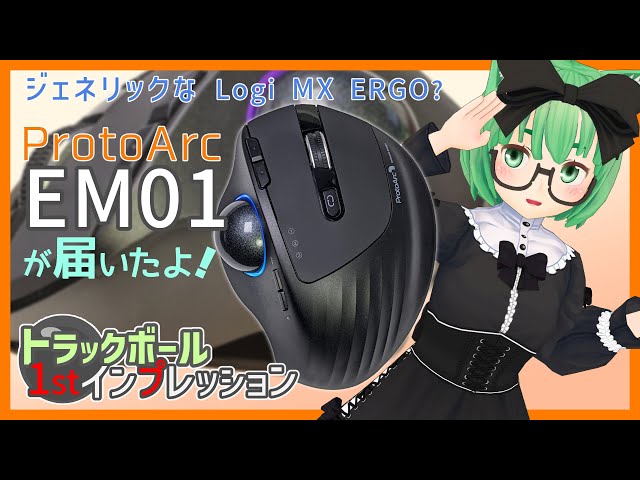
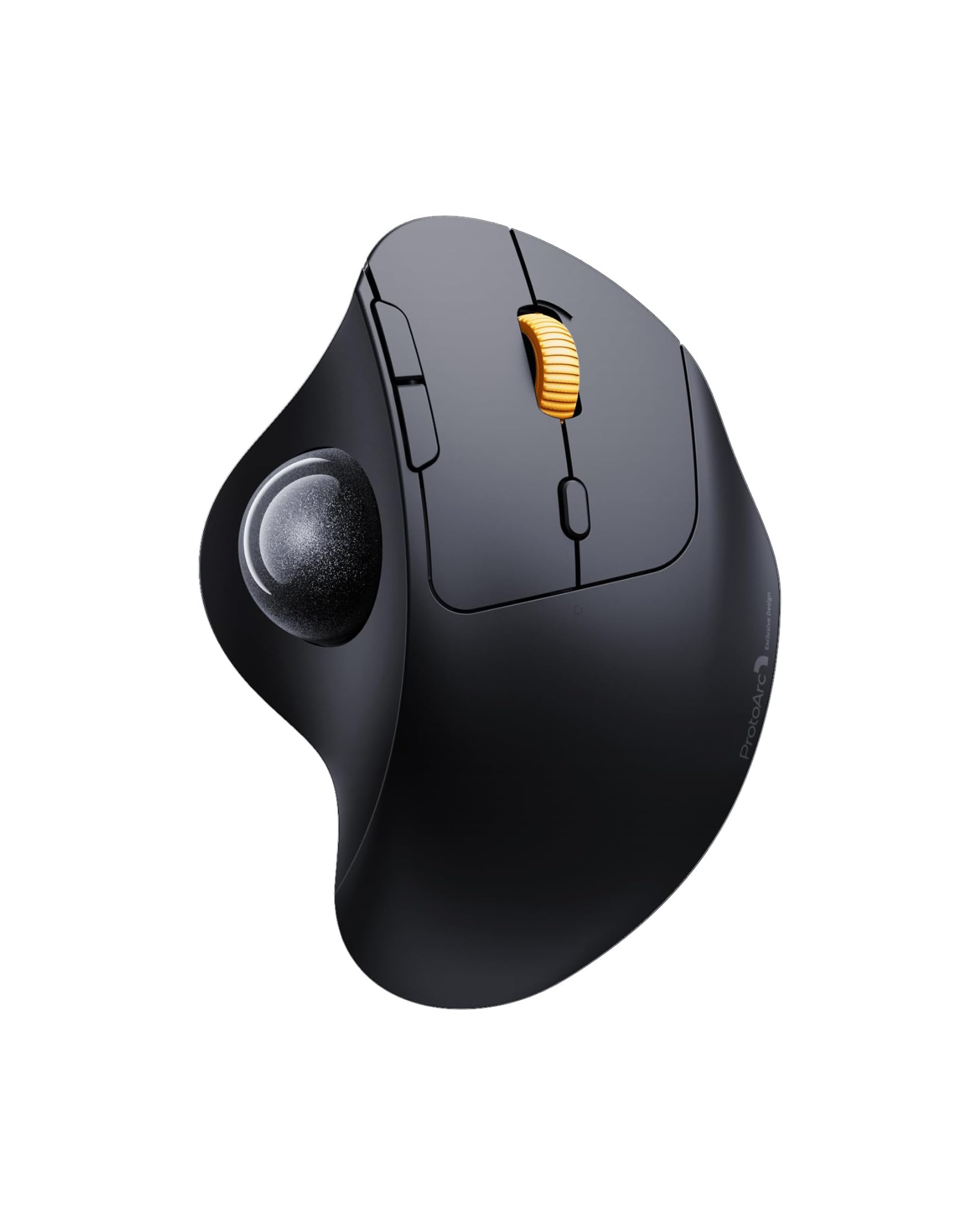
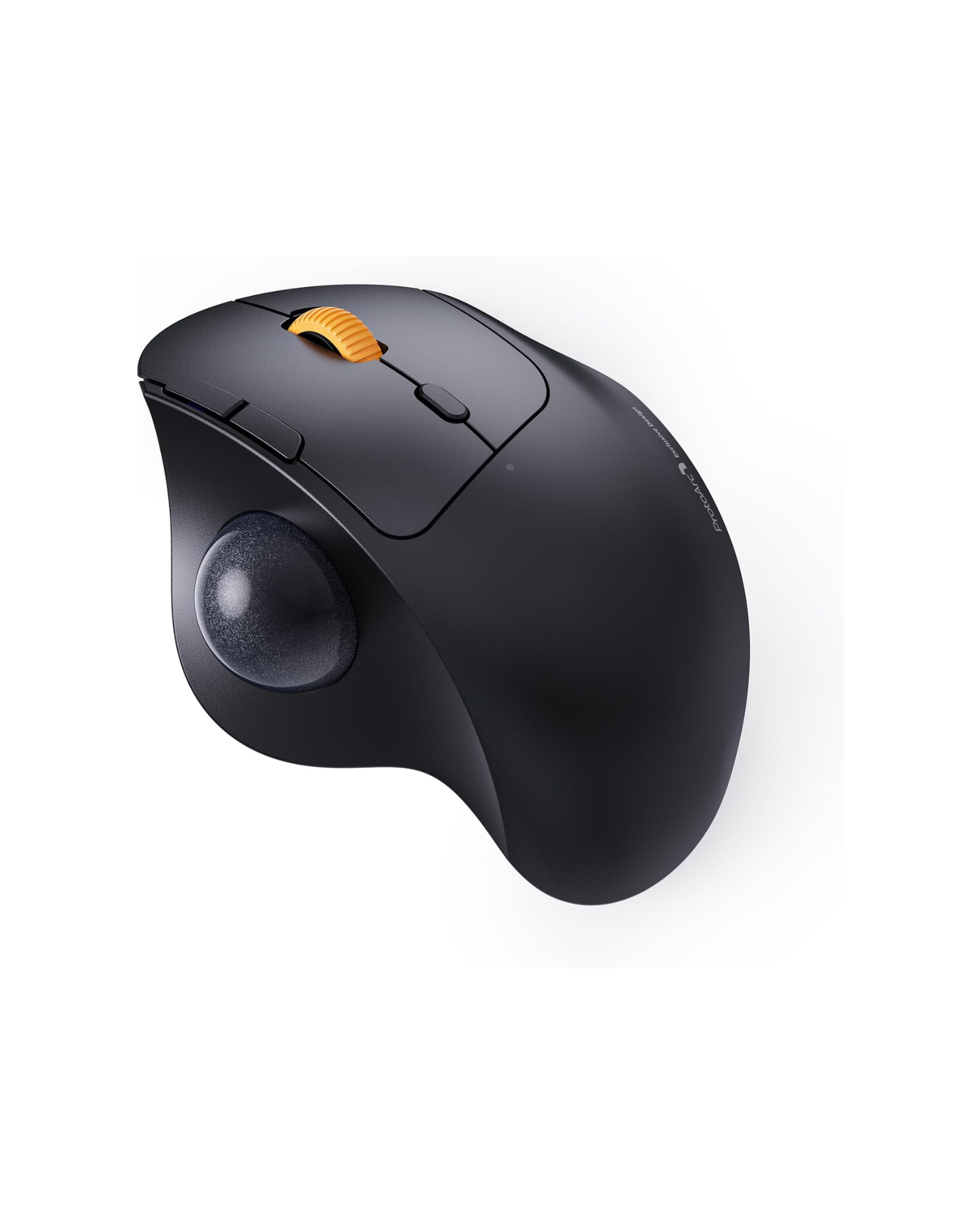
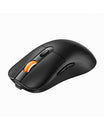
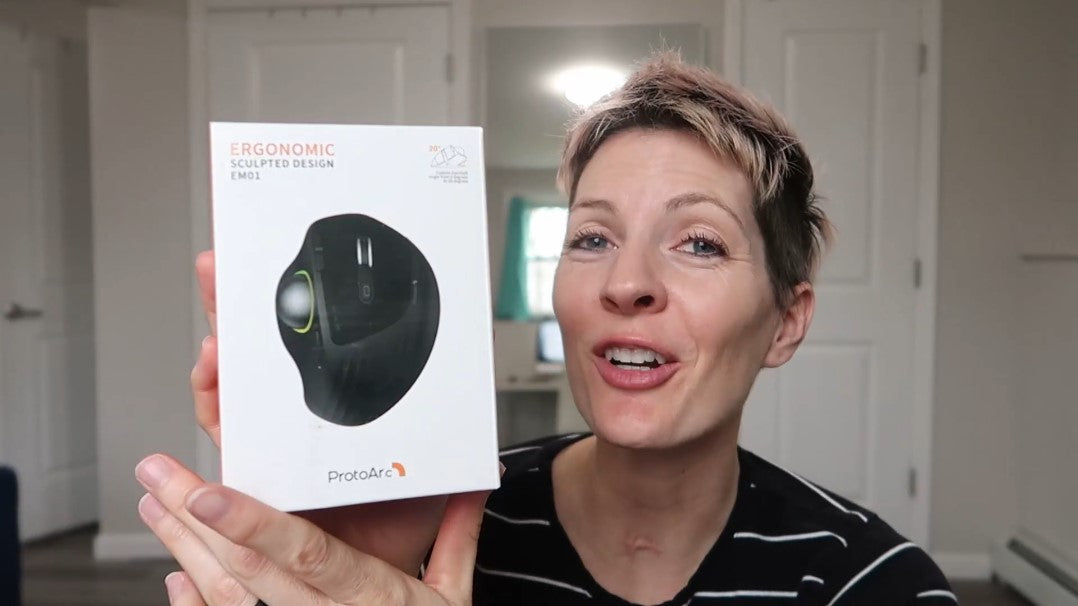
A short hands-on look at the EM01 after it arrived for review. The reviewer unboxes the mouse, the USB-C charging cable and the quick-start guide, then points out the controls: left and right click, forward and back buttons, the scroll wheel, a light button, a DPI button, the device switch and the 2.4G indicator light.
Two details stand out in the video. First, the mouse sits at a 20-degree angle that can be adjusted to suit your hand, which he says makes the grip feel natural rather than forced. Second, setup is immediate - the 2.4G receiver connects without any driver or formatting, and the mouse works on Windows 7 and later and macOS 10.10 and later.
Pairing a second or third device is done by holding the device button for three to five seconds and connecting over Bluetooth. Charging takes roughly one to three and a half hours over USB-C, and the light ring cycles through colour modes when the mouse is switched on.
The EM01 has since been replaced by the EM01 NL Trackball Ergonomic Mouse. For alternatives, see our trackball mice collection.