










Video summary
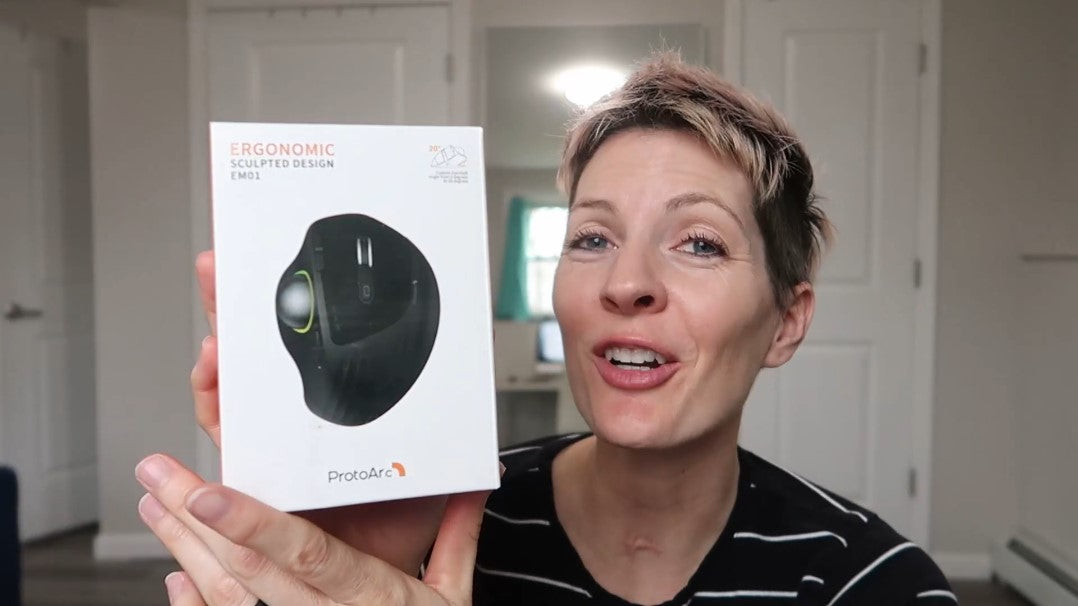
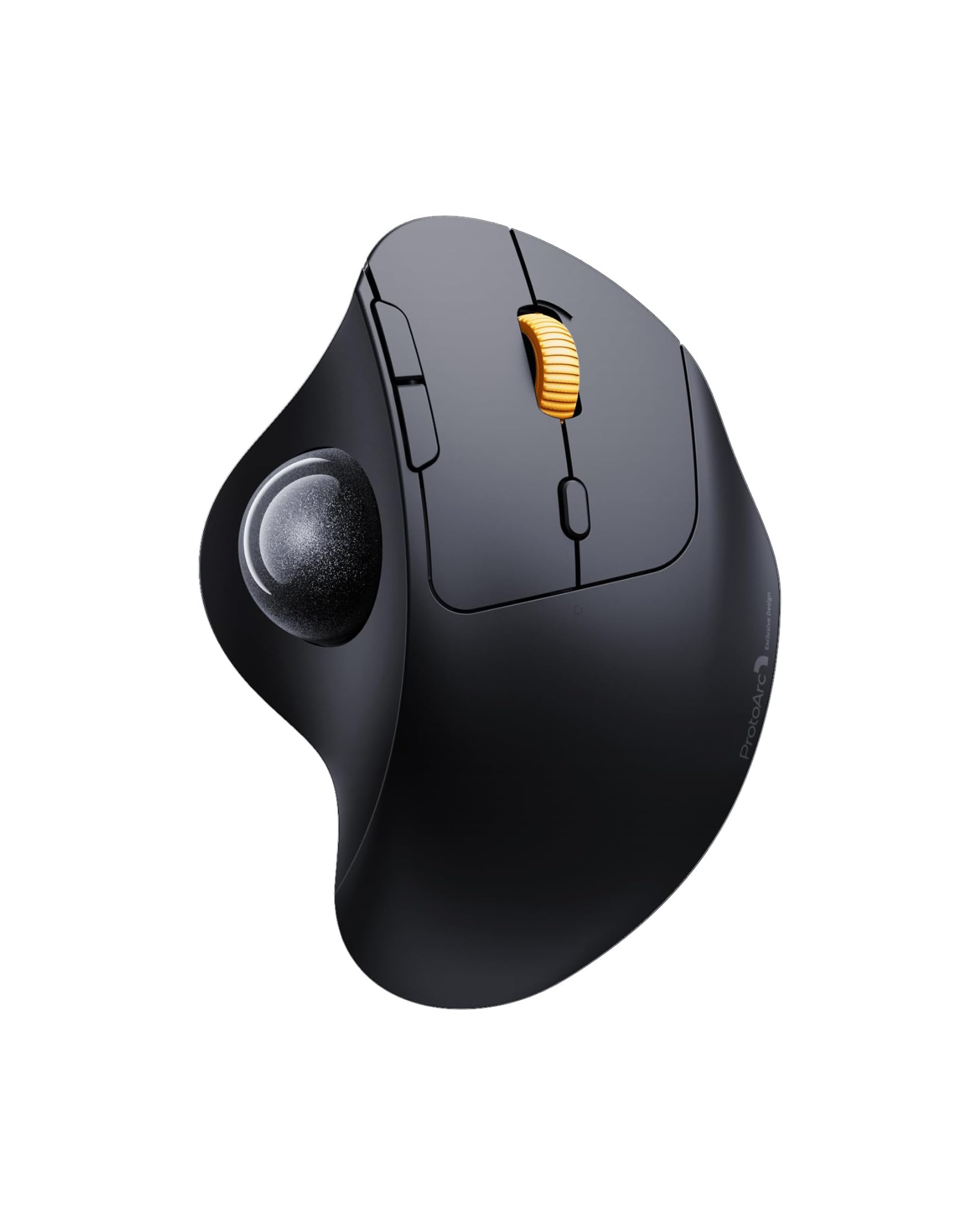
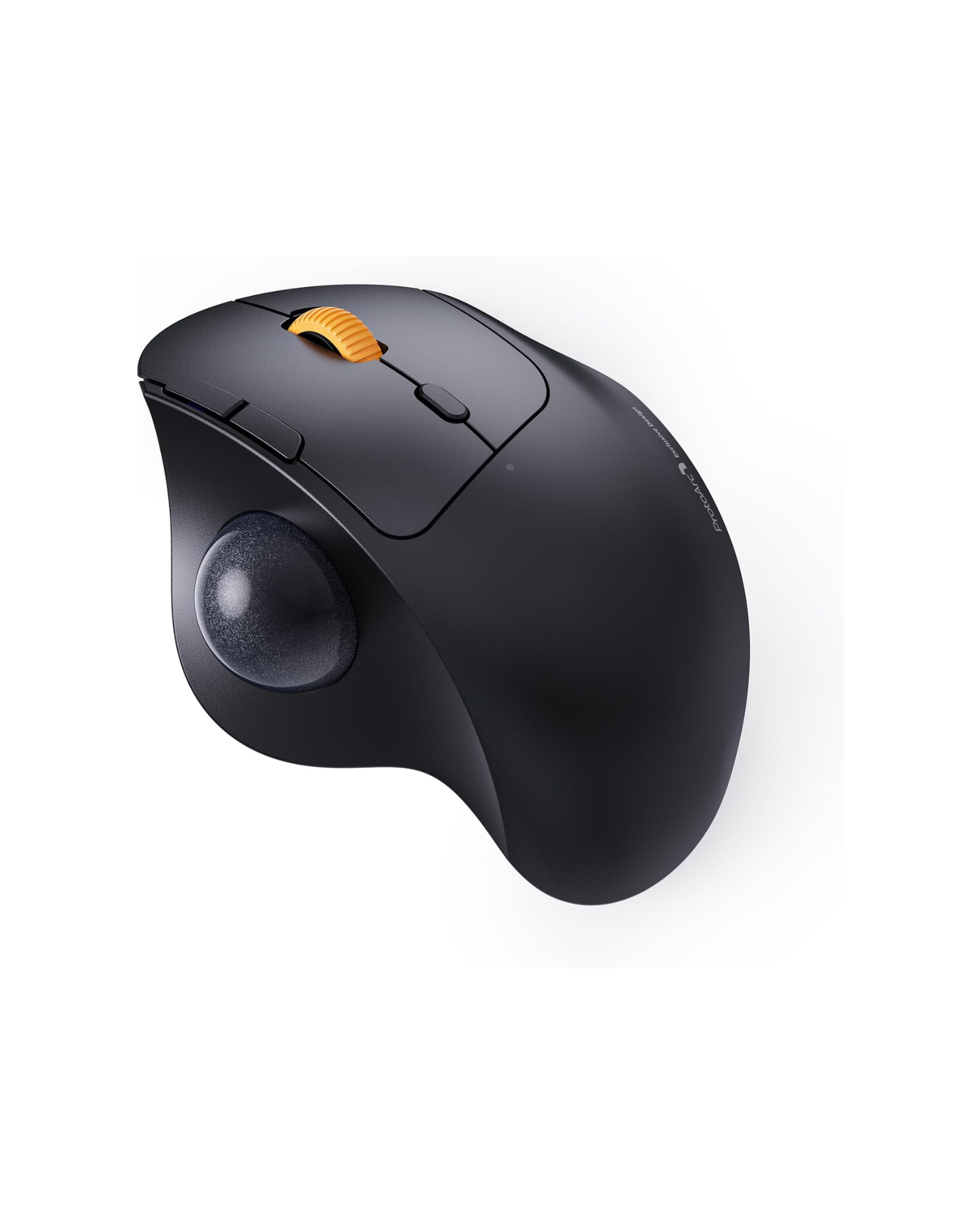
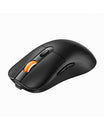
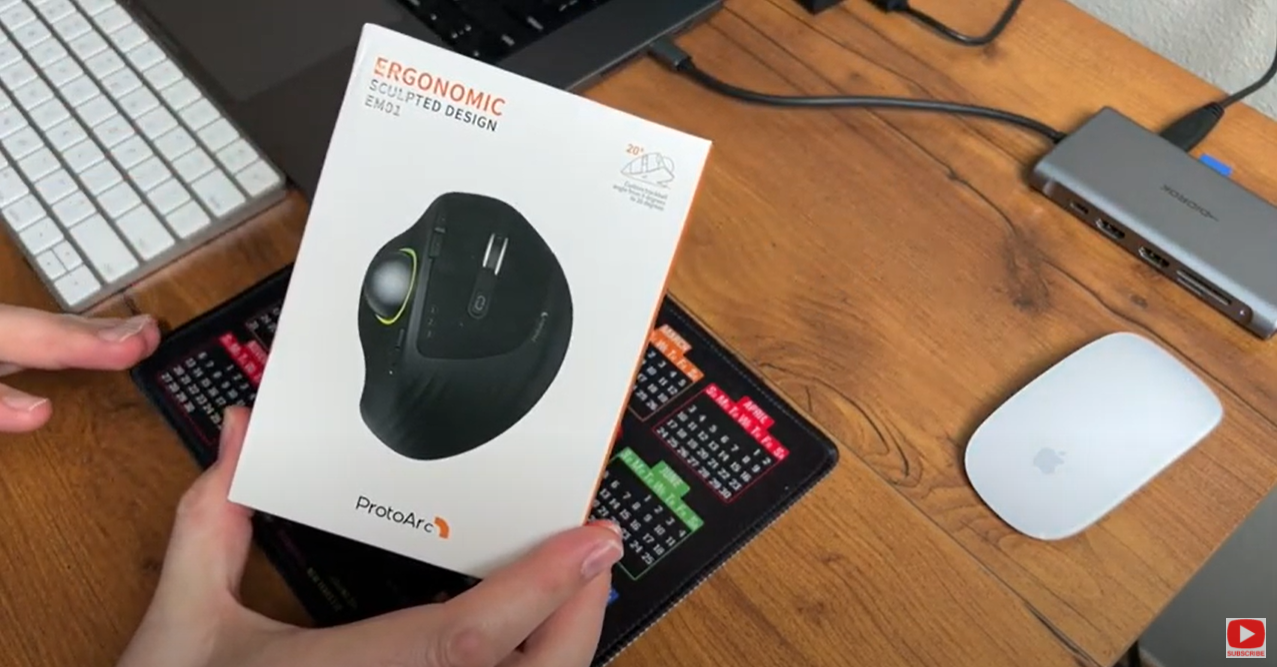
This first-look video unboxes the EM01 trackball mouse and connects it to a laptop through the 2.4G receiver, with the USB-C charging cable included in the box. The reviewer then walks through the layout: a thumb-controlled trackball instead of hand movement, a tilt wheel, forward and back buttons, a light button that cycles four RGB modes, and a plate underneath that sets the mouse flat or at a 20-degree angle.
Connectivity is the part he uses most. The EM01 holds three devices at once - one 2.4G channel and two Bluetooth channels - and the device button switches between a desktop and a laptop without re-pairing. Charging is over USB-C, so there are no batteries to replace.
Verdict: he calls it a solid option for anyone whose wrist hurts from moving a mouse all day, and notes the usual trackball learning curve, where fine cursor control takes practice and a slower pointer speed helps at the start. The mouse does not need a mouse pad and works on a sofa, in bed, or across the room from a media PC.
The EM01 has since been replaced by the EM01 NL Trackball Ergonomic Mouse. Browse the full range in our trackball mice collection.