










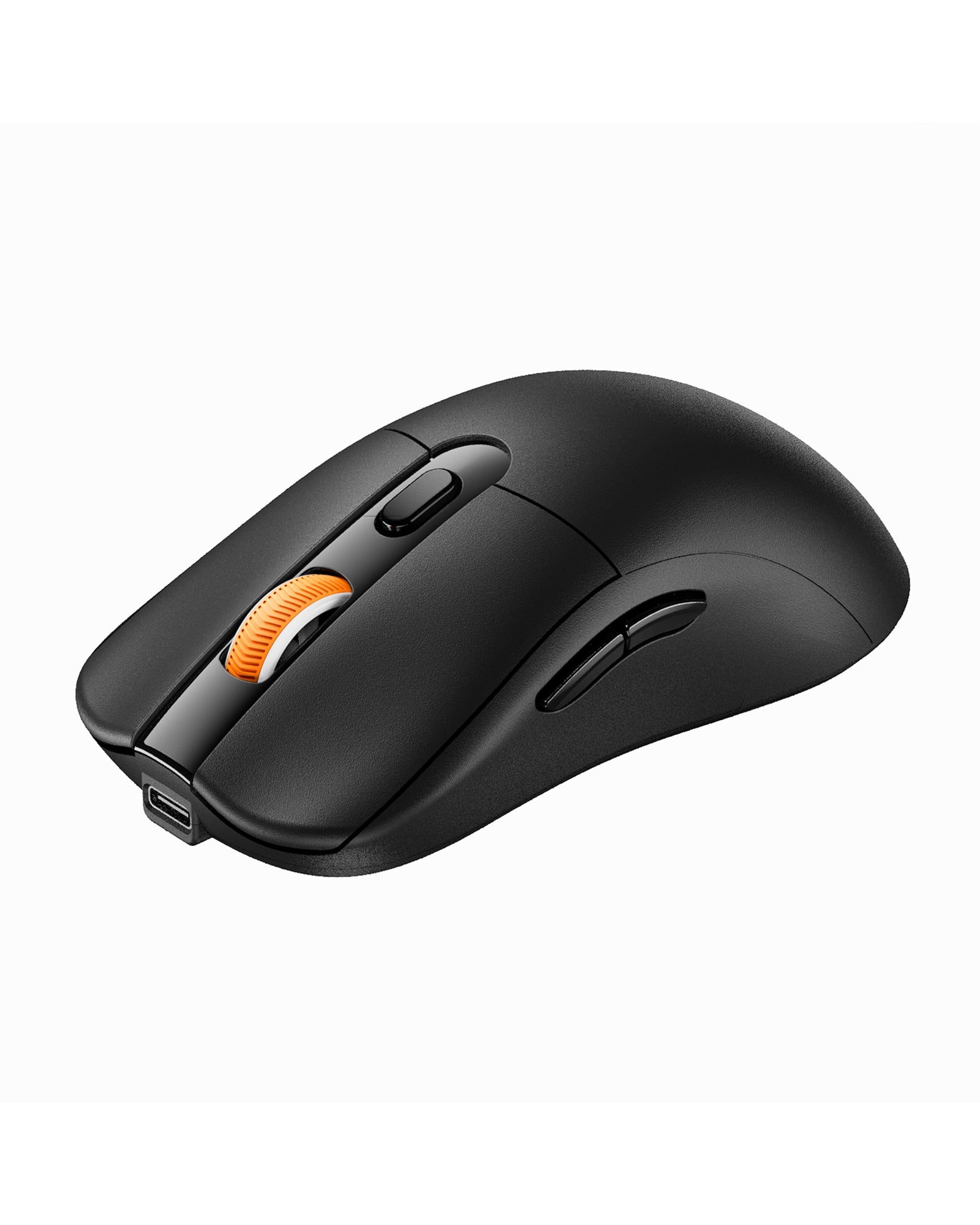
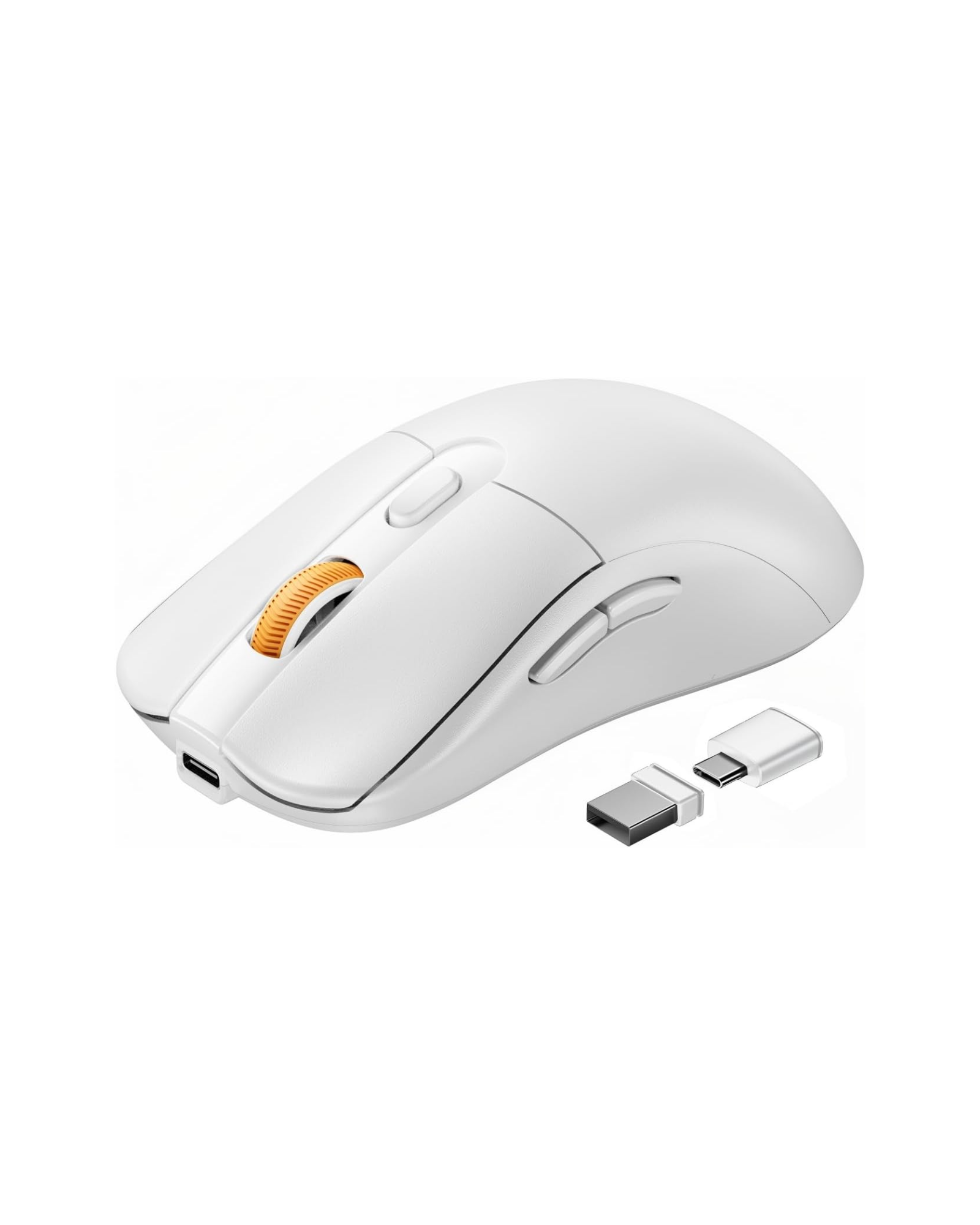
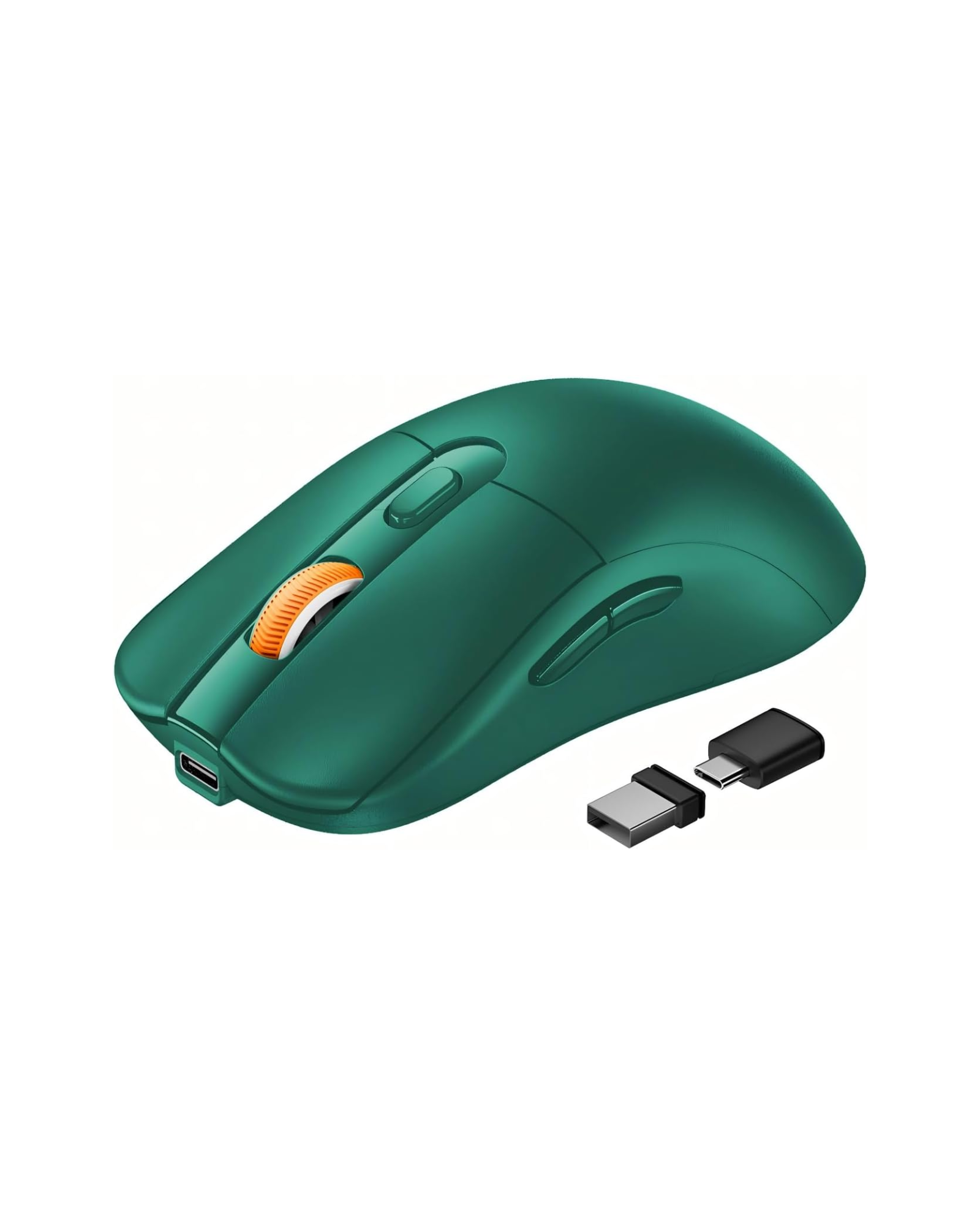
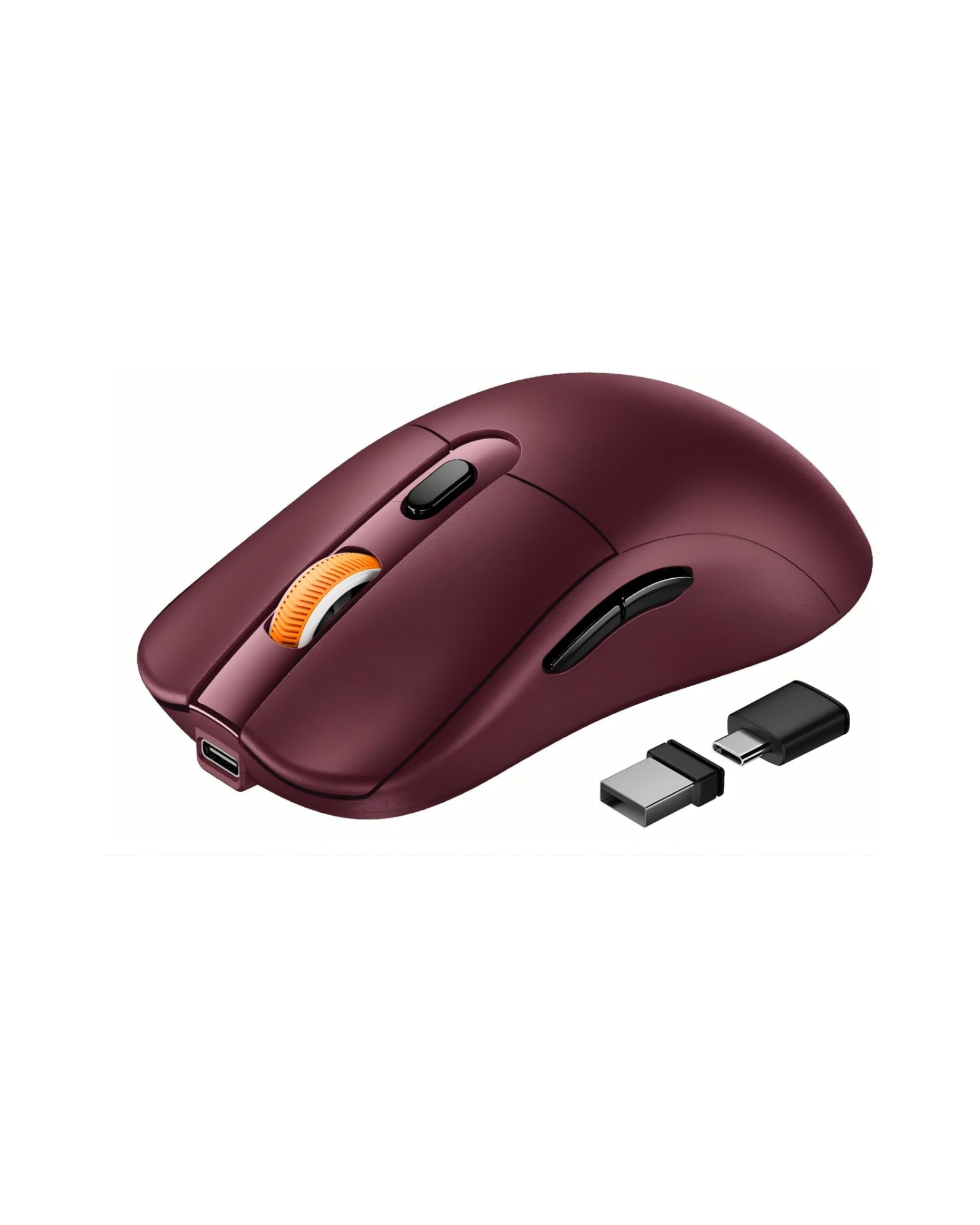
EM15 Compact Portable Wireless Mouse
Tap once to cut your price
Guaranteed extra savings.
Locked until you tap
Want more?
Enter your email to reveal a fixed $1-$5 extra bonus before checkout.
One reserved deal per device.
Details
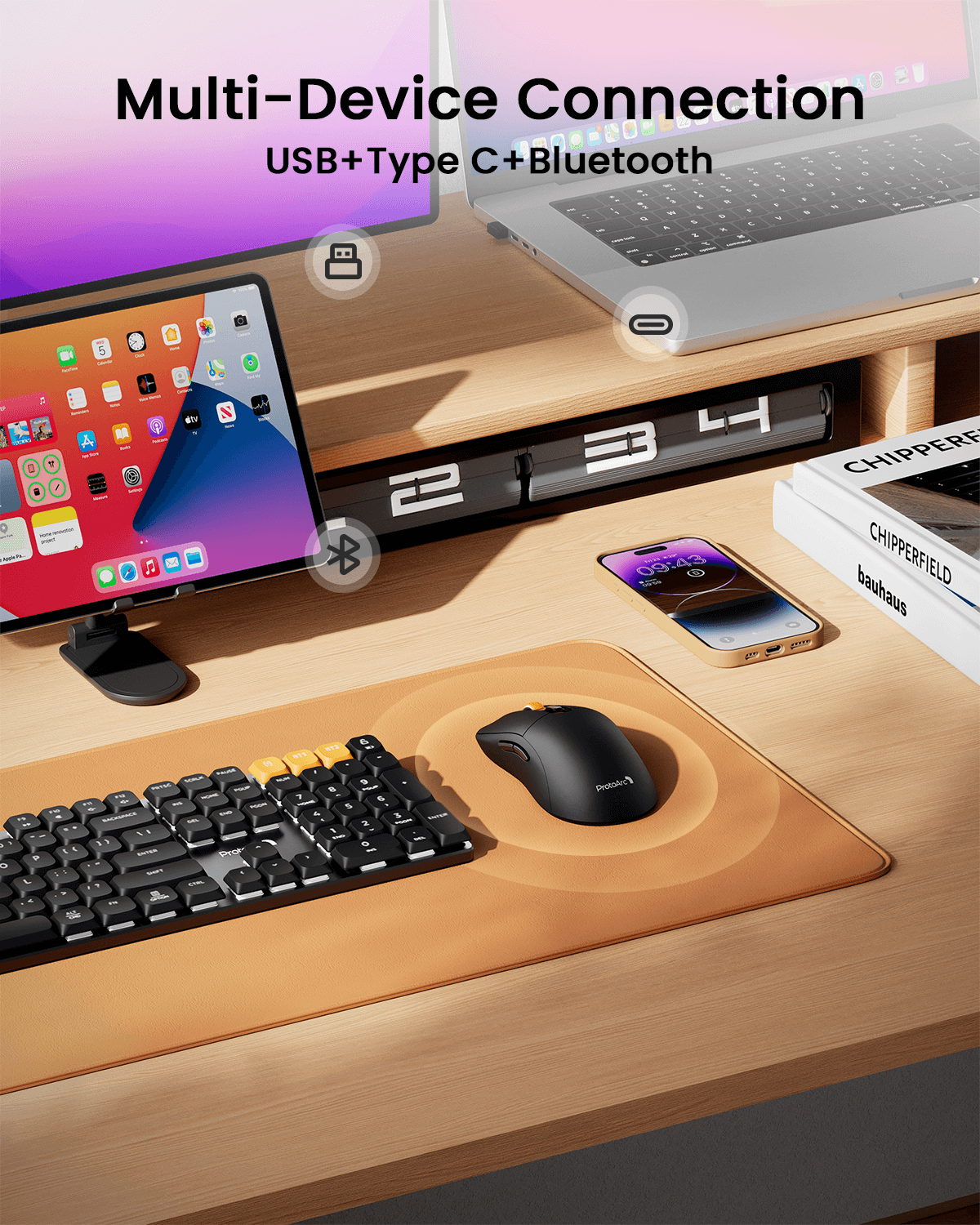
- Bluetooth + USB + Type-C triple connectivity for seamless 3-device switching
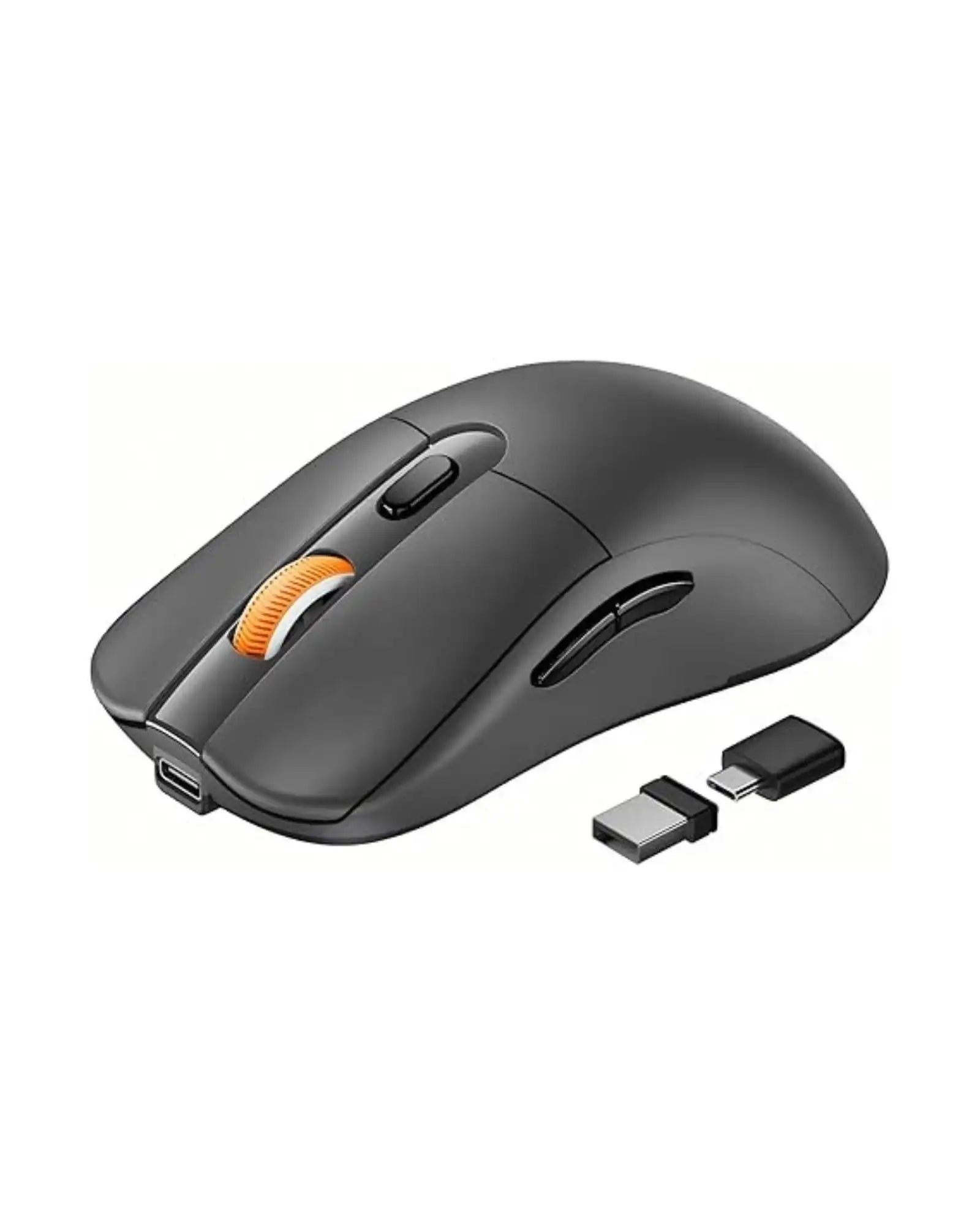
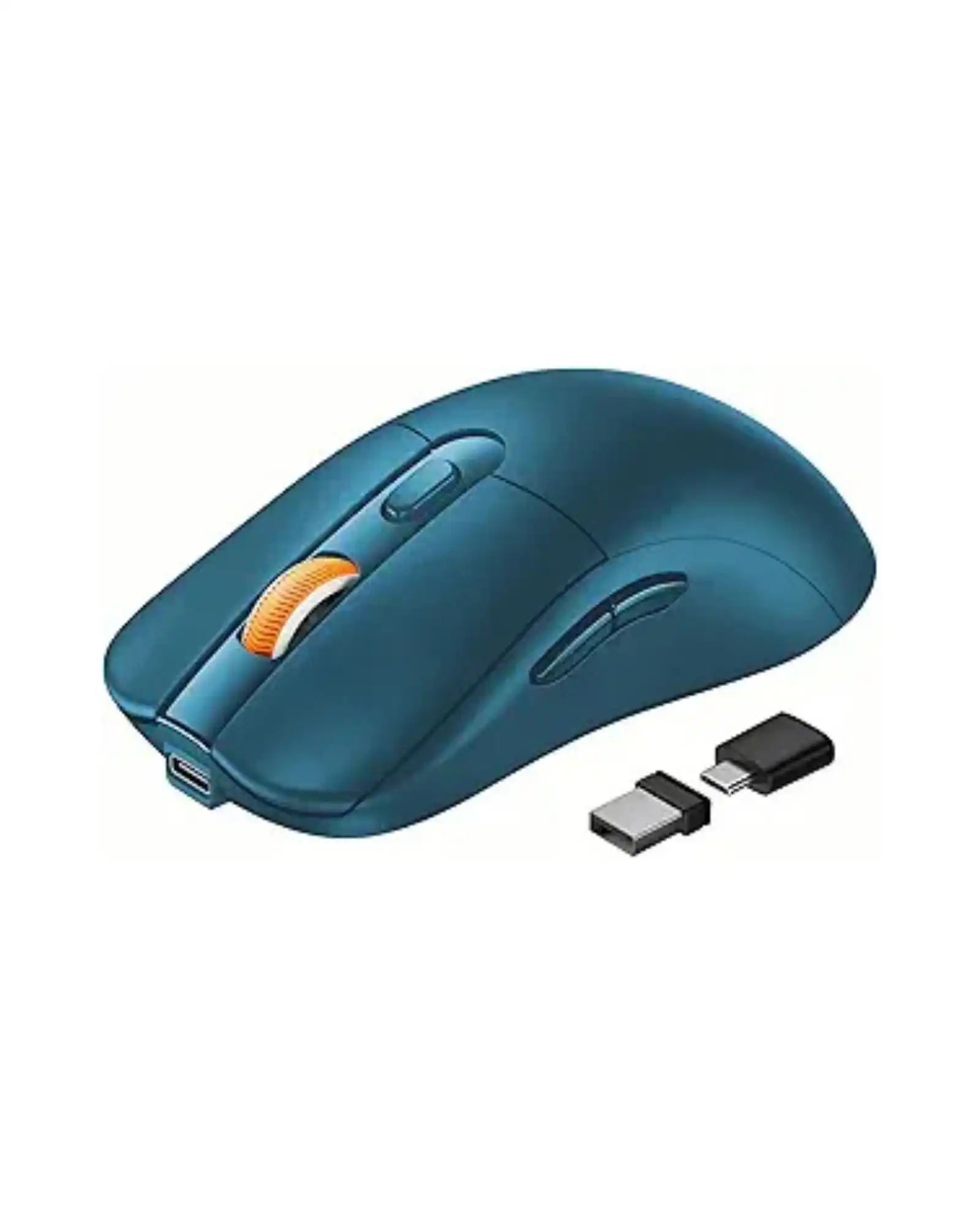
- Integrated receiver storage compartment for convenient carry
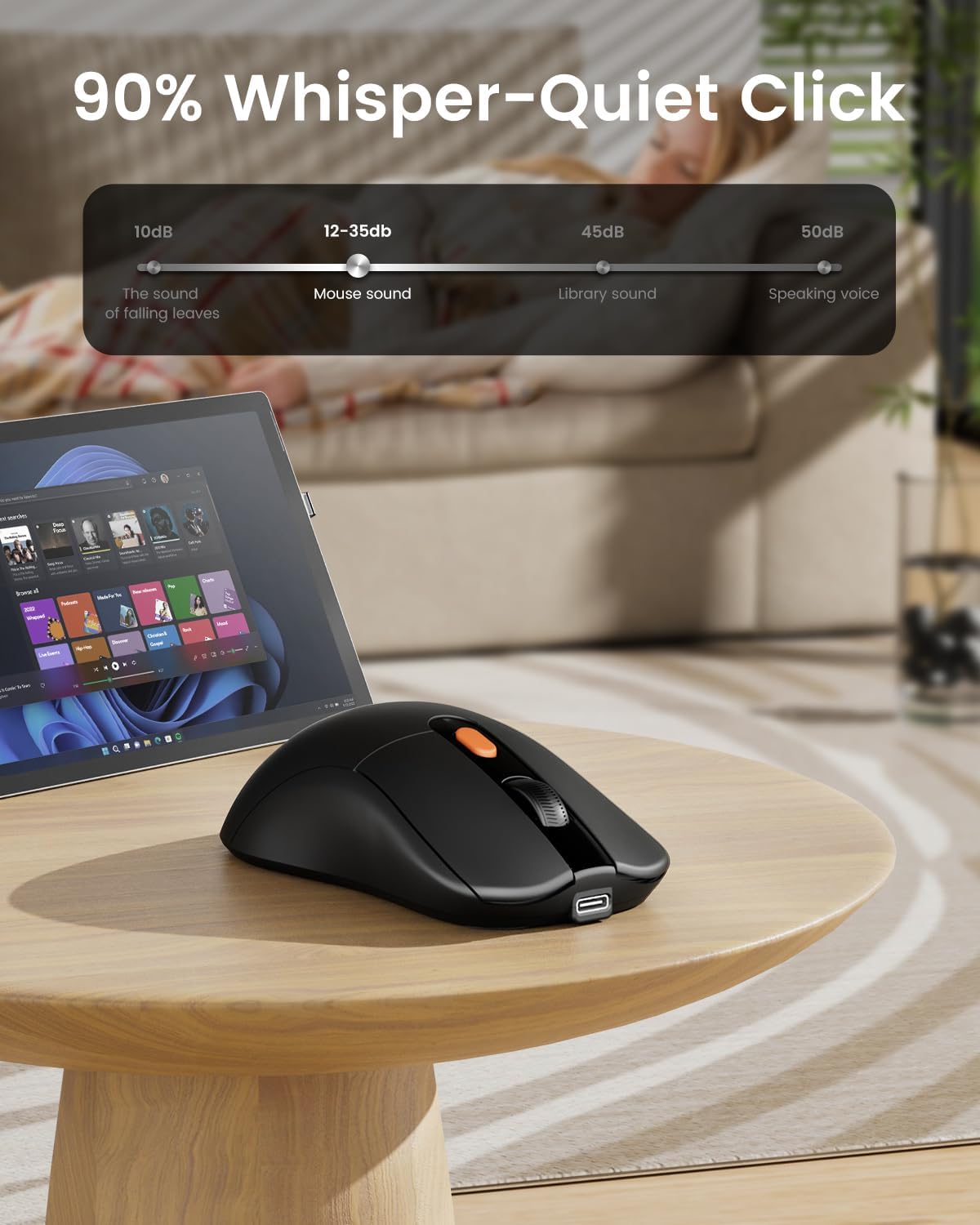
- Quiet left & right buttons for noise-free daily use
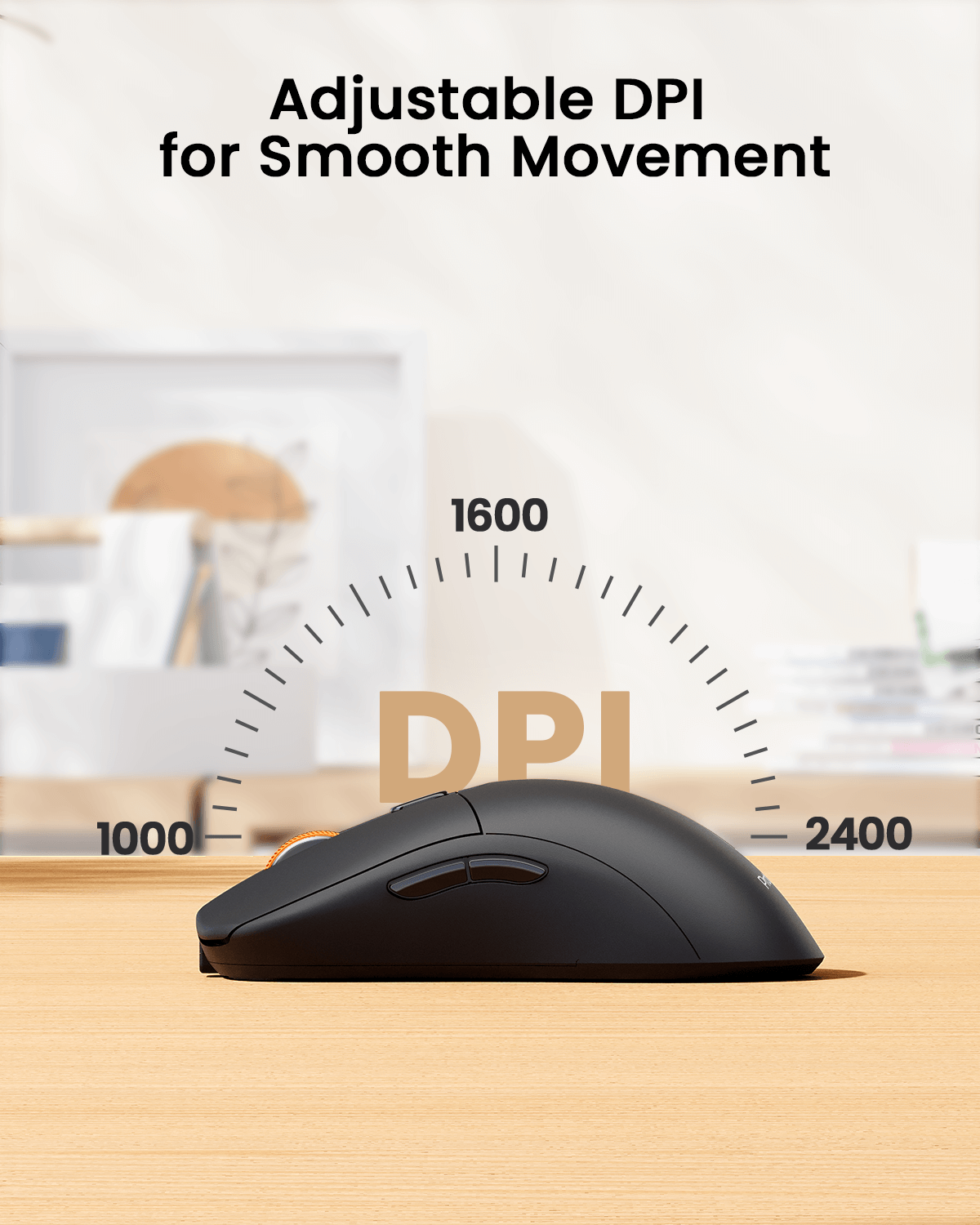
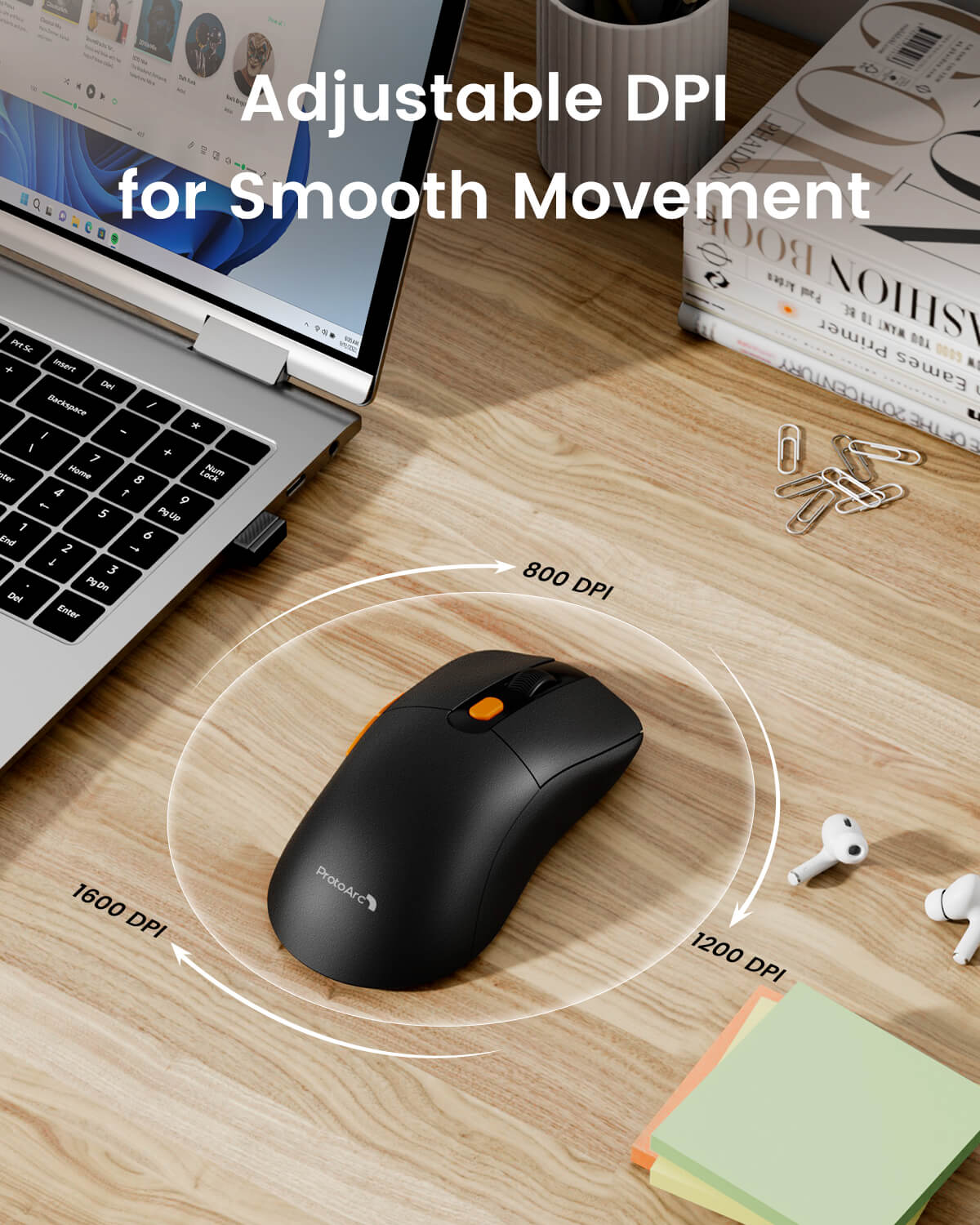
- 3-level adjustable DPI (1000/1600/2400) for precise tracking
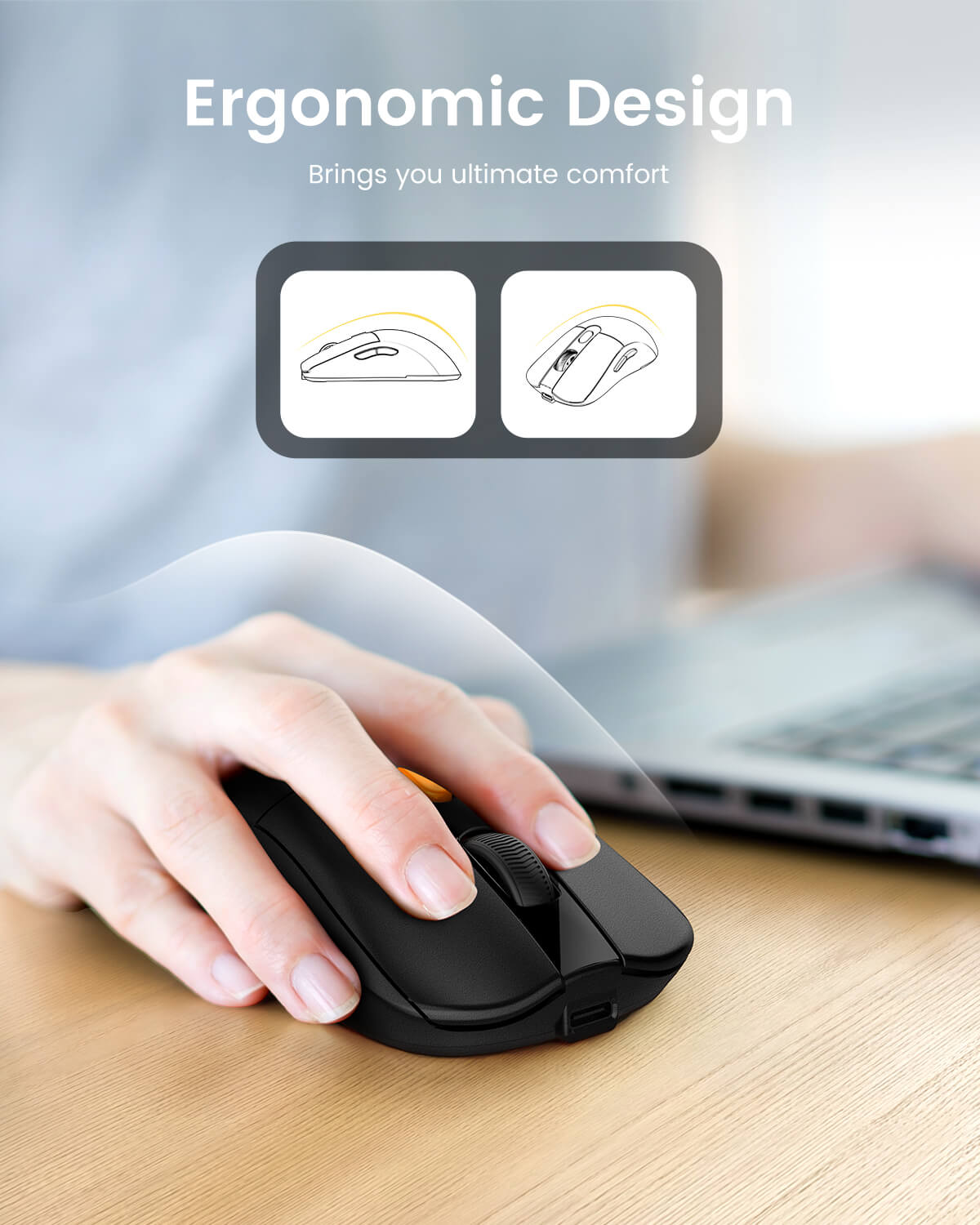
- Ergonomic slim lightweight build ideal for travel and mobile work
- Built-in rechargeable battery with long usage and standby time
- Forward & backward side buttons for efficient web navigation
- Wide compatibility across Windows, macOS, Android and ChromeOS
ProtoArc EM15 is a compact and portable wireless mouse with versatile triple connectivity. It delivers quiet clicks, precise adjustable DPI, long-lasting rechargeable performance and wide system compatibility, making it a reliable companion for laptops, tablets and mobile devices.
30-Day Returns
2 Years
Warranty

ProtoArc EM15 Bluetooth Wireless Mouse
Work smoothly across your laptop, tablet, iPad, Chromebook, and MacBook with the ProtoArc EM15 wireless mouse. Designed for everyday productivity, it combines Bluetooth, USB, and Type-C connectivity, a lightweight 68g body, rechargeable battery, adjustable DPI, quiet clicks, and a slim portable shape for work, study, travel, and multi-device setups.


Built for Smooth Multi-Device Productivity
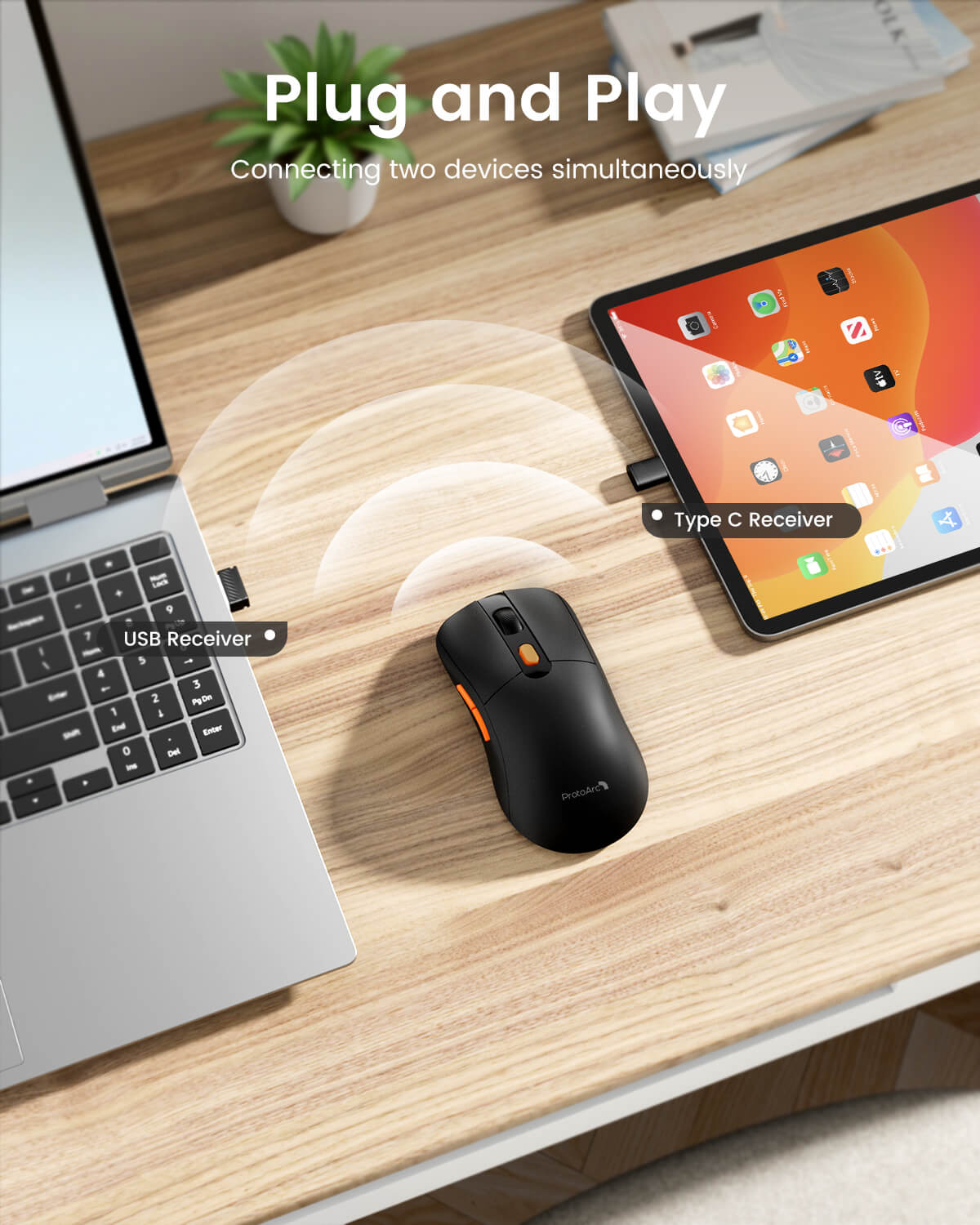
Connect Up to 3 Devices
Switch between Bluetooth, USB, and Type-C connections with one button, making it easy to move between your laptop, tablet, iPad, Chromebook, or desktop setup.
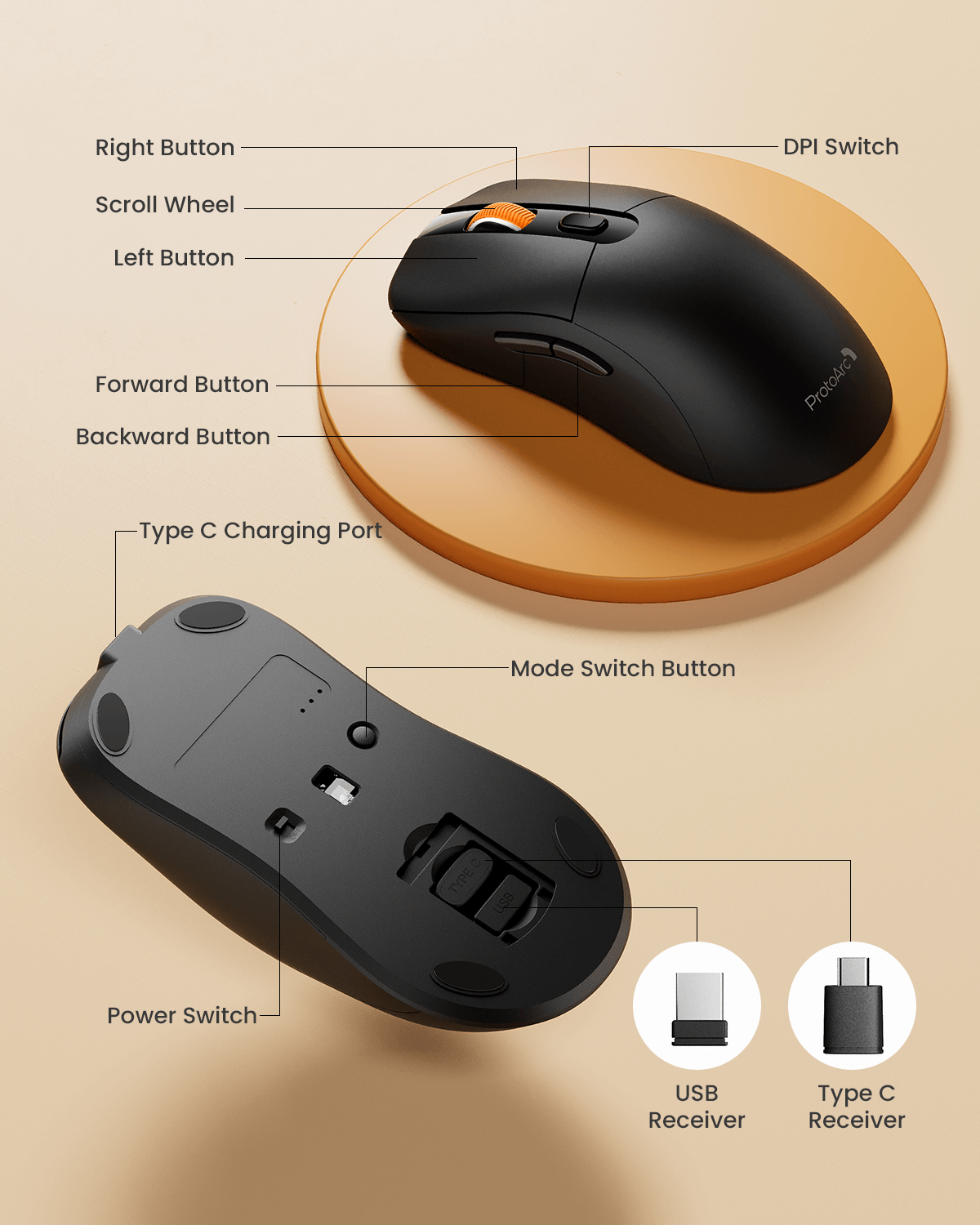
USB and Type-C Receiver Storage
The USB and Type-C receivers are stored in a dedicated compartment on the back of the mouse, helping keep accessories organized and easy to carry.
68g Lightweight Design
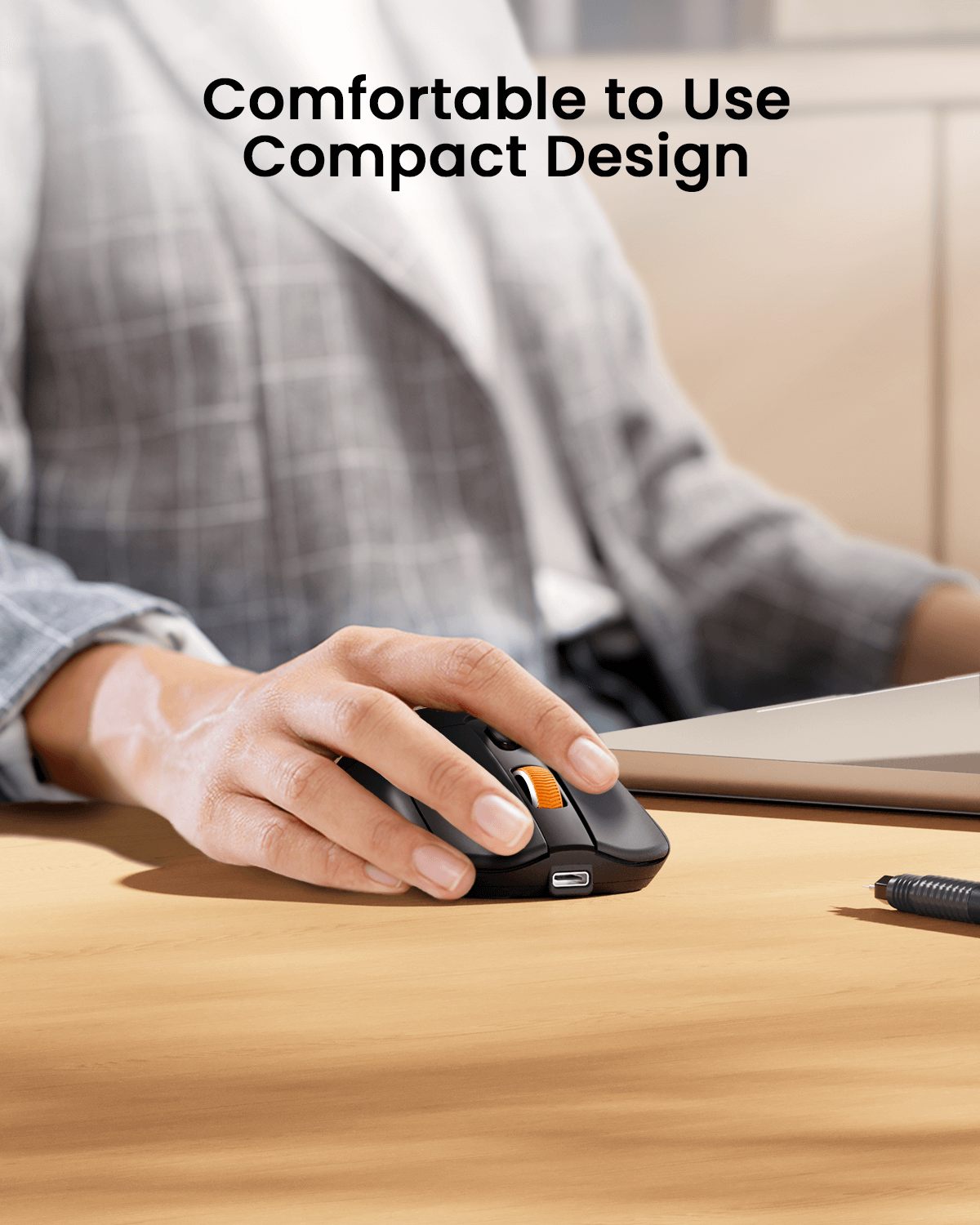
The ultra-lightweight body helps reduce hand fatigue during long work sessions while making the mouse easy to carry for travel, remote work, and everyday use.
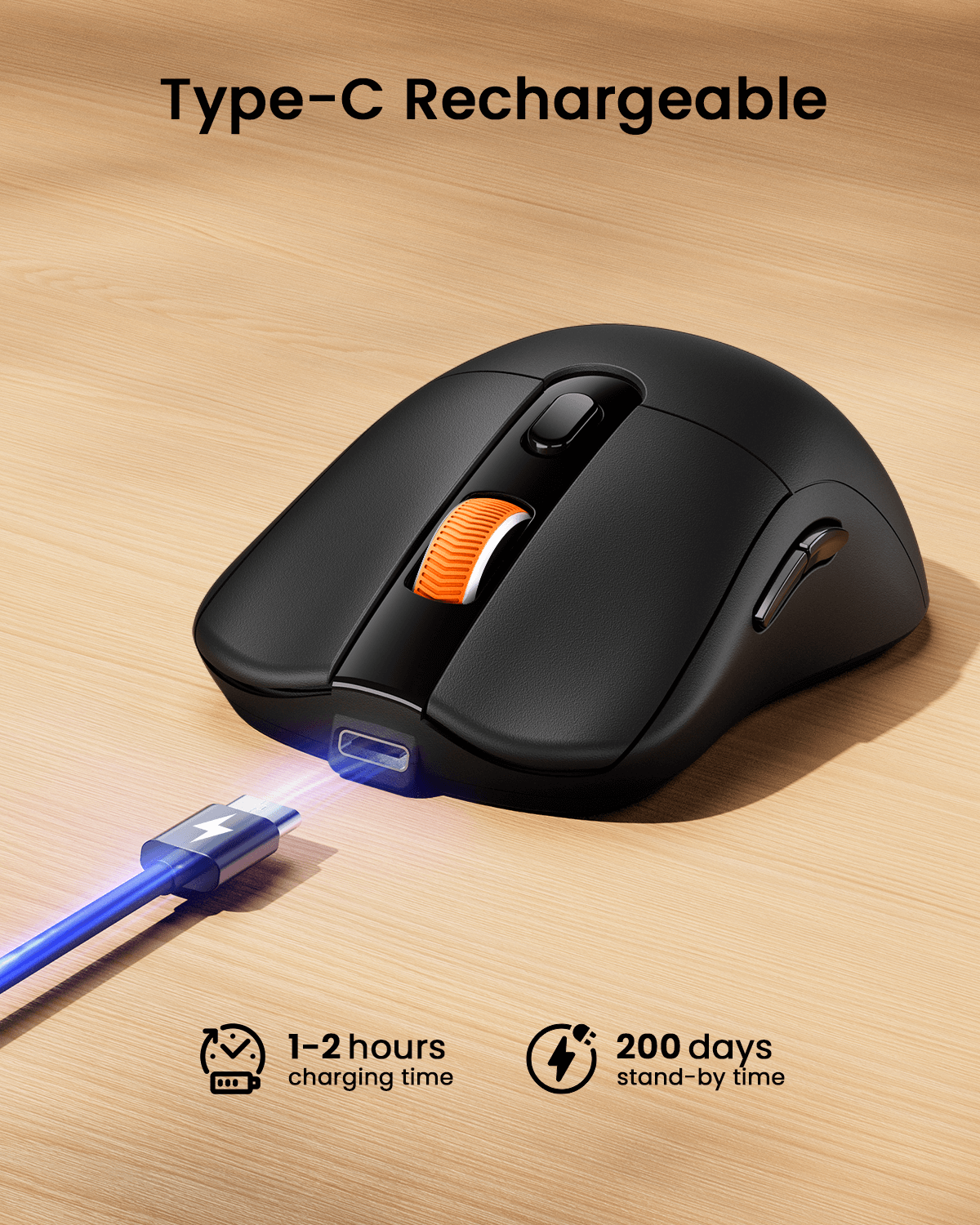
Rechargeable Battery
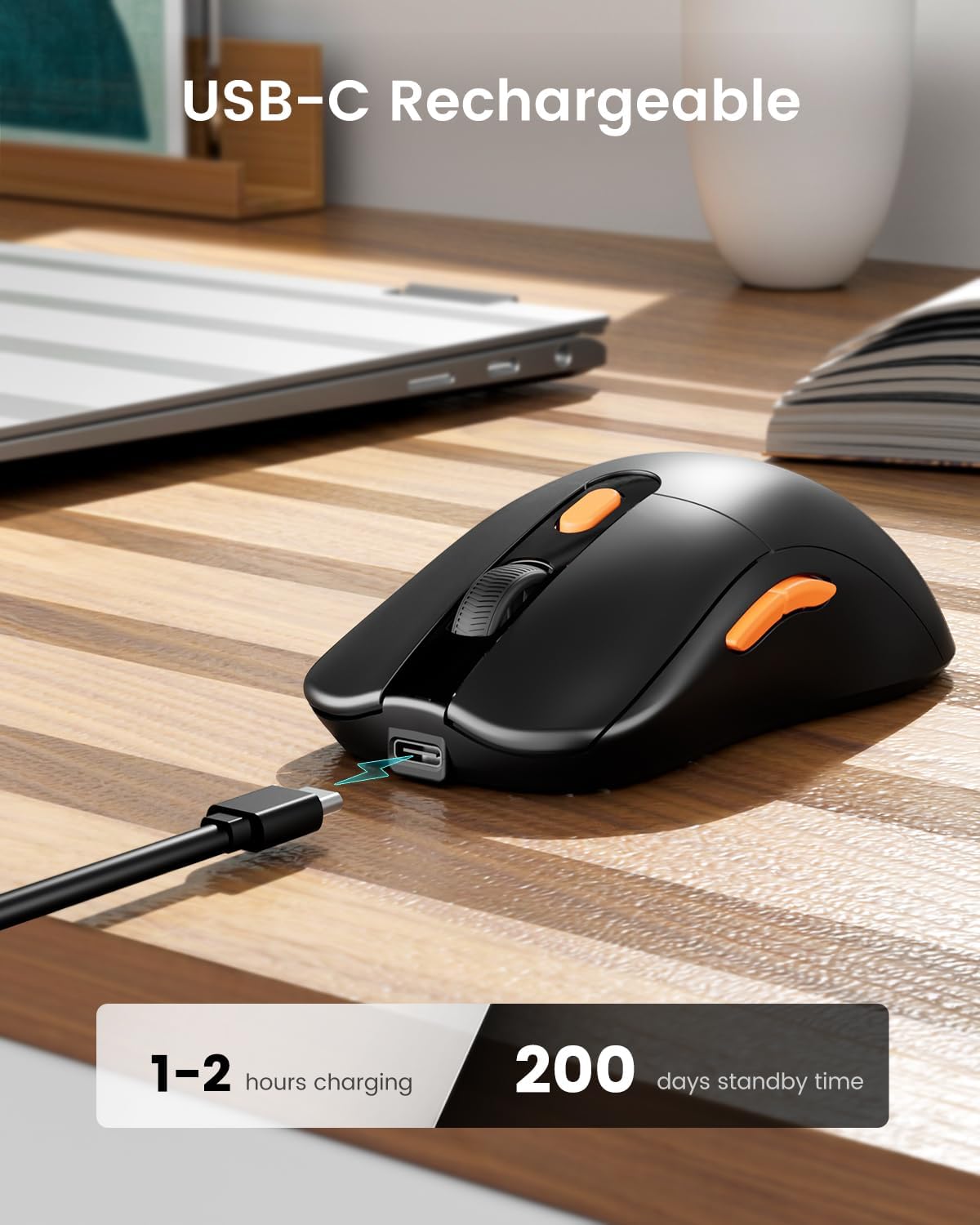
The built-in rechargeable battery charges with the included cable. A 2-hour charge provides up to 15 days of use and up to 200 days of standby time.
Adjustable DPI Tracking
Choose from 1000, 1600, and 2400 DPI levels for smooth, precise tracking across different tasks, surfaces, and work preferences.
Quiet Clicks for Shared Spaces
Silent left and right clicks help reduce noise in offices, libraries, classrooms, cafes, and shared workspaces. The middle scroll wheel is not silent.
Why Choose ProtoArc EM15?
- Supports Bluetooth, USB, and Type-C wireless connections.
- Switches between up to 3 connected devices with one button.
- Lightweight 68g design improves portability and reduces hand fatigue.
- Rechargeable battery supports up to 15 days of use after a 2-hour charge.
- Adjustable 1000/1600/2400 DPI levels support different tracking needs.
- Backward and forward buttons help improve web browsing efficiency.
- Quiet click design makes it suitable for offices, study rooms, and shared spaces.
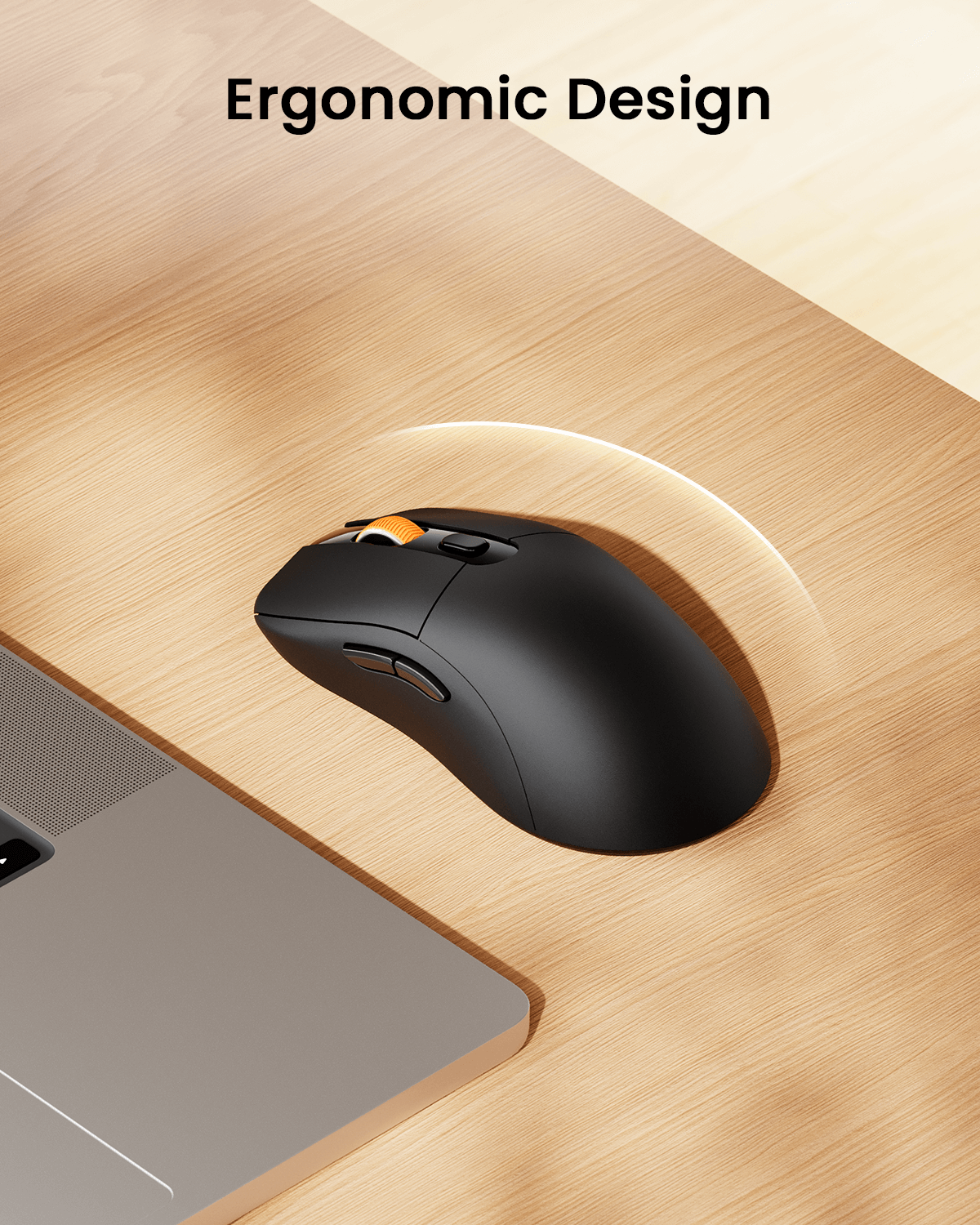
- Full-size shape is designed for medium to large hands and a more relaxed grip.
One Mouse for Work, Study, and Travel
Whether you are working on a MacBook, switching between a laptop and tablet, studying on an iPad, browsing on a Chromebook, or setting up a portable workstation, EM15 gives you a lightweight, quiet, and flexible mouse for everyday productivity.
Wide Compatibility
EM15 works with Windows 7/8/10/11/XP, macOS, and Android. Bluetooth mode is compatible with Bluetooth-enabled laptops, MacBook Pro/Air, iMac, iPad Pro/Air/Mini, iPhone, tablets, Chromebooks, and more. For USB or Type-C connection, remove the receiver from the back storage compartment and plug it into the matching port of your device.
Usage Reminder
Charge the mouse before first use for best performance. The mouse will enter sleep mode after a few minutes of inactivity to help save power. For Bluetooth pairing, make sure your device has Bluetooth enabled. For receiver connection, use the USB or Type-C receiver based on your device port.
FAQ
How many devices can EM15 connect to?
EM15 can connect to up to 3 devices through Bluetooth, USB, and Type-C wireless connections.
Where are the USB and Type-C receivers stored?
The receivers are stored in a dedicated compartment on the back of the mouse for easier storage and portability.
Is the mouse rechargeable?
Yes. EM15 has a built-in rechargeable battery and can be charged with the included cable.
How long does the battery last?
A 2-hour charge provides up to 15 days of use and up to 200 days of standby time, depending on usage conditions.
Is the mouse quiet?
The left and right buttons are designed for quiet clicking. The middle scroll wheel is not quiet.
What devices is it compatible with?
It works with Windows, macOS, Android, Bluetooth-enabled laptops, MacBook Pro/Air, iMac, iPad, iPhone, tablets, Chromebooks, and more.
DIMENSIONS
Mouse
Height: 1.55 in (39.3 mm)
Width: 2.54 in (64.6 mm)
Depth: 4.94 in (125.4 mm)
Weight: 2.4 oz (68 g)
SYSTEM REQUIREMENTS
USB Receiver
Required: Available USB or Type-C port
Windows XP, 7, 8, 10 or later
macOS 10.10 or later
Bluetooth
Required: Bluetooth Low Energy
Windows 8, 10 or later
macOS 10.10 or later
Android 4.3 or later
TECHNICAL SPECIFICATIONS
Technology
Engine: Optical
DPI: 1000/1600/2400
Click Life: 3 million+
Battery
Rechargeable Li-Po (300 mAh) battery
Connection Type
USB C Receiver
Bluetooth low energy technology
Wireless operating distance: 10 m (33 ft)
PACKAGE CONTENTS
1 x Wireless mouse
1 x USB receiver
1 x Type-C receiver
1 x Type-C Charging Cable
1 x User manual
WARRANTY INFORMATION
2-Year Limited Hardware Warranty