







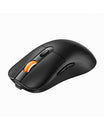






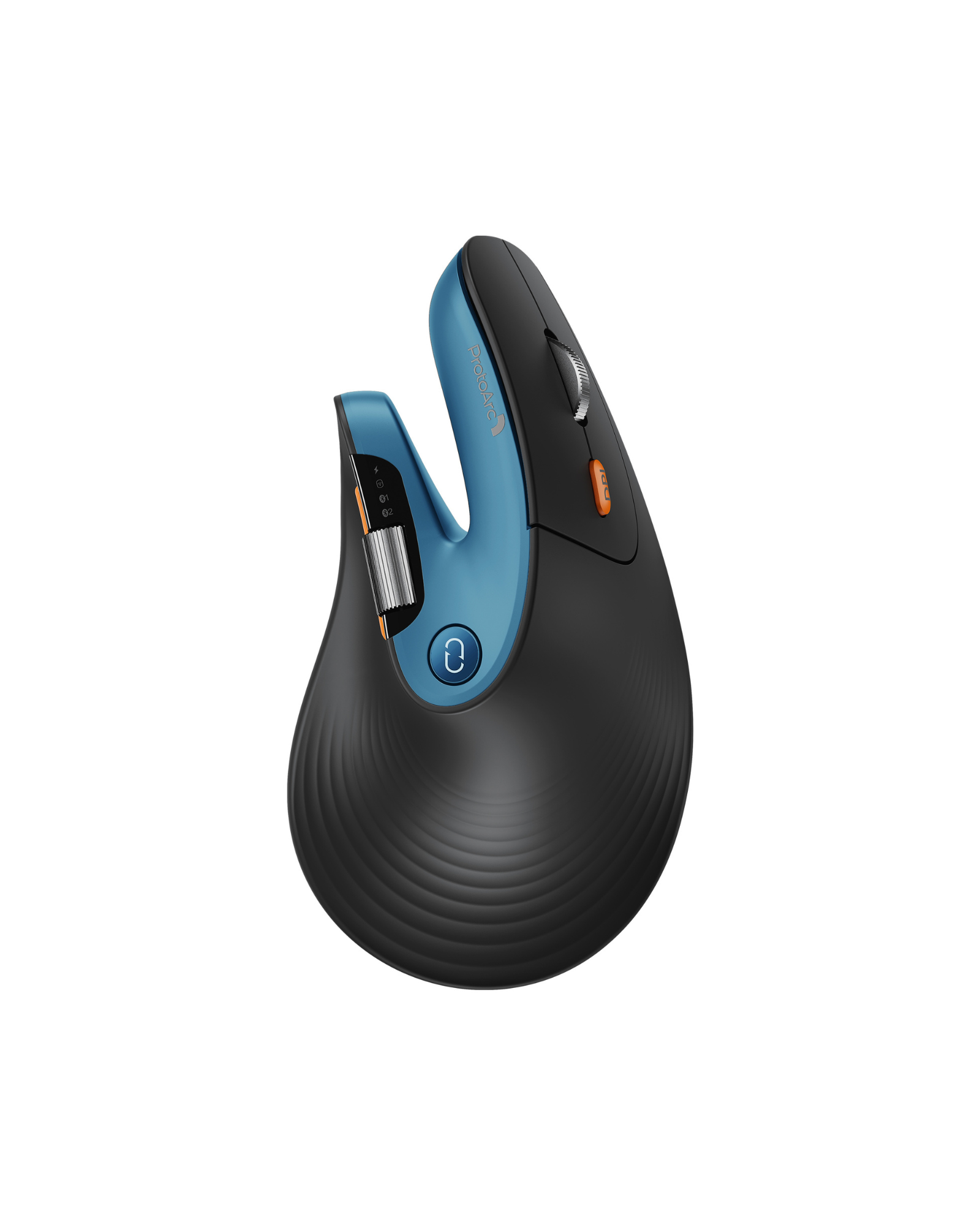
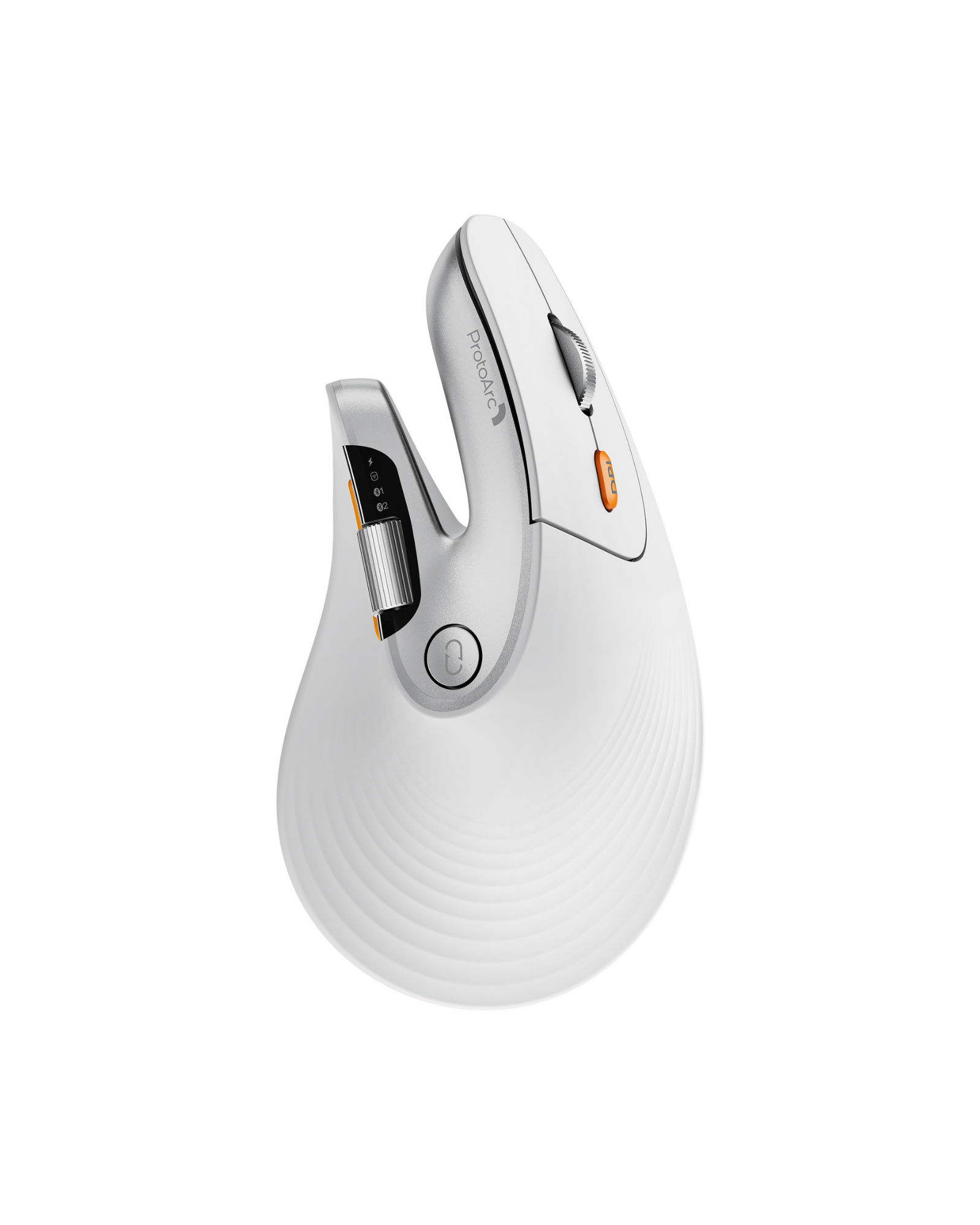
EM11 Pro Ergonomic Vertical Mouse
$13
Apply Discount
Details
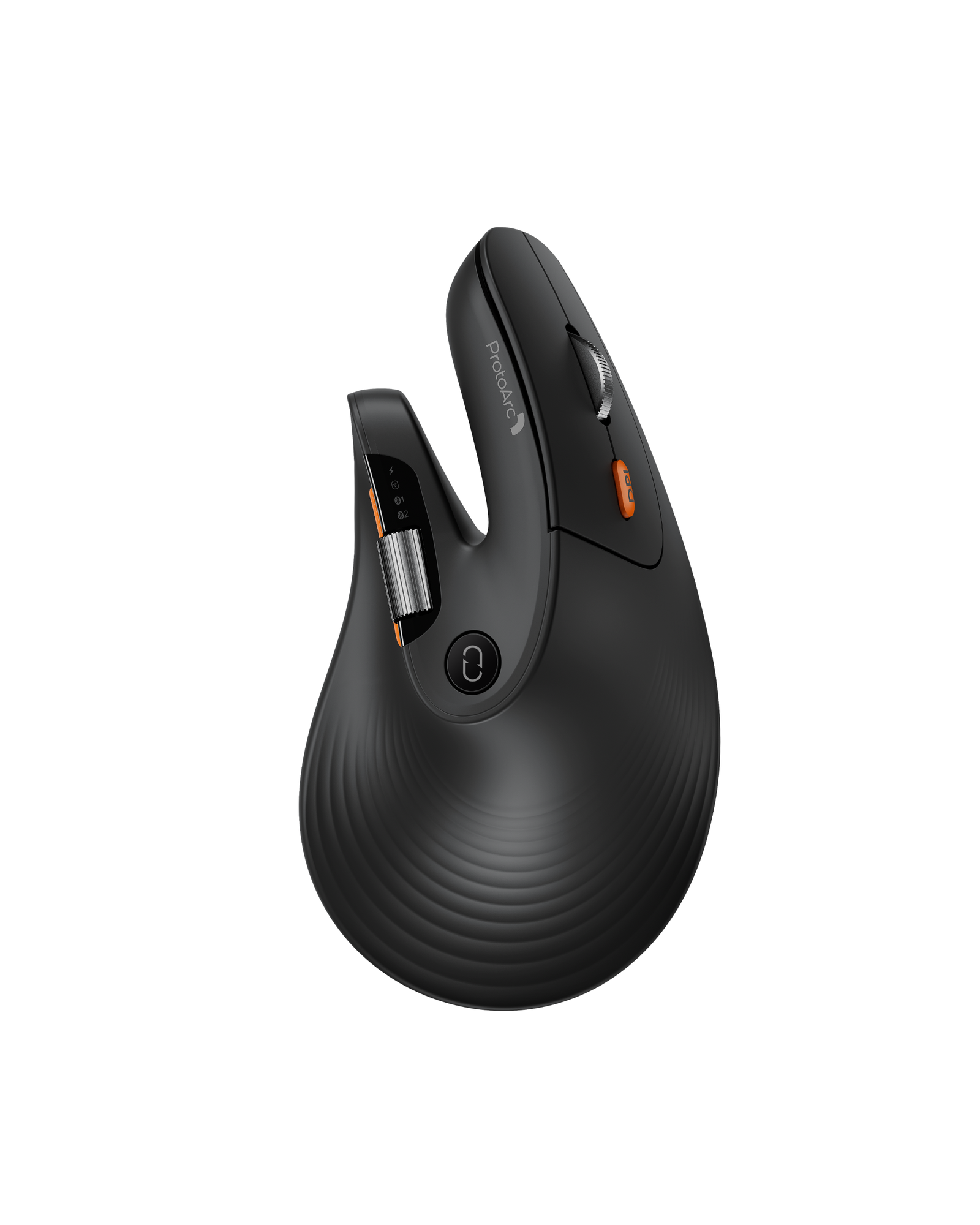
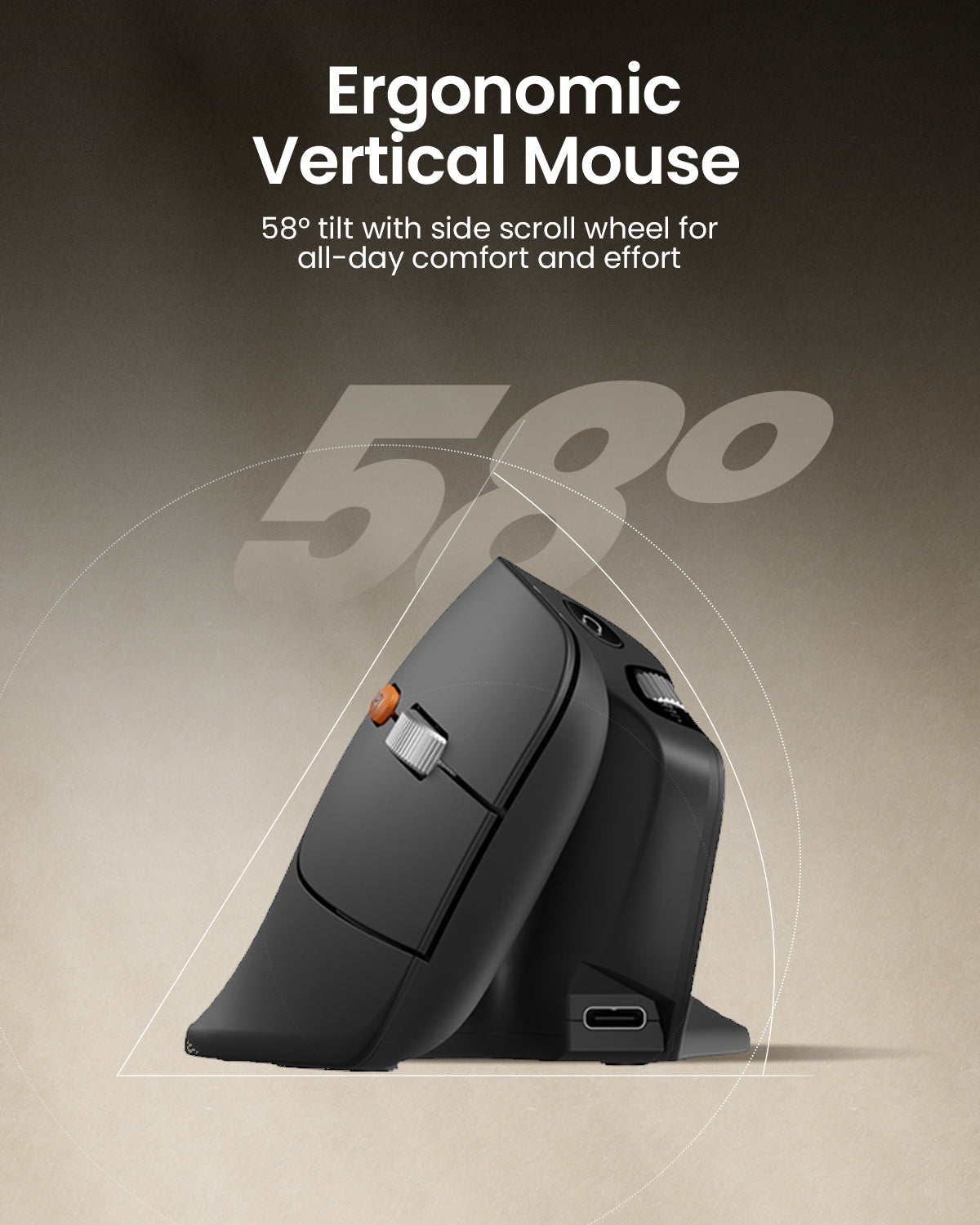
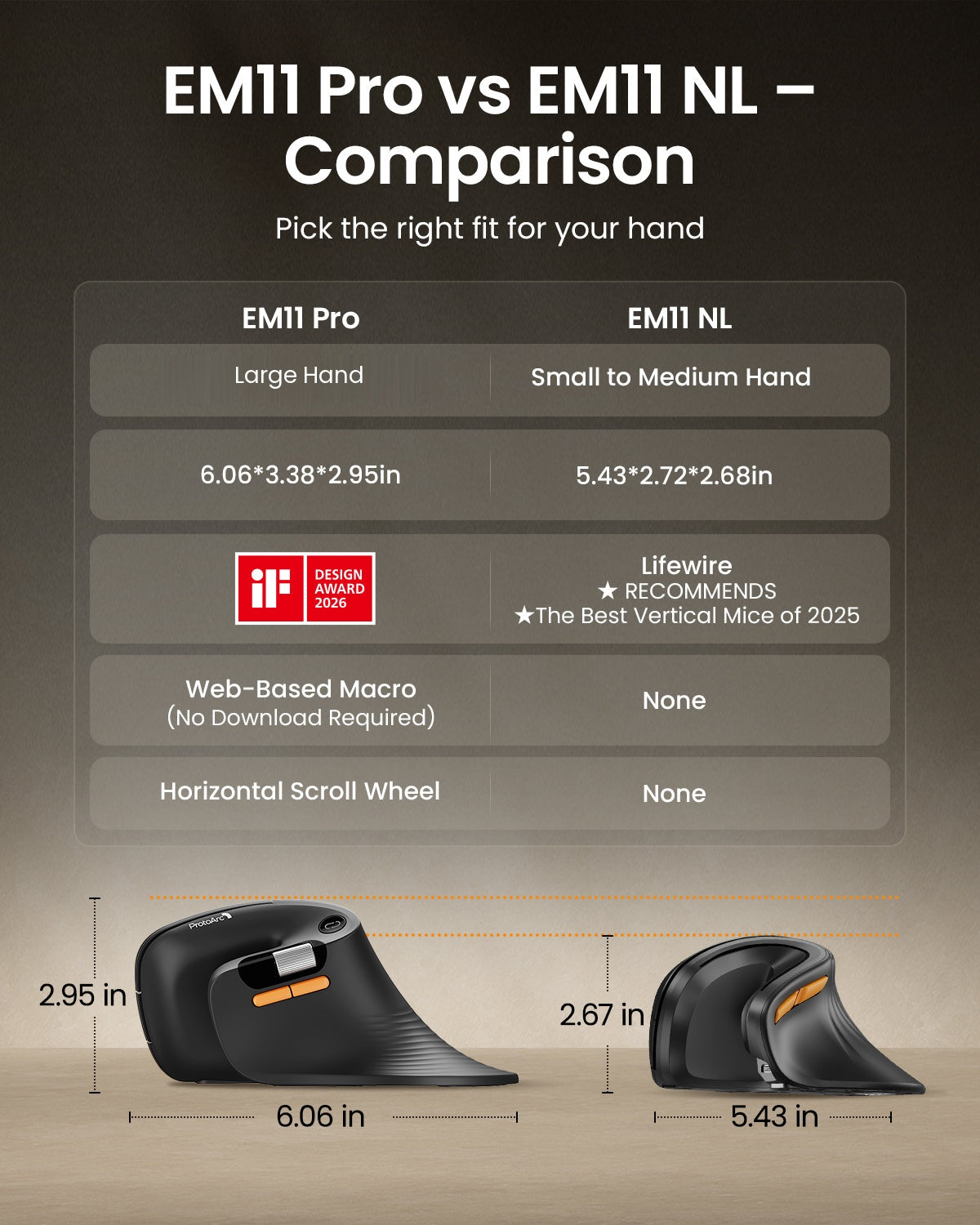
Designed for large hands measuring 7.5–8.5 inches (19.0–21.5 cm), the EM11 Pro combines a natural 58° vertical grip with customizable buttons and side scroll wheel controls for a more comfortable, efficient workflow.
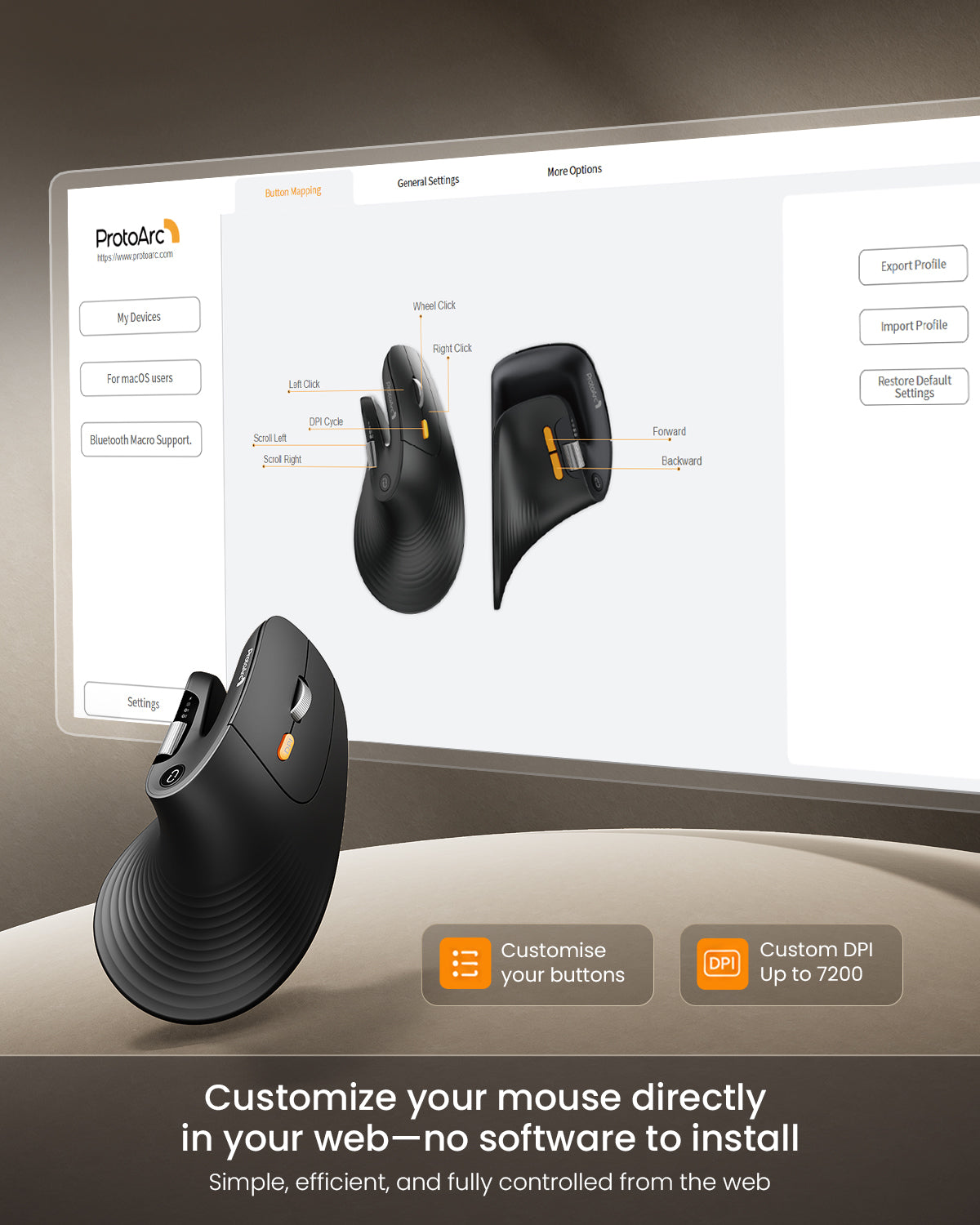
- Browser-based customization for buttons and the side scroll wheel—no software required
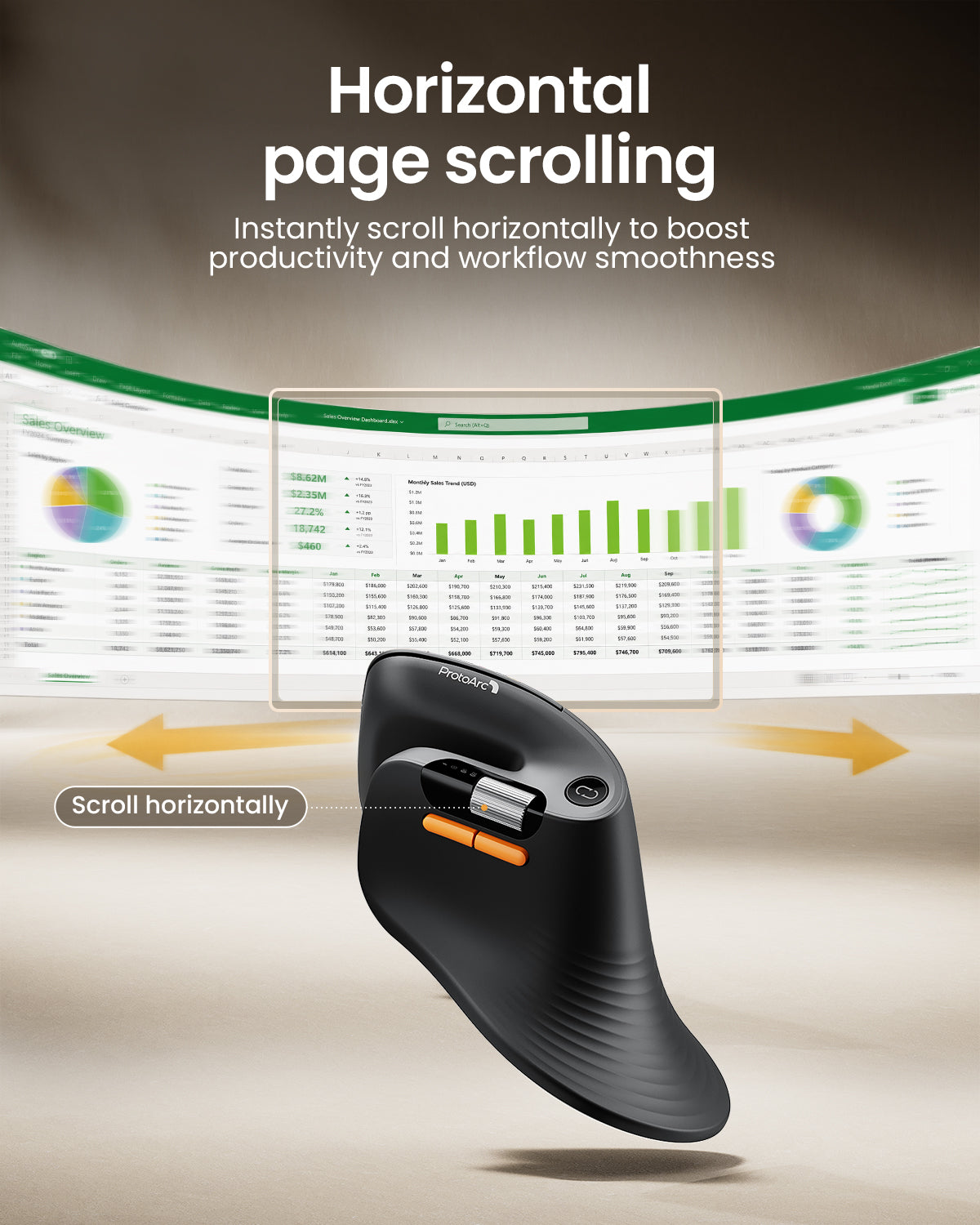
- Customizable horizontal side scroll wheel for spreadsheets, editing timelines, and more
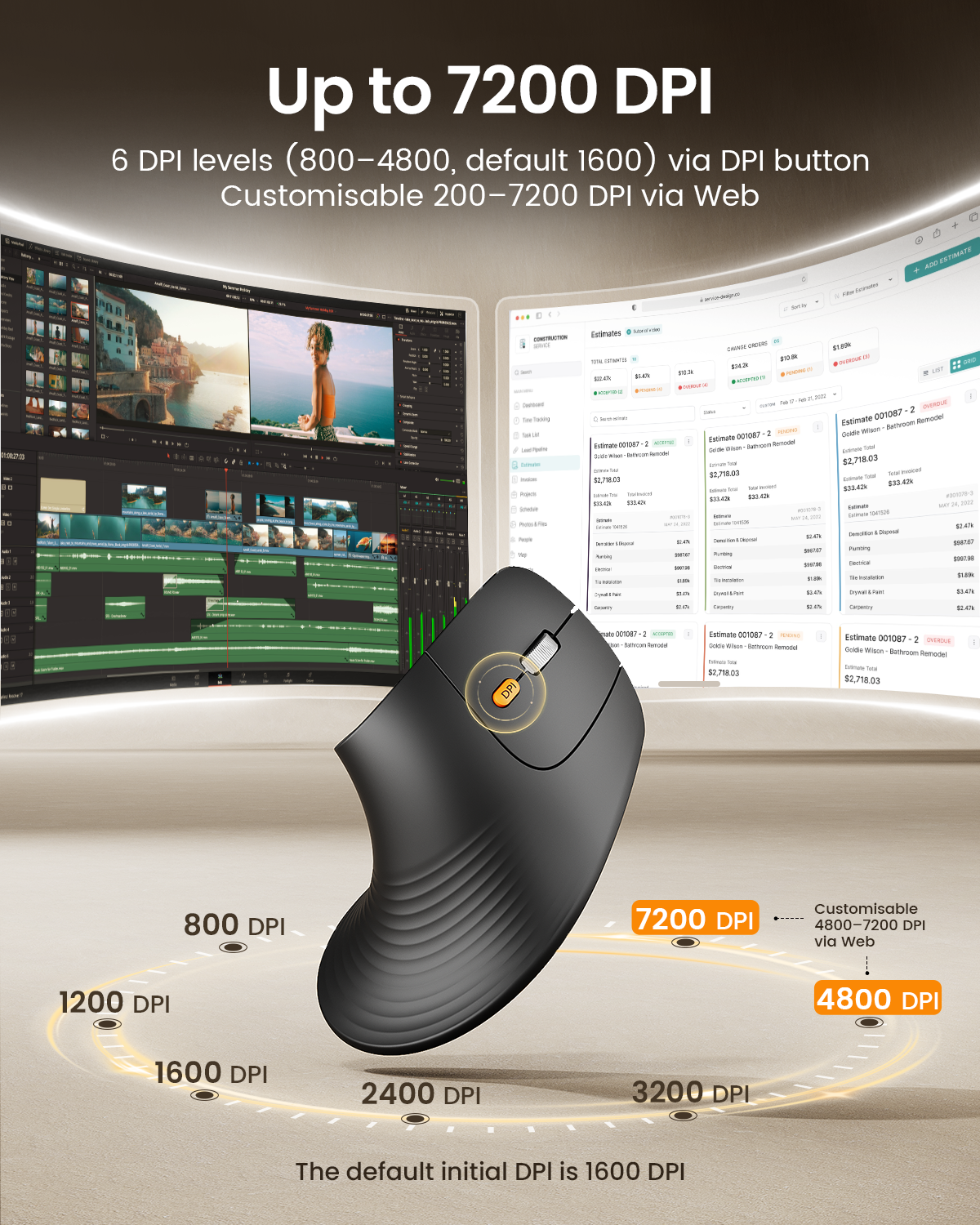
- 6 adjustable DPI levels, up to 7200 DPI
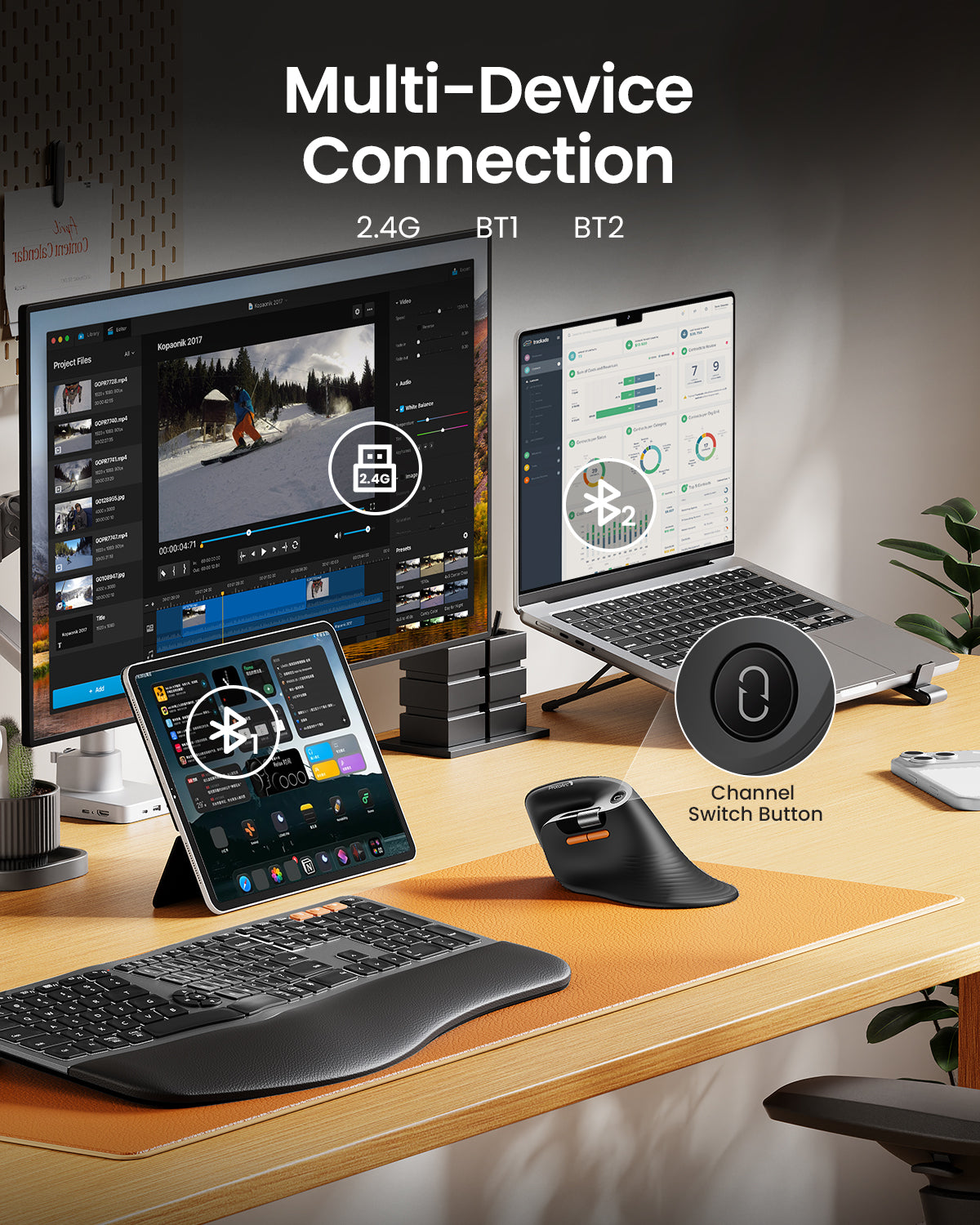
- Connect up to 3 devices via Bluetooth and 2.4G USB-A
- Quiet left and right clicks
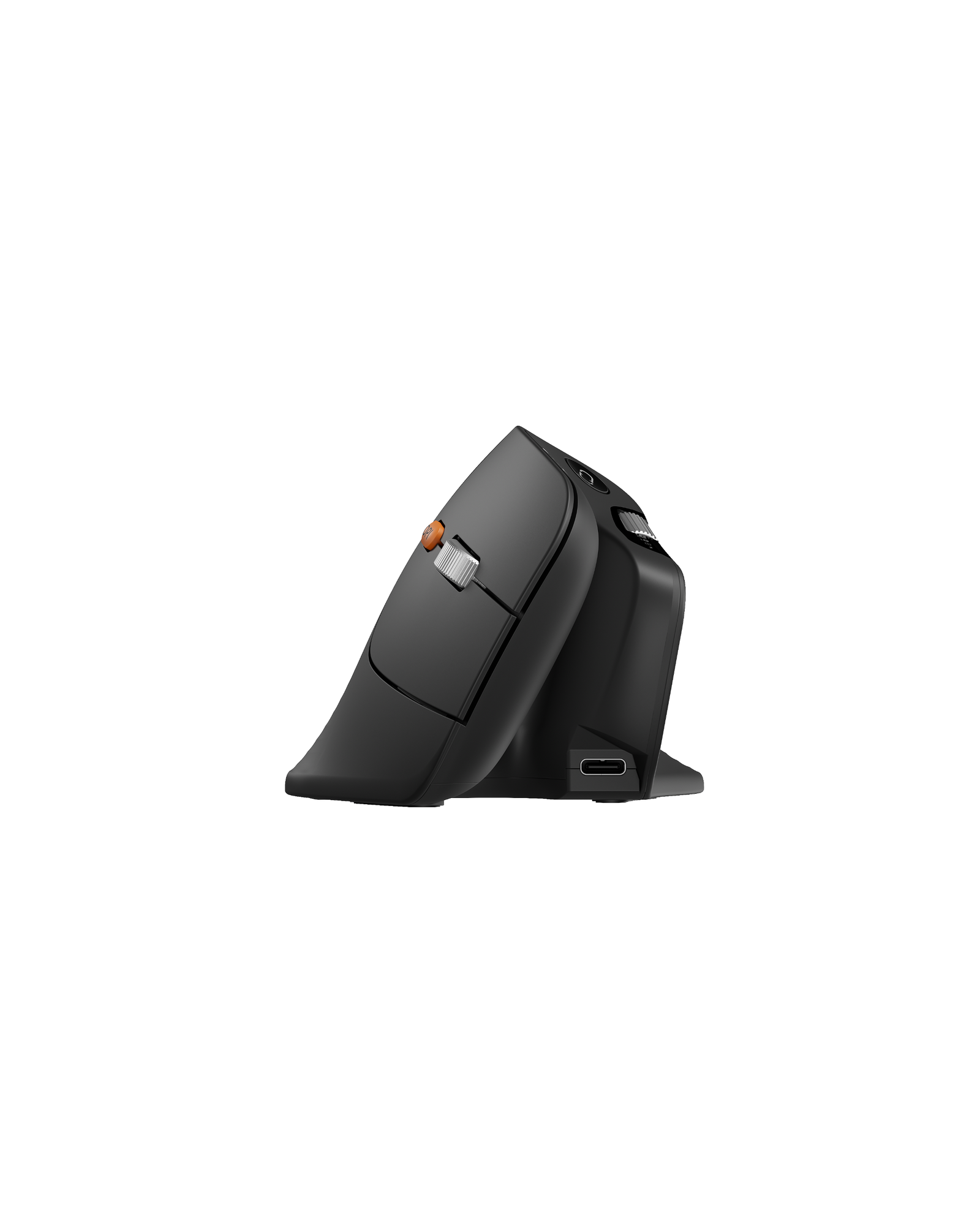
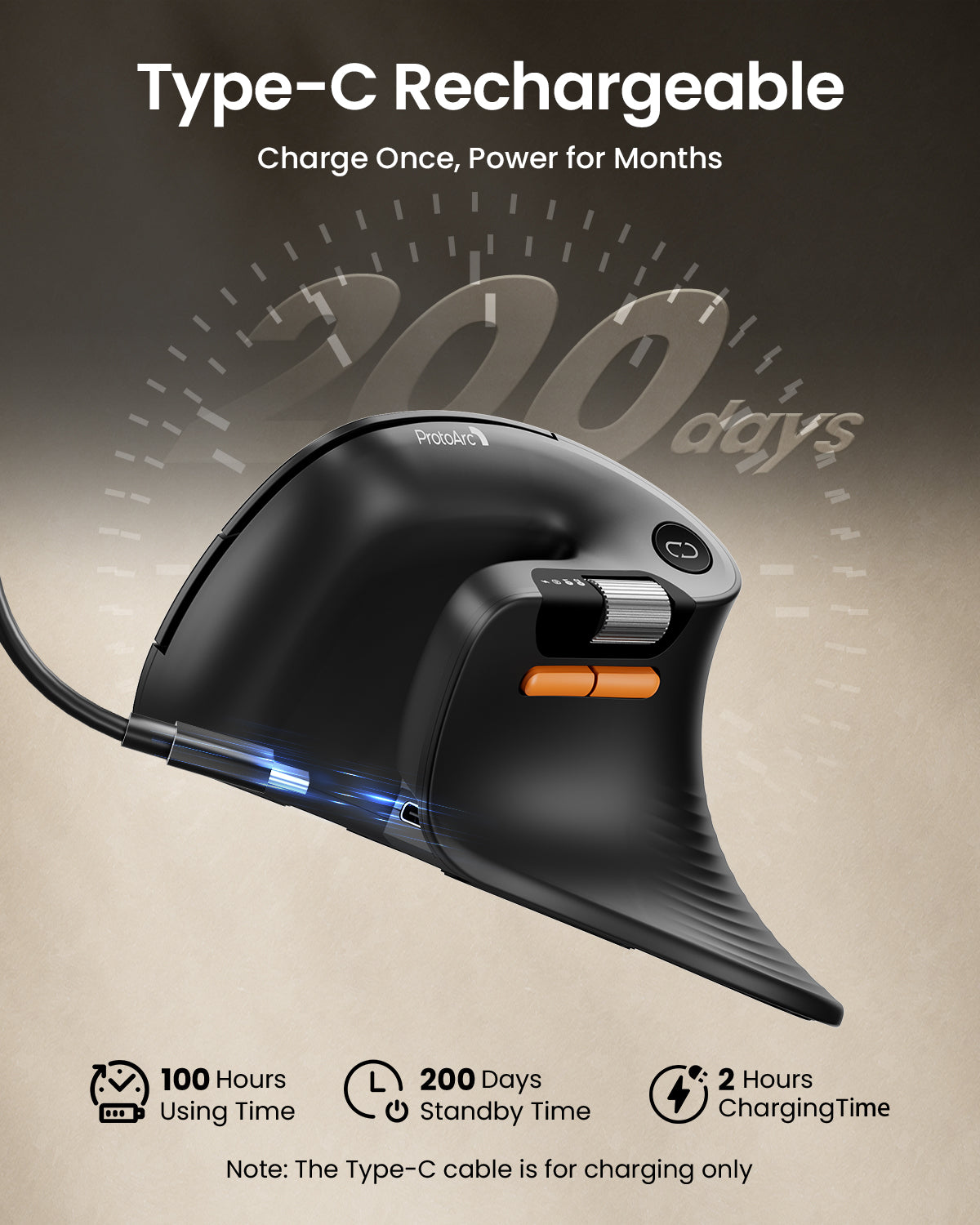
- Rechargeable 500mAh battery with USB-C charging
🫱🏼🫲🏻 Bulk Discount:
10% off for 5+ pcs • 15% off for 50+ pcs
Automatically applied — no inquiry needed.
Free Shipping
30-Day Returns
2 Years
Warranty

EM11 Pro Ergonomic Mouse
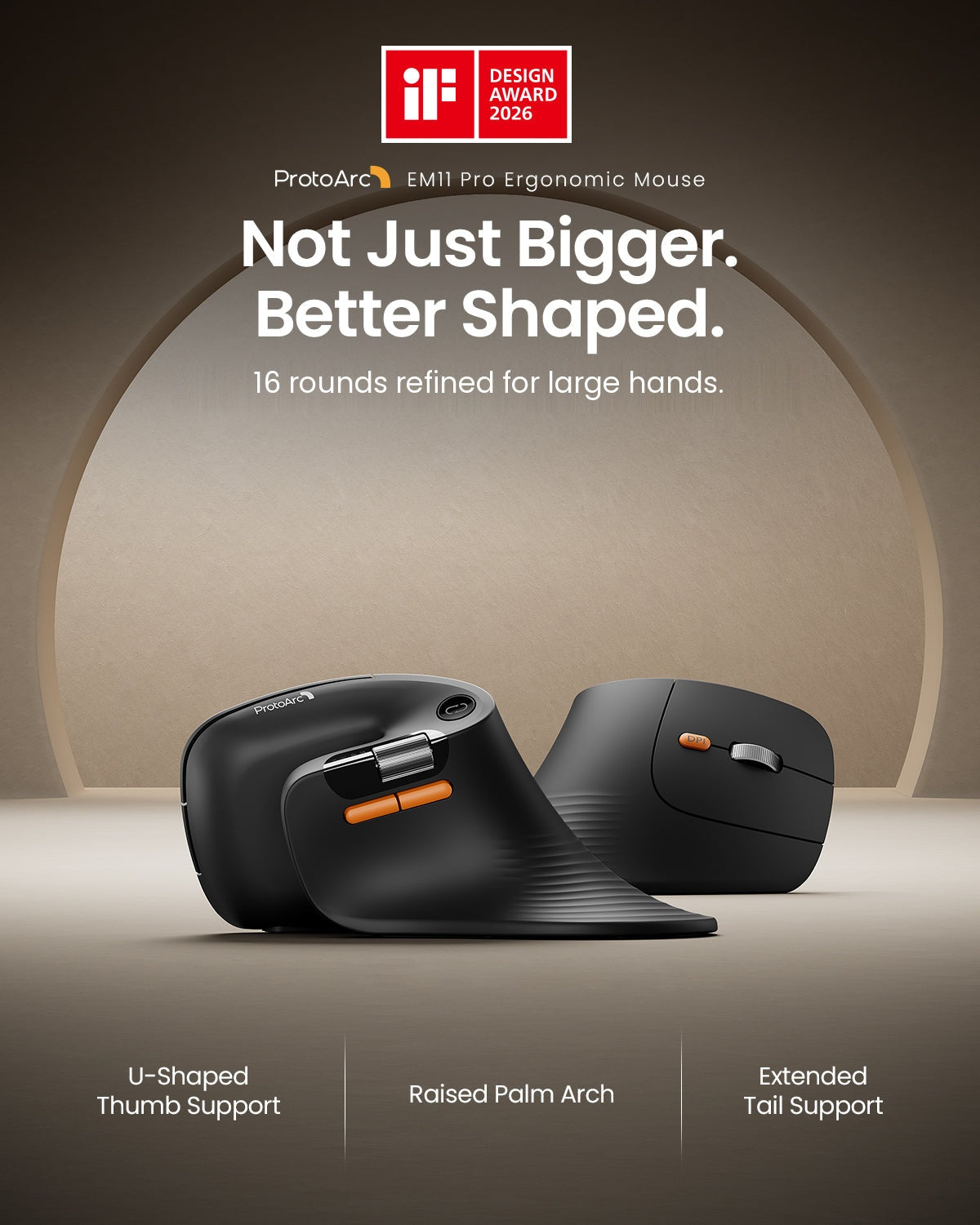
Made for large hands, the EM11 Pro delivers all-day comfort with a natural 58° vertical grip, web-based customization, horizontal scrolling, precision up to 7200 DPI, and effortless control across three devices.
Buttons & Scroll Wheel
Customization
Horizontal
Scroll Wheel
Ergonomic
Vertical Design
Up to
7200 DPI
Multi-Device
Connection
Rechargeable
500mAh Battery


Comfort That Feels More Natural
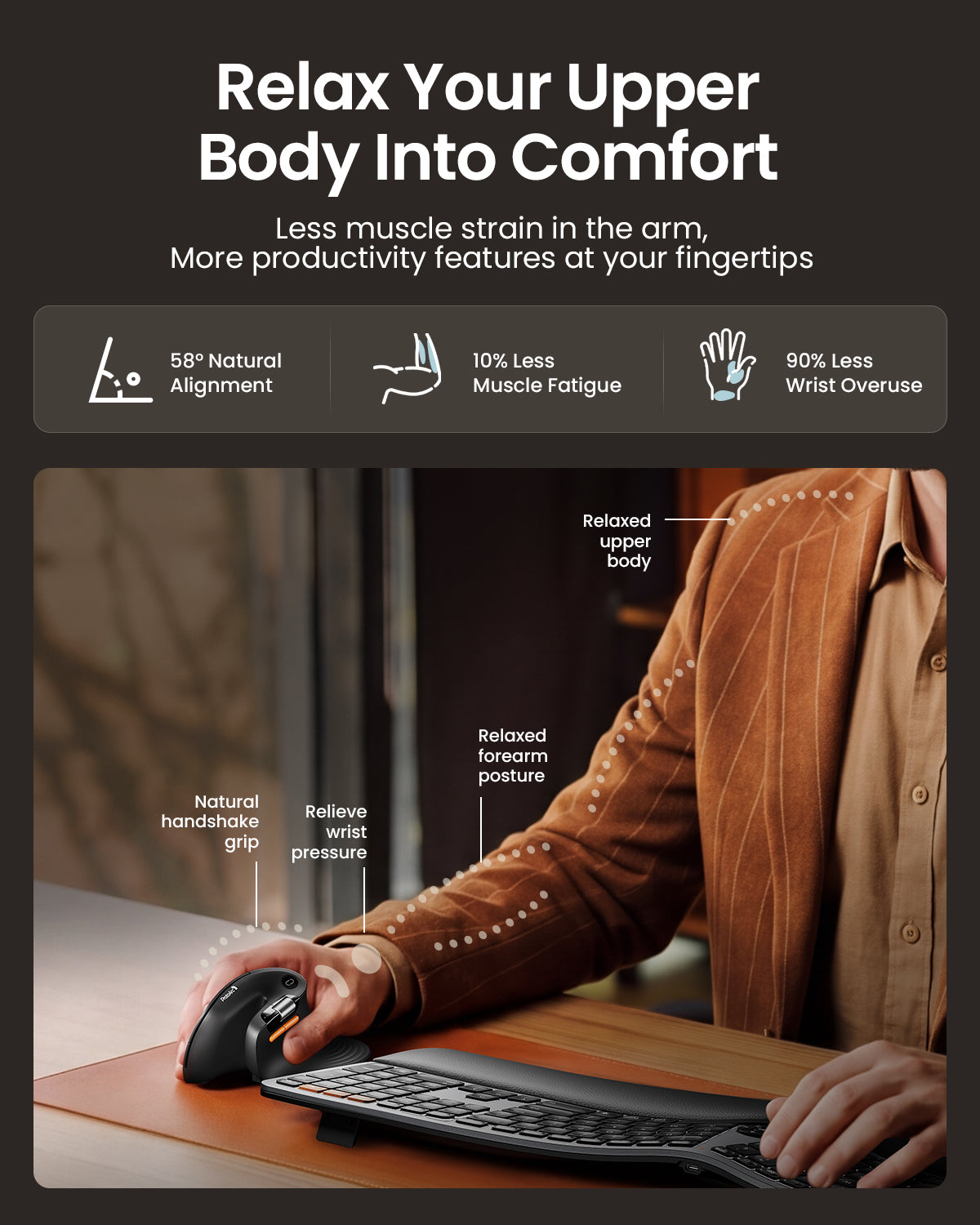
Designed around a natural handshake posture, the EM11 Pro supports a more relaxed wrist and forearm position throughout the workday. Its full-size vertical shape is made for larger hands, with a short adaptation period for first-time vertical mouse users.


Find the Right Fit Before You Order
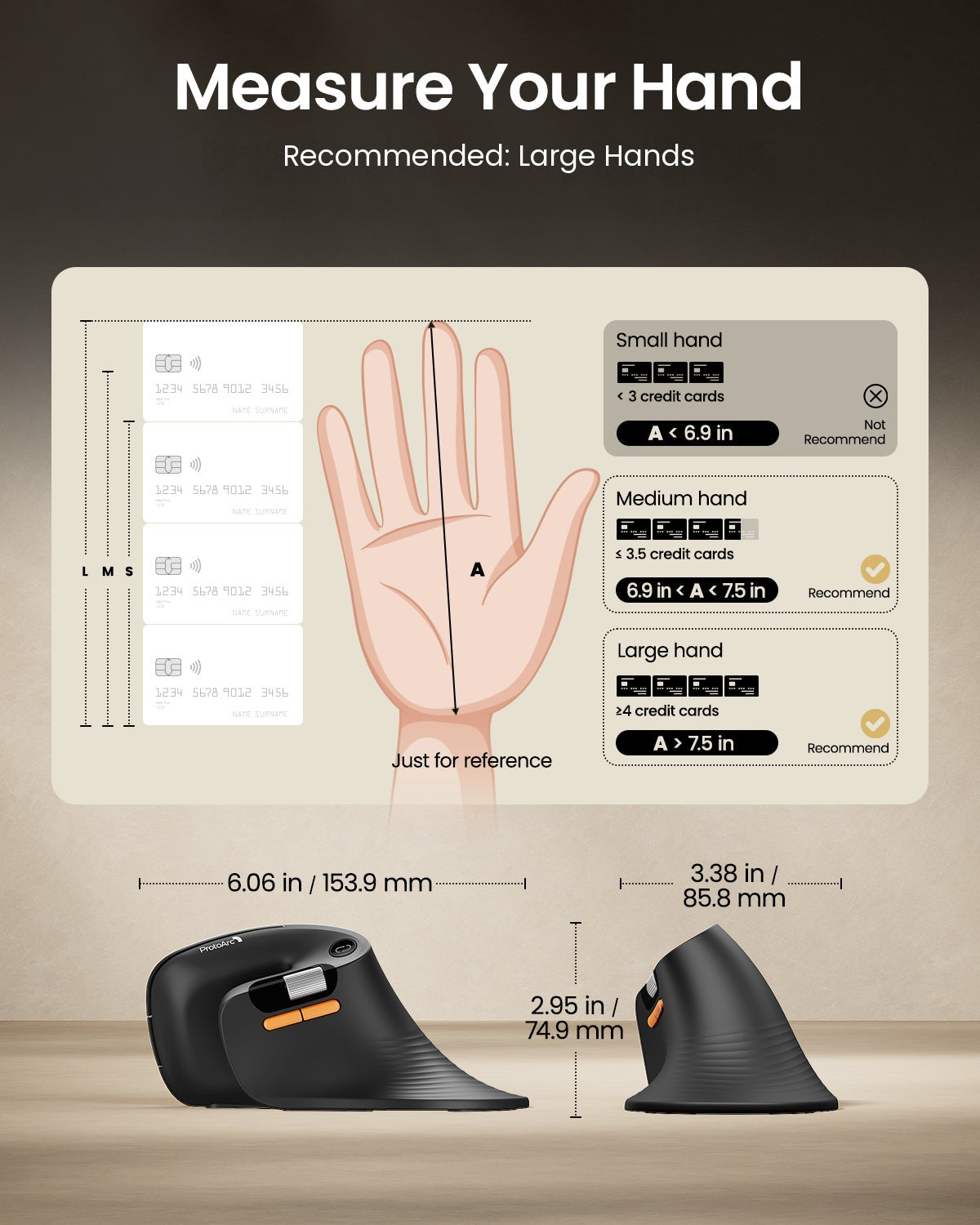
The EM11 Pro is shaped for large hands, with a recommended hand-length range of 7.5–8.5 inches (19.0–21.5 cm). Review the hand-size guide, mouse dimensions, and button layout below to make sure its full-size vertical shape suits your grip and workspace.


EM11 Pro HUB Tutorial
See how to connect your mouse, customize buttons and the side scroll wheel, adjust DPI, and save settings through the browser-based ProtoArc Web HUB.
EM11 Pro HUB Quick Start
- Open the ProtoArc Web HUB in Chrome or Edge and select EM11 Pro.
- Select a customizable control, including supported buttons or the side scroll wheel, and assign your preferred function.
- Save your settings. Your changes sync automatically to the mouse's onboard memory.
For macOS users: To remap buttons, customize the side scroll wheel, or adjust DPI in the Web HUB, go to System Settings → Privacy & Security → Input Monitoring, then enable permission for Chrome or Edge.
Frequently Asked Questions
What hand size is the EM11 Pro designed for?
The EM11 Pro is a full-size vertical mouse recommended for hand lengths of 7.5–8.5 inches (19.0–21.5 cm). Measure from the base of your palm to the tip of your middle finger before ordering.
Do I need to download software to customize the mouse?
No. Button functions, side scroll wheel settings, and DPI settings can be adjusted through the browser-based ProtoArc Web HUB in Chrome or Edge. Your saved settings sync to the mouse's onboard memory.
Can the horizontal side scroll wheel be customized?
Yes. The horizontal side scroll wheel can be customized through the ProtoArc Web HUB, allowing you to assign functions that better match your workflow.
How many devices can I connect?
You can connect up to three devices using two Bluetooth channels and the included 2.4 GHz USB-A receiver, then switch between them with the device-switch button.
Which operating systems are supported?
The EM11 Pro is compatible with Windows 8 or later, macOS 10.12 or later, and Android 4.3 or later. Some shortcut functions may vary by operating system and application.
Why does the Web HUB need permission on macOS?
macOS requires Input Monitoring permission so Chrome or Edge can send your customization and DPI changes to the mouse. Go to System Settings → Privacy & Security → Input Monitoring and enable your browser.
How is the mouse charged?
The built-in 500mAh battery charges through the included USB-C cable. The cable is for charging only and does not provide a wired data connection.
Is there an adjustment period for a vertical mouse?
Yes. If this is your first vertical mouse, allow about one to two weeks to get used to the shape. Keep your palm relaxed and hold the mouse naturally rather than gripping it tightly.
TECHNICAL SPECIFICATIONS
Performance
Tracking: Optical
DPI: 6 adjustable levels, up to 7200 DPI
Design: 58° ergonomic vertical mouse
Customization: Configurable buttons and side scroll wheel
Horizontal scrolling: Customizable side scroll wheel
Quiet clicks: Quiet left and right buttons
Battery
Battery capacity: 500mAh rechargeable battery
Charging: USB-C
Charging cable: For charging only
Connection Type
1 x 2.4G USB-A wireless connection
2 x Bluetooth wireless connections
Connects to up to 3 devices
Easy device switching
SYSTEM REQUIREMENTS
2.4G USB Receiver
Requires an available USB-A port.
Bluetooth
Requires a Bluetooth-enabled device.
Compatible with Windows 8, Windows 10 or later, macOS 10.12 or later, and Android 4.3 or later.
Works with compatible computers, tablets, and smartphones.
Web-Based Customization
Configure buttons and the side scroll wheel, adjust DPI settings, and assign frequently used shortcuts directly through the web-based driver.
No software download or installation is required.
Supported browsers: Google Chrome, Microsoft Edge, and Opera.
Customization is supported on Windows and macOS only.
PACKAGE CONTENTS
1 x ProtoArc EM11 Pro Wireless Mouse
1 x 2.4G USB-A Receiver
1 x USB-C Charging Cable
1 x User Manual
SETUP & SUPPORT
