








EM11 Pro Ergonomic Vertical Mouse

Reveal your reserved pre-order price
ProtoArc EM11 Pro Ergonomic Mouse
Locked until you enter email
Guaranteed at least $10 off MSRP.
One reserved price per customer. Applies to EM11 Pro only. Discount applies automatically at checkout.
Free Shipping
30-Day Returns
2 Years
Warranty


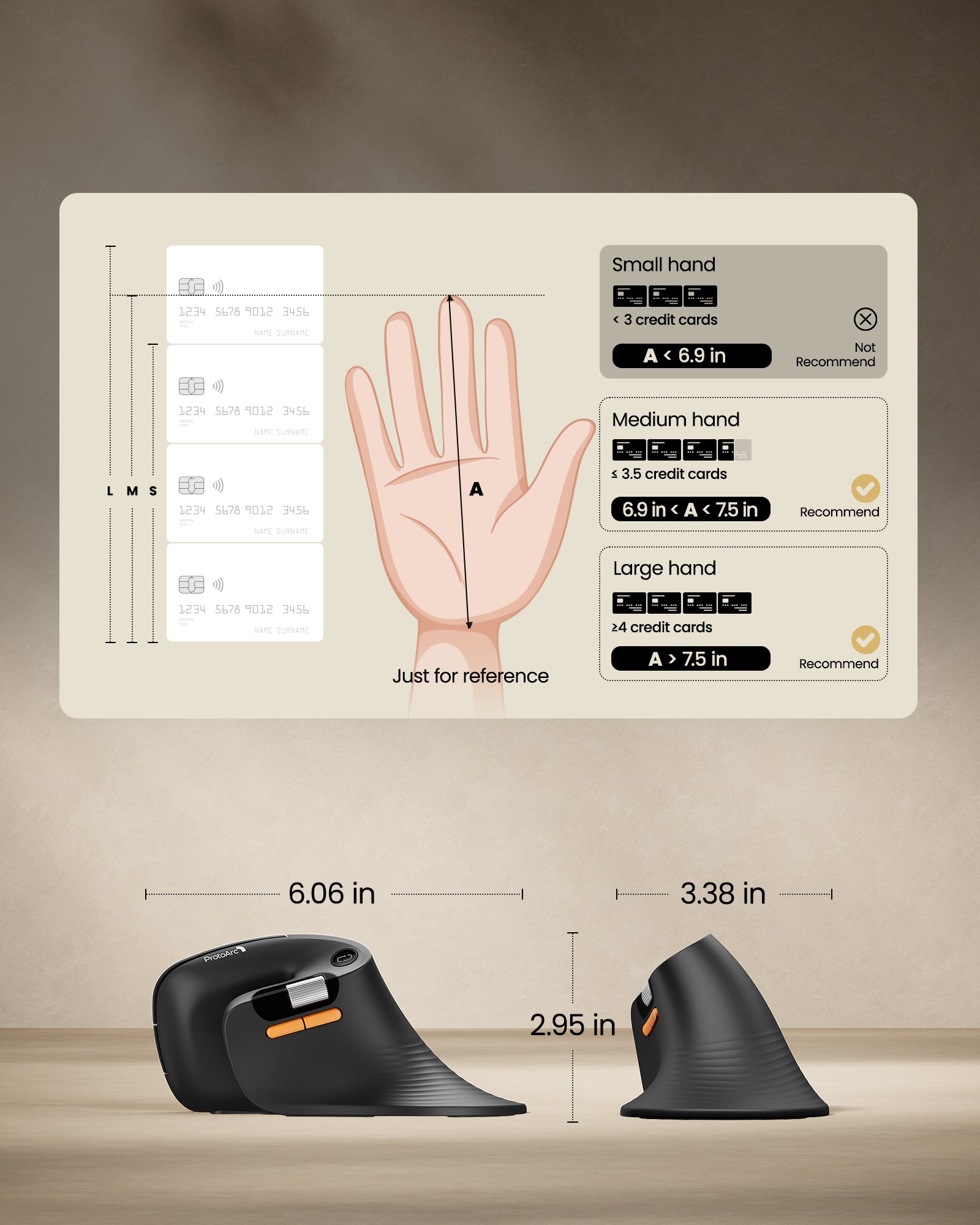
Built for Medium-Large Hands. More Comfort. More Efficiency.
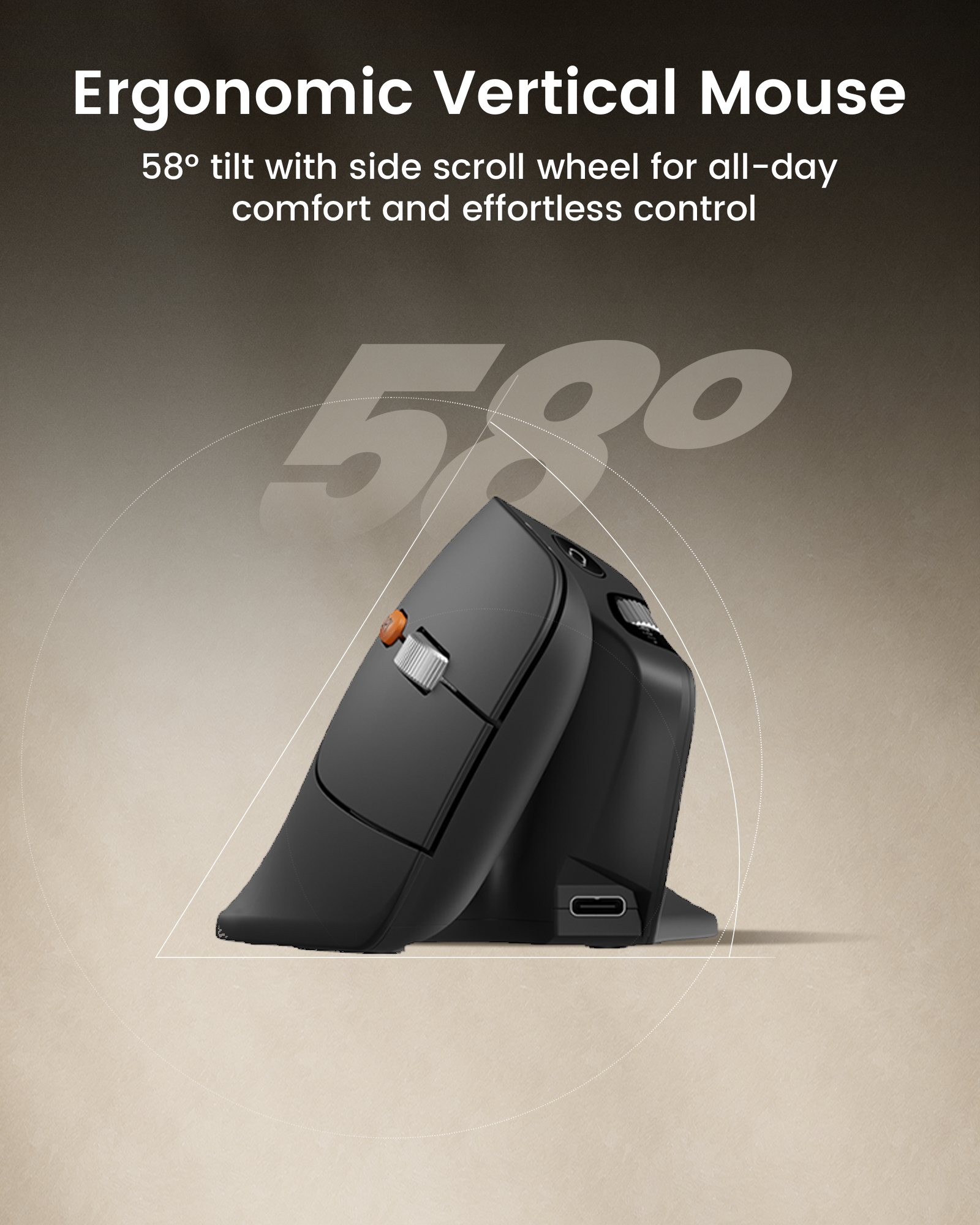
Ergonomics|Web-Based Customization|Side Scroll Wheel|58°|iF Design Award

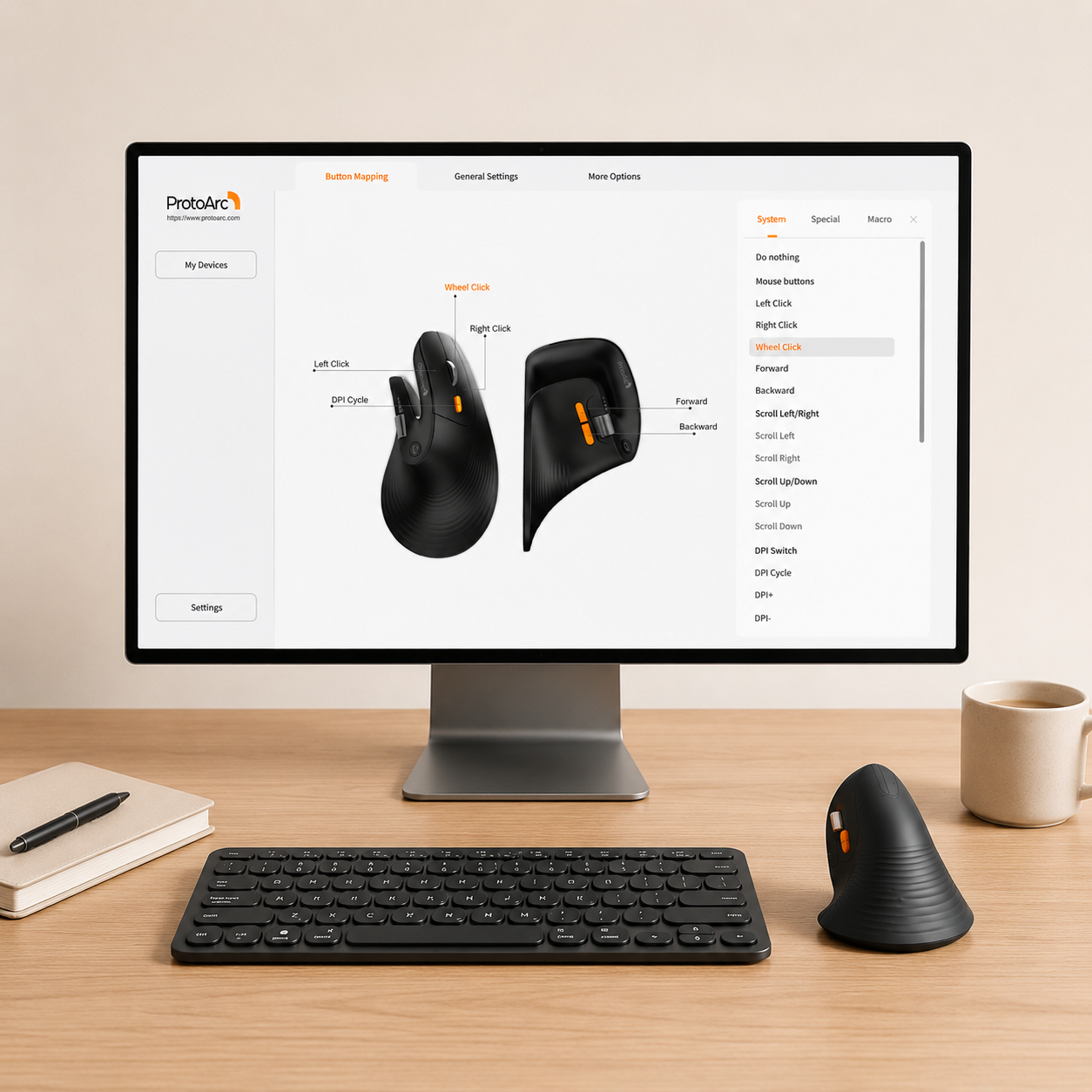
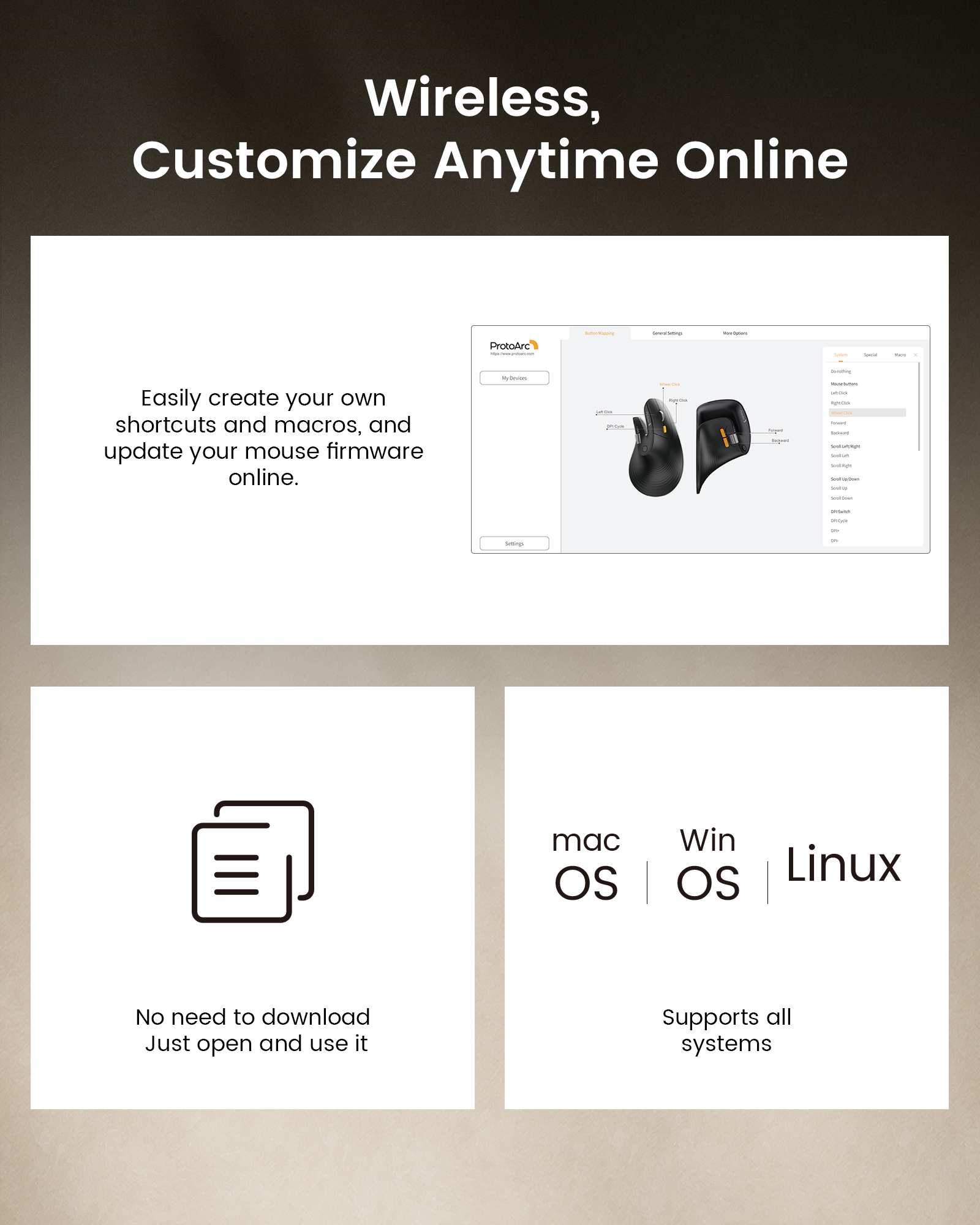
Create personalized mouse shortcuts through the web-based macro editor — customize buttons for copy/paste, app switching, screenshots, workflow tools, and repetitive actions to work faster with fewer clicks.
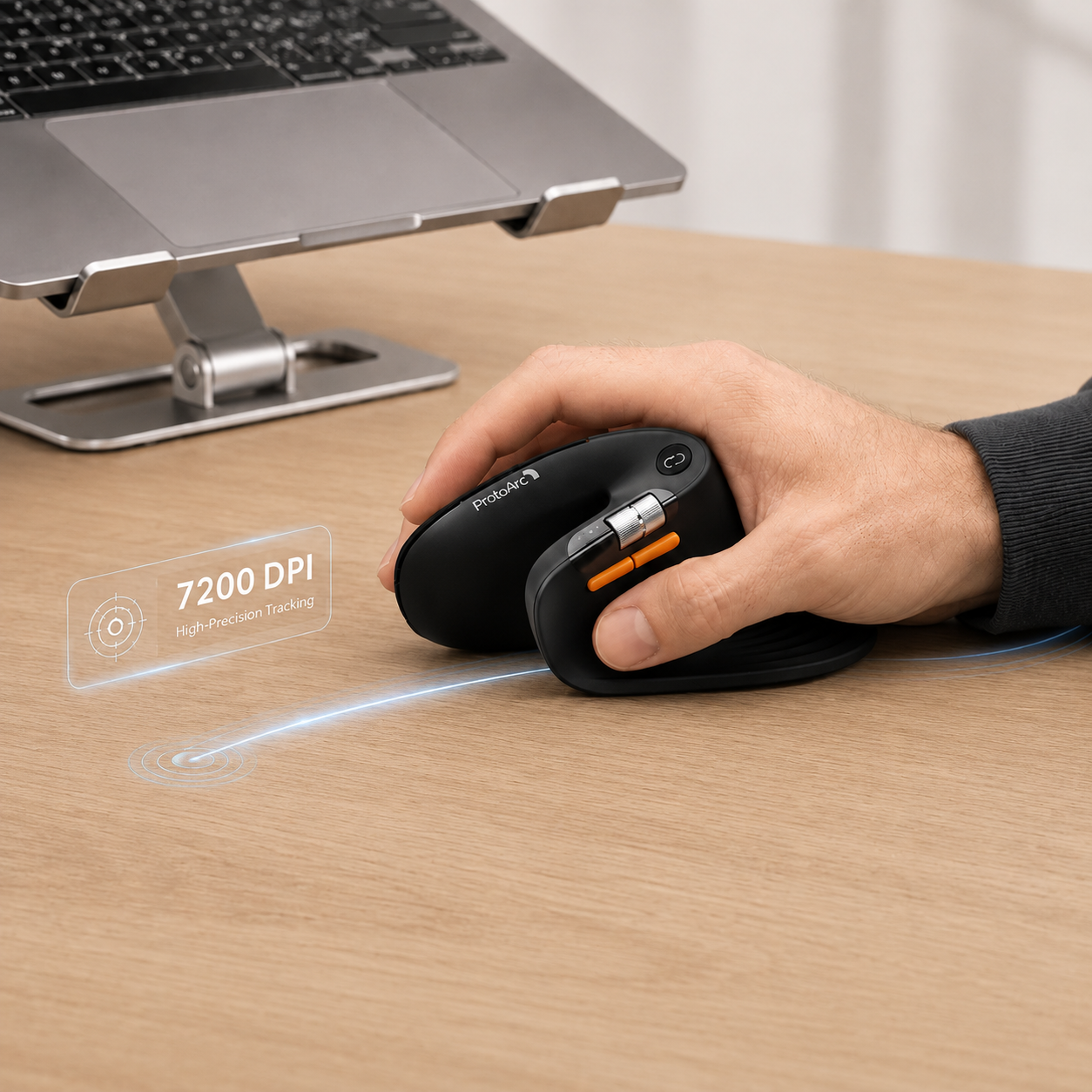
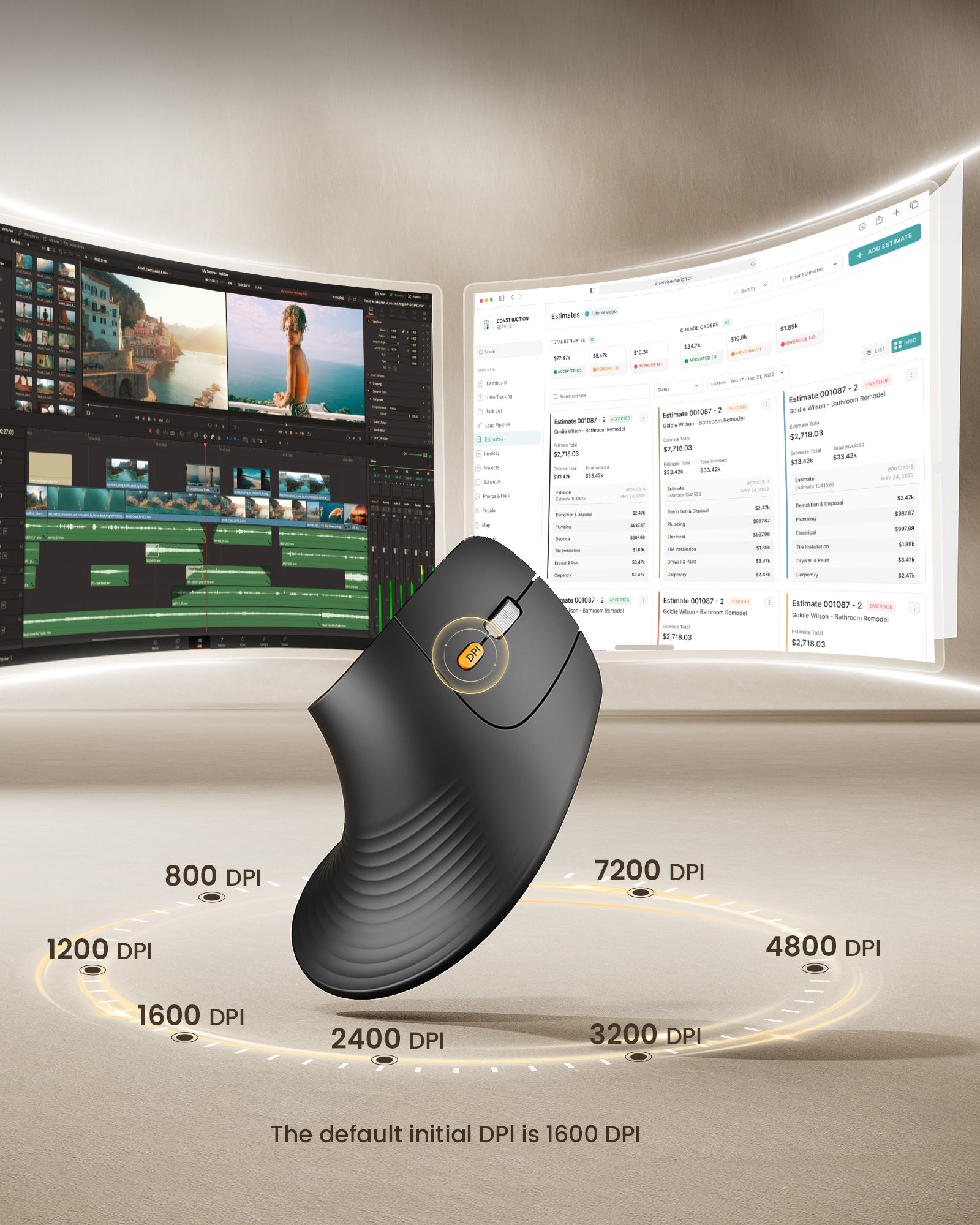
Adjustable up to 7200 DPI for smooth, precise tracking — move faster, navigate with accuracy, and stay efficient across different work tasks.
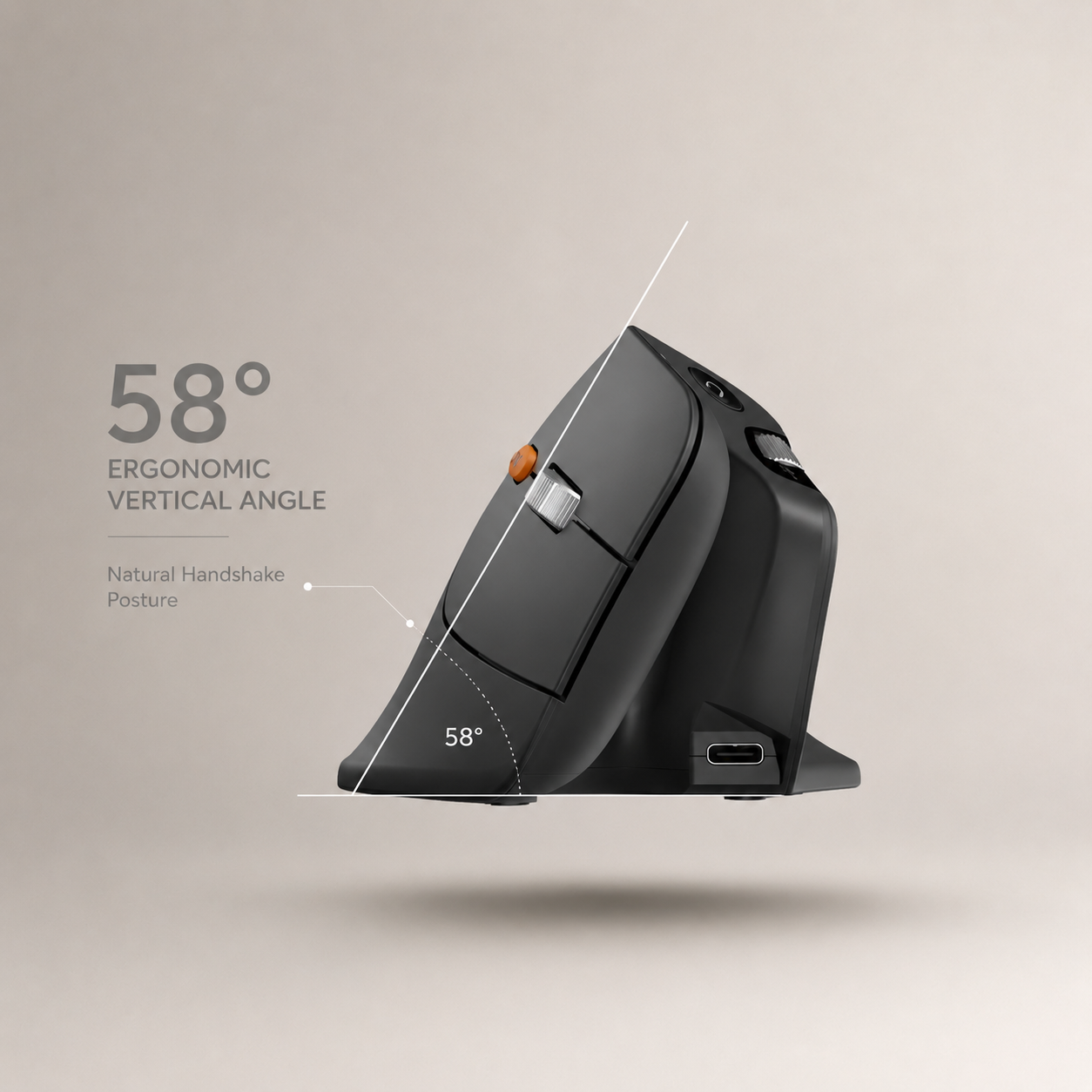
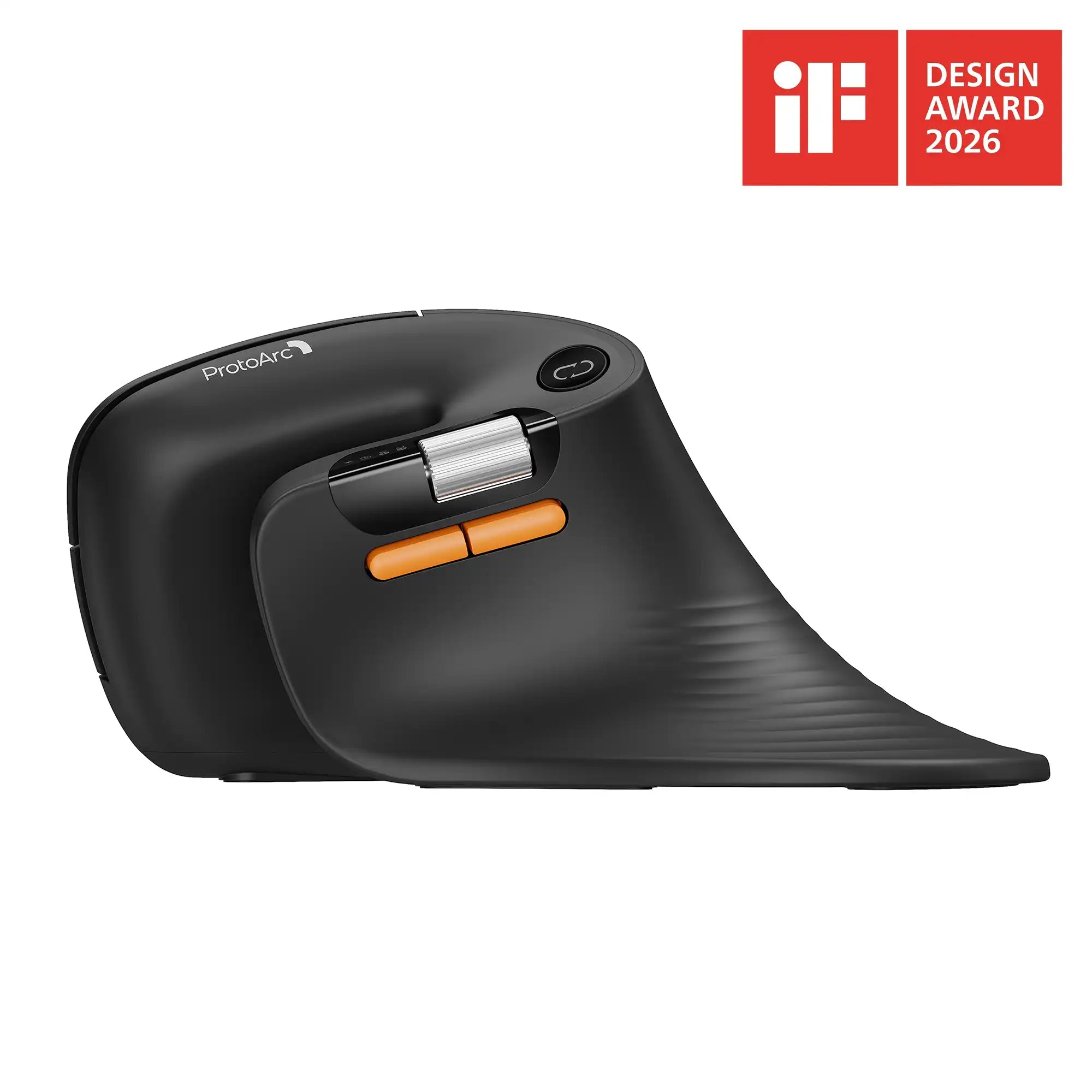
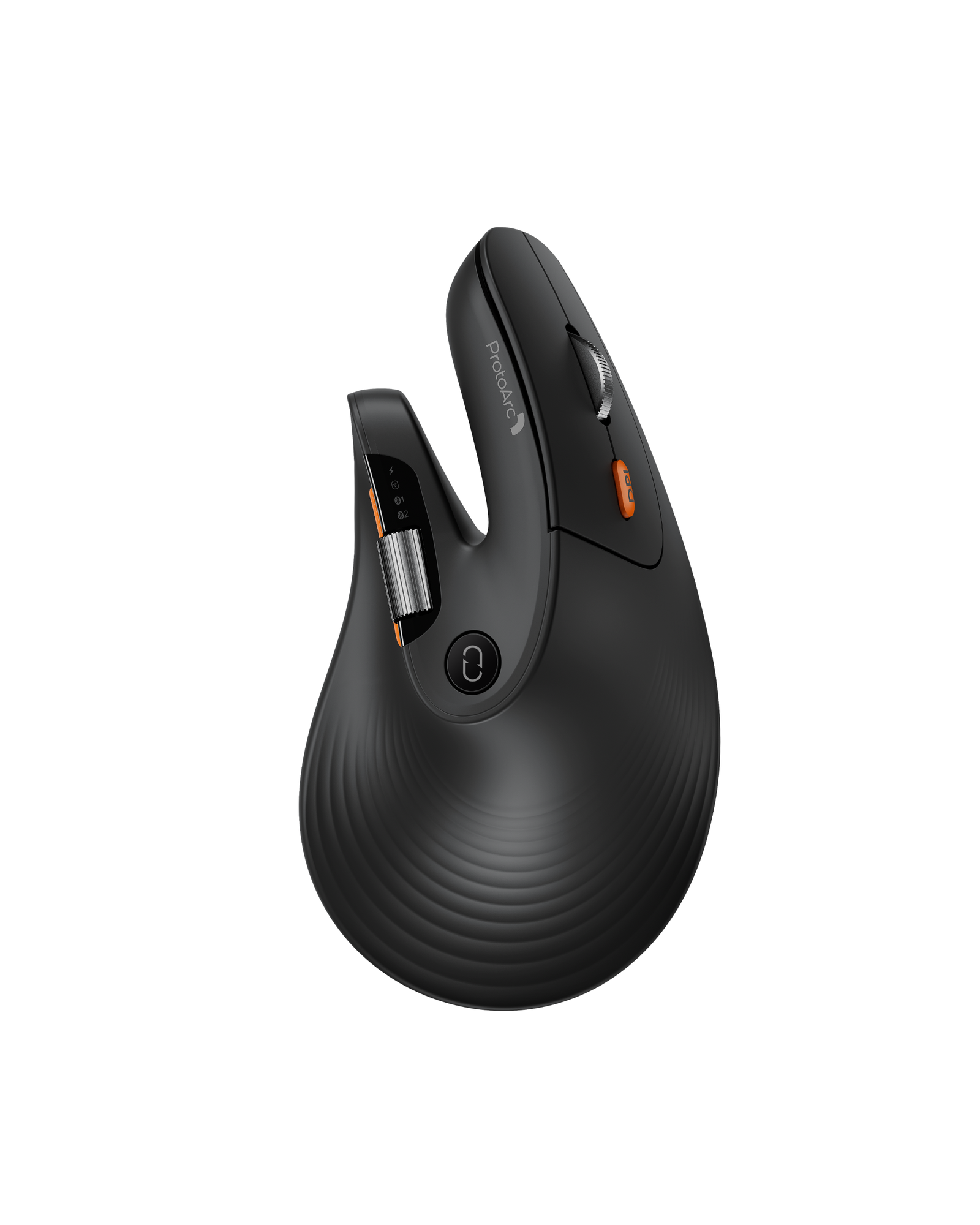
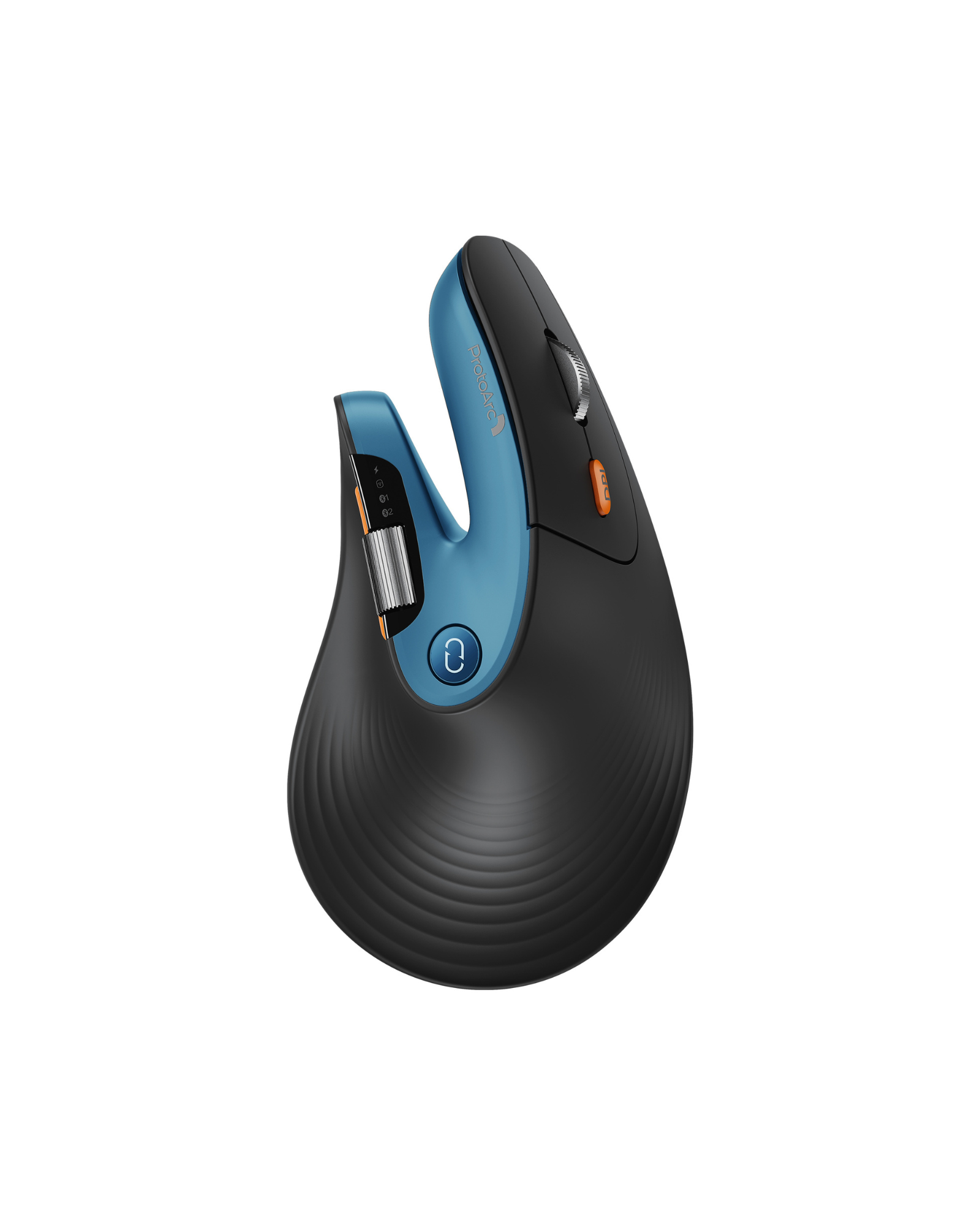
Every curve is shaped to fit the natural form of your hand. From the U-shaped thumb support to the fuller palm arch and widened tail design, each detail is refined to provide better support, reduce friction, and create a more comfortable ergonomic experience throughout the day.
Create personalized mouse shortcuts through the web-based macro editor — customize buttons for copy/paste, app switching, screenshots, workflow tools, and repetitive actions to work faster with fewer clicks.
Adjustable up to 7200 DPI for smooth, precise tracking — move faster, navigate with accuracy, and stay efficient across different work tasks.
Every curve is shaped to fit the natural form of your hand. From the U-shaped thumb support to the fuller palm arch and widened tail design, each detail is refined to provide better support, reduce friction, and create a more comfortable ergonomic experience throughout the day.
Winner of the International iF Design Award
When we learned that the product had received the iF Design Award, we were truly excited. It meant a lot to the whole team.
Before it had even reached many users, the product had already been recognized by the industry. For our team, it felt like every late night, every small adjustment, and six months of focused effort had finally been seen.

Winner of the International iF Design Award
When we learned that the product had received the iF Design Award, we were truly excited. It meant a lot to the whole team.
Before it had even reached many users, the product had already been recognized by the industry. For our team, it felt like every late night, every small adjustment, and six months of focused effort had finally been seen.
Driver Setup Guide
Learn how to connect EM11 Pro, access the web-based driver, customize buttons, and set up macros for your workflow.
EM11 NL vs EM11 Pro
See what has been upgraded.

EM11 NL

EM11 Pro
| Feature | EM11 NL | EM11 Pro |
|---|---|---|
| Design | Vertical ergonomic mouse | Upgraded ergonomic shape (58°) |
| DPI | 1000 / 1600 / 2400 | 800–7200 DPI (adjustable) |
| Customization | No | Web-based driver |
| Macro Support | No | Yes |
| Side Scroll Wheel | No | Yes |
| Connection | 2.4G + Dual Bluetooth | 2.4G + Dual Bluetooth |
| Hand Size Fit | Small–medium | Medium–large (≥17.5cm) |
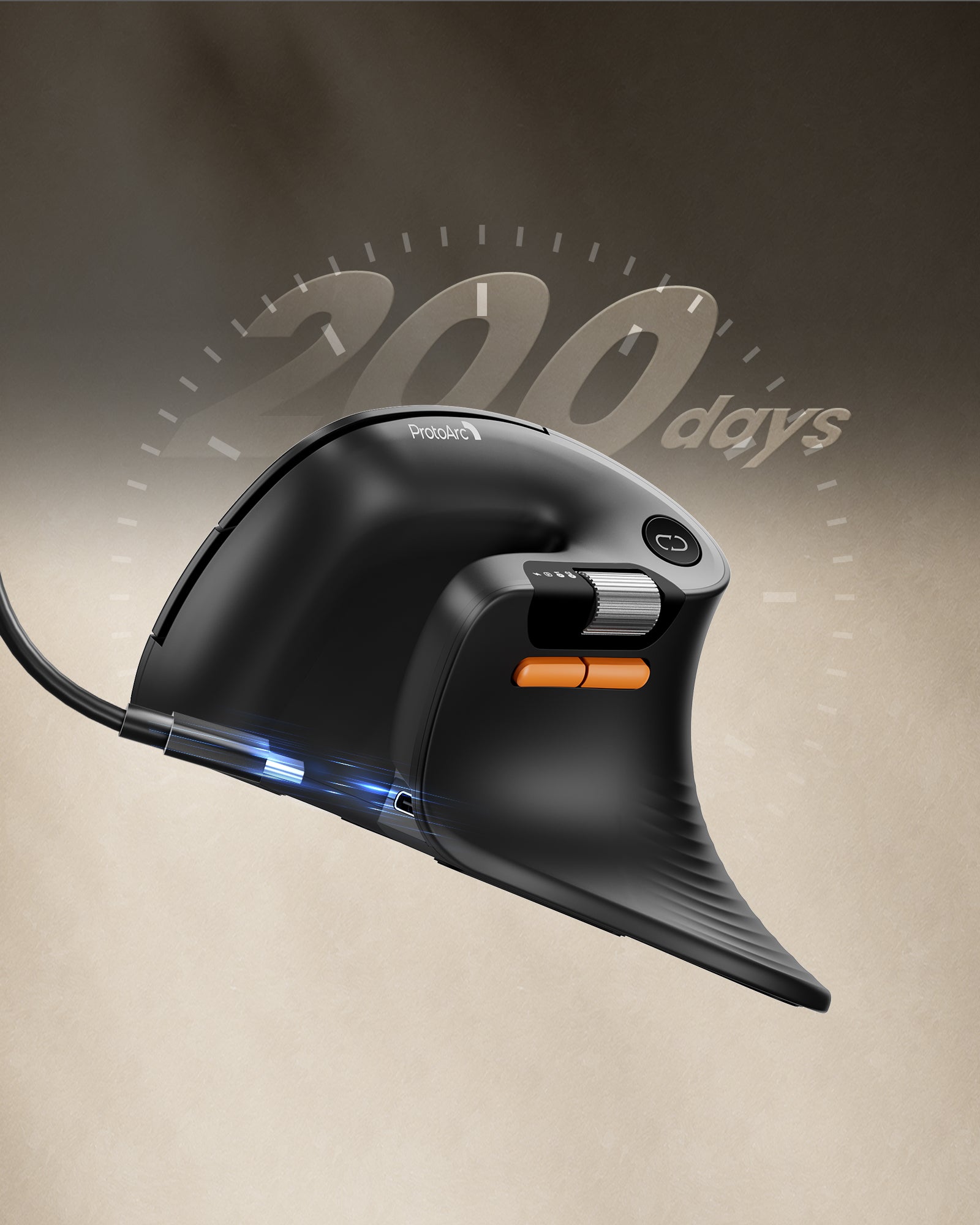
| Battery | Rechargeable | 500mAh, up to 200 days use |
Upgrade Your Ergonomic Workflow
EM11 Pro builds on EM11 with four key upgrades: web-based customization, adjustable DPI (800–7200), a side scroll wheel, and multi-device connectivity. All in a refined ergonomic shape for smoother daily work.


Web-Based Button Customization
Customize shortcuts, macros, and button functions directly in your browser — no software to install.
Assign your most-used actions to any button, cut down repetitive clicks, and build a faster workflow for spreadsheets, design tools, or everyday browsing.
Adjust DPI for Every Task
Switch between 800 and 7200 DPI on the fly. Lower DPI gives you pixel-precise control for editing; higher DPI glides across large or multi-monitor setups with ease.


Comfortable Ergonomic Design
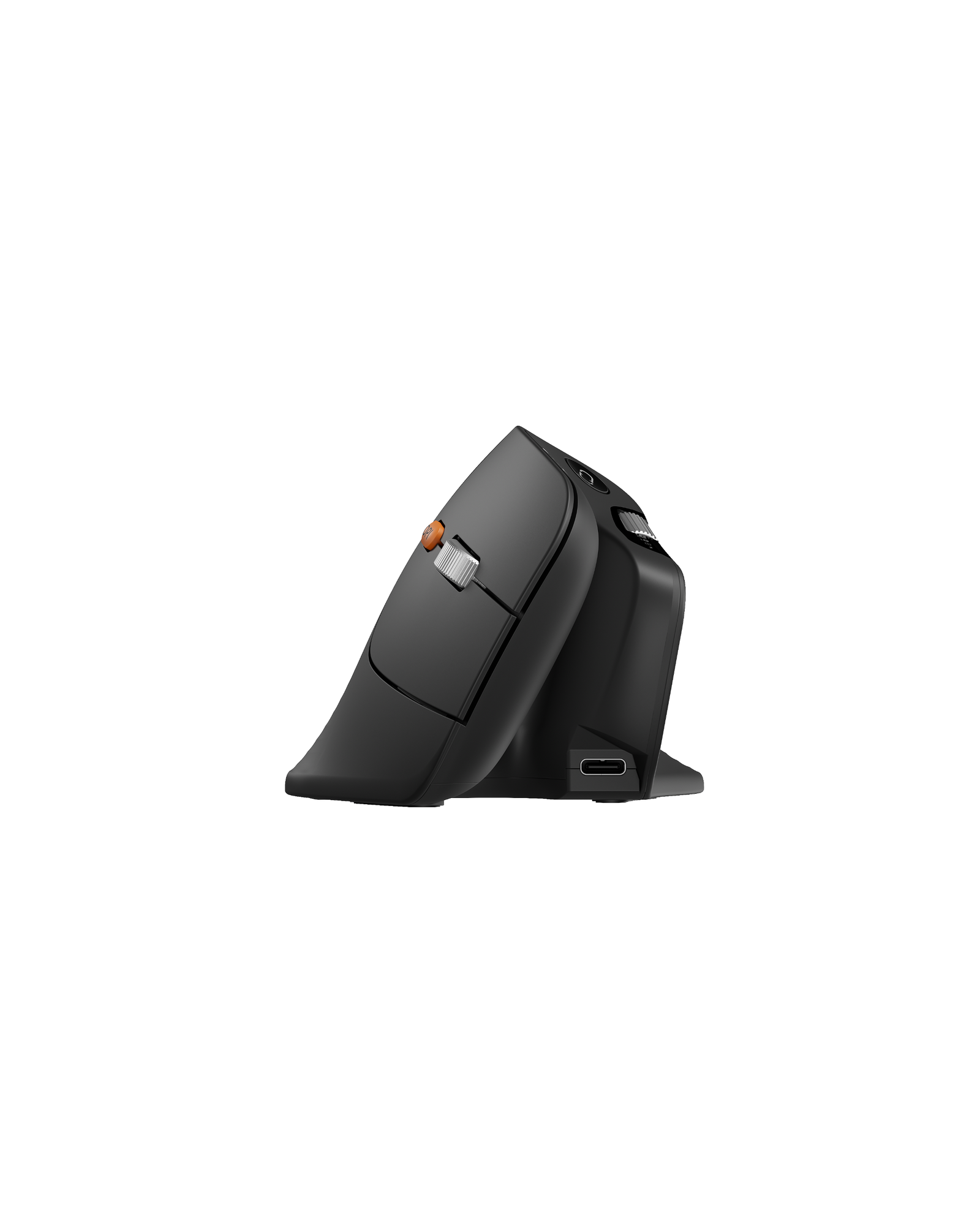
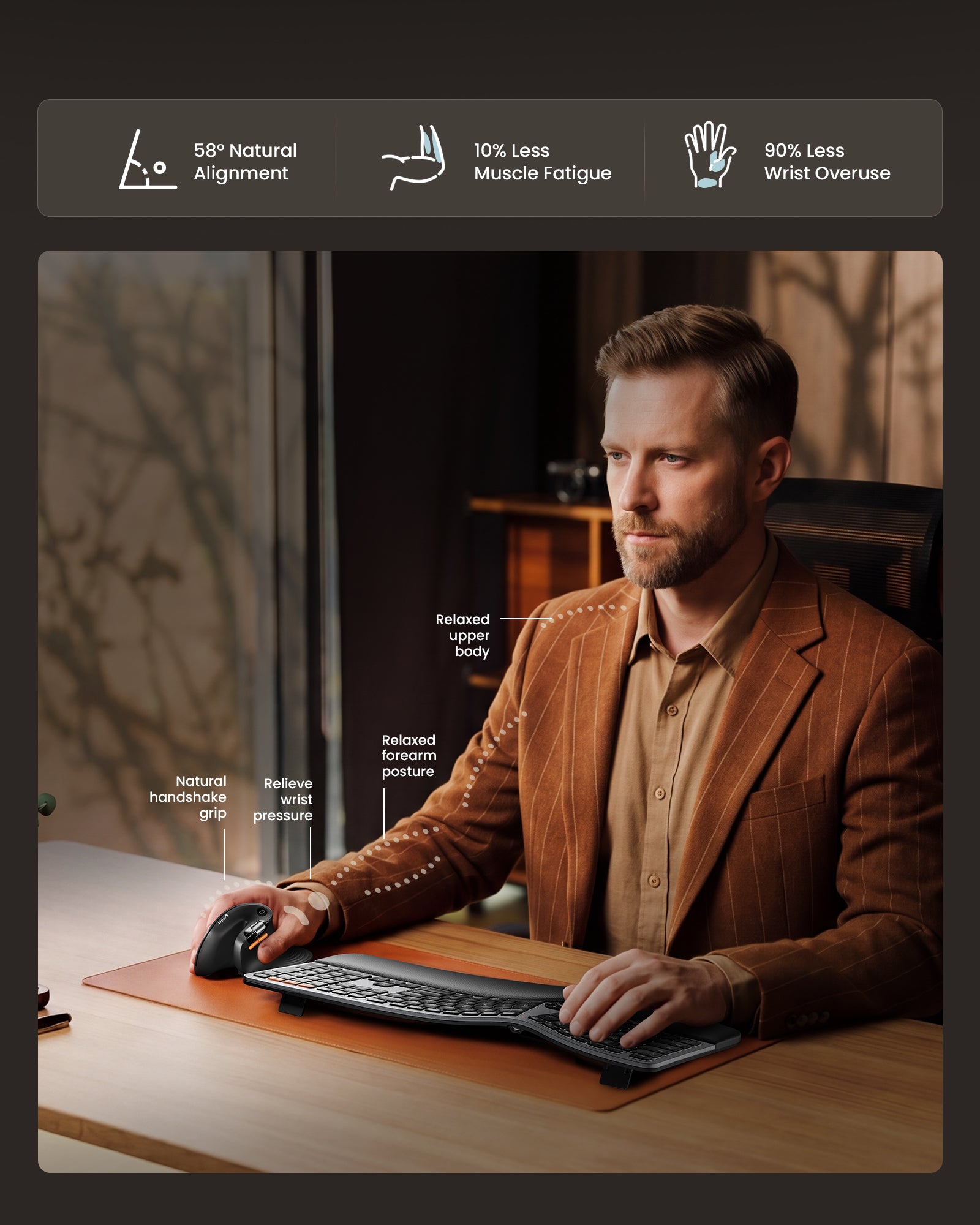
The 58° vertical angle keeps your wrist and forearm in a natural handshake position. Paired with a sculpted shape and supportive grip, it reduces wrist strain and keeps you comfortable all day.
FAQ
Who is EM11 Pro for?
EM11 Pro is designed for users who want more ergonomic comfort and advanced workflow customization during long work sessions.
What is upgraded from EM11 NL?
EM11 Pro adds an upgraded ergonomic shape, web-based customization, adjustable 800–7200 DPI, and a side scroll wheel for smoother daily work.
Does it need software?
No software download is required. Button and macro settings can be adjusted directly through the web-based driver.
What is the side scroll wheel for?
The side scroll wheel helps you move horizontally through spreadsheets, timelines, design tools, and wide documents more efficiently.
Can it connect to multiple devices?
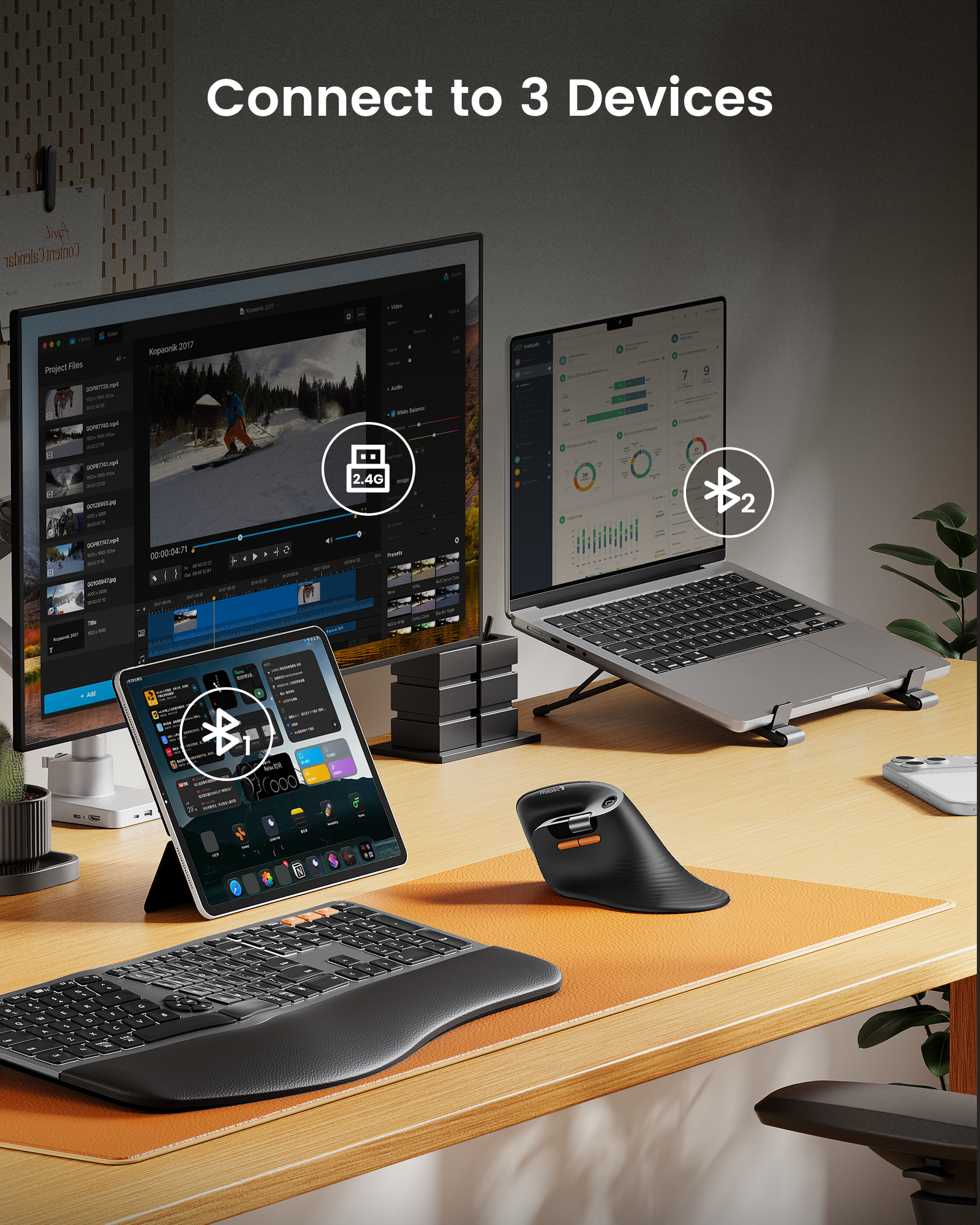
Yes. EM11 Pro supports 2.4G and dual Bluetooth connection, allowing you to switch between up to three devices.
Specs
TECHNICAL SPECIFICATIONS
Performance
Tracking: Optical
DPI: Adjustable from 800 to 7200 DPI
Design: Vertical ergonomic mouse
Buttons: Programmable buttons supported
Quiet clicks: Left and right buttons are quiet
Battery
Battery capacity: 500mAh
Battery life: Up to 200 days on a single charge
Charging: USB-C rechargeable
Connection Type
2.4G USB receiver
Bluetooth wireless connection
Multi-device support
Easy device switching
SYSTEM REQUIREMENTS
2.4G USB Receiver
Requires an available USB port.
Bluetooth
Requires a Bluetooth-enabled device.
Compatible with Windows, macOS, ChromeOS, iPadOS, and Android.
Works with computers, tablets, and smartphones.
Web-Based Customization
Supports button remapping, shortcut settings, and macro customization through the web-based driver.
A wired USB connection is required only when configuring settings.
Supported browsers: Google Chrome, Microsoft Edge, and Opera.
Customization is supported on Windows and macOS only.
PACKAGE CONTENTS
1 x ProtoArc EM11 Pro Wireless Mouse
1 x 2.4G USB Receiver
1 x USB-C Charging Cable
1 x User Manual