









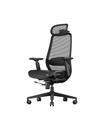



FAQ - EC300
Function Adjustment Guide
The seat height can be adjusted by rotating the height adjustment lever located underneath the seat, near the rear side of the seat.
To lower the seat height:
- Sit on the chair while adjusting the lever.
- Rotate the lever to lower the seat to your preferred height.
To raise the seat height:
- Stand up and remove your weight from the seat cushion.
- Rotate the lever to raise the seat height.
Please follow the steps below:
Unlock the seat cushion:
- Lift the adjustment lever near the front of the seat cushion upward to a vertical position.
- Keep the lever fully lifted while adjusting the seat depth.
Adjust the seat position:
The seat cushion will move naturally with the support of the mesh material.
To move the seat forward:
Lean back slightly and gently apply forward pressure with your hips to move the seat cushion forward.
To move the seat backward:
Release pressure from your hips and allow the seat cushion to slide backward naturally.
After adjusting the seat to your preferred position, release the lever to lock the seat cushion in place.
Enable the reclining function:
- Pull the adjustment lever on the right side of the seat, near the rear of the seat cushion, outward.
- The backrest will unlock and enter free reclining mode.
Lock the backrest at 90°, 105°, 120°, or 130°:
- Pull the adjustment lever outward to unlock the reclining function.
- Slowly lean back until the backrest reaches your preferred angle.
- Push the lever fully back to its original position to lock the backrest.
- A clicking sound indicates that the backrest has been successfully locked.
Release the reclining lock:
- Lean back slightly and apply gentle pressure to the backrest to release the internal locking pressure.
- Pull the adjustment lever outward to adjust the reclining angle again.
Adjust the reclining resistance:
If the reclining resistance feels too tight or too loose, rotate the tension adjustment knob underneath the chair. Adjust it according to your preference for a smoother and more comfortable reclining experience.
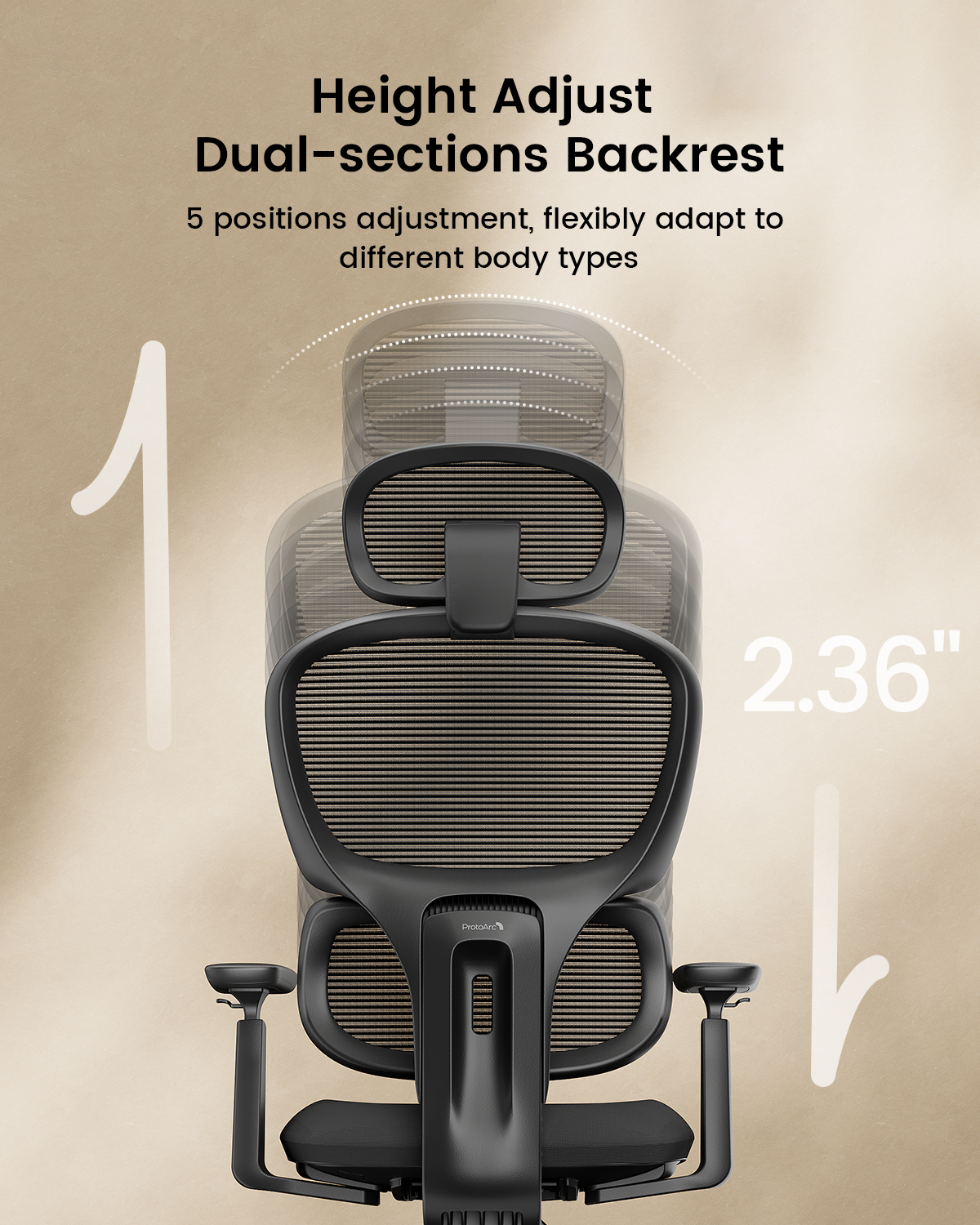
For detailed instructions on adjusting the lumbar support height, please refer to the following operation video:
Common Troubleshooting Guide
Possible causes:
- The height adjustment lever is not fully engaging with the gas lift control valve.
- The gas lift may become stuck after supporting weight for a long period of time.
- The adjustment method may not be performed correctly.
Solutions:
- Make sure the adjustment lever is fully pressed into position. Try gently moving the lever up and down.
- To lower the seat, remain seated and apply appropriate downward pressure while operating the lever.
- To raise the seat, stand up first and remove your weight from the seat before operating the lever.
- If the height still cannot be adjusted, check whether the gas lift is functioning properly.
If the issue continues, please contact ProtoArc Customer Support for further assistance.
Possible causes:
- The adjustment lever is not fully locked.
- The backrest has not reached the correct locking position.
- Pressure on the backrest is preventing the locking mechanism from engaging properly.
Solutions:
- Adjust the backrest to your desired angle, then fully move the adjustment lever back to the locked position.
- Listen for a clicking sound to confirm that the locking mechanism has engaged.
- If the lever cannot be operated, gently lean back to release pressure inside the mechanism, then try again.
If the backrest still cannot be locked, please contact us for further troubleshooting.
Possible causes:
- The recline tension knob is not adjusted properly.
- The screws connecting the backrest and base mechanism are loose.
- Moving parts may create friction after extended use.
Solutions:
Adjust the recline tension knob:
- Turn the knob clockwise to increase reclining resistance.
- Turn the knob counterclockwise to decrease reclining resistance.
Check the screws:
Check whether the screws connecting the backrest and base mechanism are loose. If necessary, tighten them securely using the appropriate tool.
Reduce friction:
If the noise continues, apply a small amount of suitable lubricant to the moving connection points.
If the issue remains after trying these solutions, please contact us and provide the relevant details so we can assist you further.
Base Mechanism Noise Troubleshooting
After a chair has been used for a period of time, noises may occur due to:
- Metal friction between moving parts.
- Slightly loose screws or components.
- Lack of lubrication in moving mechanisms.
These are common causes of chair noises.
1. Check and tighten the screws
Check all screws underneath the chair, especially the connections between the base mechanism and the seat. If any screws are loose, tighten them and test whether the noise disappears.
2. Check the base connections
Confirm that the base mechanism, gas lift, and seat connection points are installed correctly. Loose connections may cause noise during use.
3. Apply lubricant
If the noise comes from moving parts of the base mechanism, apply a small amount of suitable lubricant to the connection points to reduce friction.
4. Identify the source of the noise
Test the chair in different situations:
- Does the noise occur when sitting down or standing up?
- Does the noise occur when adjusting the seat height?
- Does the noise occur when reclining or returning the backrest?
- Does the noise occur when rotating the chair?
Testing these situations can help identify the exact source of the noise.
If the issue cannot be resolved, please provide:
- Your order number.
- Your chair model.
- A video showing the noise and its source.
We will investigate further and provide a suitable solution.
Backrest Stuck or Unable to Return to the Normal Position
This usually happens when:
- The reclining lock mechanism is engaged too tightly.
- Excessive backward pressure causes the internal gears or locking pins to become firmly engaged.
- Pressure inside the mechanism prevents the adjustment lever from returning to its normal position.
Step 1: Confirm the backrest lock status
Check whether the backrest adjustment lever or control handle is in the unlocked position. Move it to the unlocked position if necessary.
Step 2: Apply slight backward pressure
While sitting on the chair, gently lean backward to release the internal locking mechanism. At the same time, operate the backrest adjustment lever.
Step 3: Adjust the backrest angle
Keep the control lever in the unlocked position and slowly move the backrest forward or backward. Once you find the desired angle, release the lever to lock the backrest again.
Step 4: Check for obstructions
Check whether any foreign objects are blocking the backrest connection area. Confirm that the adjustment mechanism can move properly.
If the issue still cannot be resolved, please provide:
- Your chair model.
- Photos or videos showing the issue.
- Your order information.
Our support team will assist you with further troubleshooting and provide a suitable solution.
