







FAQ - EC200
Need a walkthrough first? Watch the video guide
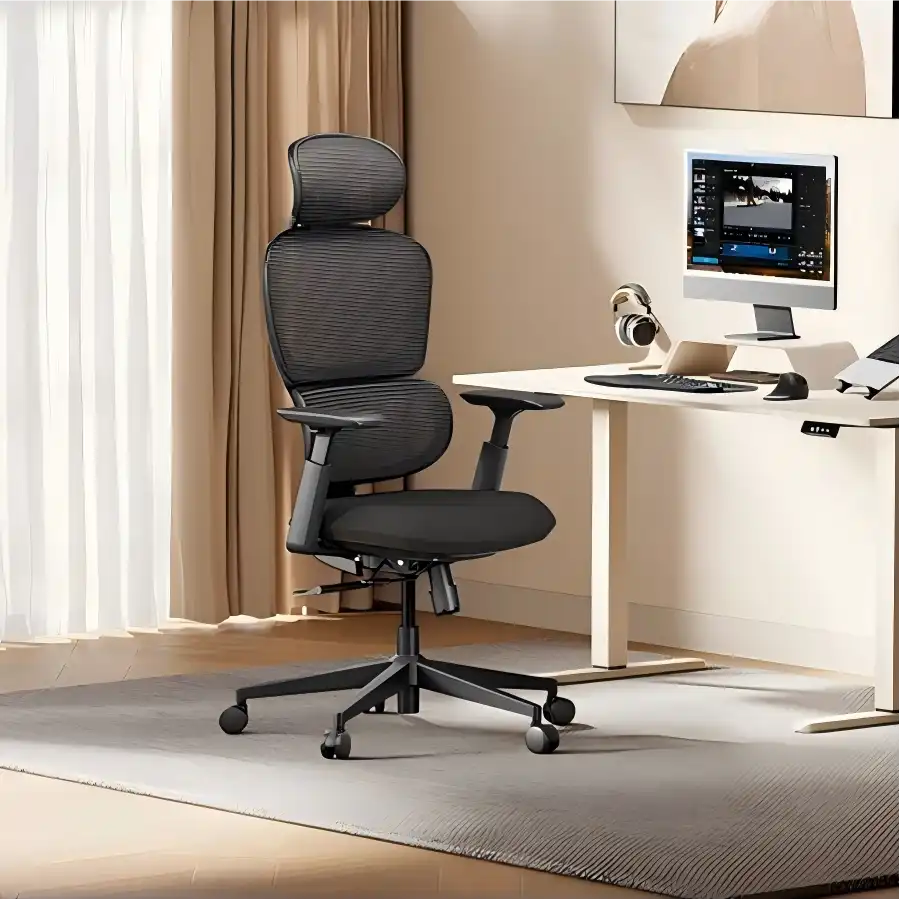
About EC200 Chair Adjustments
How do I adjust the seat height?
- Rotate the adjustment lever located under the seat (towards the back) to raise or lower the seat height.
- To lower the height: sit on the chair while operating the lever.
- To raise the height: stand up while operating the lever.
How do I adjust the seat recline angle?
- Activate recline function: Pull outward the adjustment lever on the right side of the seat (towards the back) to unlock the backrest and enter free-recline mode.
- Angle lock (90°-105°-120°-130°): After pulling the lever out, gently lean back to your preferred angle, then push the lever fully back to its original position to lock. A “click” sound indicates successful locking.
- Unlock recline position: Apply gentle backward pressure with your body to release the lock, then pull the lever out again to readjust the recline angle.
- Recline tension adjustment: If the recline feels too firm or too loose, rotate the tension control knob to adjust the reclining resistance to your preference.
How do I adjust the armrest height?
Hold the armrest adjustment lever and lift the armrest to adjust it to the desired height.
How do I unlock the seat cushion?
- Unlock the cushion: Pull the round adjustment lever (located at the front of the chair) straight upward, and keep it fully lifted during the adjustment.
- Adjust cushion depth: Gently lean back, allowing the mesh elastomer to guide your hips as the cushion moves naturally.
- Adjust forward: While leaning back, gently push your hips forward.
- Adjust backward: Relax the pressure from your hips and let the cushion slide backward naturally.
How do I adjust the lumbar support?
- Height adjustment: Locate the lumbar support panel, firmly hold both sides of its upper edge with your hands, and slide it evenly up or down to the desired position.
- Support strength adjustment: Find the adjustment knob and rotate it to control the level of support. Turn counterclockwise to increase support strength, and clockwise to reduce it.
How do I adjust the headrest?
Headrest forward/backward adjustment
- Forward adjustment: The headrest can be freely pushed forward from its current position until it reaches the furthest point. Once released, it will automatically lock in place.
- Backward adjustment: A mid-position anti-rebound lock prevents the headrest from being pushed directly backward.
To adjust backward, follow these steps:
- Unlock: Firmly push the headrest forward to its maximum extended position until the locking mechanism is fully released.
- Reset preparation: Slowly pull the headrest backward to its initial (rearmost) position.
- Position adjustment: Push the headrest forward to the desired position.
Multi-dimensional headrest adjustment
- Headrest pivot rotation: Adjusts the overall angle to accommodate users of different heights.
- Headrest rotation: Fine-tunes the neck support area for optimal cervical curve alignment.