

Device Setup Center
Thanks for choosing ProtoArc.
Let's get your device ready in just a few minutes with a cleaner, more guided setup flow.
First time setup? Start here.
The full flow usually takes less than two minutes.
Before you start
- 01Turn on your device
- 02Switch to 2.4G USB mode
- 03Insert the USB receiver
- 04Open Chrome or Edge
- 05Visit hub.protoarc.com
- 06Click “Add New Device” and connect
Quick Setup

 Recommended browsers
Having trouble connecting?
- Make sure you're using 2.4G USB mode.
- Bluetooth mode is not supported for driver configuration.
- Use Chrome, Edge, or Opera for the best compatibility.
- Try another USB port, then refresh and reconnect.
Frequently asked questions
My device is not detected. What should I check?
If your device is not recognized in the configuration center, please check the following:
Make sure you are using the 2.4G USB receiver (Bluetooth is not supported for configuration).
Insert the USB receiver directly into your computer (avoid using hubs if possible).
Use a supported browser such as Chrome or Microsoft Edge.
Refresh the page after inserting the receiver.
Click “Add New Device” in the configuration center.
If the device still does not appear, try another USB port and reload the page.
Can I configure my device over Bluetooth?
No.
The web configuration center requires a 2.4G USB receiver connection.
Bluetooth mode does not support driver configuration.
You can still use your device over Bluetooth for normal operation, but customization requires the USB receiver.
Which browsers are supported?
We recommend:
- Google Chrome
- Microsoft Edge
These browsers fully support the required WebHID/WebUSB APIs.
Safari and some other browsers may not detect the device properly.
Do I need to install any software?
No software installation is required.
The configuration center runs directly in your browser.
No background applications are installed on your system.
This makes the setup lightweight and easy to use.
Will my settings be saved after restart?
Yes.
Once saved, your customized settings are written to the device.
You do not need to reconfigure after restarting your computer.
How do I reset the device to default settings?
You can restore default settings in the configuration center.
After reset, all custom shortcuts and DPI settings will return to factory defaults.
Complete your setup.
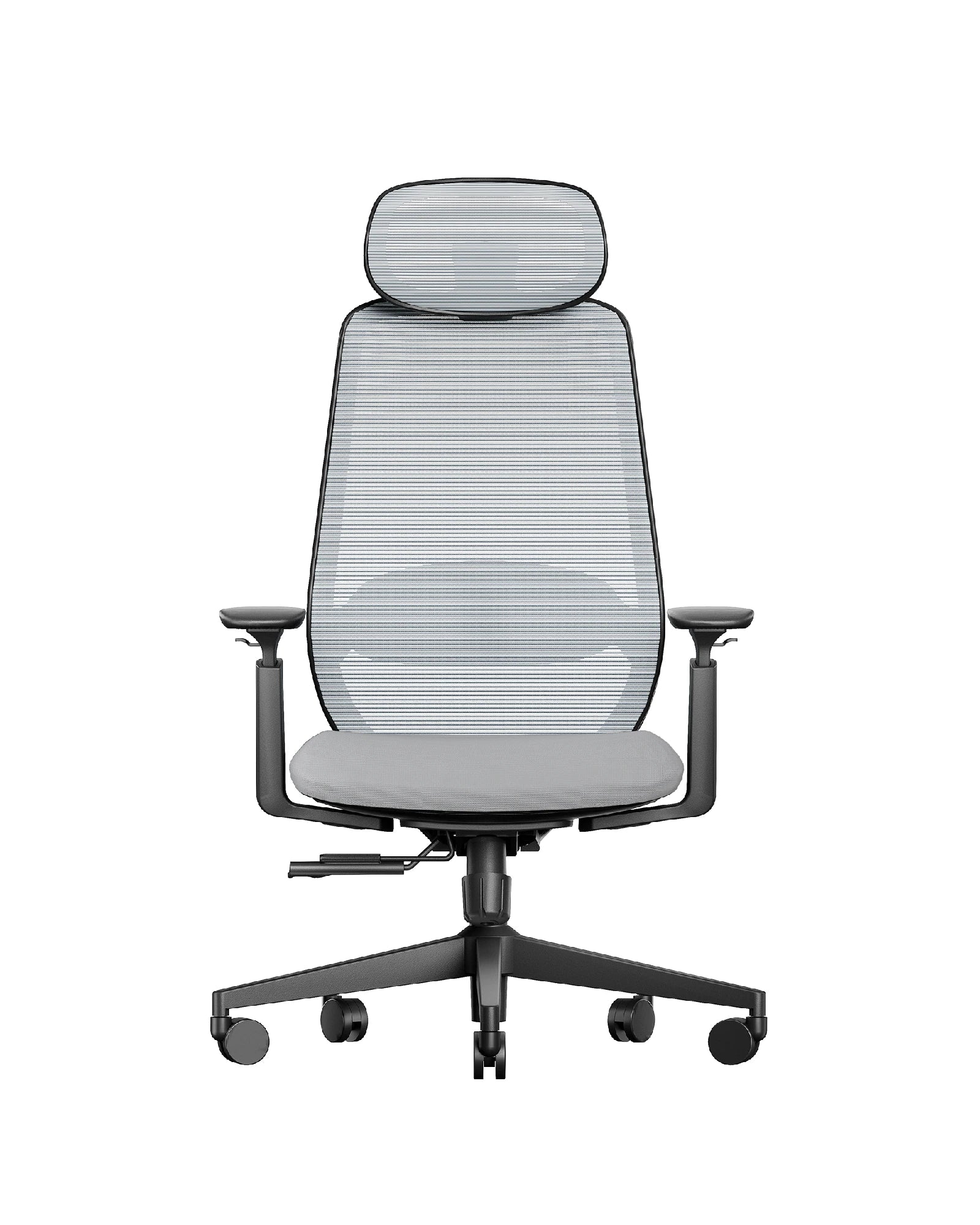
Build a workspace designed for comfort and control.


About
Need help or support?
Explore official resources, warranty coverage, and product registration options designed to support your ProtoArc experience.

Product registration
Register your device to activate warranty coverage and receive product updates.
Register now

Warranty information
Learn about your coverage options and how to submit a warranty claim.
View warranty terms

Contact support
Our team is here to help with technical questions and product assistance.
Get in touch