










SM002 Unifying USB Receiver
Unifying USB Receiver – Please Contact Customer Service Before Buying
Details
- Connect up to 3 different devices easily.
- Connection for up to 10 meters (33 feet).
- Matching Models:
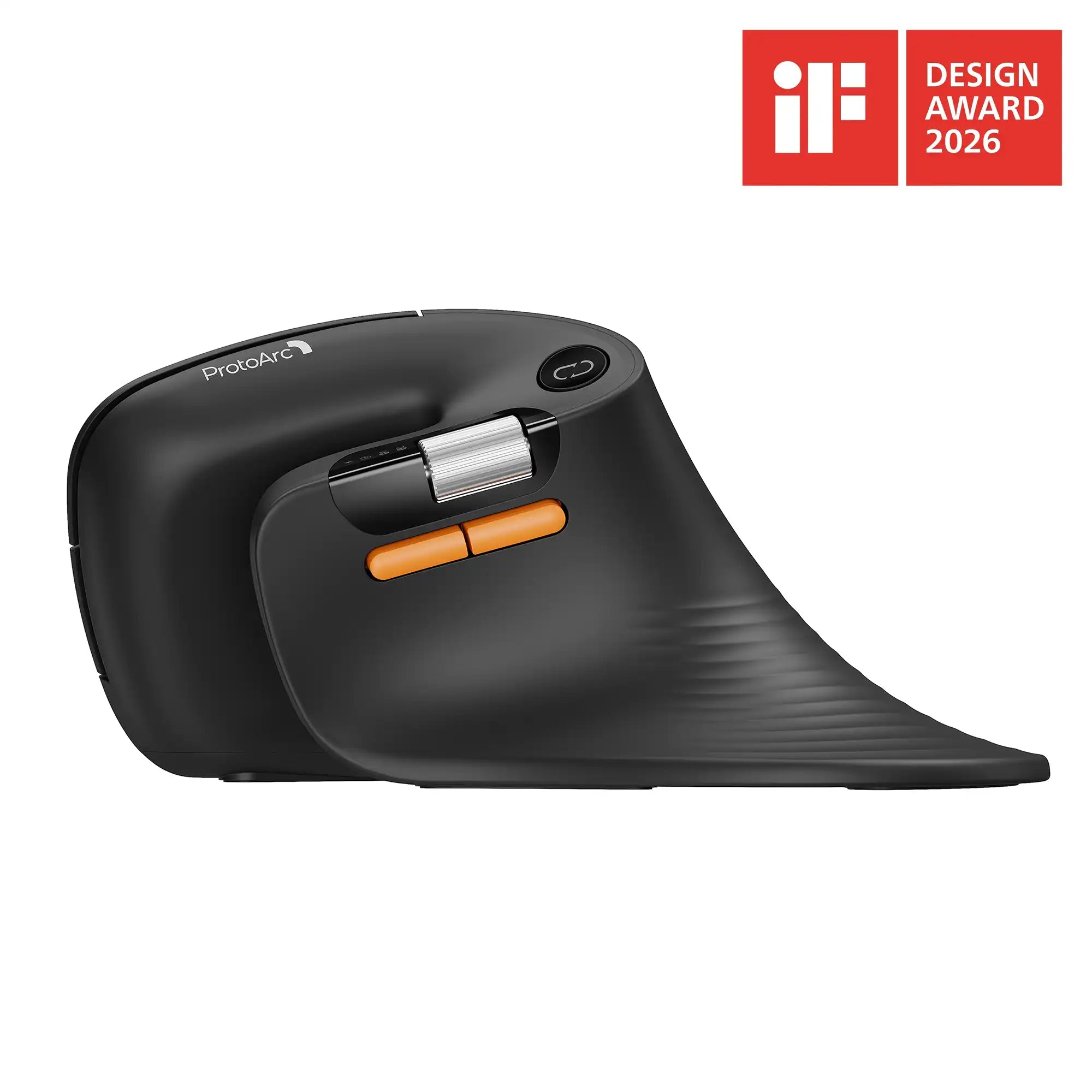
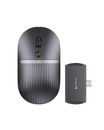
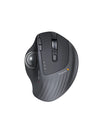
Mouse: EM01 NL / EM04 / EM05 / EM05 NL
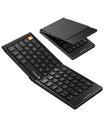
Combo: XKM01 LX
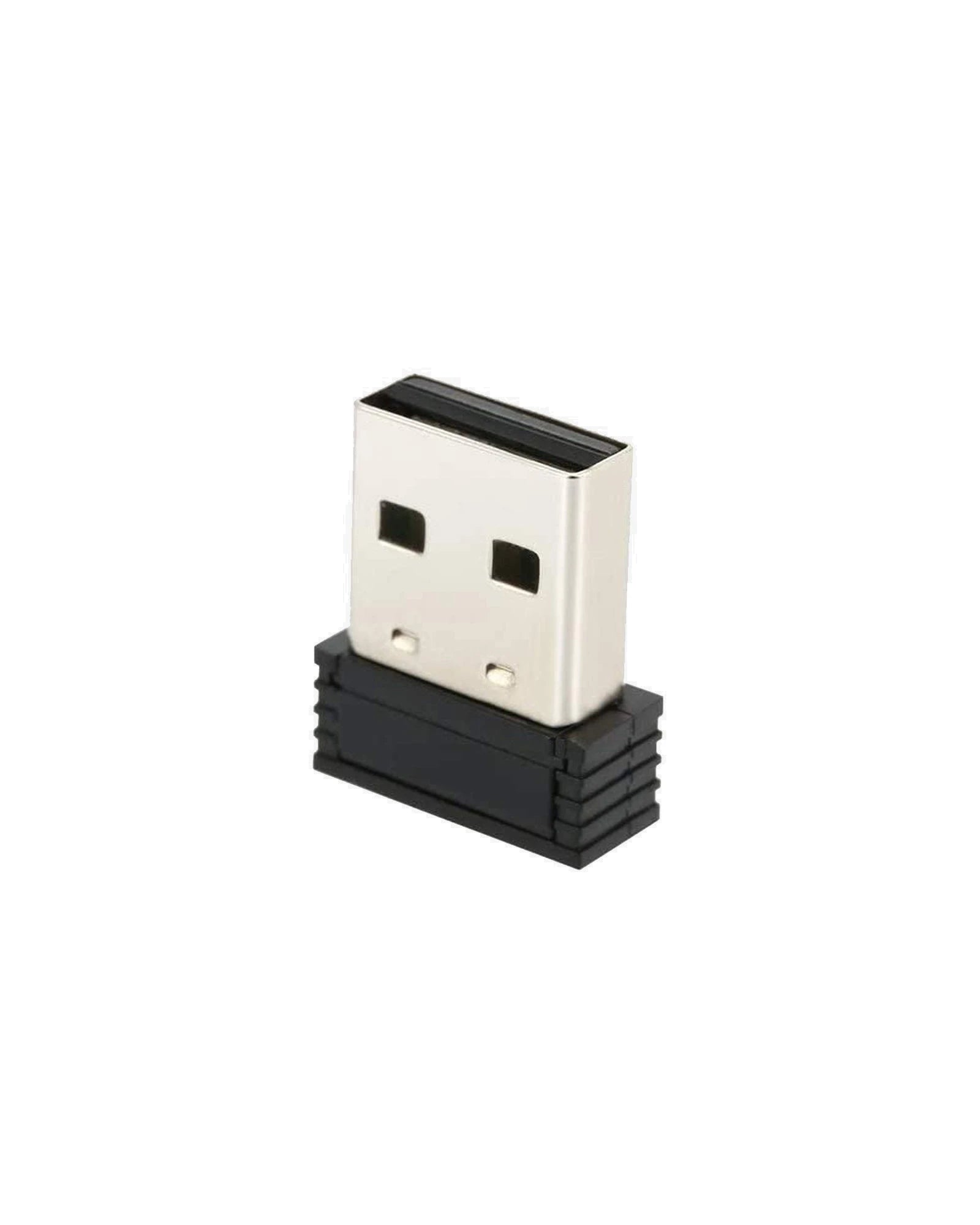
Use this USB receiver to replace a lost one. Connect up to three different ProtoArc devices, manage your devices easily.
30-Day Returns
2 Years
Warranty
30-Day Returns for added peace of mind. Please review our
Returns Policy
before purchase.
2 Years backed by responsive support for product and parts-related issues.
Click for Warranty Policy.

SM002 Unifying USB Receiver
Sale price£10.00
DIMENSIONS
USB Receiver
Height: 0.74 in (18.7 mm)
Width: 0.56 in (14.2 mm)
Depth: 0.24 in (6.1 mm)
Weight: 0.04 oz (1.2 g)
SYSTEM REQUIREMENTS
USB Receiver
Required: Available USB port
Windows VISTA, 7, 8, 10,or later
macOS 10.15 or later
TECHNICAL SPECIFICATIONS
Sensor technology
2.4GHz Wireless
Connection Type
USB Receiver
Wireless operating distance: 10 m (33 ft)
PACKAGE CONTENTS
ProtoArc USB Receiver Dongle
WARRANTY INFORMATION
1-Year Limited Hardware Warranty