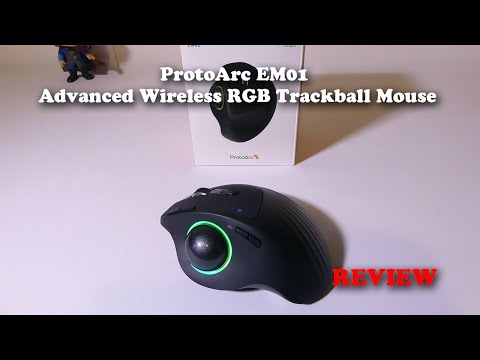

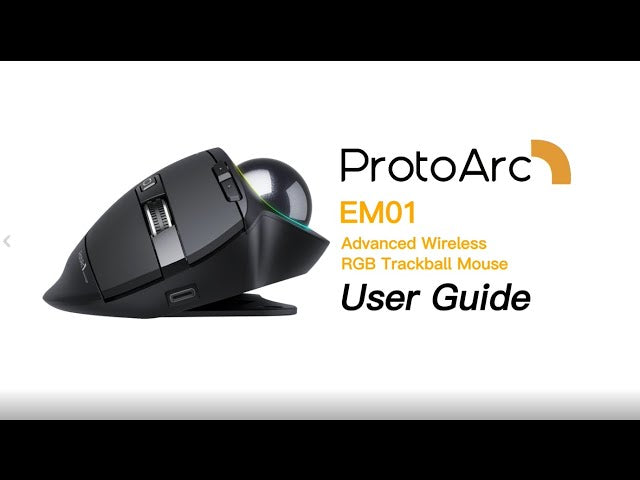
How to use EM01 Wireless RGB Trackball Mouse

How to use EM01 Wireless RGB Trackball Mouse
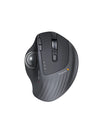
  • EM01 Wireless RGB Trackball Mouse can connect up to 3 devices simultaneously: 2 Bluetooth devices + 1 USB device. Switch to the correct mode easily by pressing the corresponding DPI button. With built-in 900mAh Rechargeable Li-ion battery, you can use EM01 Wireless RGB Trackball Mouse up to 100 days on a full charge. You can focus on work and worry less about charging.

  • EM01 Wireless RGB Trackball Mouse can work on PC, laptops, computers, tablets, or other devices with USB ports or Bluetooth 4.0 or above. It's compatible with It's compatible with iOS 5 or above, Android 3.2 or above, macOS, Windows 7/8/10.

Timestamps:

1: 07 How to turn on/off or change the RGB lighting effect

1: 14 3 Different Devices Conection

1: 17 Pairing Tutorial

1: 17 Connecting via USB

1: 37 Connecting via Bluetooth

2: 17 How To Take Off Trackball

Reading next

ProtoArc Reviews #7 - EM01
ProtoArc Reviews #8 - EM01

Blog posts

View all
A comparative diagram showing two sitting postures

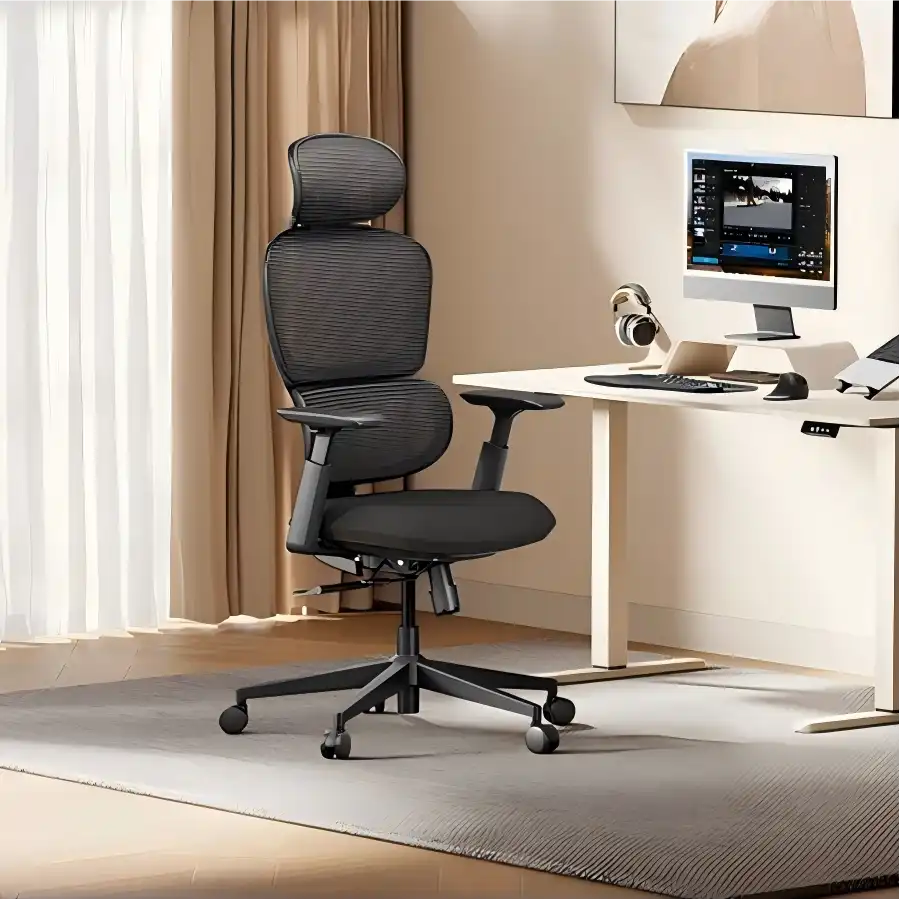
Why You Need a Breathable Mesh Office Chair for Summer

Continuous airflow for cooling, adjustable lumbar support for posture, and durable materials that handle heavy daily use.

A woman at an office desk grimaces while rubbing her neck in pain, looking at a computer monitor, with the text overlay: 'Is Your Partner in Pain? 5 Signs They Need an Ergonomic Intervention'

Is Your Partner in Pain? 5 Signs They Need an Ergonomic Intervention

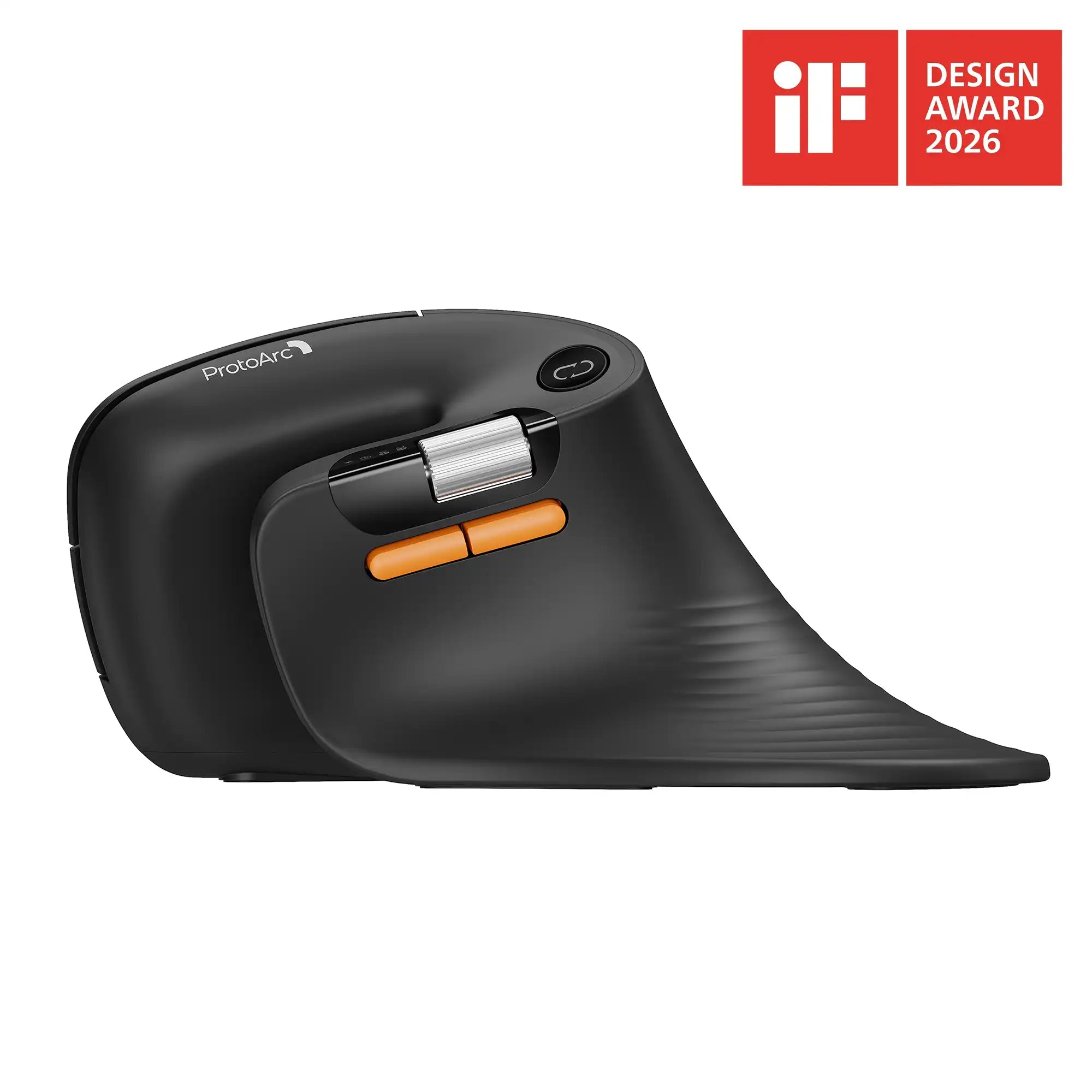
Back rubbing, hunched shoulders, wrist shaking, forward head, leg fidgeting. Fix with ergonomic chairs, split keyboards, vertical mice for lasting pain relief.

MiceSpeed Edit Like a Pro and Streamline Your Video Editing Workflow with a Trackball

Speed Edit Like a Pro and Streamline Your Video Editing Workflow with a Trackball

Stationary ergonomic mice drastically improve post-production workflows. Eliminate arm movement to navigate long timelines faster and reduce carpal tunnel.