





Video summary
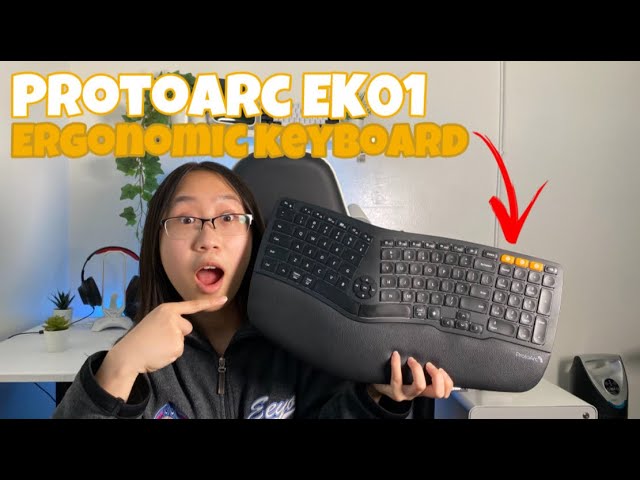
This is the reviewer's first split, membrane-style ergonomic keyboard. He explains why he wanted one - hours of typing every day left him uncomfortable - and then unboxes the EK01 with its USB-C cable and manual.
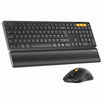
What the video covers: the full-size layout with a number pad, the curved key field that keeps the wrists straighter, an attached wrist rest, four tilt legs at the back plus four rubber feet, and the three-device connection scheme where one button selects the 2.4G receiver and two more select Bluetooth channels. Pairing is a long press of three to five seconds, after which the keyboard appears as ProtoArc EK01 in the Bluetooth list.
He notes cross-platform support for Windows, macOS, iOS and Android, a 1100mAh battery that charges in about two to three hours over USB-C, a low-battery indicator, adjustable white backlight, and scissor switches that he describes as quiet and short-travel. A typing test closes the video, along with the comment that he will keep using it to see whether it lives up to the ergonomic claim.
See the current EK01 Plus Backlit Ergonomic Keyboard, or browse our split keyboards.