


















2026 Feng Shui Guide: The Year of the Horse and the Power of Instant Success
Master 2026 Year of the Horse feng shui. Get zodiac-specific tips, office layouts, and quick rituals to align with Fire energy, avoid clashes, and seize wealth and career opportunities.
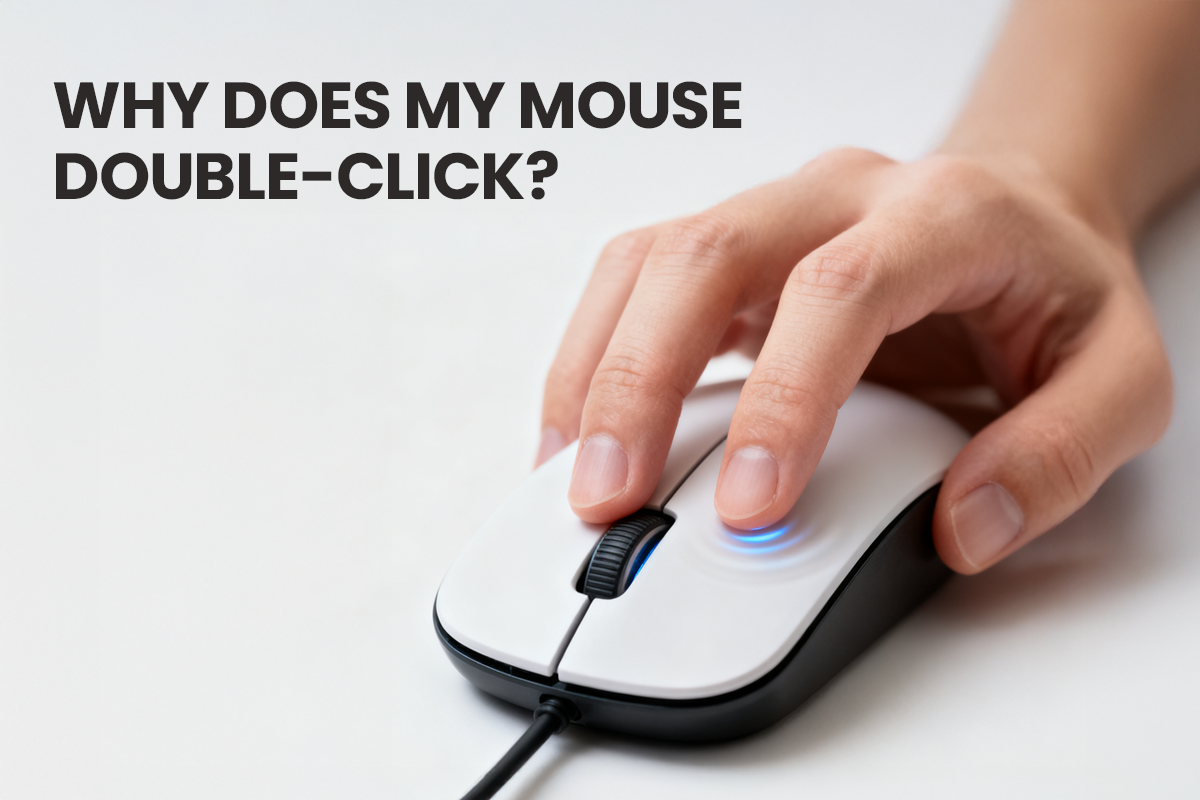
Why Does My Mouse Double-Click? Understanding the Cause and the Real Solution
Mouse double-clicking isn't your fault or a software glitch. It's caused by metal fatigue in the microswitch. Skip temporary patches and fix the hardware for good.

Think It’s Just “A Little Soreness”? Your Body Might Be Asking for Help.
Long hours at your desk can quietly take a toll — from neck and back pain to eye strain and mental fatigue. This article explores the hidden health risks of modern office work and shares science-ba...
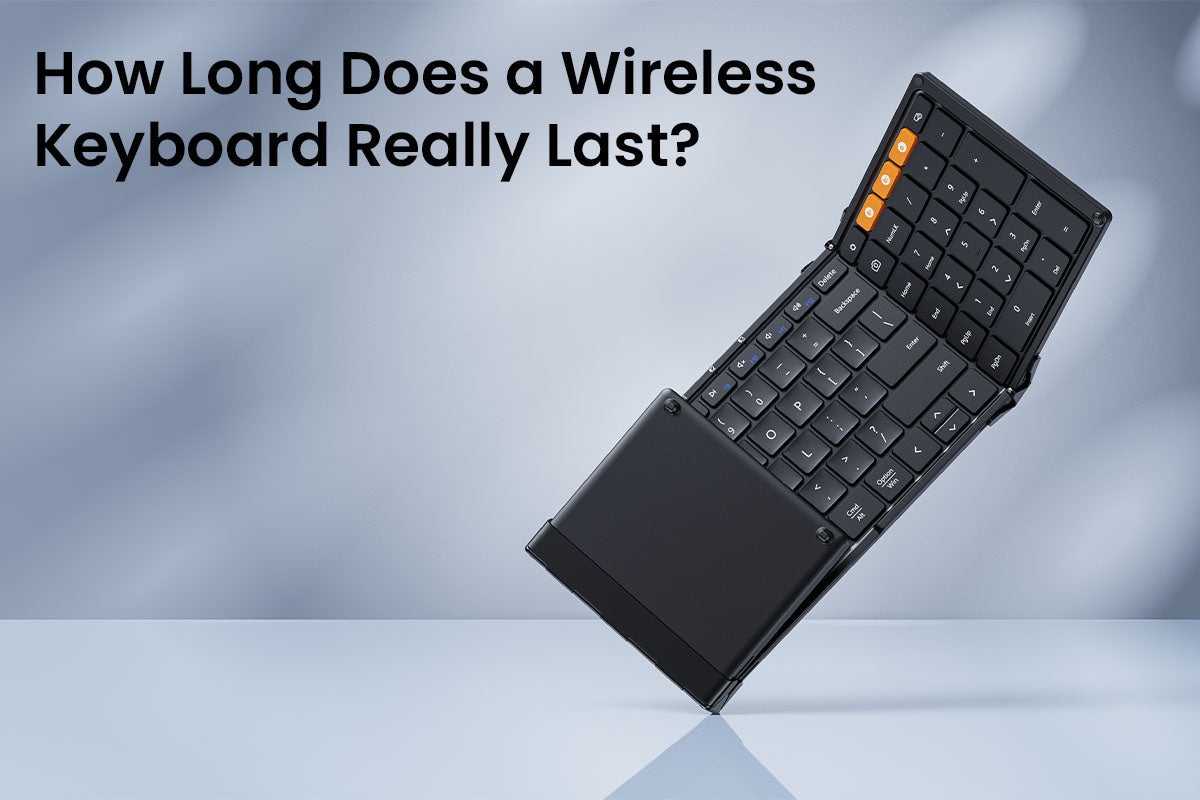
How Long Does a Wireless Keyboard Really Last?
A wireless keyboard's lifespan depends on its build quality and battery. Mechanical keyboards last longer, while battery life is mainly drained by backlighting. Regular cleaning and smart battery h...

How to Choose the Right Mouse for Your Hand Size: A 3-Step Guide
To find the best mouse for comfort and productivity, choose one that matches your hand size, grip style, and preferred shape and weight.
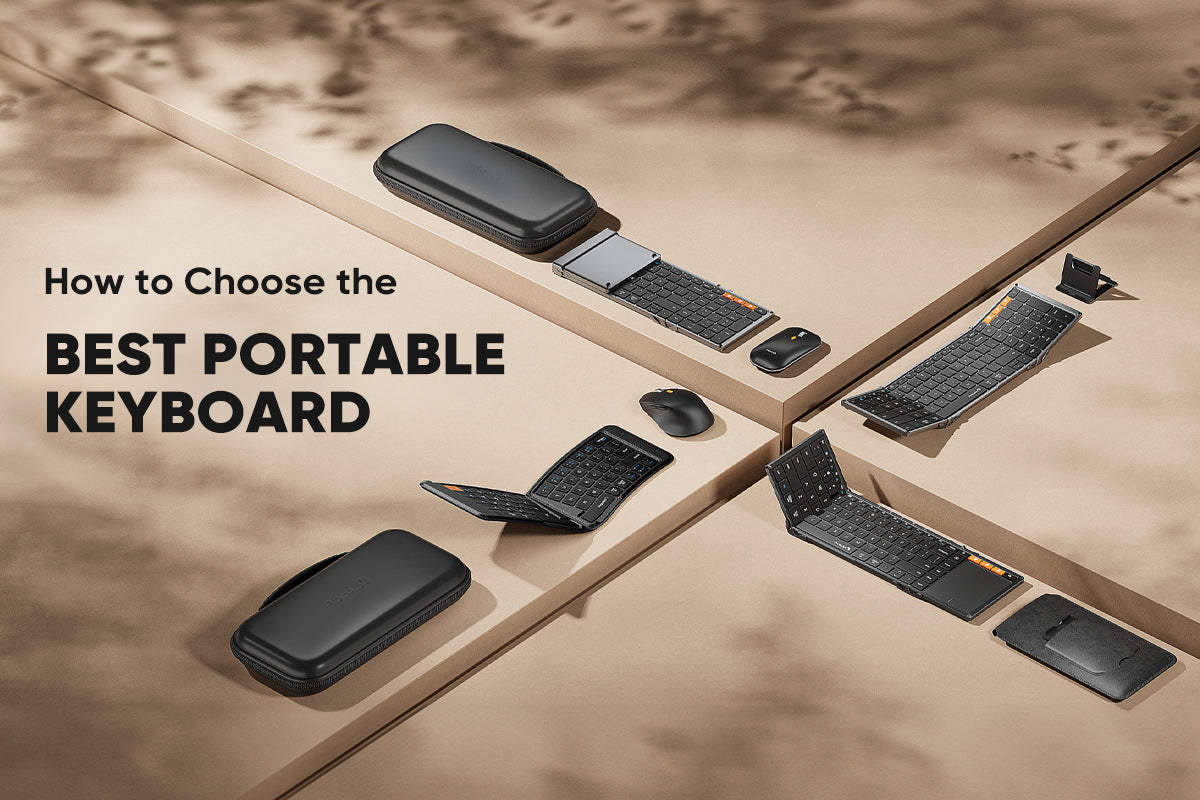
How to Choose the Best Portable Keyboard for Your Work Trips
To boost your productivity on the go, this guide shows you how to choose the best portable keyboard by considering your travel and work needs, focusing on size, layout, design, typing experience, a...

One Mouse, Two Computers: 3 Simple Methods to Declutter Your Desk
Compare three efficient ways to control multiple computers with one mouse: multi-device mice, software solutions, and KVM switches. Declutter your desk today.

Keyboard Sizes Explained: Why the 75% Layout is Your Office MVP
The 75% keyboard is a compact, ergonomic option that keeps essential keys but omits the number pad, improving posture for most office workers.

Mouse DPI Explained: What’s the Best DPI for Office and Productivity?
For optimal office productivity, set your mouse DPI between 800 and 1600. Adjust this setting directly on your mouse, not through software, to get the best balance of speed and precision for your d...
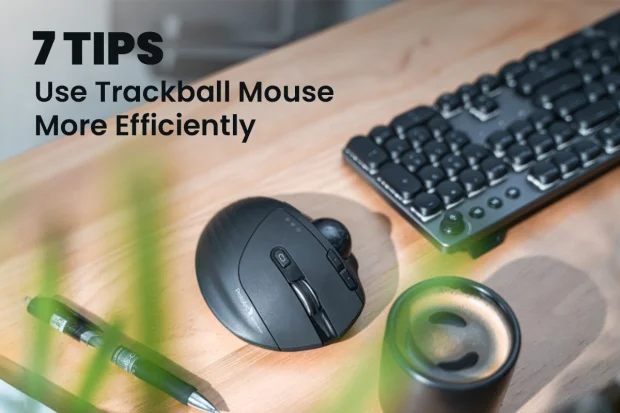
7 Essential Tips to Use a Trackball Mouse More Efficiently
This guide offers seven essential tips to help you master your new trackball mouse, covering ergonomic setup, software settings, and key techniques for improved speed and comfort.

Keyboard Shortcuts for Beginners: The 20% of Commands That Yield 80% of Productivity
This article explains that mastering essential keyboard shortcuts for editing, formatting, and navigation can dramatically boost your productivity by replacing slow mouse clicks with instant commands.
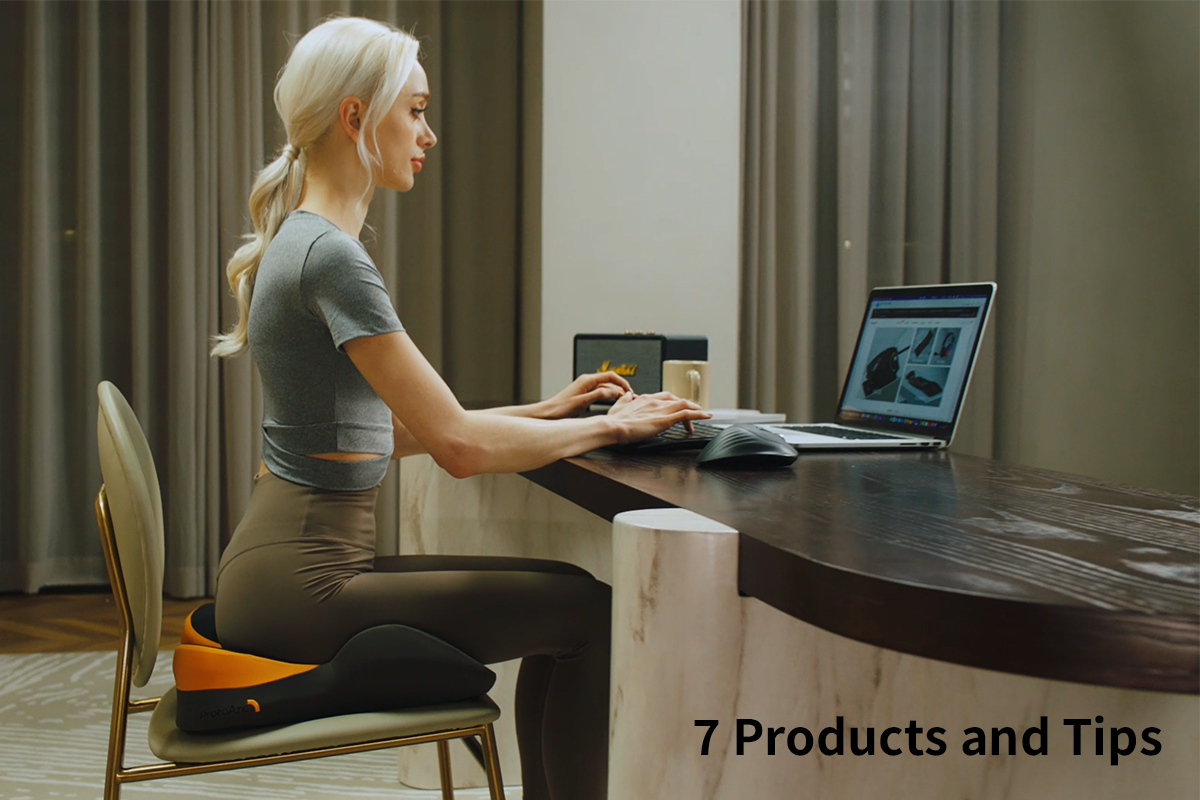
7 Essential Ergonomic Products and Tips for the Workplace
Banish tech neck & RSI! 7 solutions: ergonomic chairs, sit-stand desks, monitor risers, ergo keyboards, vertical mice, proper lighting & supportive headsets.
