


















Why a Trackball is the Best Valentine's Gift for a Programmer's Wrists
Standard mice cause repetitive strain. Trackballs stay put, use finger control, support neutral grip, eliminate friction, boost multi-screen coding efficiency.

How to Choose the Right Mouse for Your Hand Size: A 3-Step Guide
To find the best mouse for comfort and productivity, choose one that matches your hand size, grip style, and preferred shape and weight.
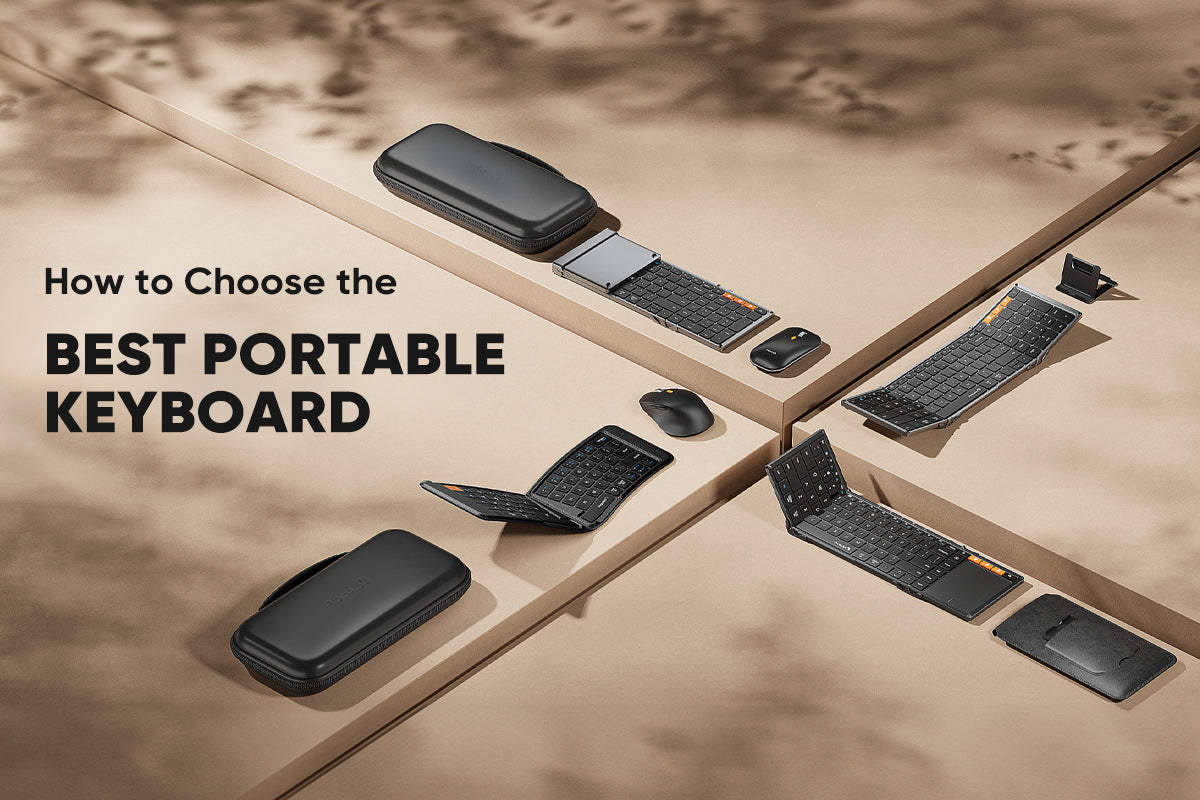
How to Choose the Best Portable Keyboard for Your Work Trips
To boost your productivity on the go, this guide shows you how to choose the best portable keyboard by considering your travel and work needs, focusing on size, layout, design, typing experience, a...

Keyboard Sizes Explained: Why the 75% Layout is Your Office MVP
The 75% keyboard is a compact, ergonomic option that keeps essential keys but omits the number pad, improving posture for most office workers.

Mouse DPI Explained: What’s the Best DPI for Office and Productivity?
For optimal office productivity, set your mouse DPI between 800 and 1600. Adjust this setting directly on your mouse, not through software, to get the best balance of speed and precision for your d...
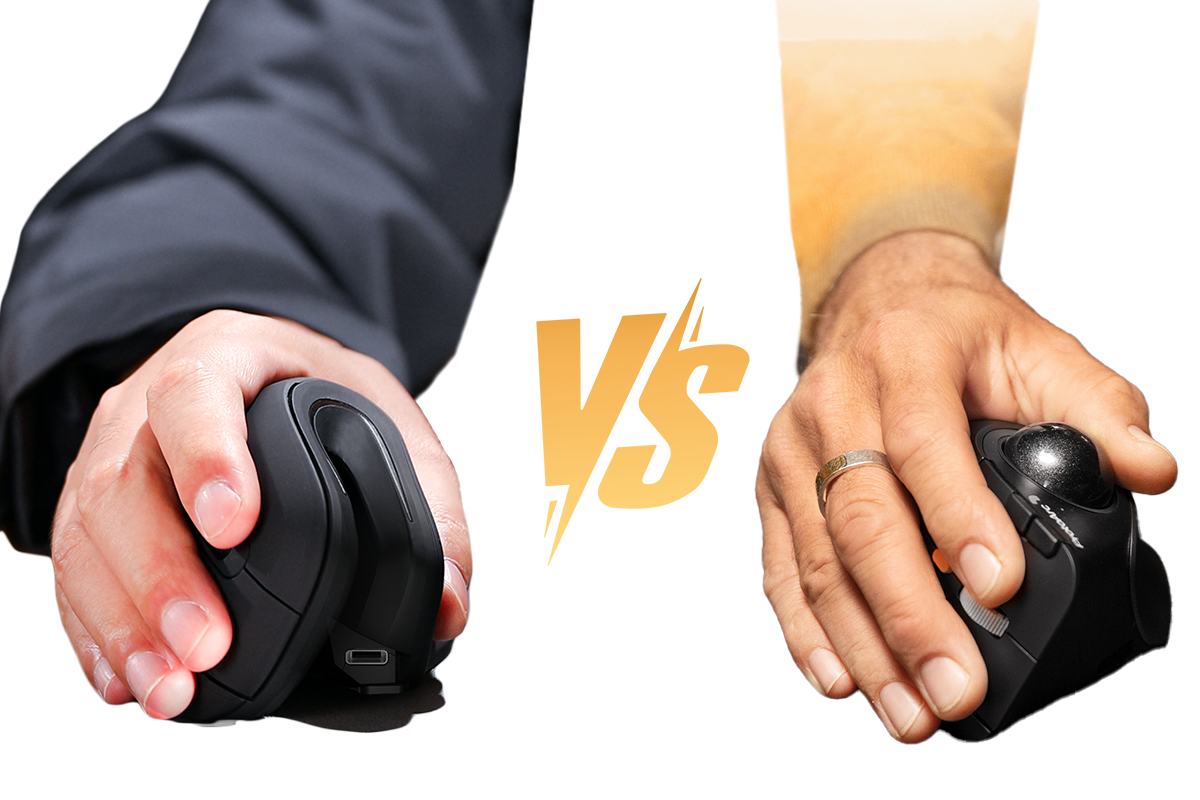
Vertical Mouse vs. Trackball Mouse: Which Is Best for Wrist Pain?
Wrist pain from computer use? This guide compares vertical and trackball mice, analyzing learning curves, workspace needs, and benefits for different jobs.
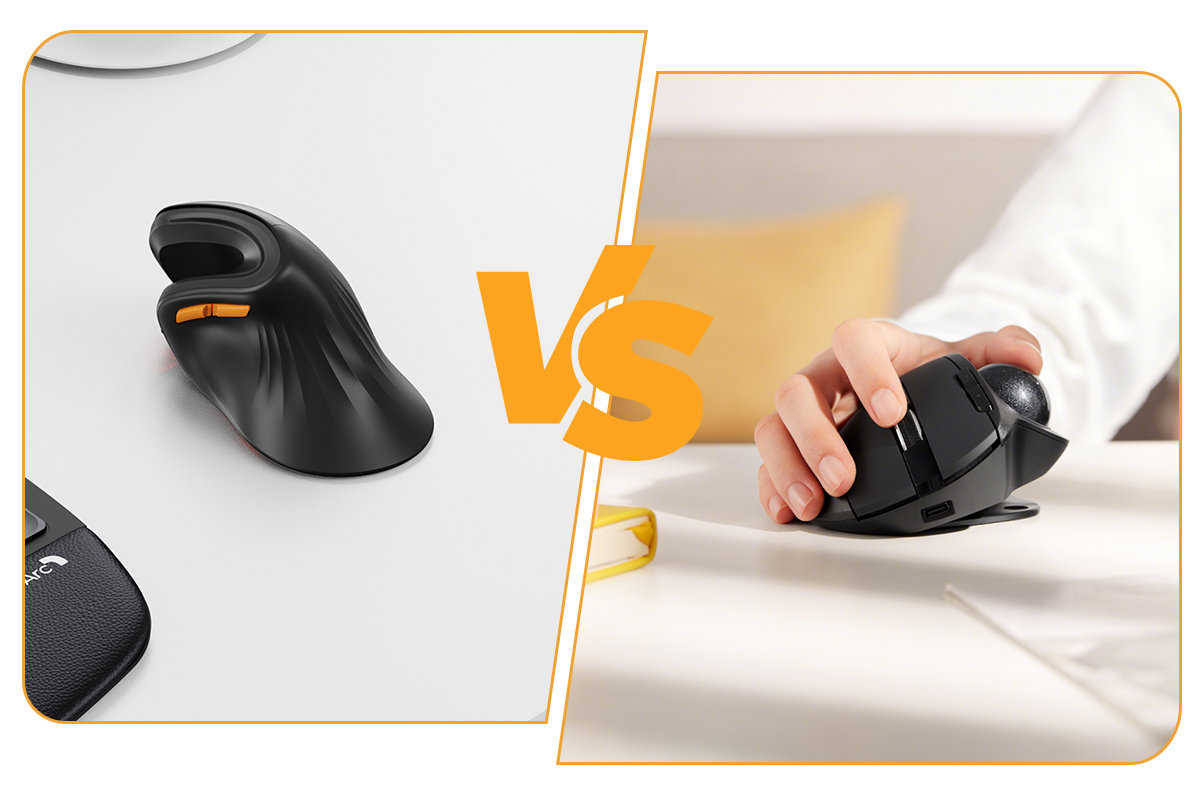
Vertical Mouse vs. Tilted Mouse: The Ergonomics of Comfort
Vertical and tilted ergonomic mice offer distinct solutions to reduce wrist strain and improve all-day comfort for computer users.

Are Split Keyboards More Ergonomic? Here's What You Should Know Before Switching
This article explains how split keyboards offer significant ergonomic benefits by correcting posture and reducing wrist strain, but also details the learning curve and factors to consider before...
