









Video summary
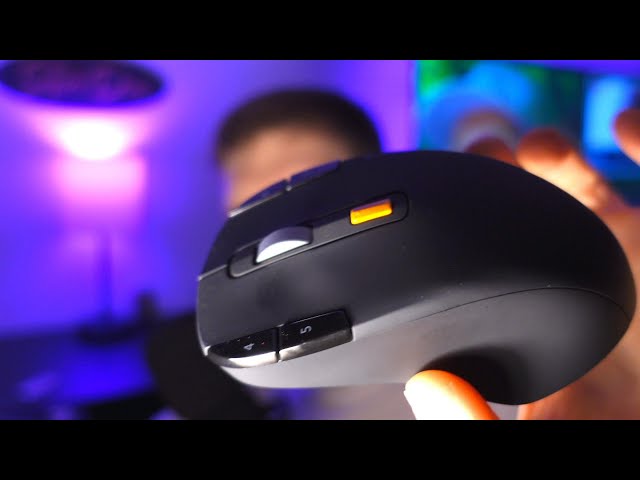
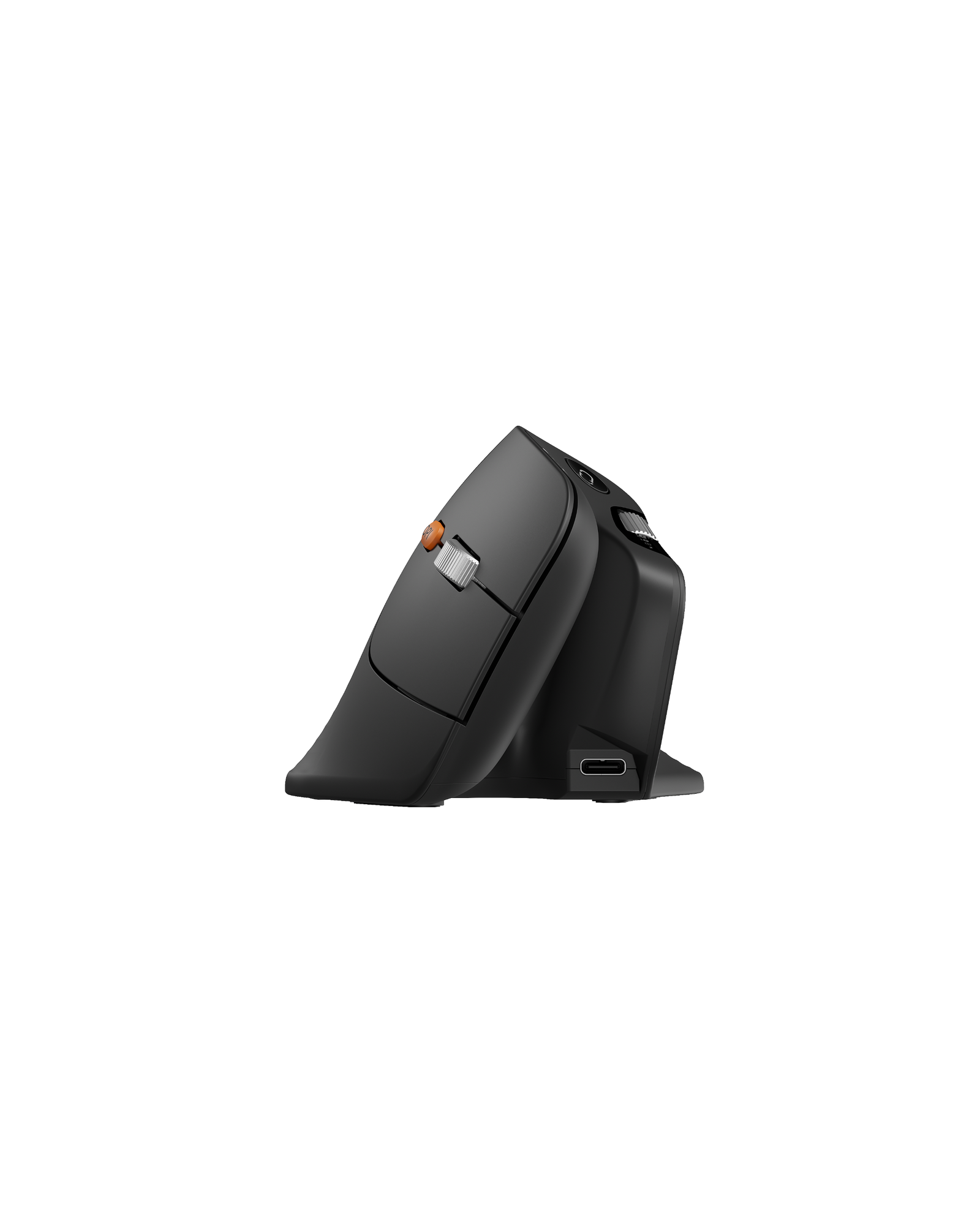
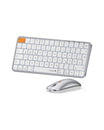
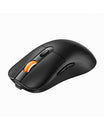
A feature overview of the EM01 mouse and the EK01 split keyboard, framed around why the two pieces matter for an ergonomic desk. The reviewer starts with the mouse: the thumb trackball removes the hand movement a standard mouse needs, and the box holds the mouse, receiver, USB-C cable and manual.
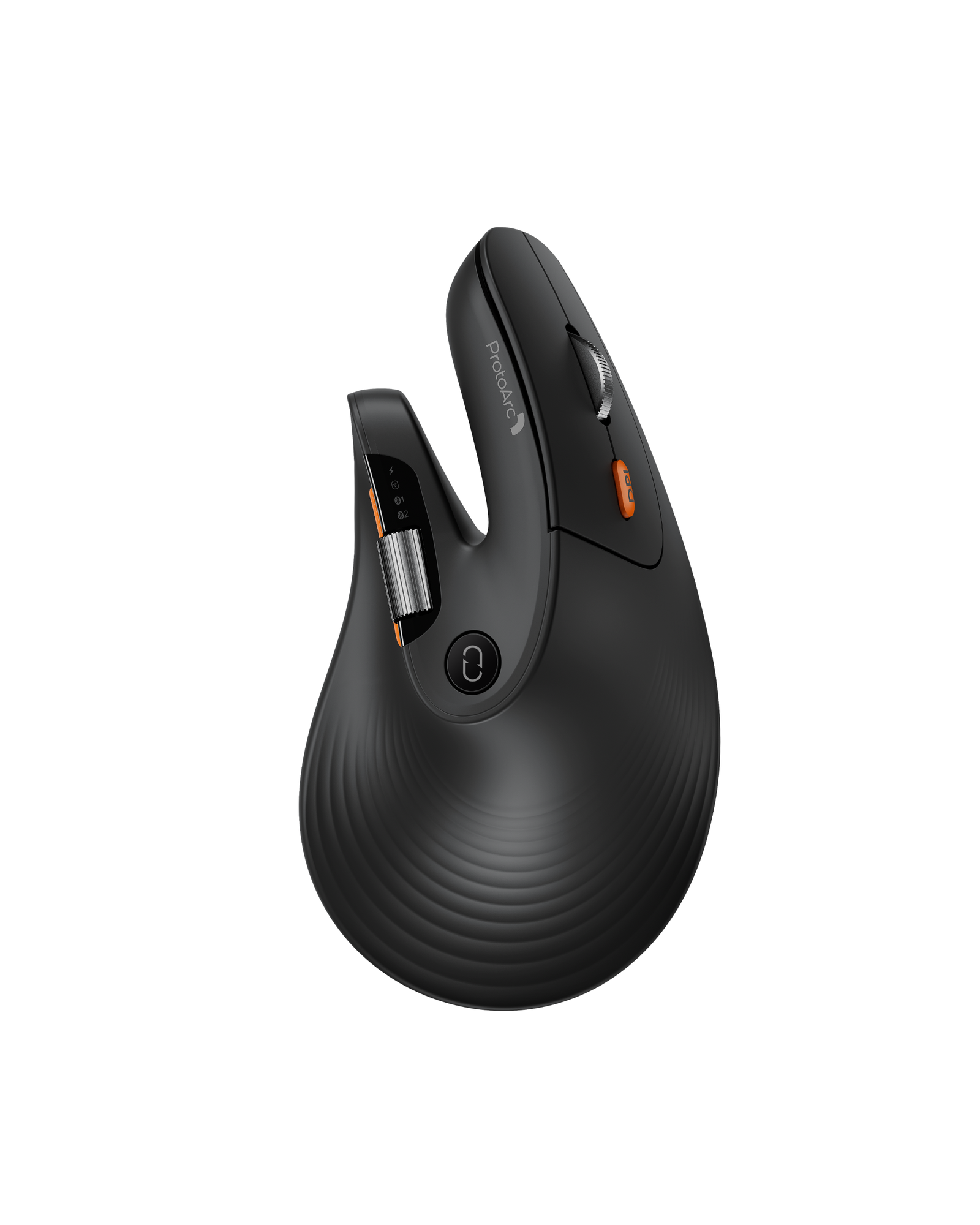
On the mouse he covers the 20-degree adjustable grip angle, three-device switching across Windows, macOS, Android and tablets, the forward and back buttons, a DPI button with three steps up to 2400, a 900mAh battery rated for about 100 days per charge, and the rim lighting with four modes - streamer, breathing, mixed colour breathing and neon. His argument for a trackball is space: the mouse stays in one spot, so the desk only needs room for the mouse itself.
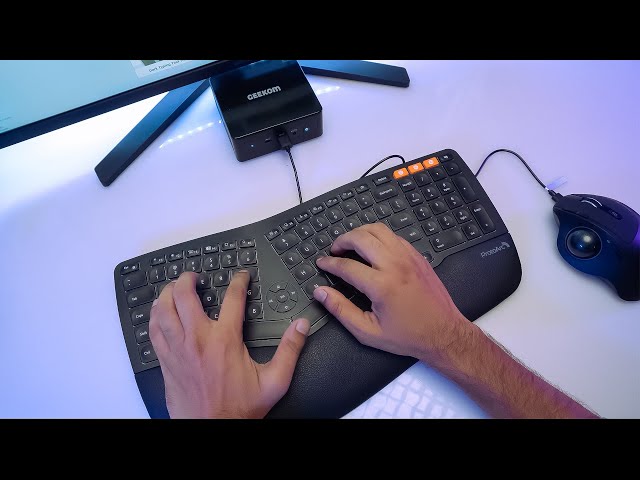
On the keyboard he explains the split layout with a wrist rest set at the same angle, four rear feet for typing angle, a 1100mAh battery rated for about 100 hours, scissor switches, three-device pairing, adjustable backlight, a full number pad and media keys. Comparing hand positions side by side, he says the split layout relieves strain on the wrists and forearms.
See the current EM01 NL Trackball Ergonomic Mouse and EK01 Plus Backlit Ergonomic Keyboard, or browse ergonomic combos.