










One Mouse, Two Computers: 3 Simple Methods to Declutter Your Desk
Compare three efficient ways to control multiple computers with one mouse: multi-device mice, software solutions, and KVM switches. Declutter your desk today.

Keyboard Sizes Explained: Why the 75% Layout is Your Office MVP
The 75% keyboard is a compact, ergonomic option that keeps essential keys but omits the number pad, improving posture for most office workers.

Mouse DPI Explained: What’s the Best DPI for Office and Productivity?
For optimal office productivity, set your mouse DPI between 800 and 1600. Adjust this setting directly on your mouse, not through software, to get the best balance of speed and precision for your d...

How to Choose the Best Trackball Mouse for You?
This article explains if a trackball mouse is right for you. It compares the three main types (thumb, finger, and palm) and provides a 5-step guide to choosing the best one to prevent wrist strain ...
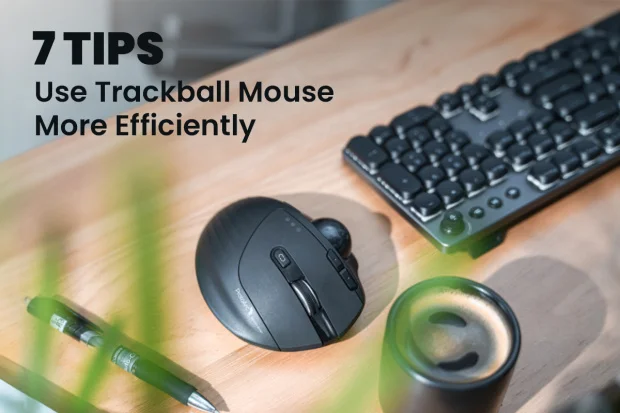
7 Essential Tips to Use a Trackball Mouse More Efficiently
This guide offers seven essential tips to help you master your new trackball mouse, covering ergonomic setup, software settings, and key techniques for improved speed and comfort.

Keyboard Shortcuts for Beginners: The 20% of Commands That Yield 80% of Productivity
This article explains that mastering essential keyboard shortcuts for editing, formatting, and navigation can dramatically boost your productivity by replacing slow mouse clicks with instant commands.
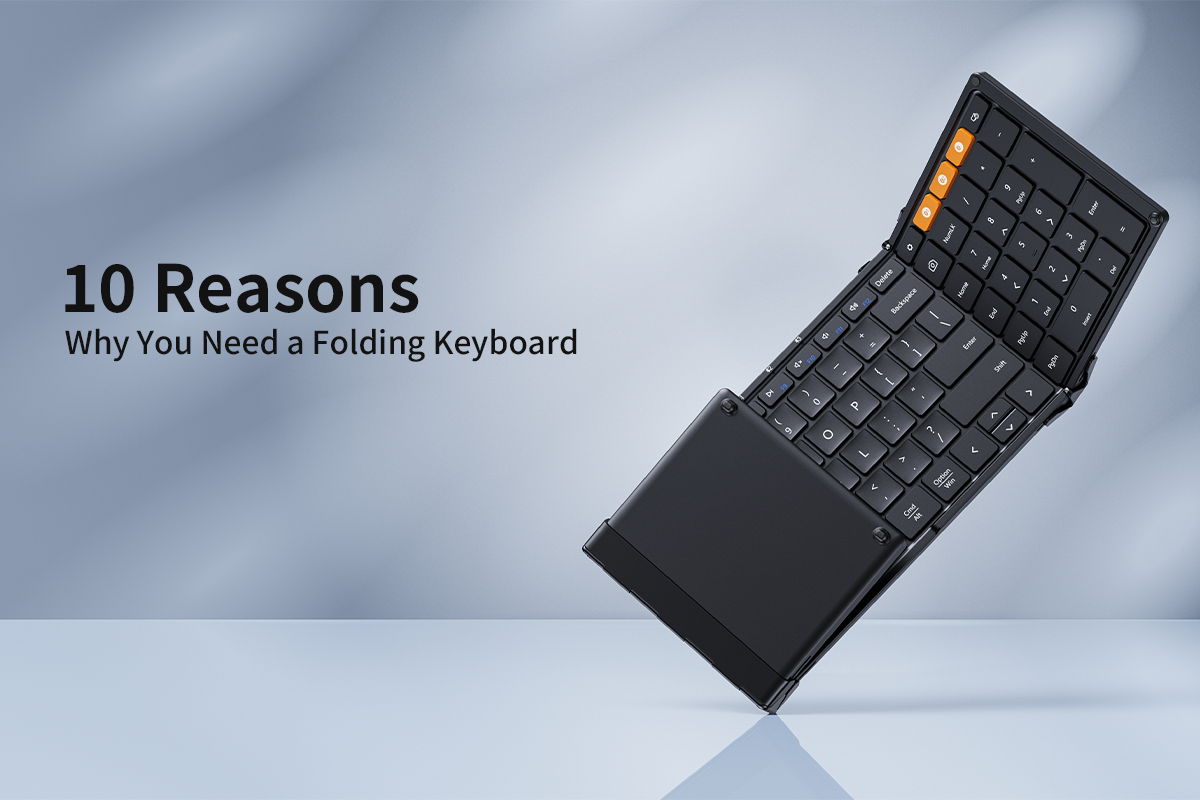
Liberate Your Productivity: 10 Reasons Why You Need a Folding Keyboard
Compact yet powerful, folding keyboards turn mobile devices into productivity tools. See why these portable peripherals are essential for modern workers.
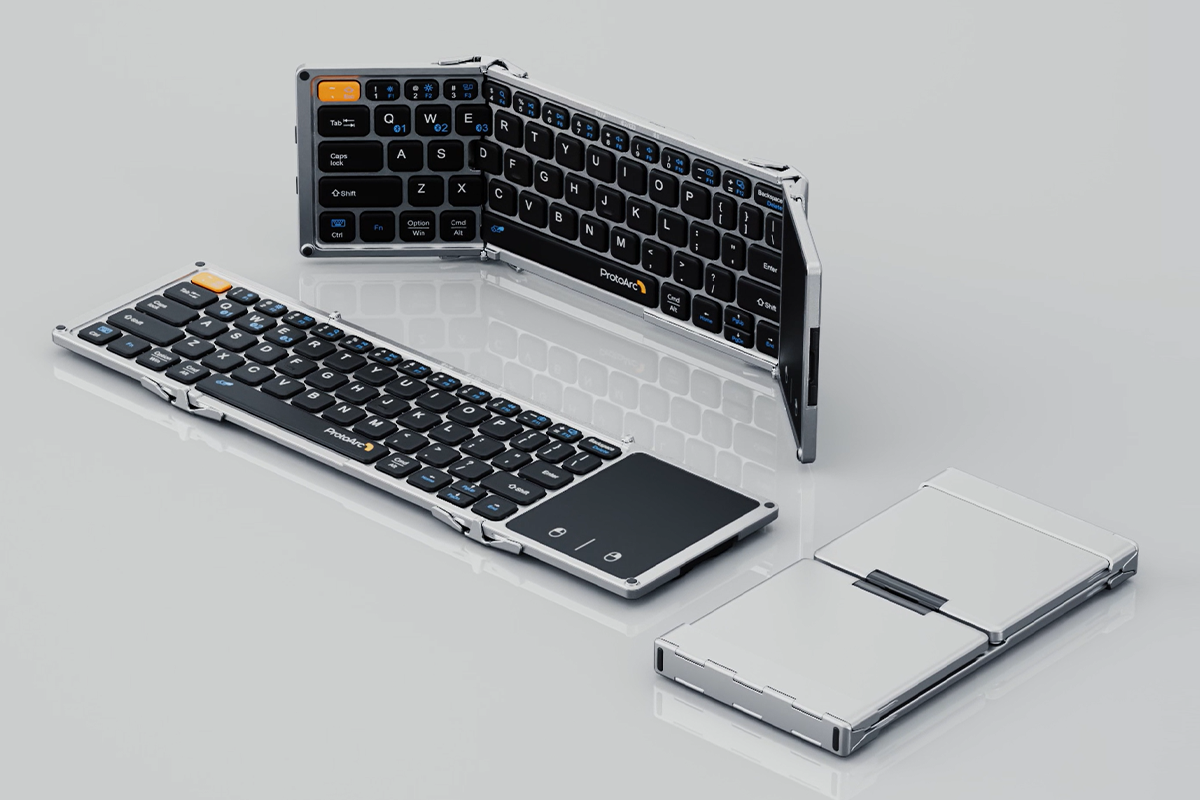
Why Folding Keyboards with Touchpads Are the New Mobile Standard
By integrating touchpads with physical keys, these devices offer precise cursor control and gesture support, turning tablets into complete workstations anywhere.
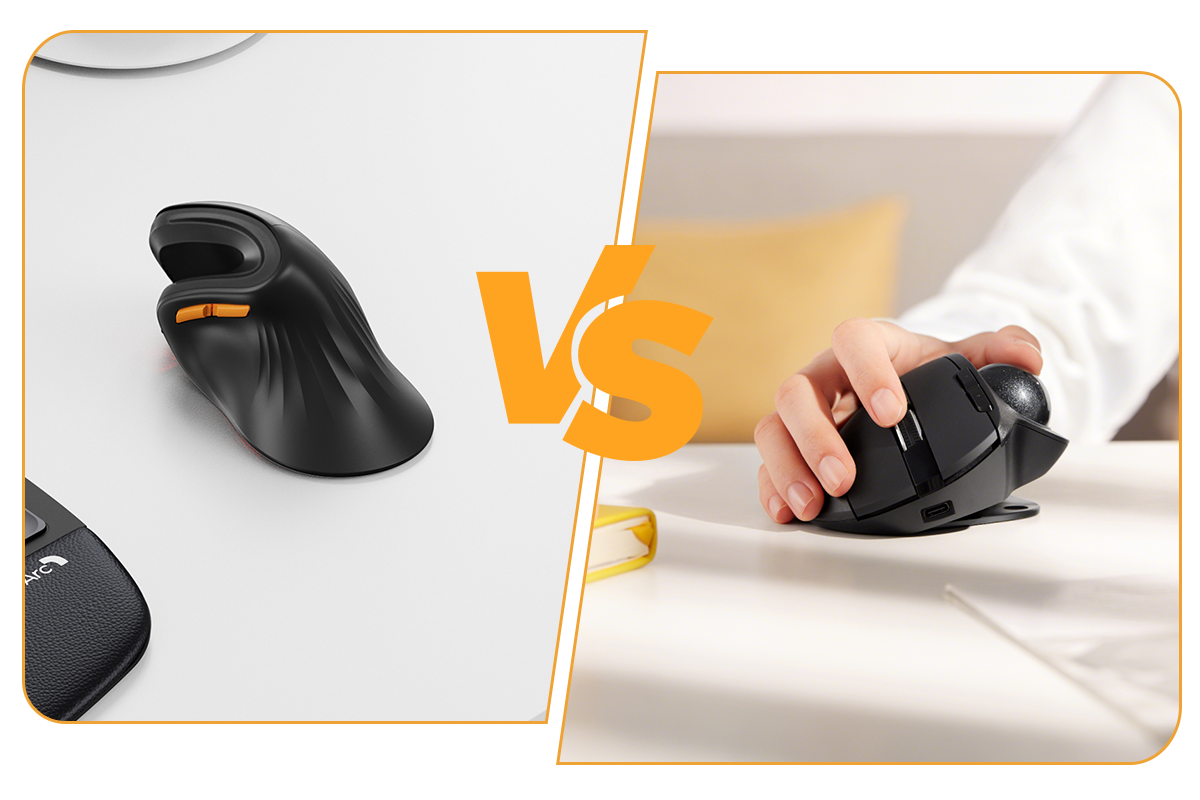
Vertical Mouse vs. Tilted Mouse: The Ergonomics of Comfort
Vertical and tilted ergonomic mice offer distinct solutions to reduce wrist strain and improve all-day comfort for computer users.

Are Split Keyboards More Ergonomic? Here's What You Should Know Before Switching
This article explains how split keyboards offer significant ergonomic benefits by correcting posture and reducing wrist strain, but also details the learning curve and factors to consider before...
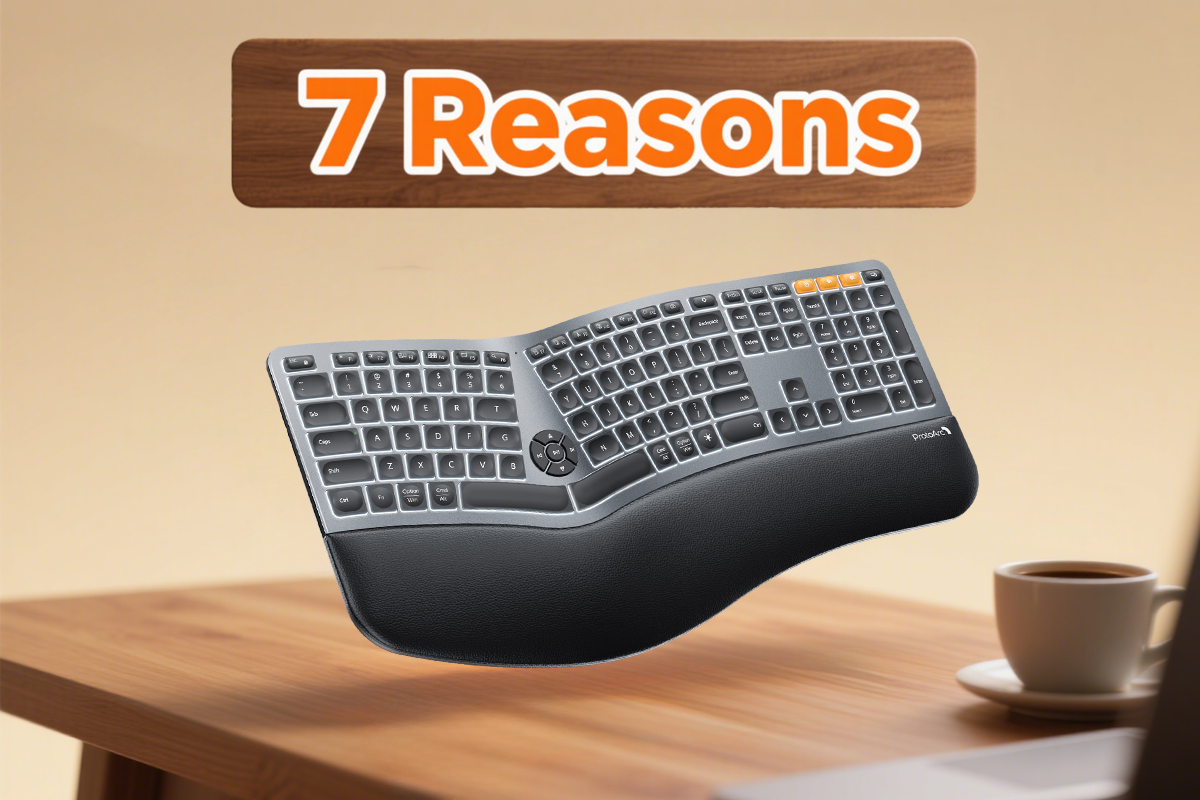
7 Reasons to Choose an Ergonomic Keyboard
An ergonomic keyboard improves your health, comfort, and productivity by preventing wrist pain and promoting a natural typing posture.

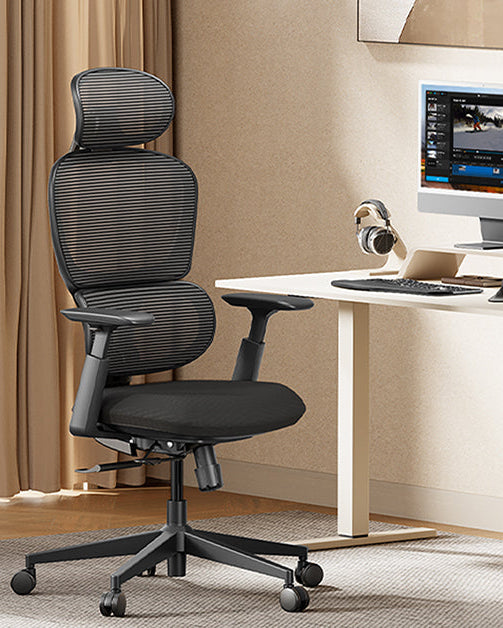
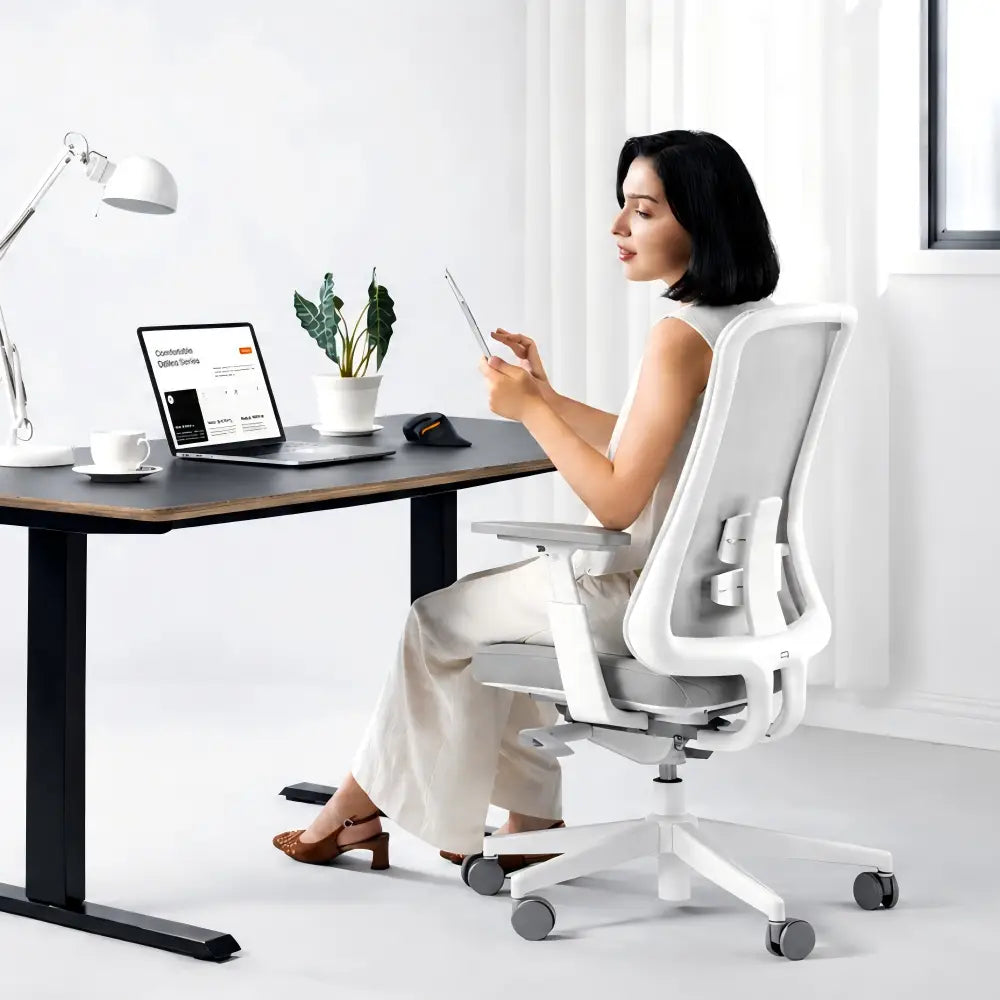
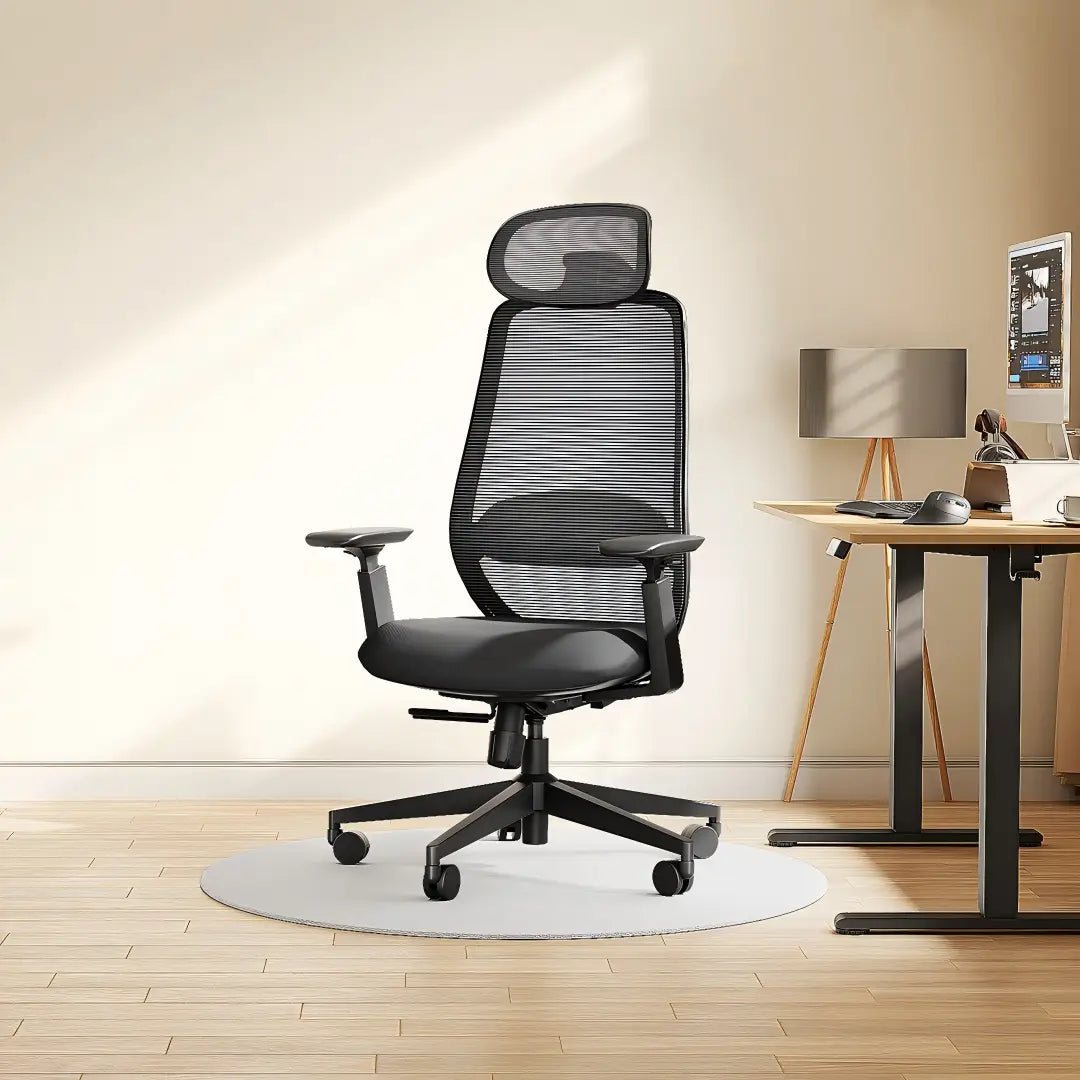
Ergonomic Chair Guide: Choose the Best Fit by Height and Weight
The right ergonomic chair, tailored to your weight and height, prevents pain and ensures all-day comfort and productivity.
