













Speed Edit Like a Pro and Streamline Your Video Editing Workflow with a Trackball
Stationary ergonomic mice drastically improve post-production workflows. Eliminate arm movement to navigate long timelines faster and reduce carpal tunnel.

Why a Trackball is the Best Valentine's Gift for a Programmer's Wrists
Standard mice cause repetitive strain. Trackballs stay put, use finger control, support neutral grip, eliminate friction, boost multi-screen coding efficiency.

How to Fix a Sticky Trackball Mouse: 4 Steps to Smooth Precision
Four steps: eject the ball carefully, scrub bearings with isopropyl alcohol, lubricate with skin oil or lanolin, clean optical sensor for perfect tracking.
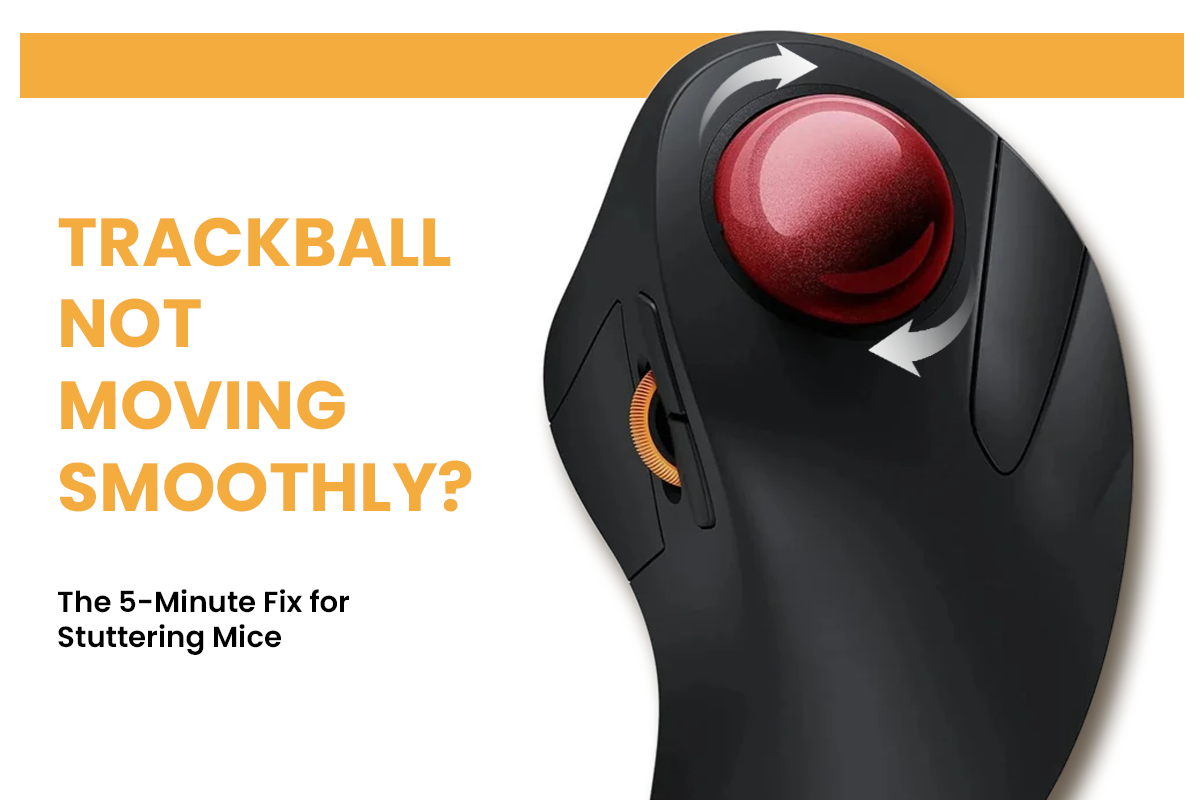
Trackball Not Moving Smoothly? The 5-Minute Fix for Stuttering Mice
Stuttering caused by dust and oils on bearings and sensors. Clean the ball socket, polish the sphere, blast the optical port, and adjust software settings.
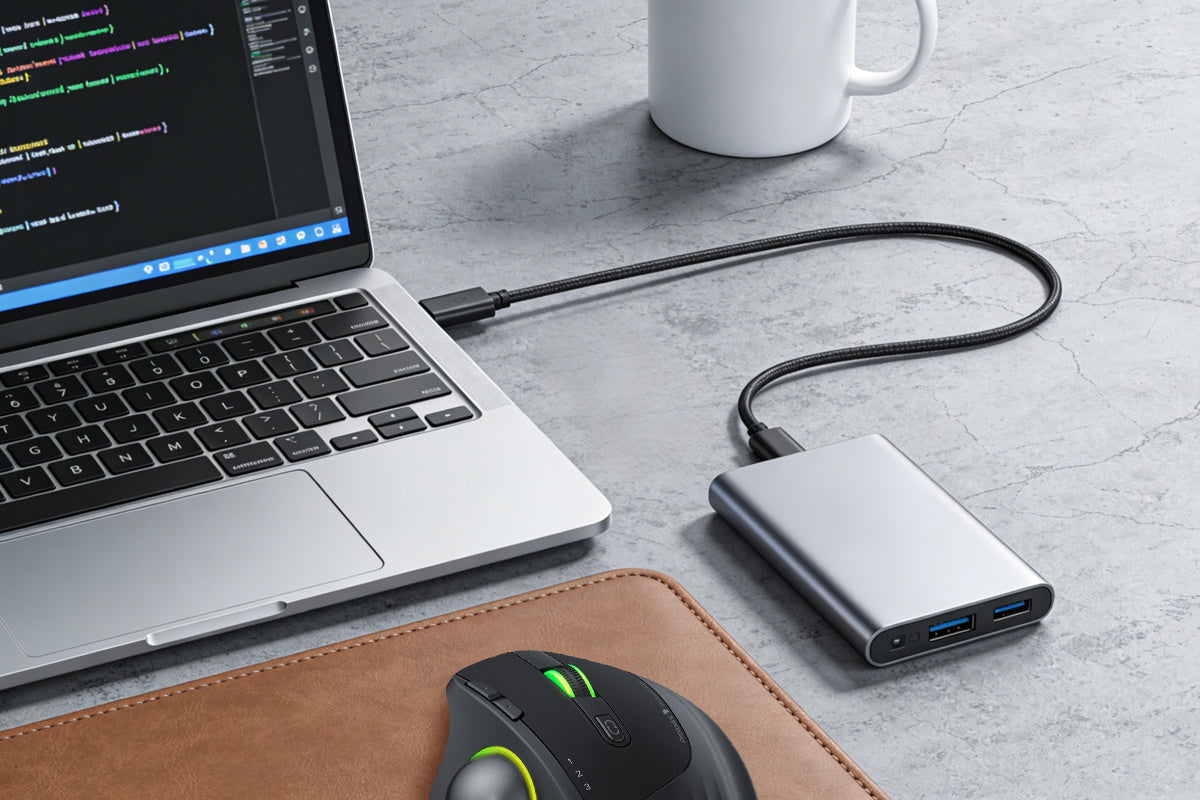
Why Your Wireless Mouse Lags: USB 3.0 Interference & Other Hidden Culprits
Wireless mouse lag is frequently caused by electromagnetic noise from USB 3.0 cables, low battery voltage, or reflective desk surfaces. USB 3.0 devices leak interference in the 2.4GHz band, drownin...

How Long Does It Take To Adjust To A Vertical Mouse?
Master your vertical mouse in just 2 weeks. Learn the adjustment timeline, fix click precision, and optimize settings to eliminate wrist strain and restore workflow speed.
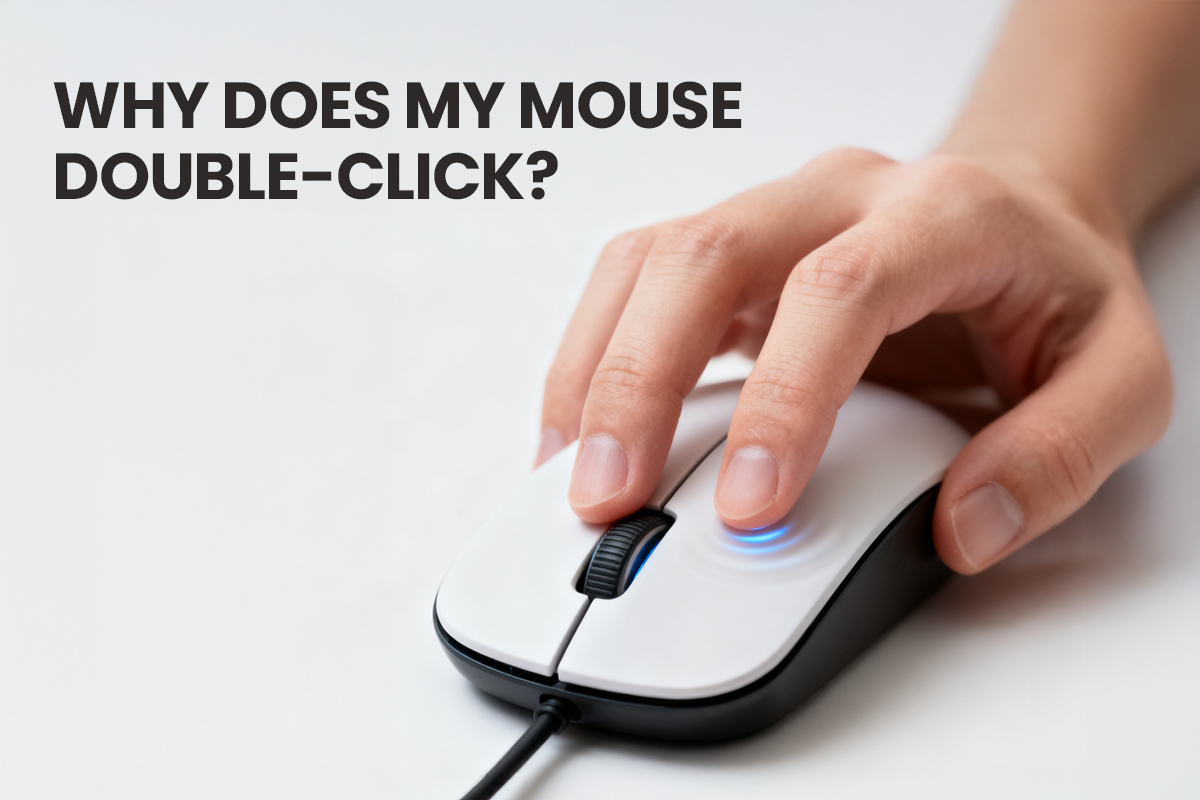
Why Does My Mouse Double-Click? Understanding the Cause and the Real Solution
Mouse double-clicking isn't your fault or a software glitch. It's caused by metal fatigue in the microswitch. Skip temporary patches and fix the hardware for good.
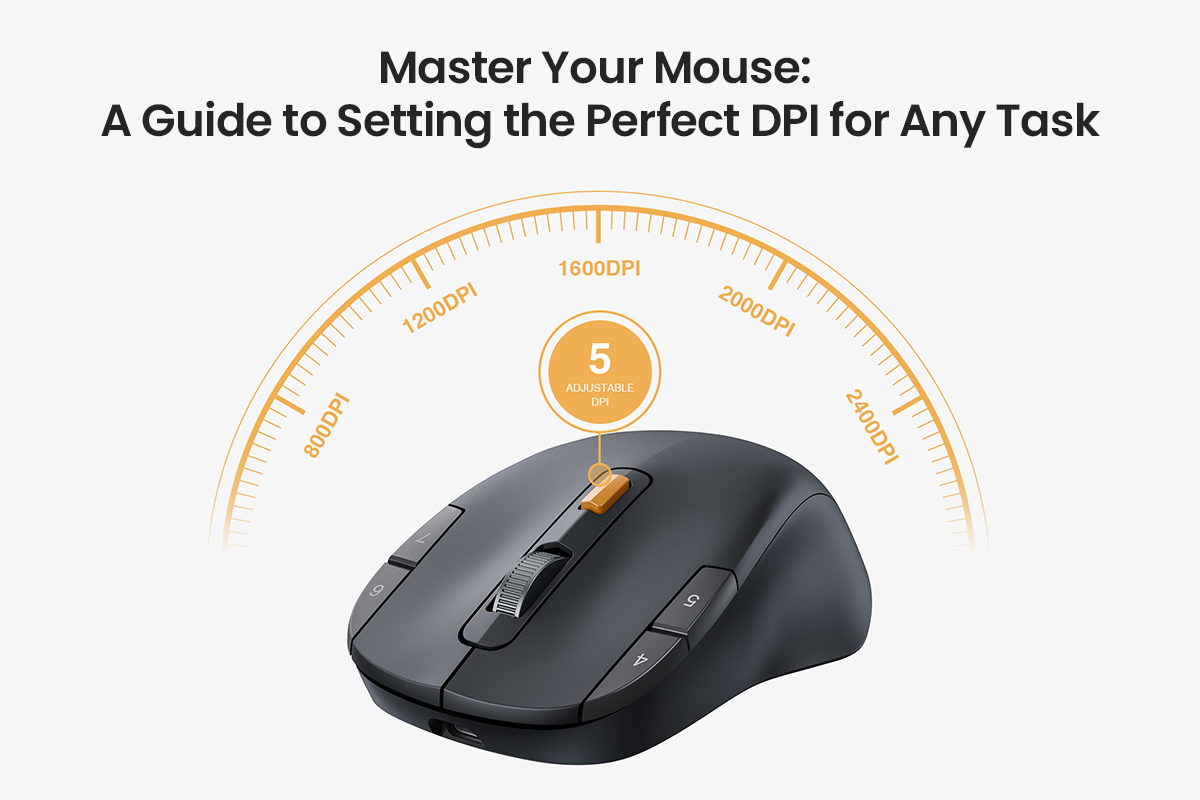
Master Your Mouse: A Guide to Setting the Perfect DPI for Any Task
Struggling with mouse control? Select the ideal DPI for your needs. Balance speed and precision for office work, creative tasks, and spreadsheets.
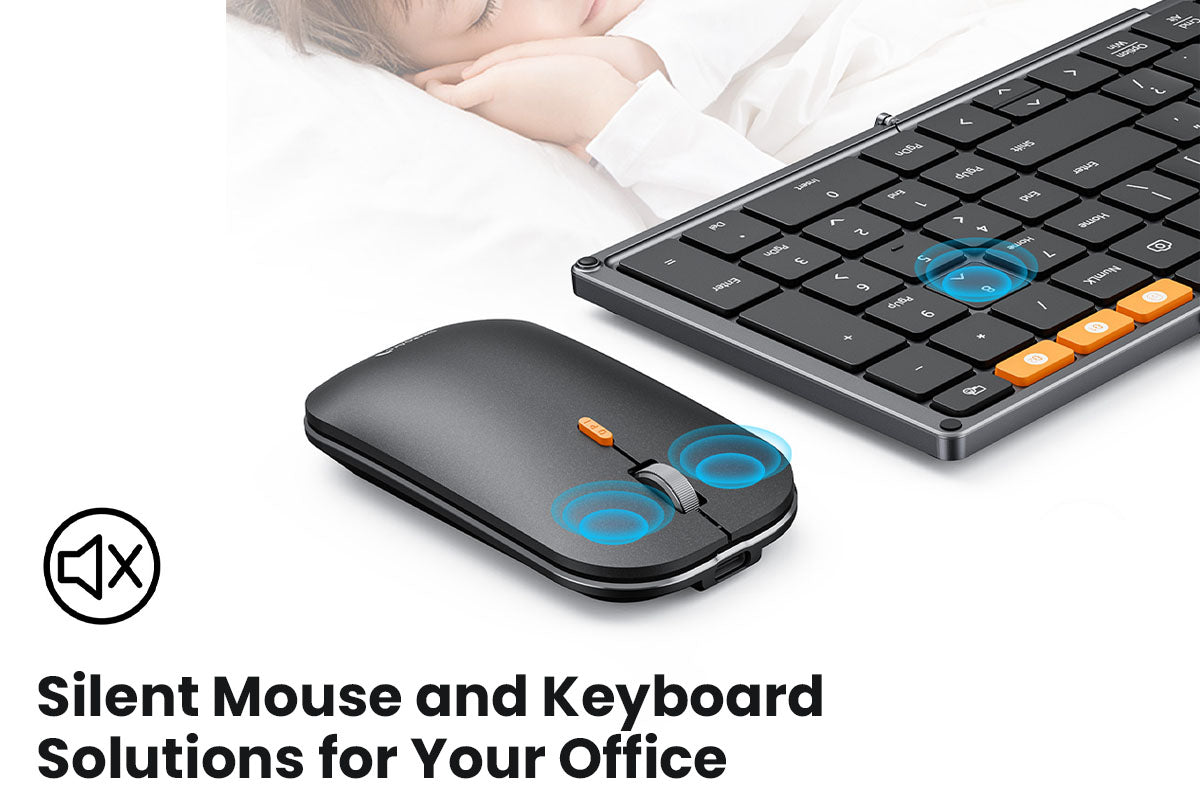
Complete Guide to Silent Mouse and Keyboard Solutions for Your Office
Office noise kills focus. This guide shows how to create a peaceful workspace using silent mice, quiet keyboards, acoustic panels, and smart office design for better productivity and less stress.

One Mouse, Two Computers: 3 Simple Methods to Declutter Your Desk
Compare three efficient ways to control multiple computers with one mouse: multi-device mice, software solutions, and KVM switches. Declutter your desk today.

Mouse DPI Explained: What’s the Best DPI for Office and Productivity?
For optimal office productivity, set your mouse DPI between 800 and 1600. Adjust this setting directly on your mouse, not through software, to get the best balance of speed and precision for your d...

How to Choose the Best Trackball Mouse for You?
This article explains if a trackball mouse is right for you. It compares the three main types (thumb, finger, and palm) and provides a 5-step guide to choosing the best one to prevent wrist strain ...
