






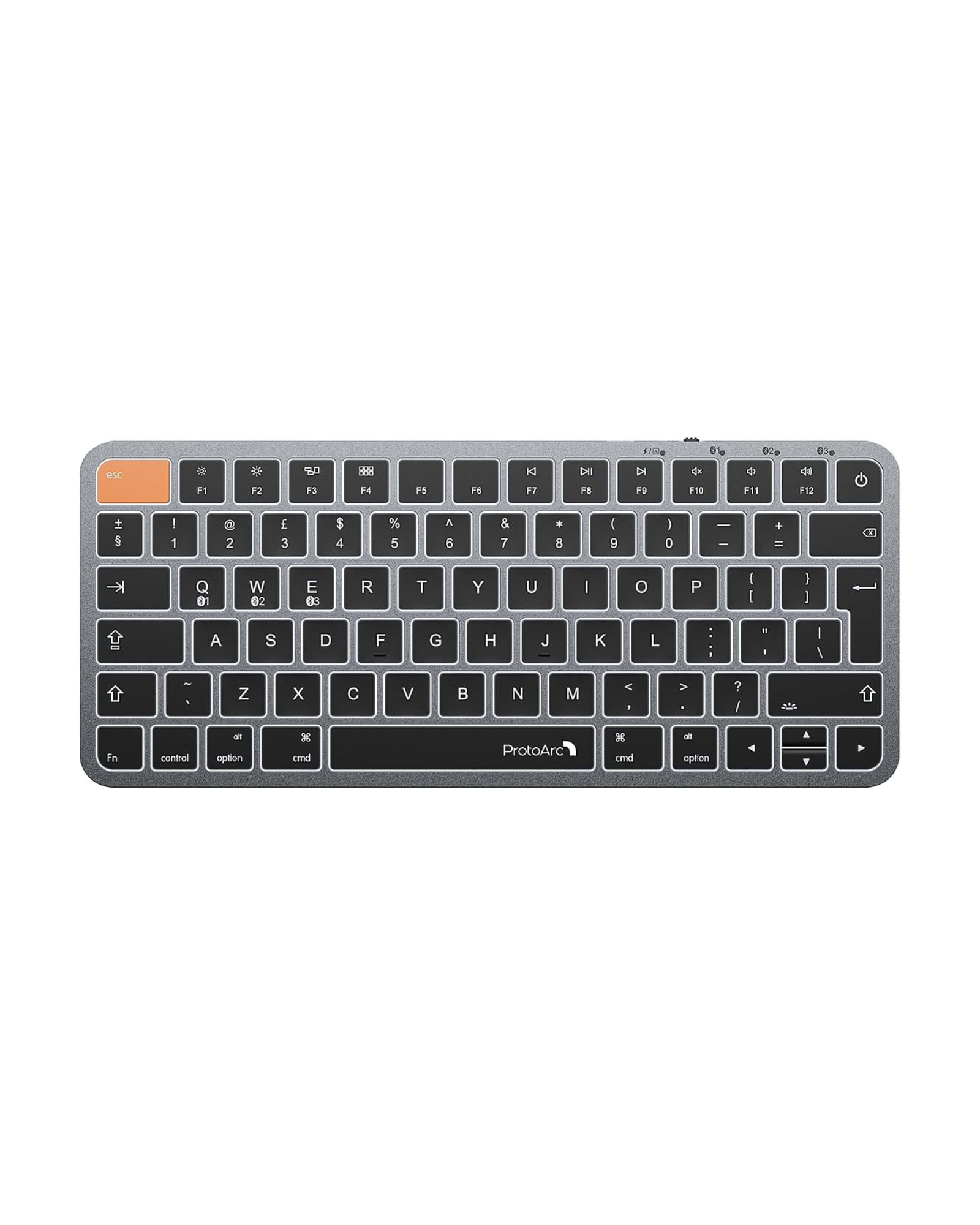
K90-A Backlit Compact Wireless Keyboard for Mac (UK Layout)
🫱🏼🫲🏻 Bulk Discount:
10% off for 5+ pcs • 15% off for 50+ pcs
Automatically applied — no inquiry needed.
Free Shipping
30-Day Returns
2 Years
Warranty


Compact Mac Layout
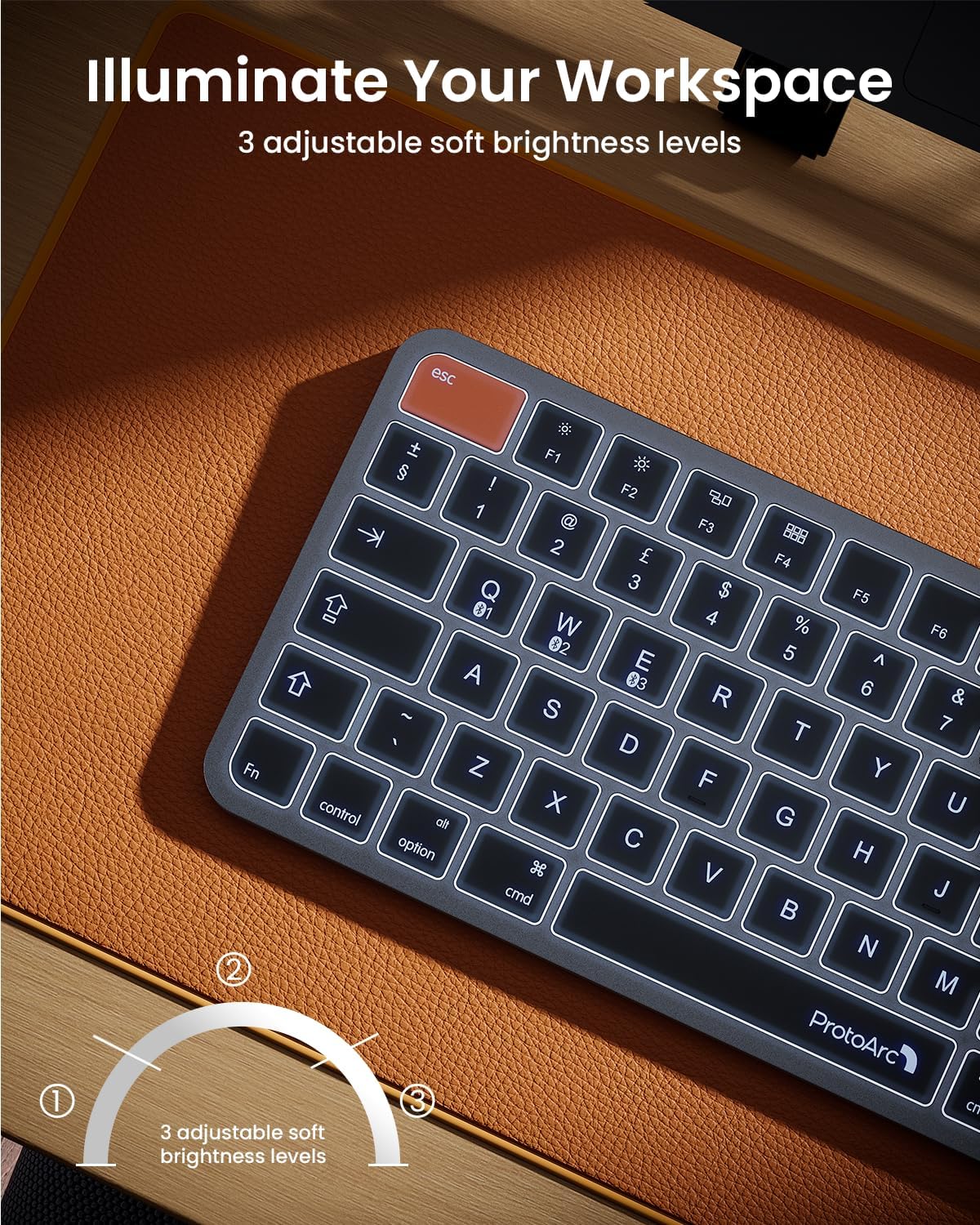
3-Level White Backlight
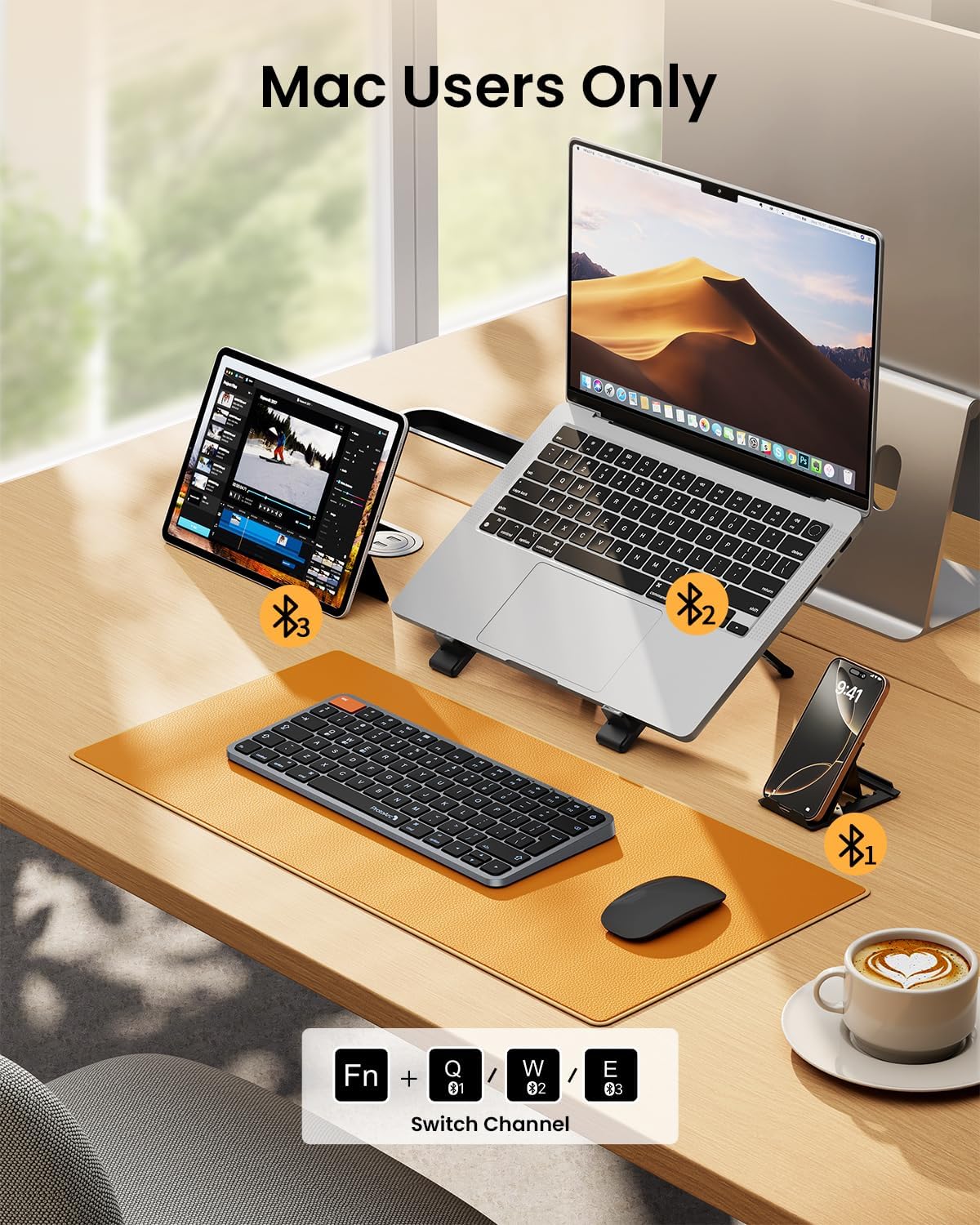
3-Device Bluetooth
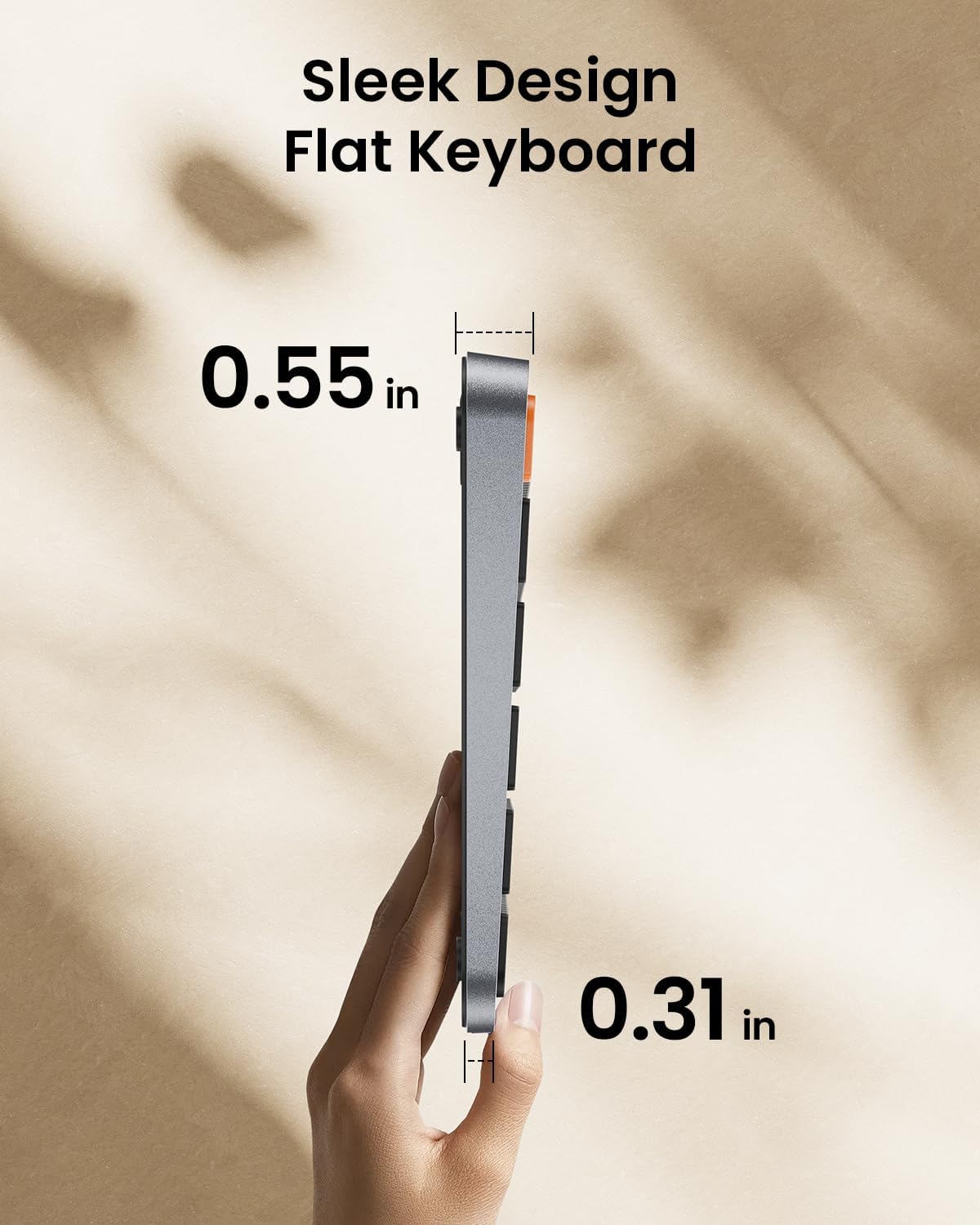
Low-Profile Keys
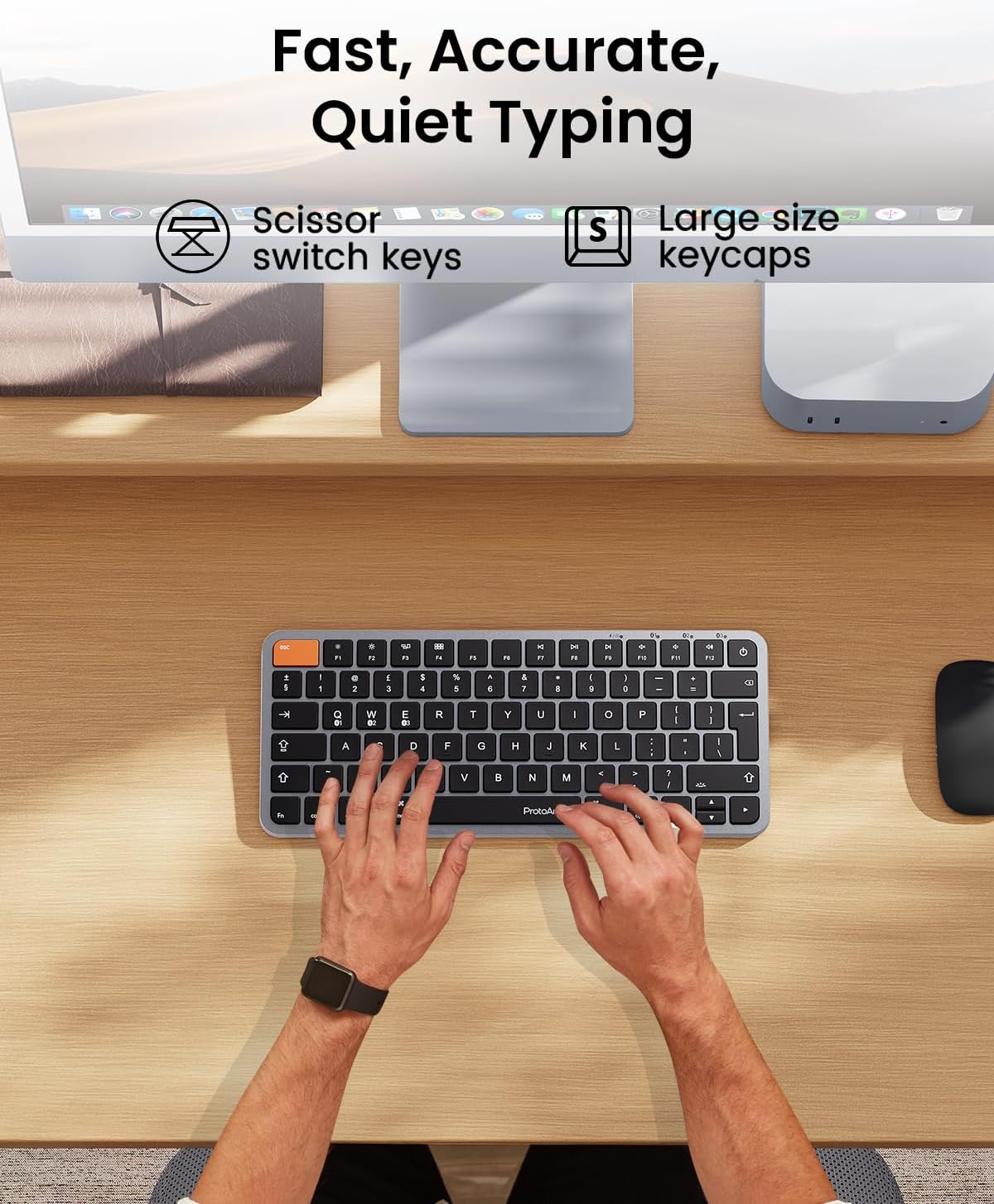
Quiet Scissor Keys
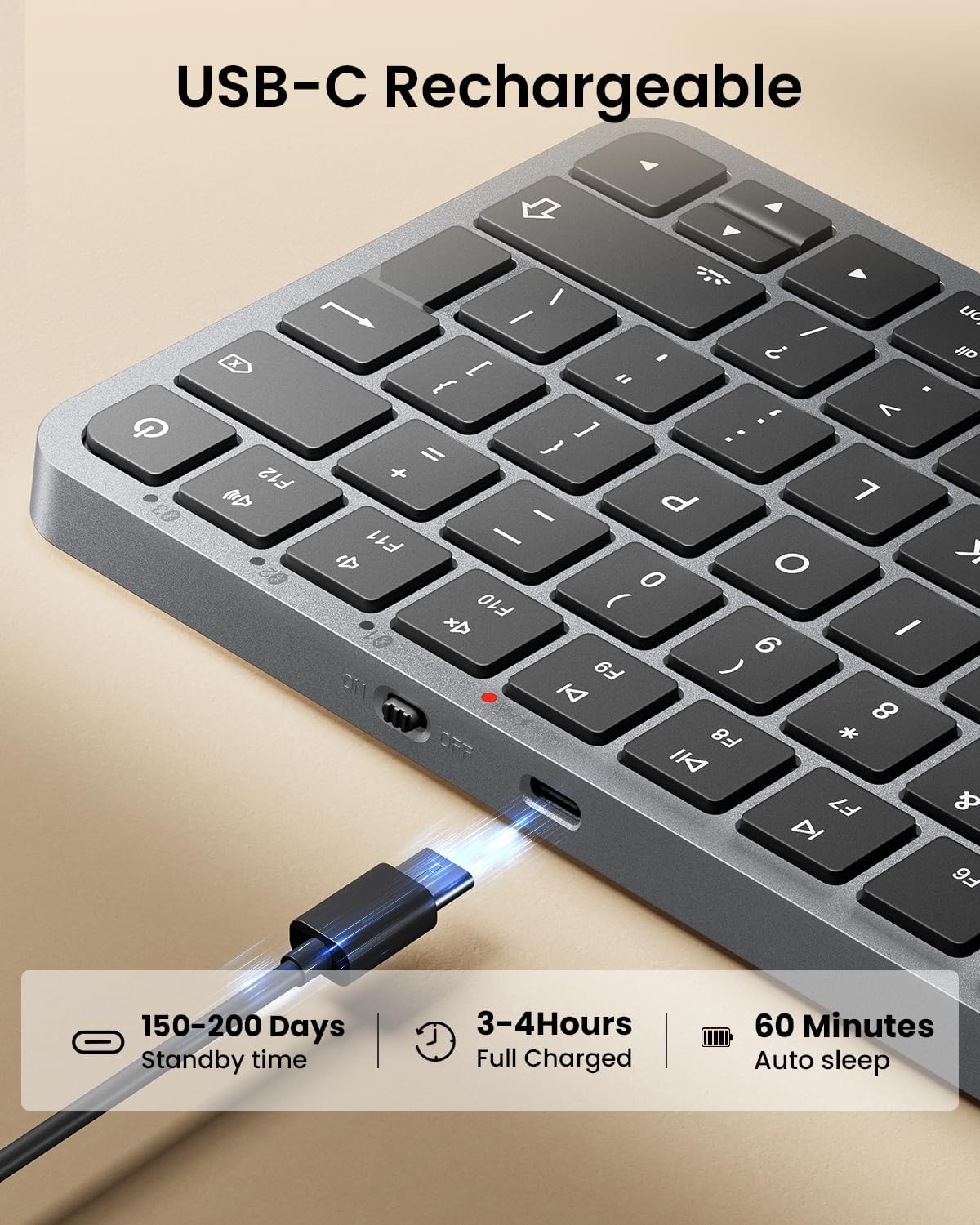
1200mAh Rechargeable
Made for a Cleaner Mac Workspace
K90-A combines a compact Mac-focused layout, soft white backlighting, low-profile scissor keys, and three-device Bluetooth connectivity in a slim wireless keyboard designed for everyday Apple setups.

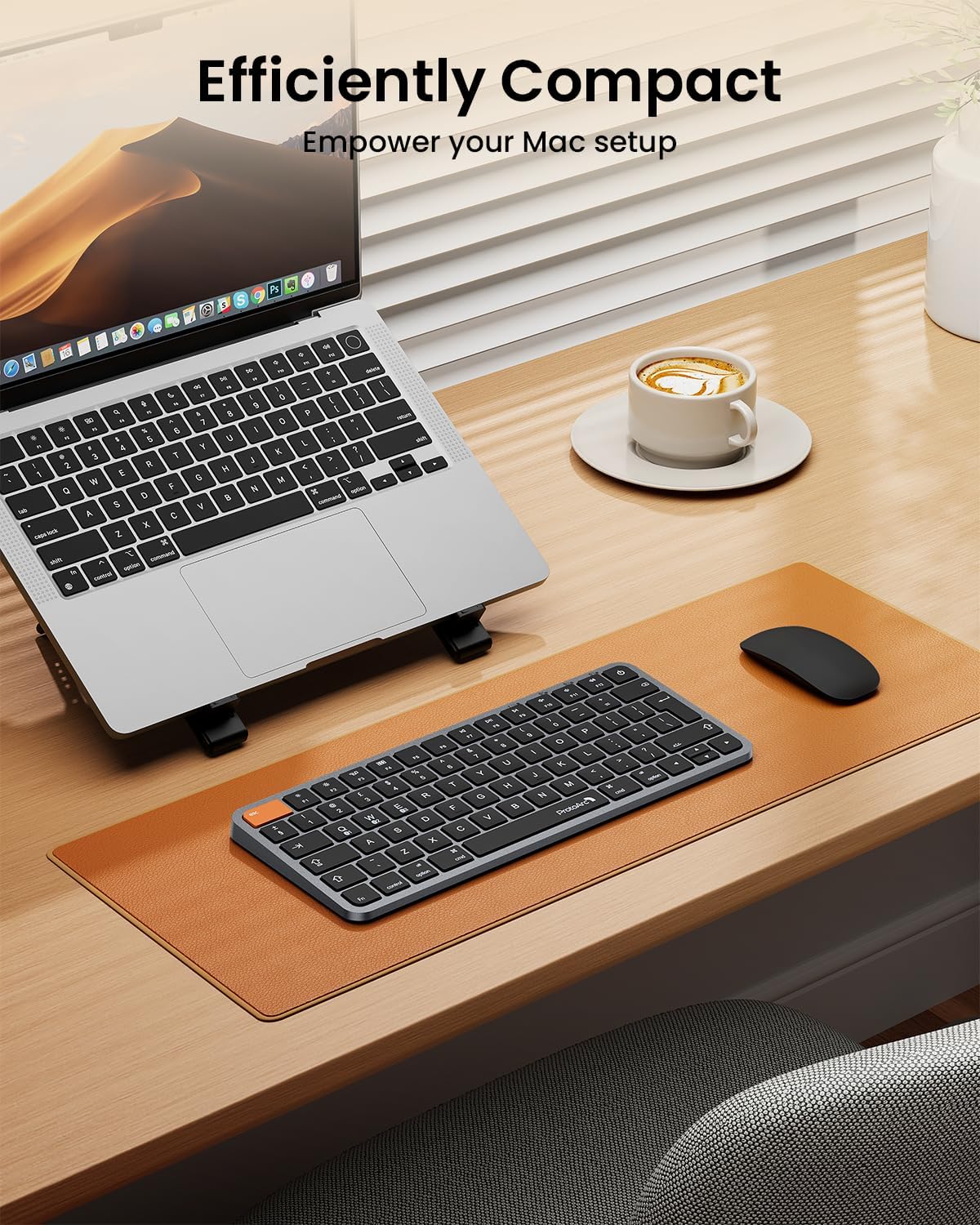
More Desk Space. Less Reach.
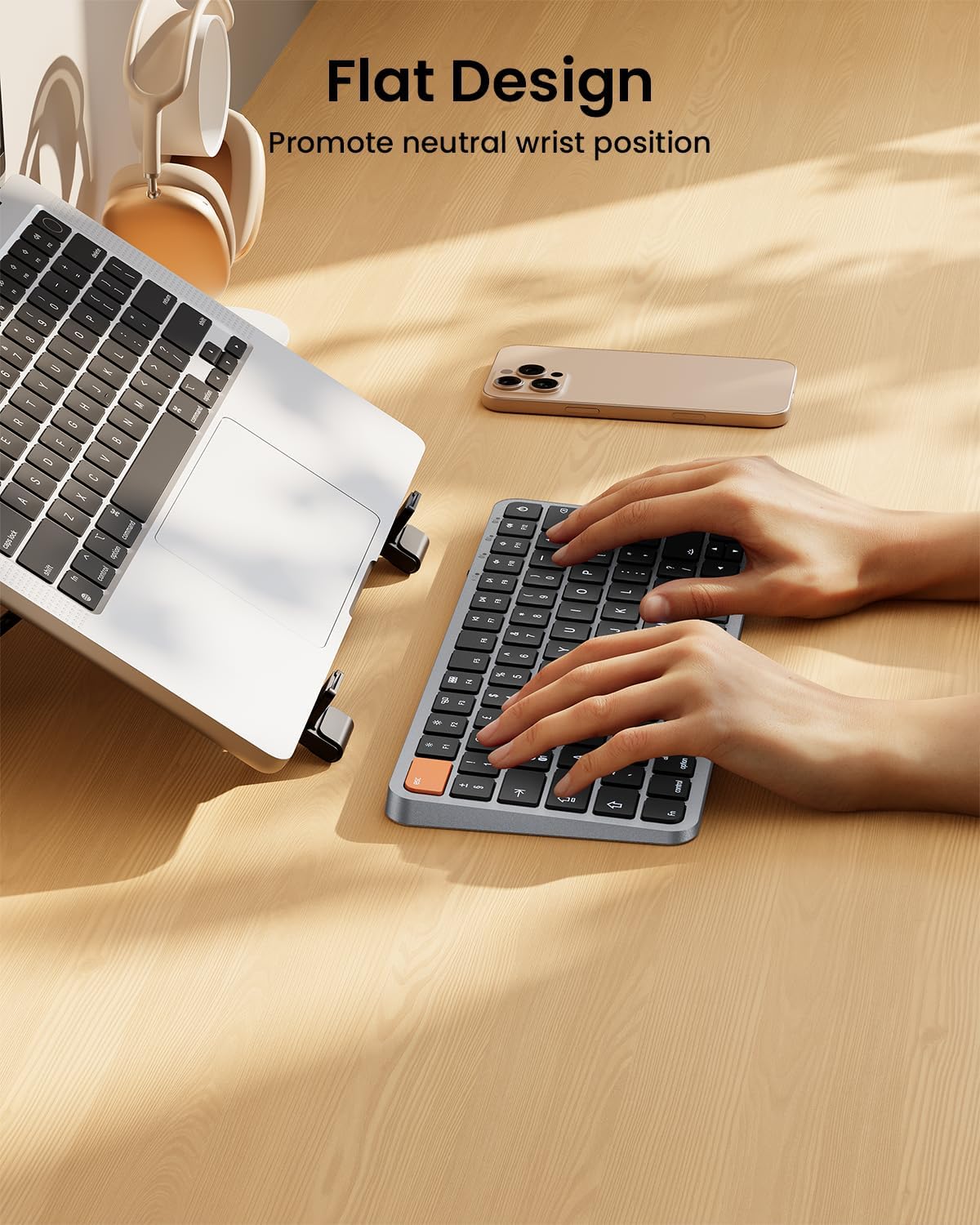
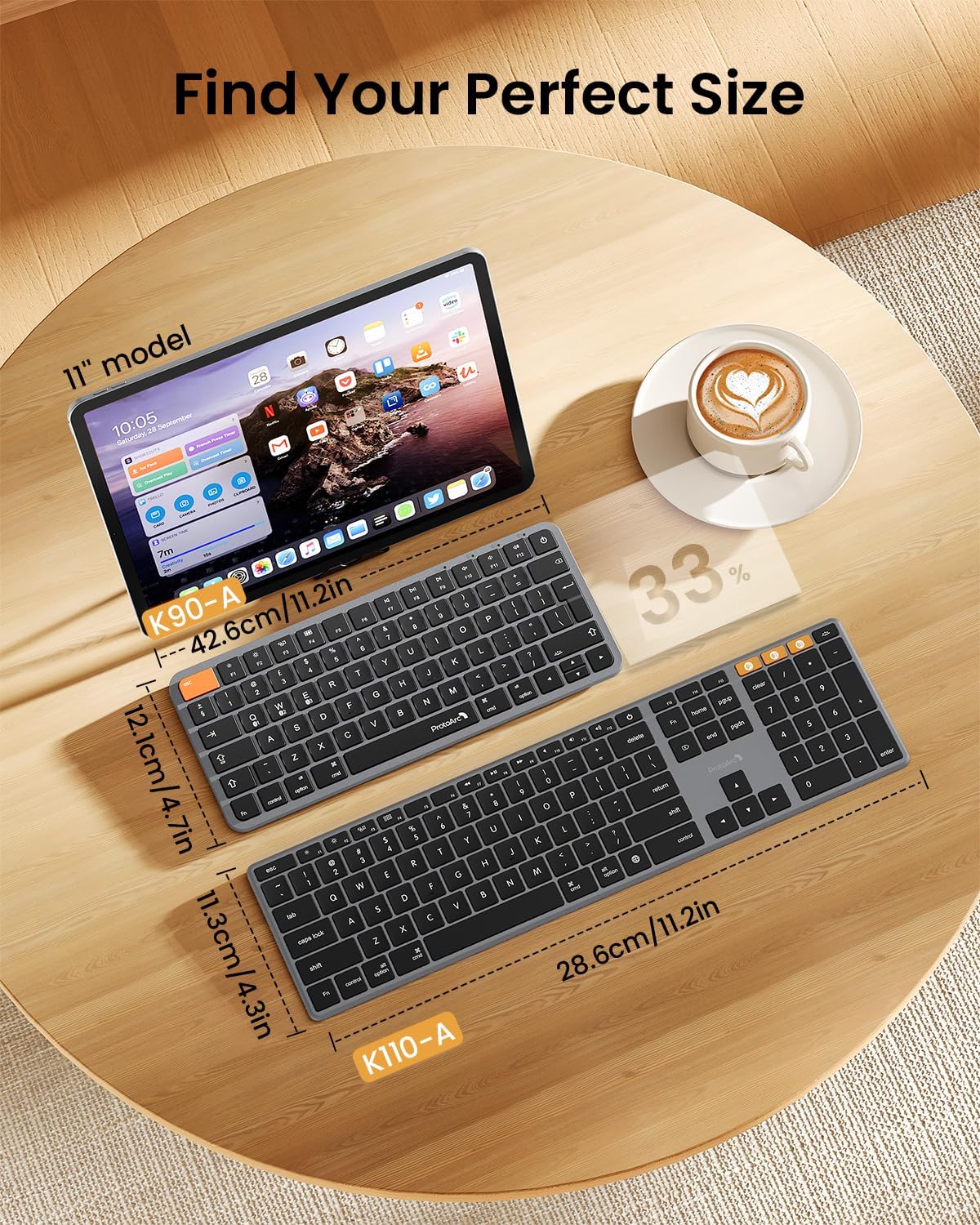
By removing the number pad, K90-A keeps the keyboard compact and allows your mouse to sit closer to your body. The result is a cleaner workspace with more room for the devices you use every day.


Seamlessly Switch Between Three Devices
Three Bluetooth channels let you connect K90-A to up to three compatible Apple devices and move between them using the mode switch controls. No USB receiver is required.
Designed for Apple Devices
K90-A is designed for use with compatible MacBook Pro, MacBook Air, iPad, and iPhone.
Devices manufactured before 2013 or running macOS versions below 10.12 are not supported.
K90-A is not compatible with Linux, Windows, or Windows installed on Mac hardware.
The keyboard is intended for work, general tasks, and everyday use. Gaming is not recommended.

Why Choose K90-A
K90-A is built for Apple users who want a compact keyboard without giving up the familiar Mac-focused experience. Its space-saving layout helps free up desk space while keeping your mouse closer and your everyday workspace easier to organize.
Three-level white backlighting supports typing in different lighting conditions, while low-profile scissor keys provide quiet, responsive input. With three Bluetooth channels, you can also move between compatible Mac, iPad, and iPhone devices without adding a USB receiver to your setup.
FAQ
Which devices are compatible with K90-A?
K90-A is designed for compatible Apple devices, including MacBook Pro, MacBook Air, iPad, and iPhone. Devices manufactured before 2013 or running macOS versions below 10.12 are not supported.
Can I use K90-A with Windows?
K90-A is designed specifically for Apple devices and is not compatible with Windows, Linux, or Windows installed on Mac hardware.
How many devices can K90-A connect to?
K90-A supports up to three Bluetooth devices through three separate Bluetooth channels. You can switch between connected devices using the keyboard's mode switching controls.
Does K90-A require a USB receiver?
No. K90-A connects through Bluetooth, so no USB dongle or receiver is required.
Is the keyboard backlit?
Yes. K90-A features soft white LED backlighting with three adjustable brightness levels for use in different lighting environments.
What type of keys does K90-A use?
K90-A uses low-profile scissor-mechanism keys designed to provide responsive tactile feedback for fast and accurate everyday typing.
What happens when the keyboard enters sleep mode?
The keyboard enters sleep mode after approximately 60 minutes of inactivity to conserve battery power. Press any key to wake the keyboard. The backlight needs to be manually turned back on after waking.
Is K90-A rechargeable?
Yes. K90-A includes a built-in 1200mAh rechargeable battery.
Is K90-A recommended for gaming?
K90-A is designed primarily for work, general tasks, and everyday typing. Gaming is not recommended.
