





Device Setup Center
Thanks for choosing ProtoArc.
Let's get your device ready in just a few minutes with a cleaner, more guided setup flow.
Change device
First time setup? Start here.
The full flow usually takes less than two minutes.
Before you start
- 01Turn on your device
- 02Switch to 2.4G USB mode
- 03Insert the USB receiver
- 04Open Chrome or Edge
- 05Visit hub.protoarc.com
- 06Click “Add New Device” and connect
Quick Setup

 Recommended browsers
Having trouble connecting?
- Make sure you're using 2.4G USB mode.
- Bluetooth mode is not supported for driver configuration.
- Use Chrome, Edge, or Opera for the best compatibility.
- Try another USB port, then refresh and reconnect.
よくある質問
デバイスが検出されません。何を確認すればよいですか?
デバイスが設定センターで認識されない場合は、以下を確認してください:
2.4GのUSBレシーバーを使用していることを確認してください(Bluetoothは設定に対応していません)。
USBレシーバーを直接パソコンに差し込んでください(可能な限りハブの使用は避けてください)。
ChromeやMicrosoft Edgeなどの対応ブラウザを使用してください。
レシーバーを差し込んだ後、ページをリロードしてください。
設定センターで「新しいデバイスを追加」をクリックしてください。
それでもデバイスが表示されない場合は、別のUSBポートを試し、ページを再読み込みしてください。
Bluetoothでデバイスを設定できますか?
番号。
ウェブ設定センターは2.4G USBレシーバーの接続が必要です。
Bluetoothモードではドライバーの設定はサポートされていません。
通常の操作ではBluetoothでデバイスを使用できますが、カスタマイズにはUSBレシーバーが必要です。
どのブラウザがサポートされていますか?
おすすめのブラウザ:
- Google Chrome
- Microsoft Edge
これらのブラウザは必要なWebHID/WebUSB APIを完全にサポートしています。
Safariやその他の一部のブラウザでは、デバイスが正しく検出されない場合があります。
ソフトウェアをインストールする必要がありますか?
ソフトウェアのインストールは不要です。
設定センターは直接ブラウザ上で動作します。
システムにバックグラウンドアプリケーションはインストールされません。
これにより、セットアップは軽量で使いやすくなっています。
再起動後も設定は保存されますか?
はい。
保存すると、カスタマイズした設定がデバイスに書き込まれます。
コンピューターを再起動しても再設定は不要です。
デバイスを初期設定にリセットするにはどうすればいいですか?
設定センターでデフォルト設定を復元できます。
リセット後、すべてのカスタムショートカットとDPI設定は工場出荷時の状態に戻ります。
セットアップを完了しましょう。
快適さとコントロールを追求した作業空間を作りましょう。


MP50 リストレスト付きエルゴノミックマウスパッド
セール価格¥3,980
通常価格¥4,564
ベストセラー新規セール

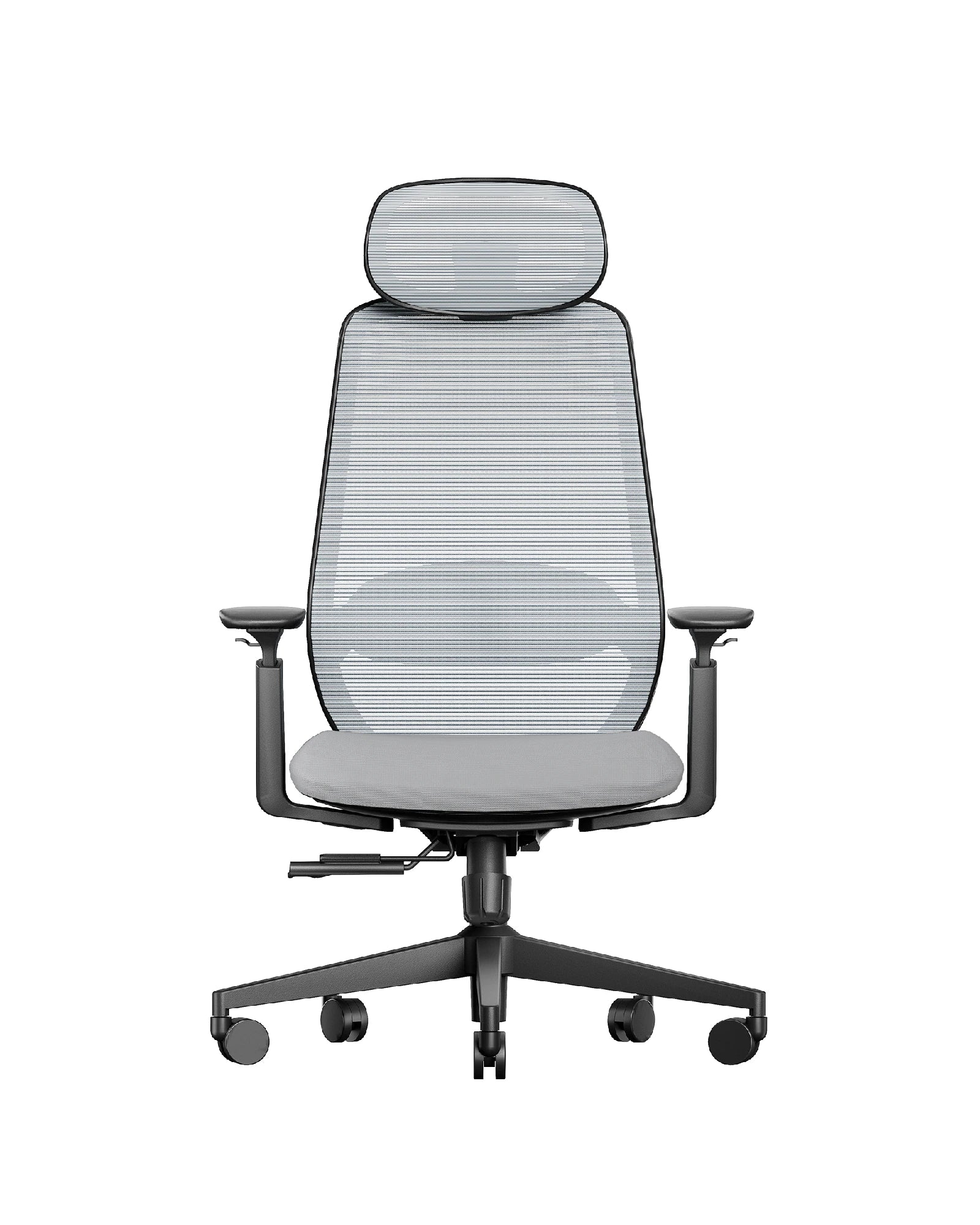
EC200 エルゴノミックオフィスチェア
セール価格¥27,980から
通常価格¥35,608


