



Skip to content

Your everyday.
Our next improvement.

A better workspace starts with the people who use it. Try our products in your own routine. Tell us what works, what feels awkward, and what could be better.

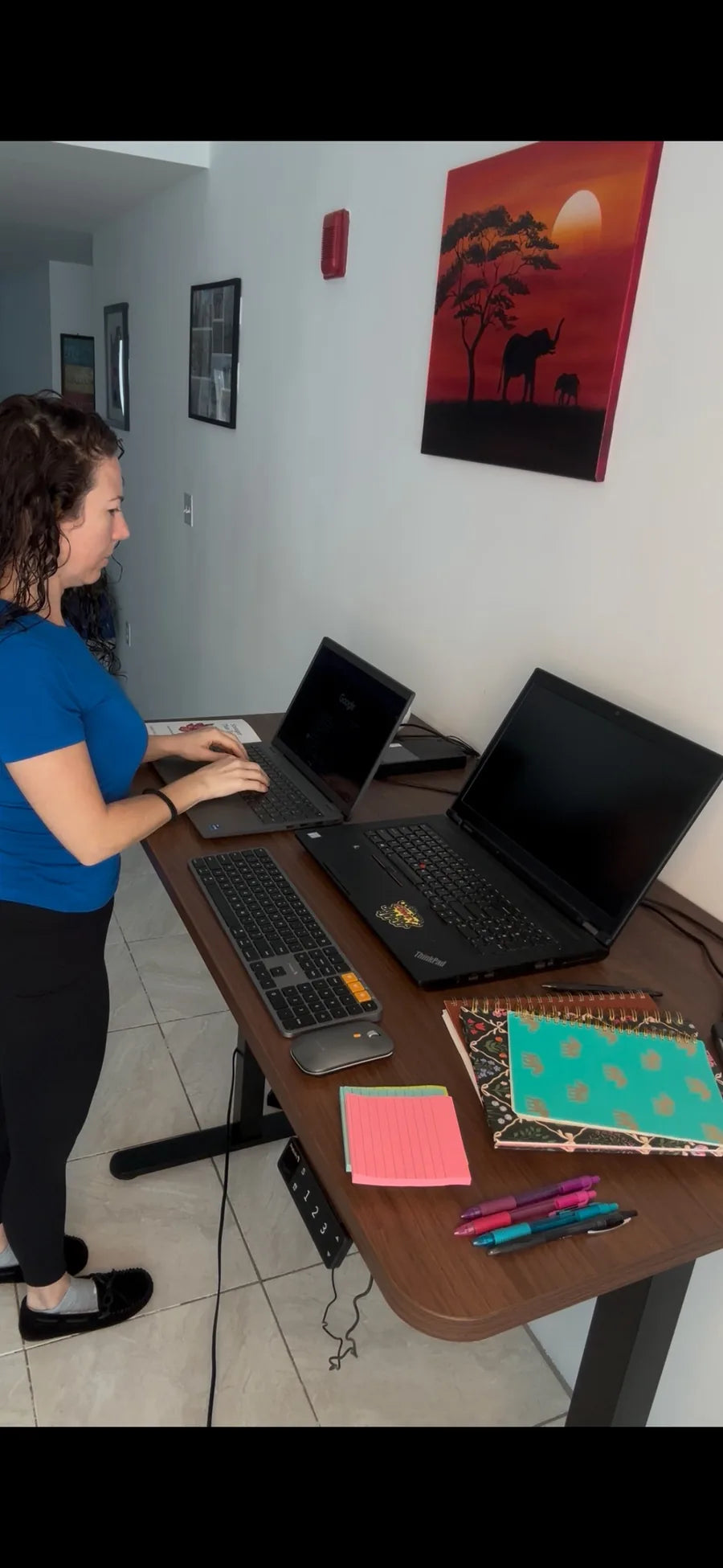
Sandra standing at the ED200 desk with two laptops in her home workspace
Sandra’s home workspace · ED200 field testing

Small details. Meaningful changes.

See what people noticed, how the team responded, and which ideas remain open. Each published update links back to its source.

Select a project
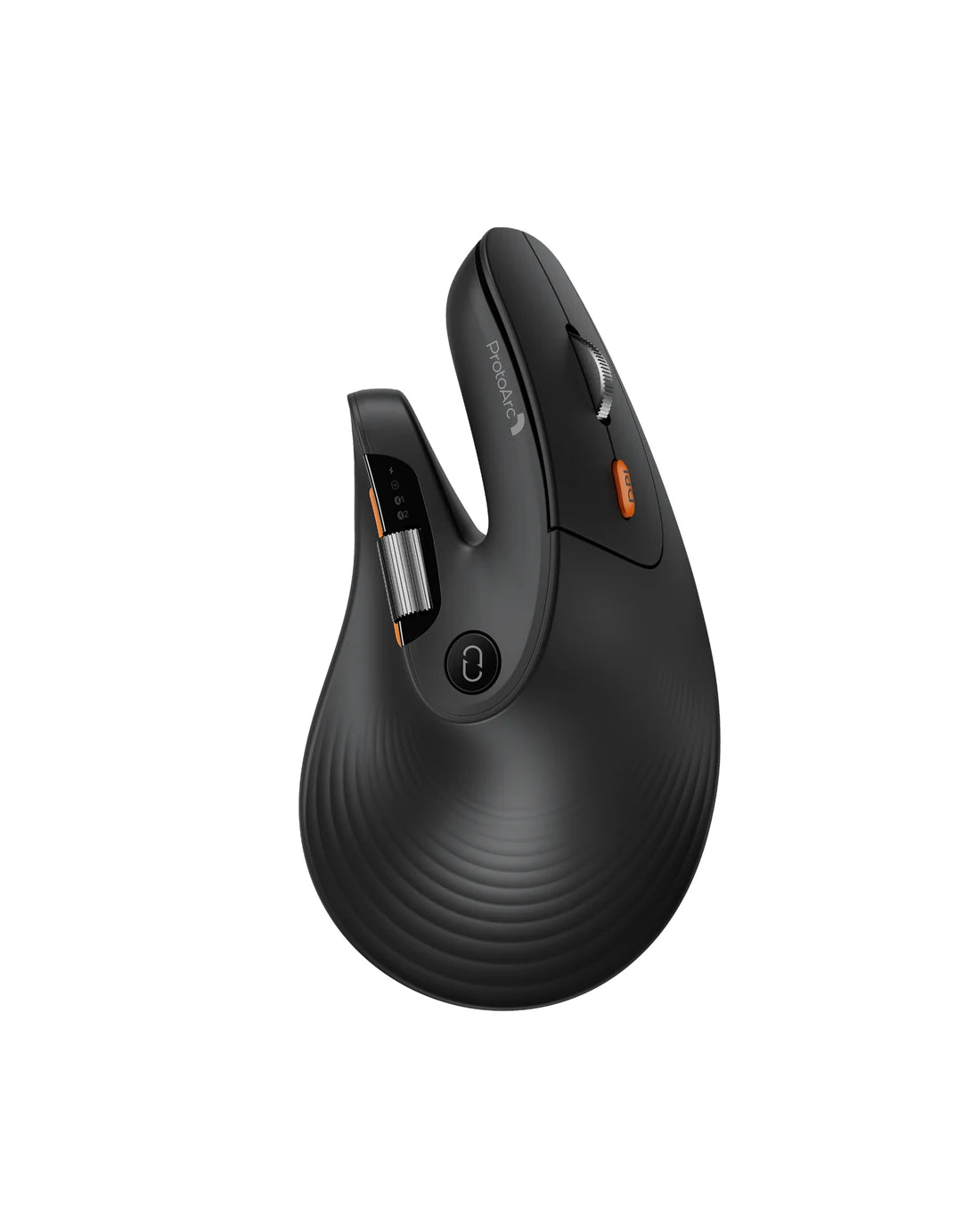
Official ProtoArc EM11 Pro vertical mouse product image
EM11 ProMade for larger hands

A better grip. More control.

Updates announced

Testing continued beyond the first design. Grip and scroll customization became two specific areas for improvement.

More hand room, a top-mounted device switch, and horizontal scrolling grew out of conversations with EM11 NL users.

Read the development story

User feedback

The surface could feel slippery when lifting the mouse.

Product update

The September 2026 U.S. white-version announcement included grip stickers. Earlier tester exchanges also explored where grip tape helped most.

Sep 4, 2026 · Official white-version update

User feedback

Let the side wheel do more.

Product update

The same white-version update announced side-wheel customization. This is a version-specific update; it does not confirm support for every earlier unit.
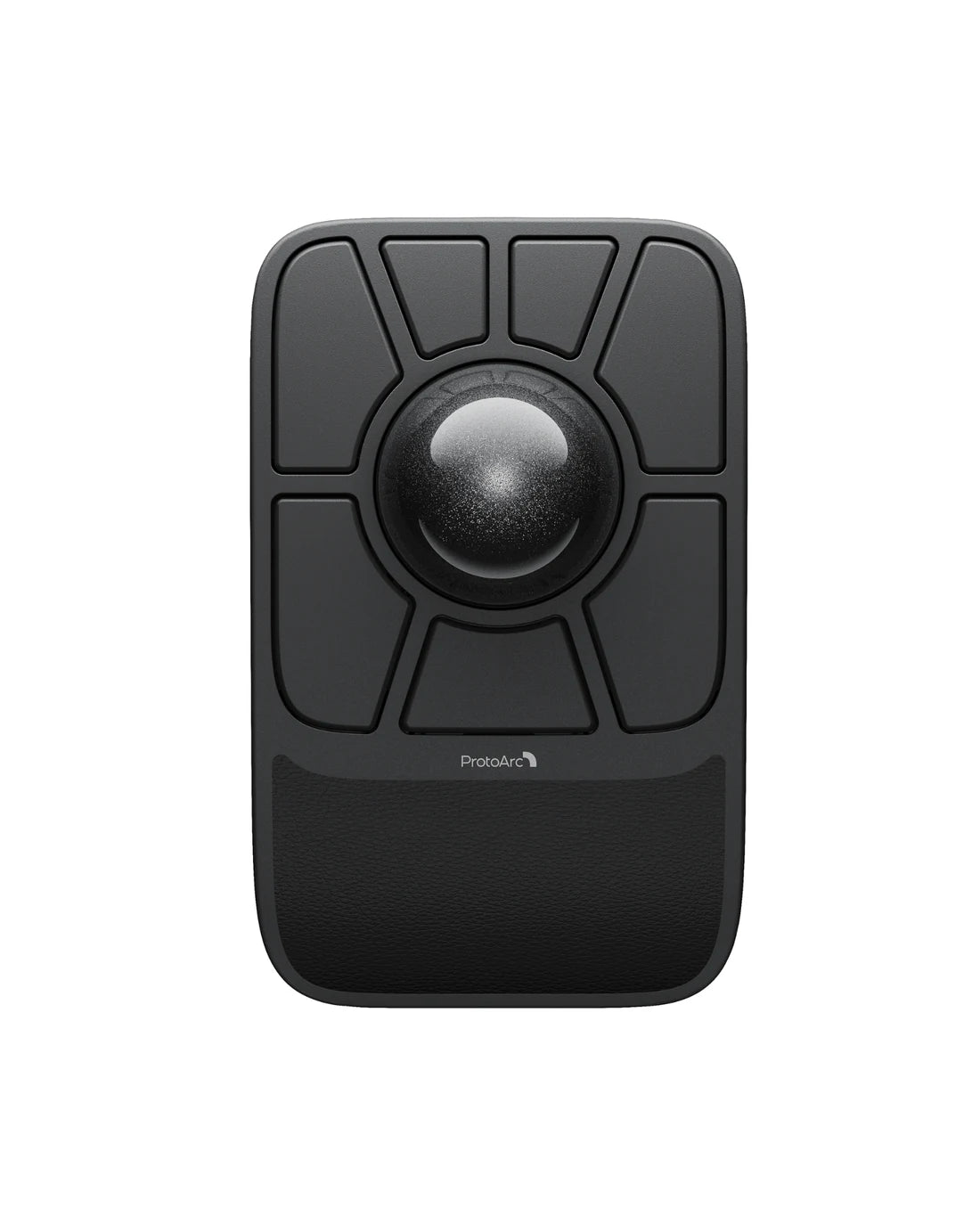
Read the original side-wheel discussion

Honest feedback. Specific perspectives.

People share praise and problems in the same conversation. Read the original Reddit posts, with each tester’s product relationship shown below.

EM11 Pror/MouseReview

Great workflow ideas. A different fit for every hand.

The reviewer appreciated the hardware and web configuration, while explaining how their smaller hands made grip and reach more difficult.

u/02ranger

Free review sample disclosed · Editorial summary

Read the full review
EM06r/Trackballs

A week of CAD. Useful details from daily work.

A CAD user valued the connections and settings saved on the device, while flagging configuration restrictions and the adjustment to scrolling.

u/sLaughterIsMedicine

Free production test unit disclosed · Editorial summary

Read the full review
EM06r/ProtoArcHub

Two workspaces. One specific perspective.

This tester liked the quiet clicks and double-click scrolling, while describing setup friction, macro-recording limitations, and a need for better wrist support.

u/Stewtheking

Testing-program participation disclosed · Editorial summary

Read the full review
Specific beats perfect.

A useful test can reveal an awkward button, a setup hurdle, or a design that does not suit your hands. Those details belong in the feedback, alongside what you enjoy.

Bring your routine. We’ll bring the product.

You bring first-hand experience. We use it to understand what should work better.

Step 1

Tell us about you.

Explore current opportunities and share how you work, your setup, and what you would like to test.

Step 2

Try a test product.

Selected participants receive a complimentary product. Availability, locations, and selection depend on the project.

Step 3

Make it everyday.

Use it in your normal routine. Notice the little things: setup, reach, comfort, controls, and anything that gets in your way.

Step 4

Tell us honestly.

Send your observations through the project’s feedback process. Clear examples help the team assess improvements.

Testing duration, required feedback, sample arrangements, and any public-sharing tasks are specified for each project. Applying does not guarantee selection.

Your next everyday detail could be our next idea.

You do not need a perfect desk or a perfect experience. Bring your actual routine, your curiosity, and the things you wish worked better.

Explore co-creation

Complete the tester application form

Before you join.

A useful collaboration starts with clear expectations. Each opportunity has its own testing requirements.

Is a free product guaranteed when I apply?

No. Participants are selected for each project based on its testing needs and available places. Selected testers receive a complimentary product under that project’s terms.

What if something does not work for me?

Describe it clearly: what you were doing, what you expected, and what happened instead. Praise and criticism are both useful. The community posts above include both.

Will every suggestion become a product change?

Every idea needs to be assessed alongside technical feasibility, timing, and cost. The examples above distinguish announced updates from issues still being discussed.

Do I need to post a public review?

Requirements vary by project. Some projects include public-sharing tasks; others use direct feedback. Check the opportunity details. If you post about a complimentary product, make that relationship clear.

Are all three projects recruiting right now?

The stories on this page show different stages of co-creation. They do not mean each project has open places. Visit the co-creation page for currently available opportunities.

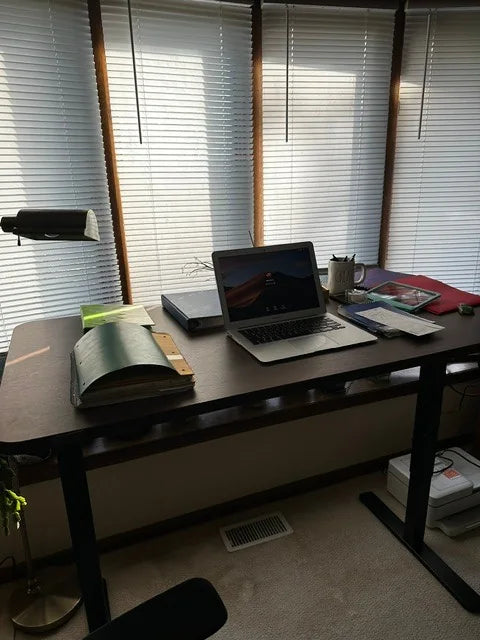
ED200 · Field photos