





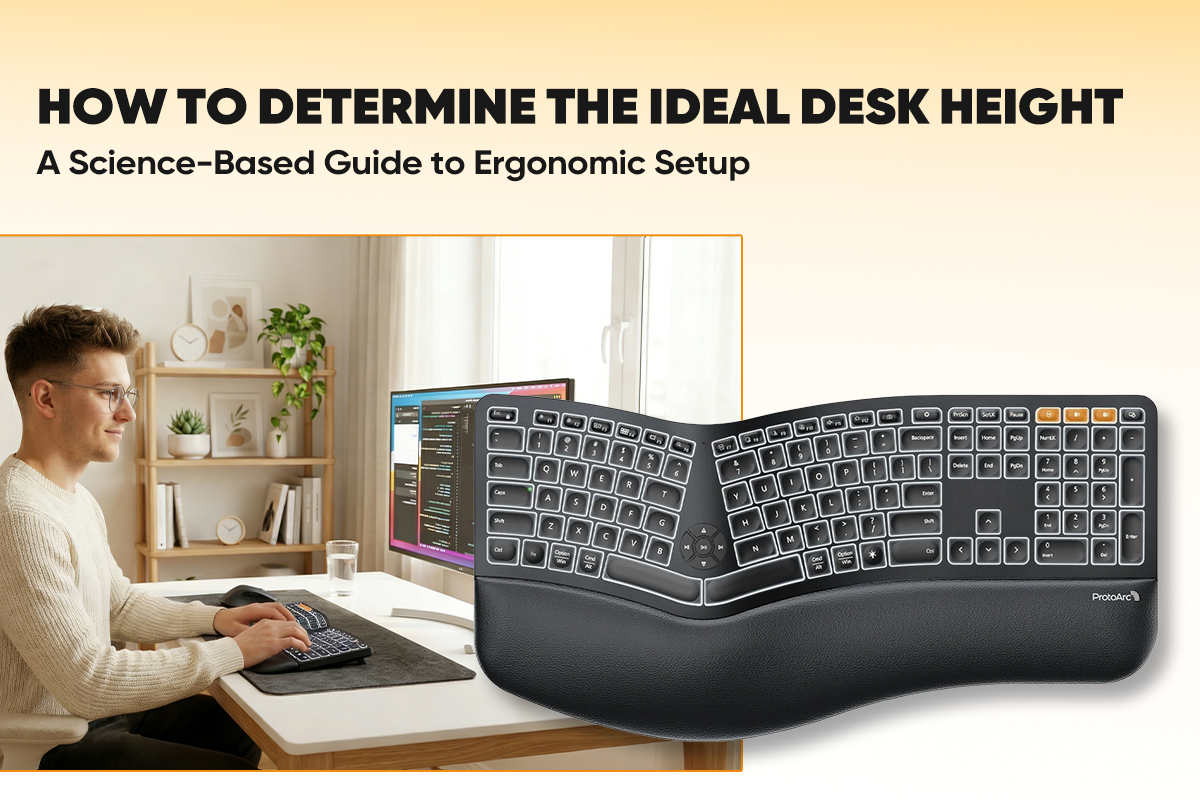
How to Determine the Ideal Desk Height for Your Body Type: A Science-Based Guide
Transform your daily comfort. Find the exact measurements for your sitting or standing desk setup to prevent wrist strain and improve long-term focus.
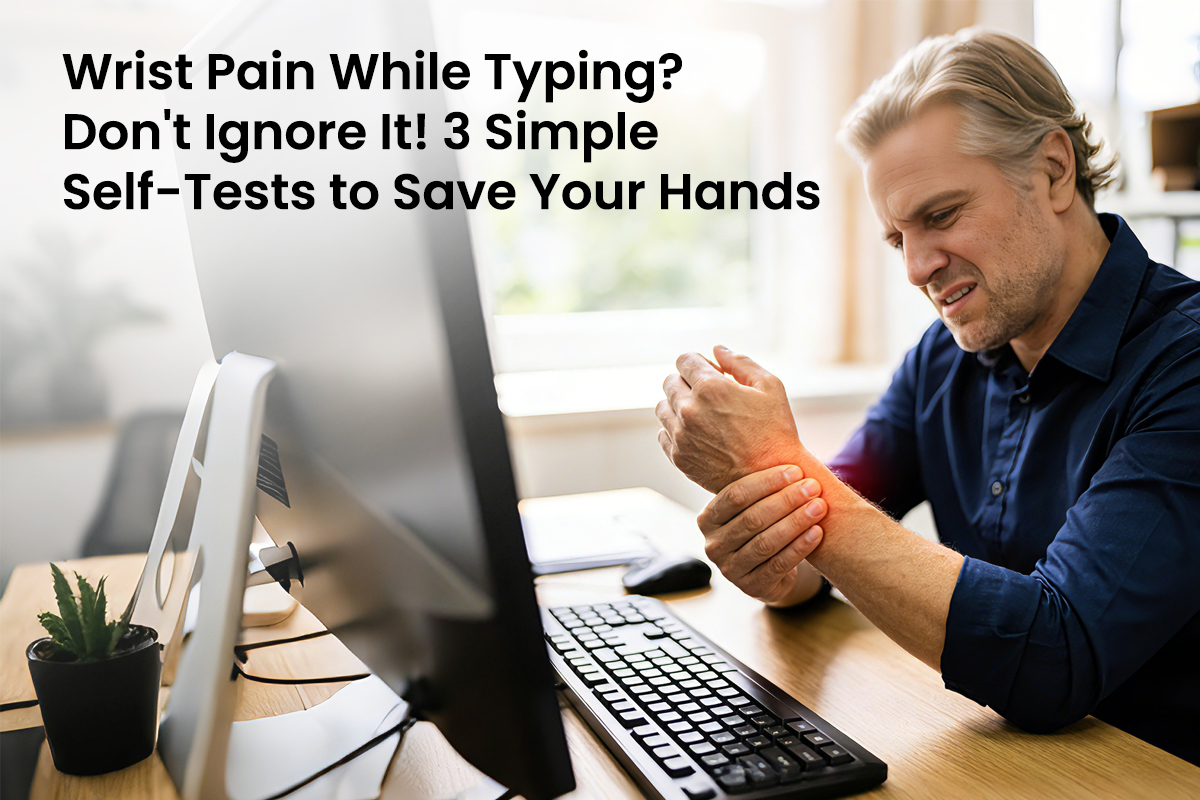
Wrist Pain While Typing? Don't Ignore It! 3 Simple Self-Tests to Save Your Hands
Feeling wrist pain while typing? Use 3 quick self-tests and improve your keyboard and mouse setup to ease strain and work comfortably.

Is Your Partner in Pain? 5 Signs They Need an Ergonomic Intervention
Back rubbing, hunched shoulders, wrist shaking, forward head, leg fidgeting. Fix with ergonomic chairs, split keyboards, vertical mice for lasting pain relief.
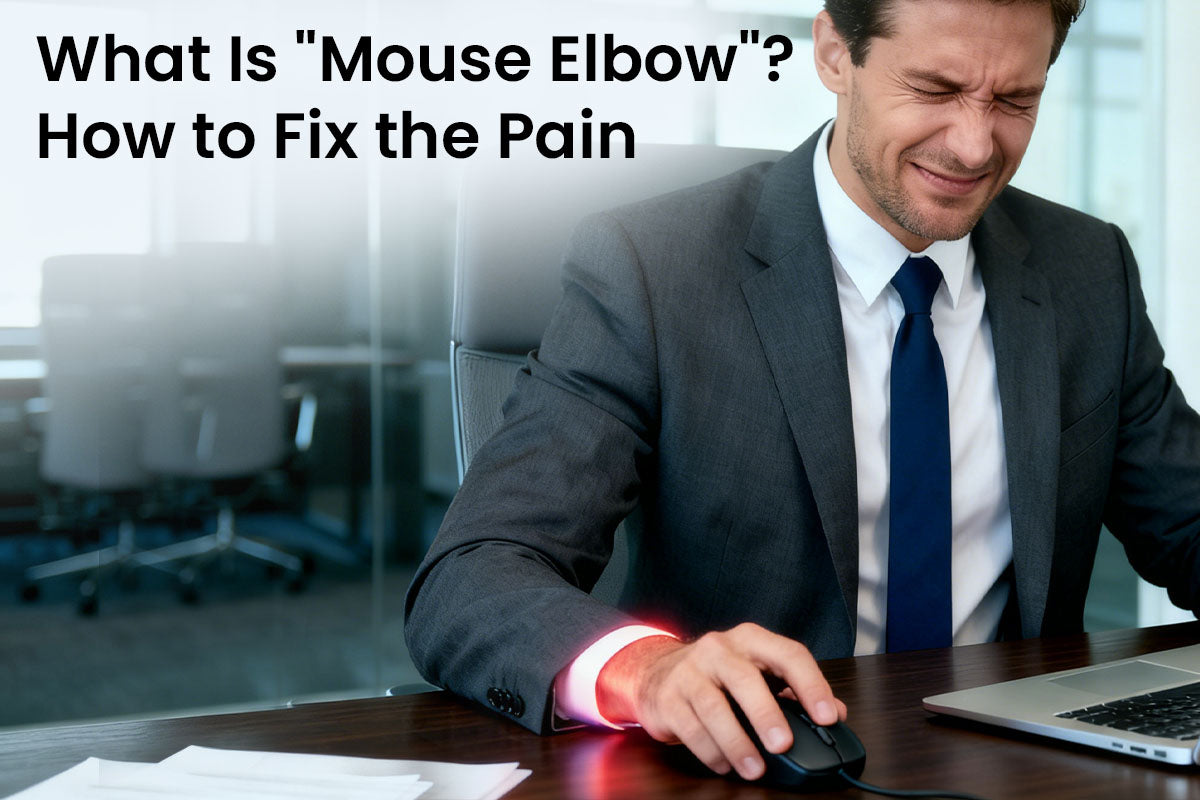
What Is "Mouse Elbow"? How to Fix the Pain Without Giving Up Your Computer
Repetitive mouse use causes tendon inflammation at your elbow. Switch to vertical or trackball mice, adjust desk height, and perform wrist stretches every 2 hours.
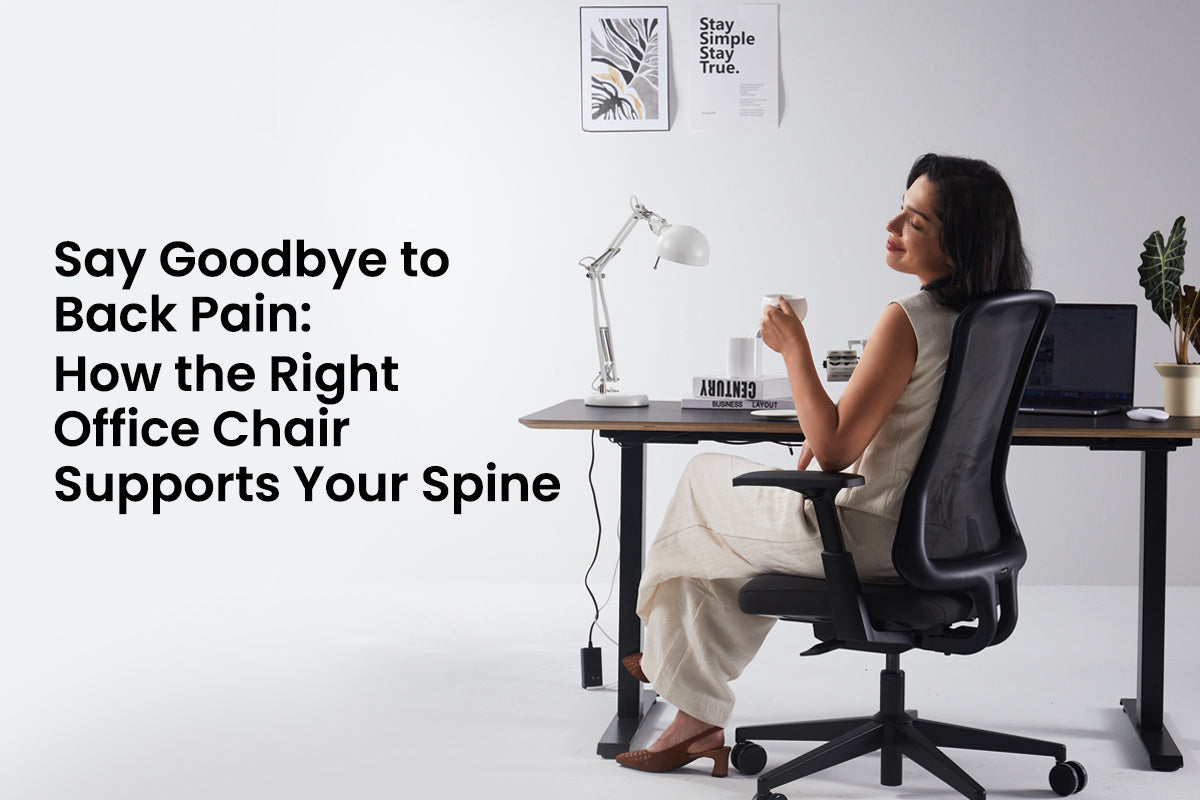
Say Goodbye to Back Pain: How the Right Office Chair Supports Your Spine
Sitting over 6 hours damages your spine. Prevent injury with 4D lumbar support and 135° recline. Choose the most ergonomic office chair to reduce disc pressure and stop chronic back pain.
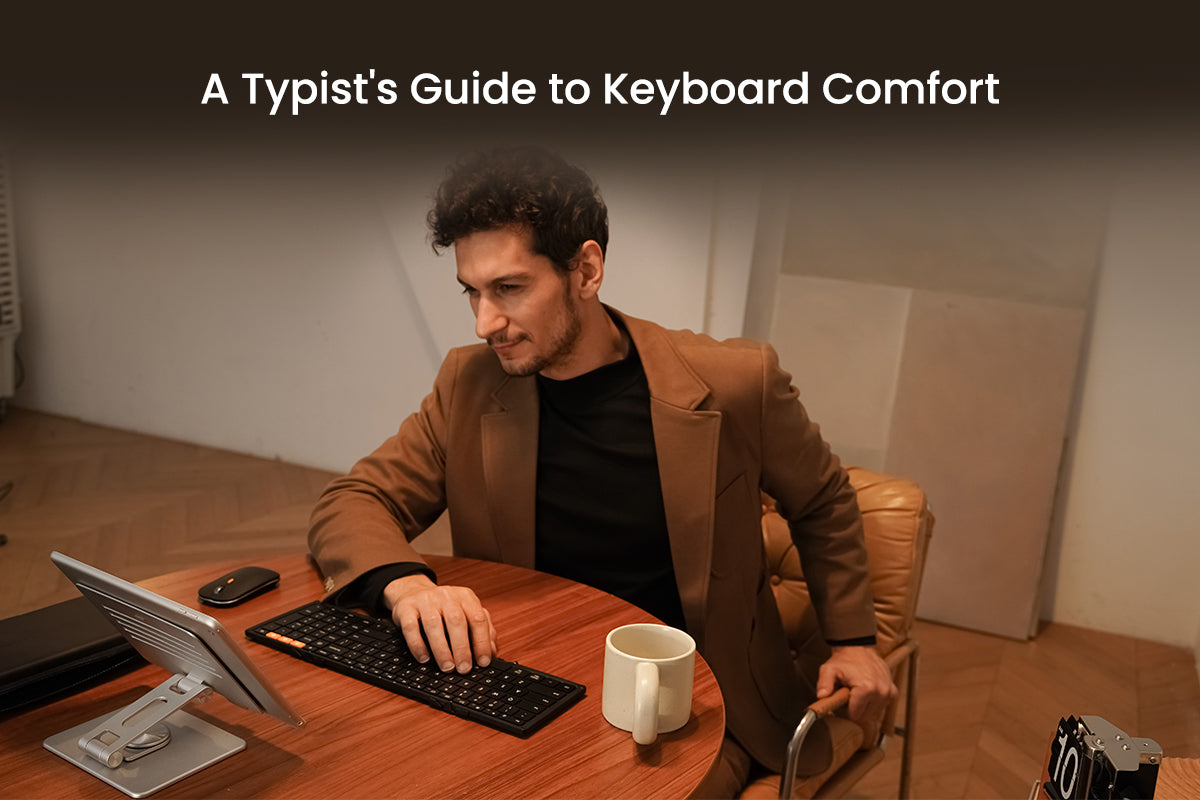
A Typist's Guide to Keyboard Comfort: More Than Just Ergonomic Shape
Ergonomic keyboards need proper key travel, actuation force, and keycap design—not just curved shapes. Learn the 3 mechanical factors that prevent wrist pain.

How to Prevent Mouse Calluses and Pain with the Right Gear
Standard mice cause pinky calluses via friction. Discover how vertical and trackball mice eliminate "pinky drag," protecting your hand from pain and long-term strain.
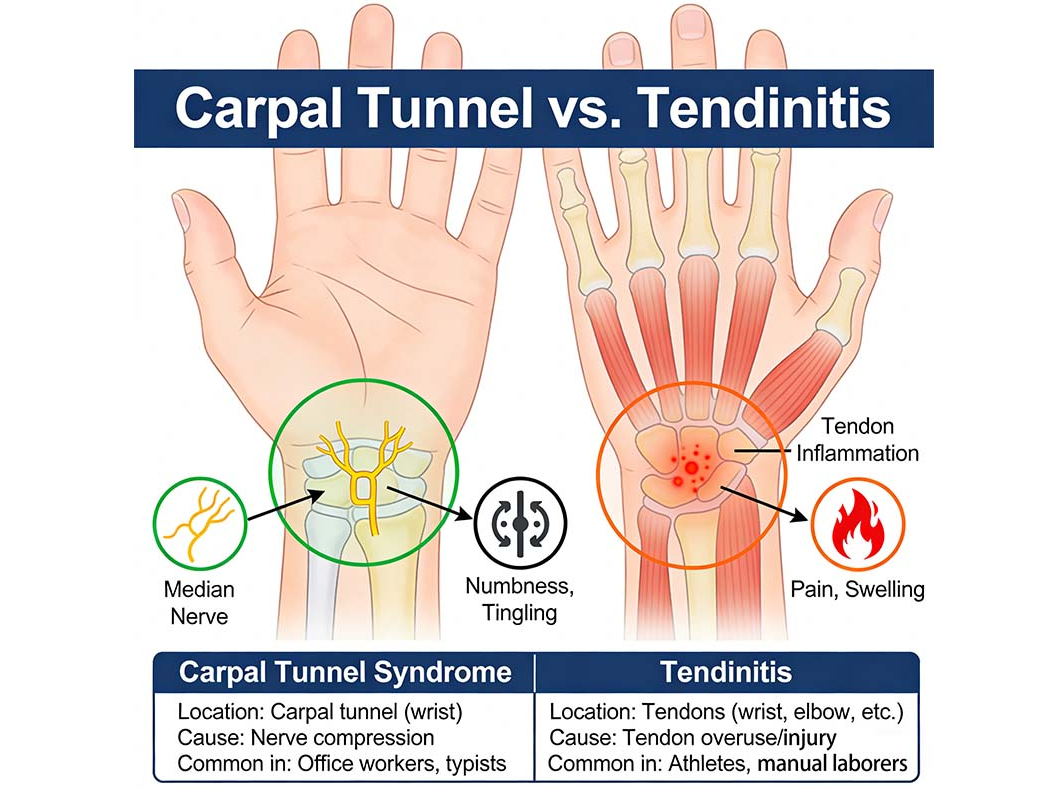
Carpal Tunnel Syndrome vs. Tendonitis: Knowing the Difference for Computer Users
Hand gripping a vertical ergonomic mouse in a neutral handshake position to reduce median nerve pressure and prevent pronation.

Is Your Desk Job Slowly Hurting You? A Guide to Pain-Free Work
Back pain, wrist pain, eye strain—do you understand work-related injuries? This article will definitely help you achieve healthy office habits!

2026 Feng Shui Guide: The Year of the Horse and the Power of Instant Success
Master 2026 Year of the Horse feng shui. Get zodiac-specific tips, office layouts, and quick rituals to align with Fire energy, avoid clashes, and seize wealth and career opportunities.
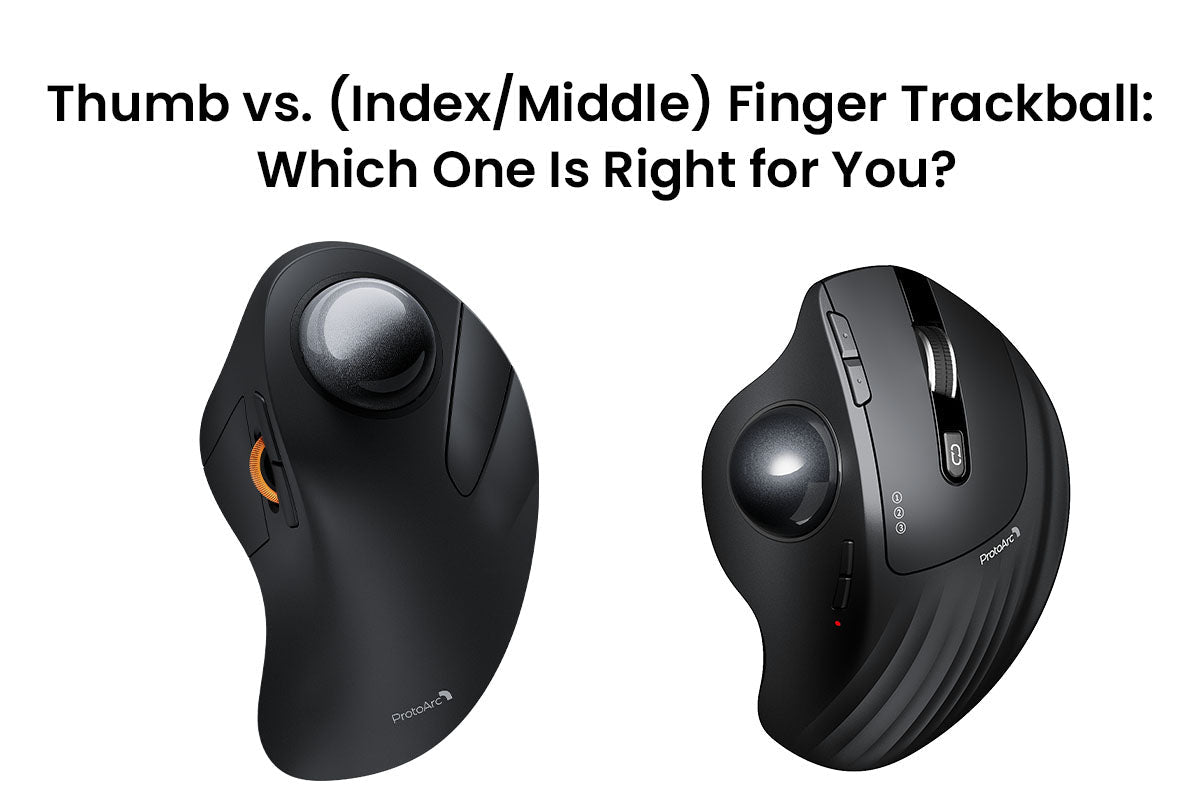
Thumb vs. (Index/Middle) Finger Trackball: Which One Is Right for You?
Stop wrist pain now! This guide compares Thumb vs. Finger trackball mice. Learn the benefits, setup tips, and which design fits your workflow for superior precision and long-term comfort.
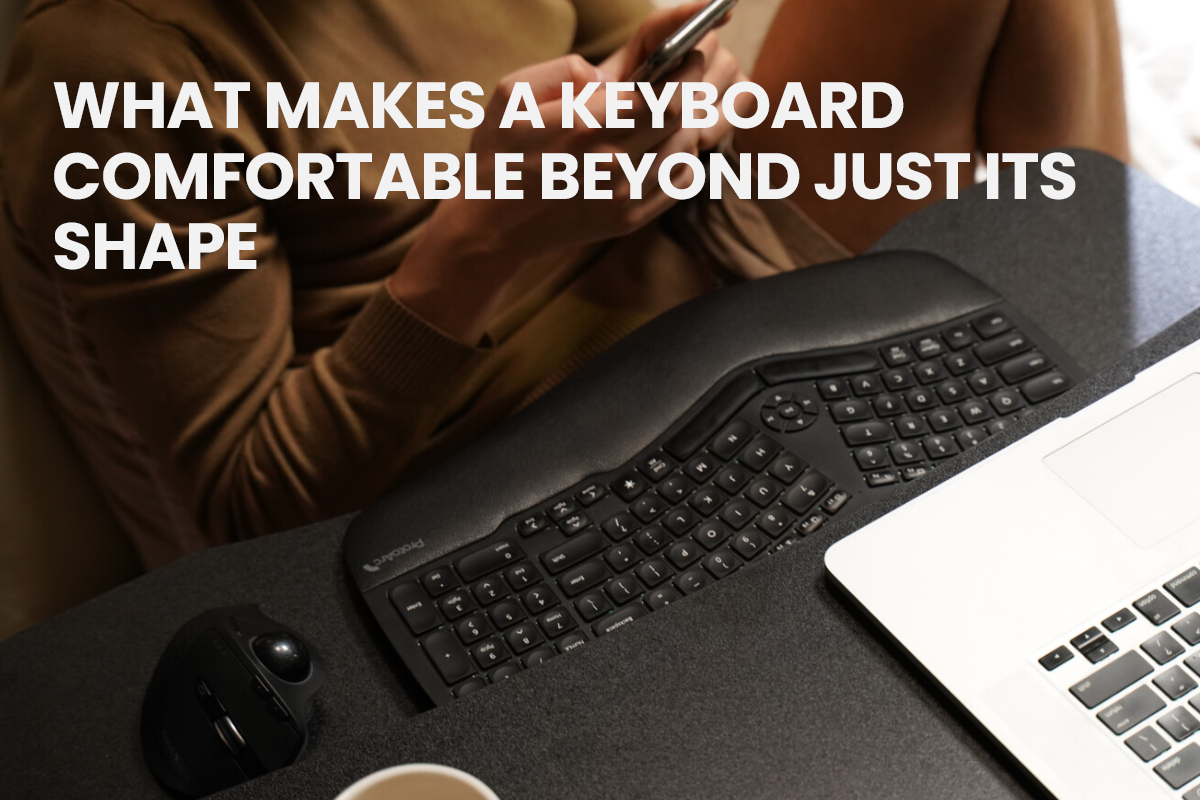
What Makes a Keyboard Comfortable Beyond Just Its Shape
Key travel sets your rhythm. Actuation force controls effort. Keycap dish guides accuracy. Material affects grip and sound. All four combine to define true typing comfort.
