












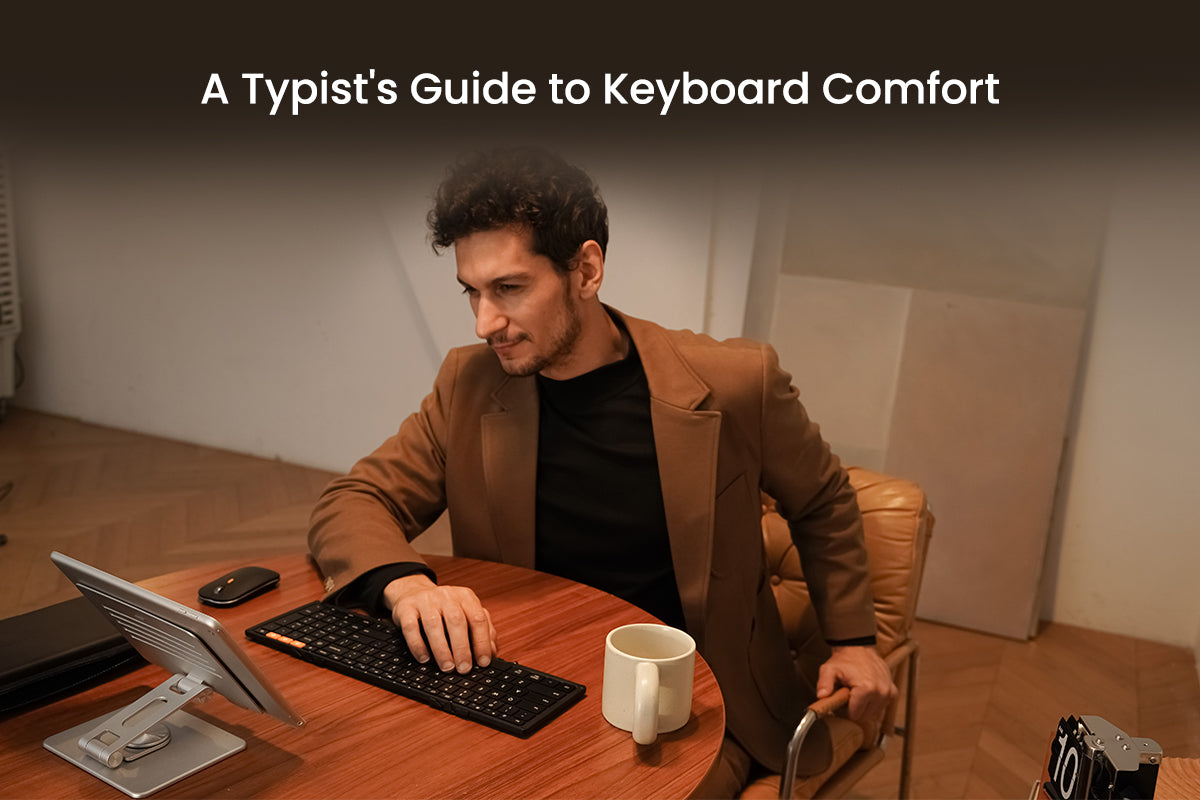
A Typist's Guide to Keyboard Comfort: More Than Just Ergonomic Shape
Ergonomic keyboards need proper key travel, actuation force, and keycap design—not just curved shapes. Learn the 3 mechanical factors that prevent wrist pain.
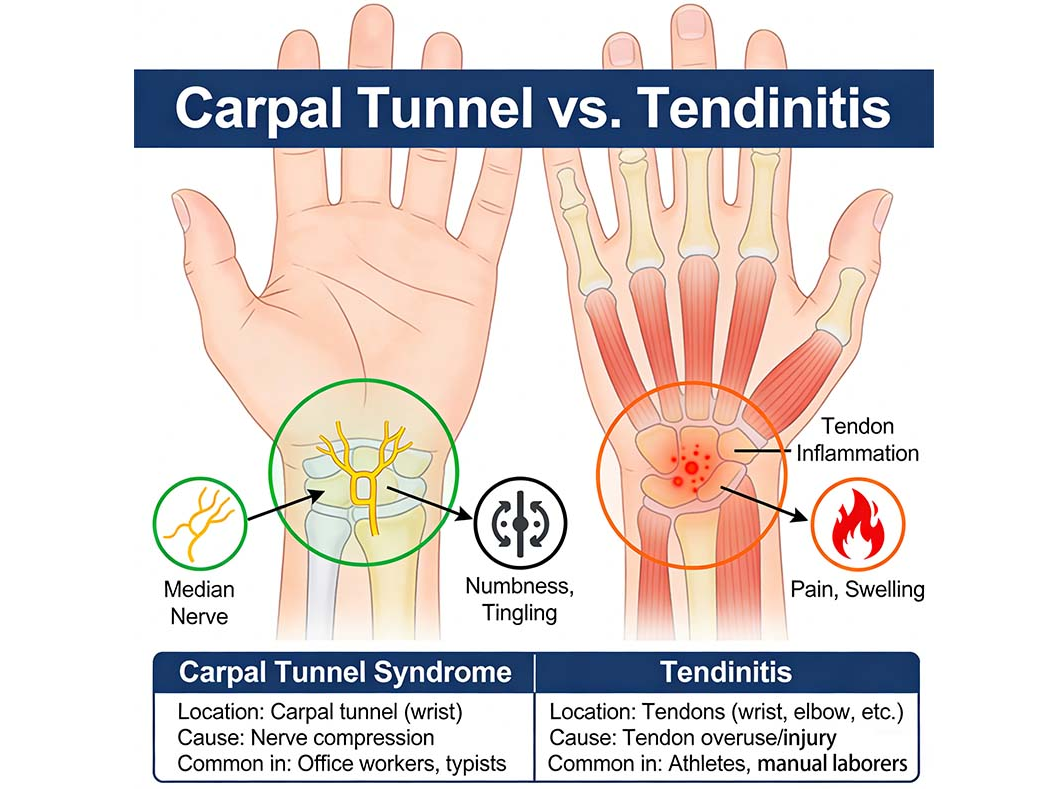
Carpal Tunnel Syndrome vs. Tendonitis: Knowing the Difference for Computer Users
Hand gripping a vertical ergonomic mouse in a neutral handshake position to reduce median nerve pressure and prevent pronation.
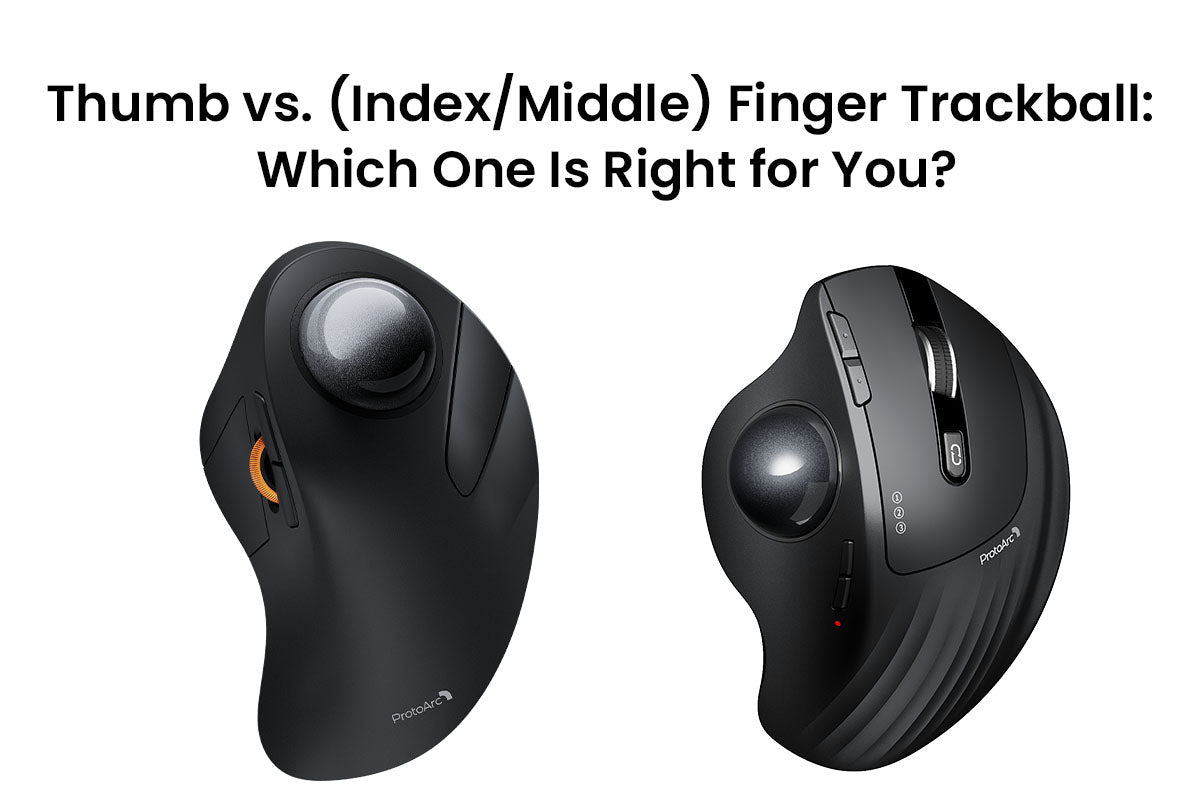
Thumb vs. (Index/Middle) Finger Trackball: Which One Is Right for You?
Stop wrist pain now! This guide compares Thumb vs. Finger trackball mice. Learn the benefits, setup tips, and which design fits your workflow for superior precision and long-term comfort.
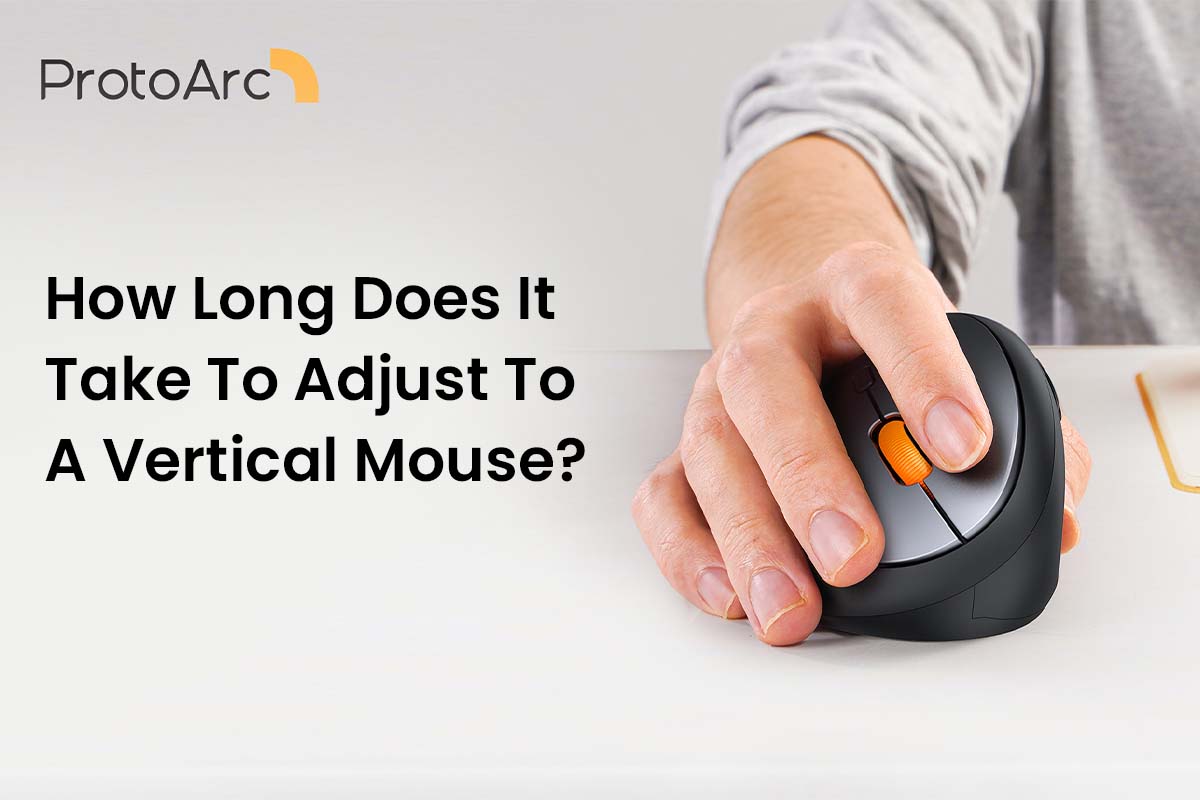
How Long Does It Take To Adjust To A Vertical Mouse?
Master your vertical mouse in just 2 weeks. Learn the adjustment timeline, fix click precision, and optimize settings to eliminate wrist strain and restore workflow speed.

Full-Size Typing in Your Pocket? 5 Surprising Findings from the ProtoArc XK01 Review
🎙️ Intro: When Tech Meets Comfort In the era of remote work and digital nomadism, finding the balance between "lightweight portability" and a "professional typing experience" is a challenge fo...
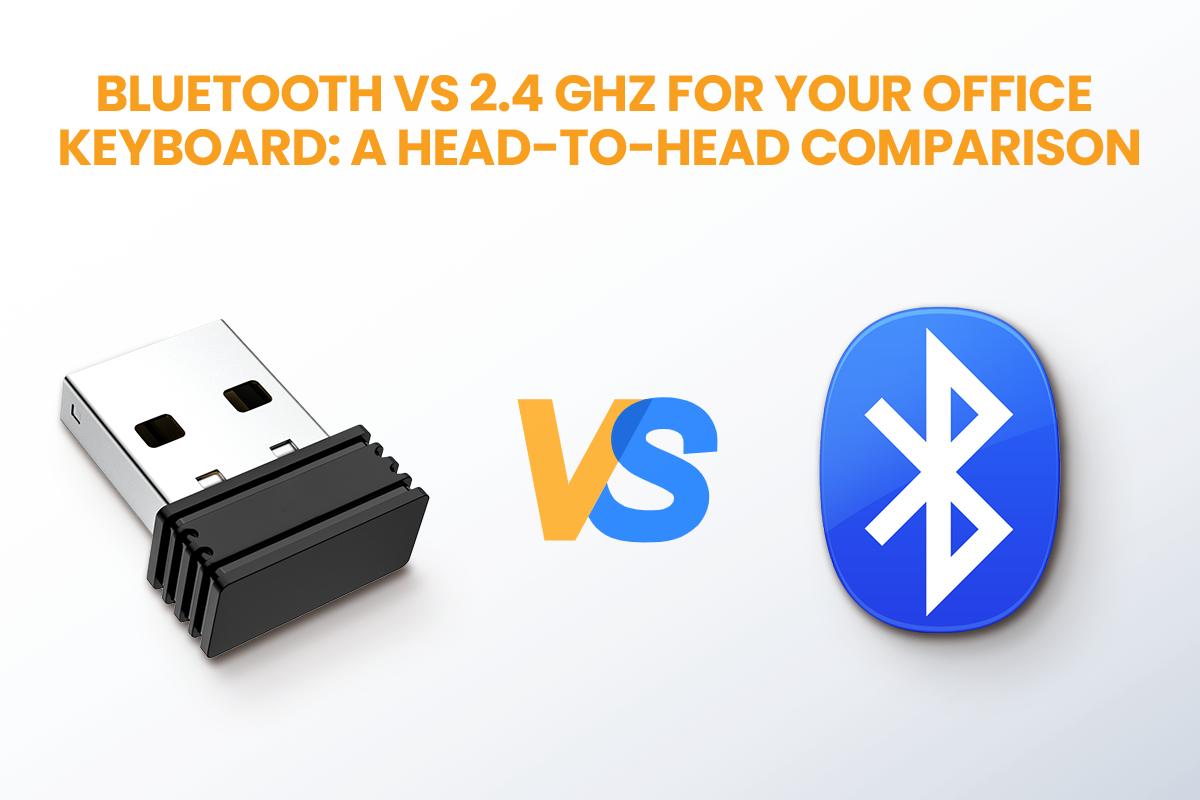
Bluetooth vs 2.4 GHz for Your Office Keyboard: A Head-to-Head Comparison
When choosing a wireless keyboard, 2.4GHz offers a faster, more stable connection for performance-focused tasks. Bluetooth provides superior versatility and battery life, easily connecting to multi...
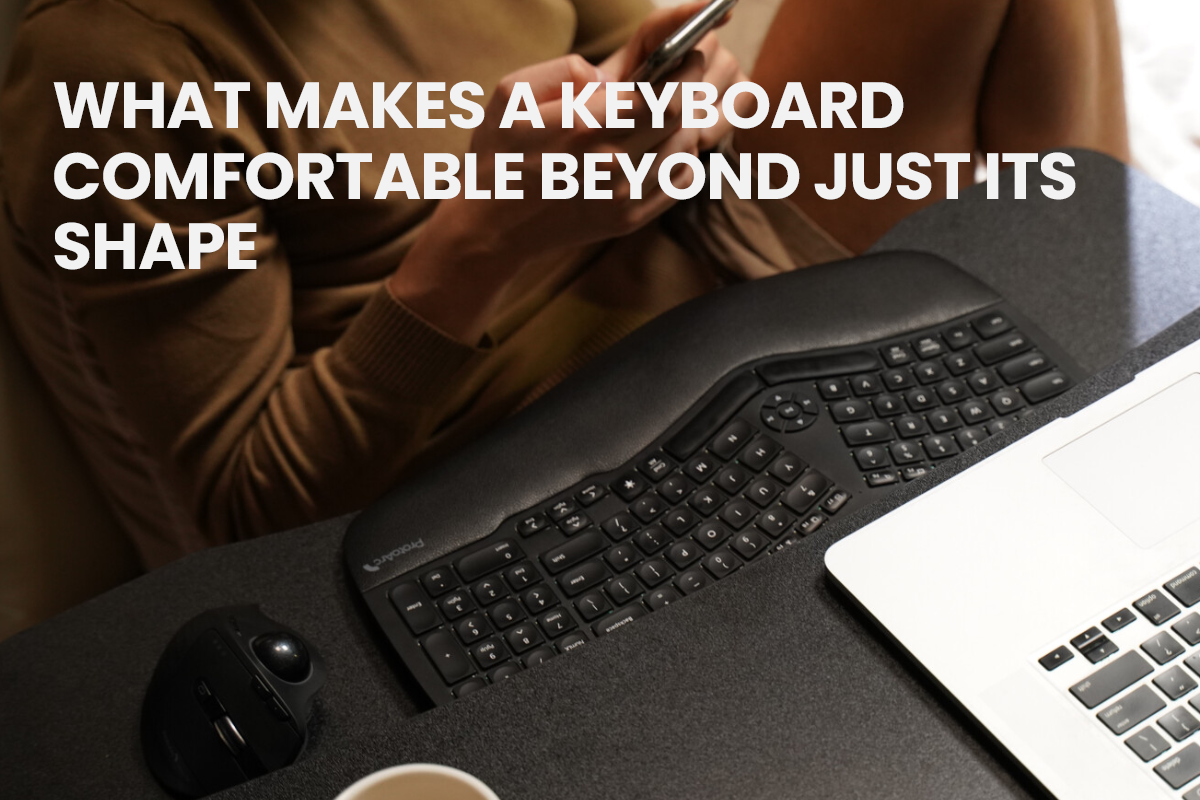
What Makes a Keyboard Comfortable Beyond Just Its Shape
Key travel sets your rhythm. Actuation force controls effort. Keycap dish guides accuracy. Material affects grip and sound. All four combine to define true typing comfort.
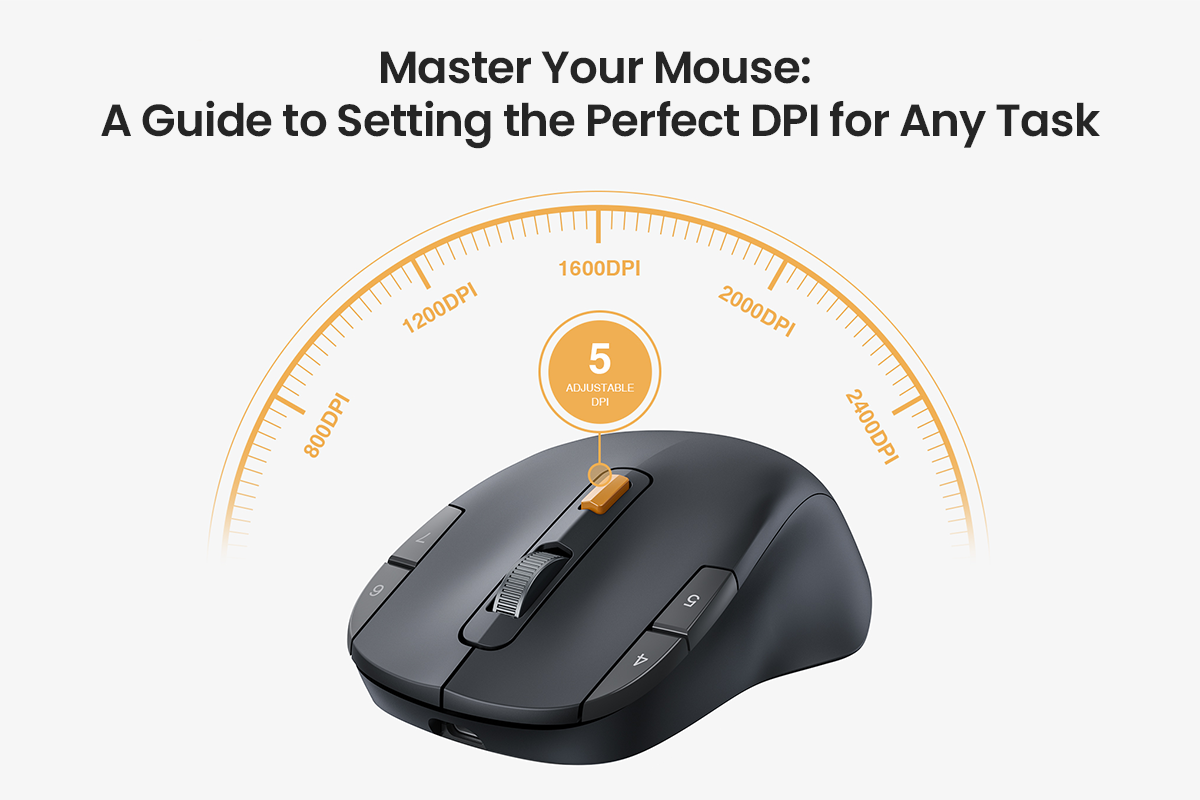
Master Your Mouse: A Guide to Setting the Perfect DPI for Any Task
Struggling with mouse control? Select the ideal DPI for your needs. Balance speed and precision for office work, creative tasks, and spreadsheets.
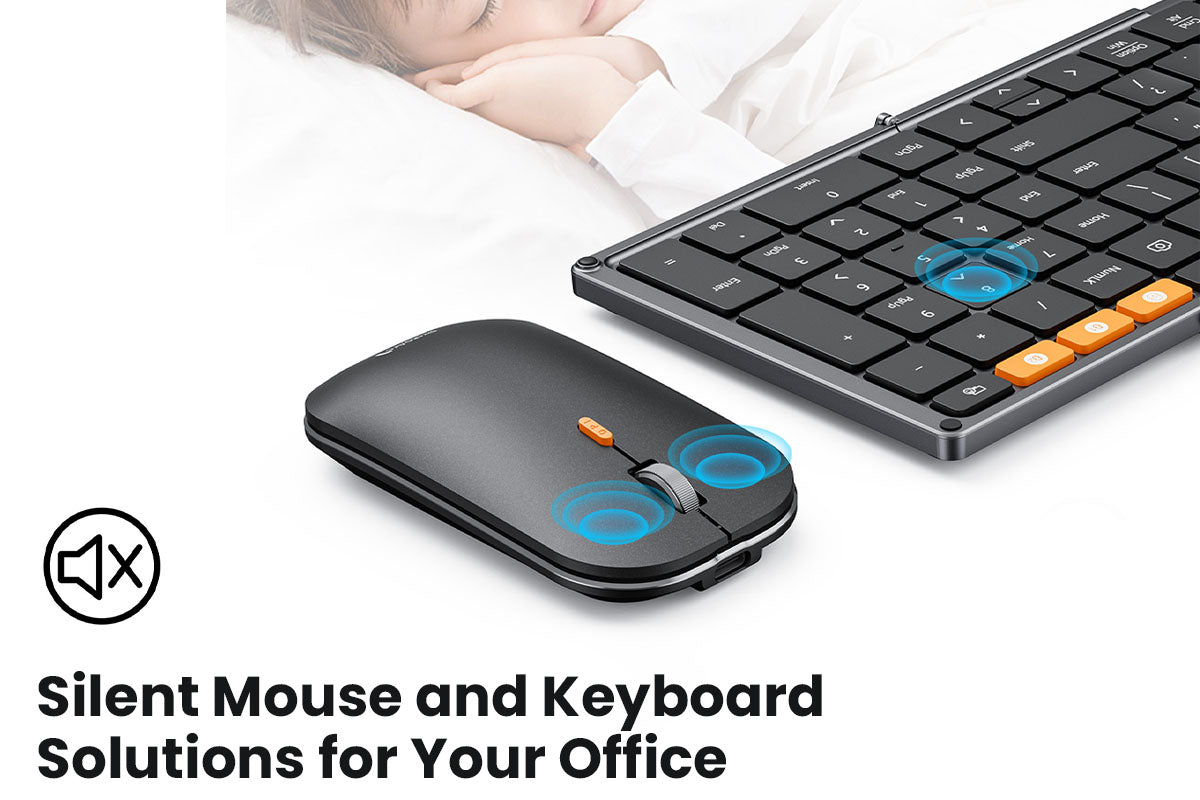
Complete Guide to Silent Mouse and Keyboard Solutions for Your Office
Office noise kills focus. This guide shows how to create a peaceful workspace using silent mice, quiet keyboards, acoustic panels, and smart office design for better productivity and less stress.
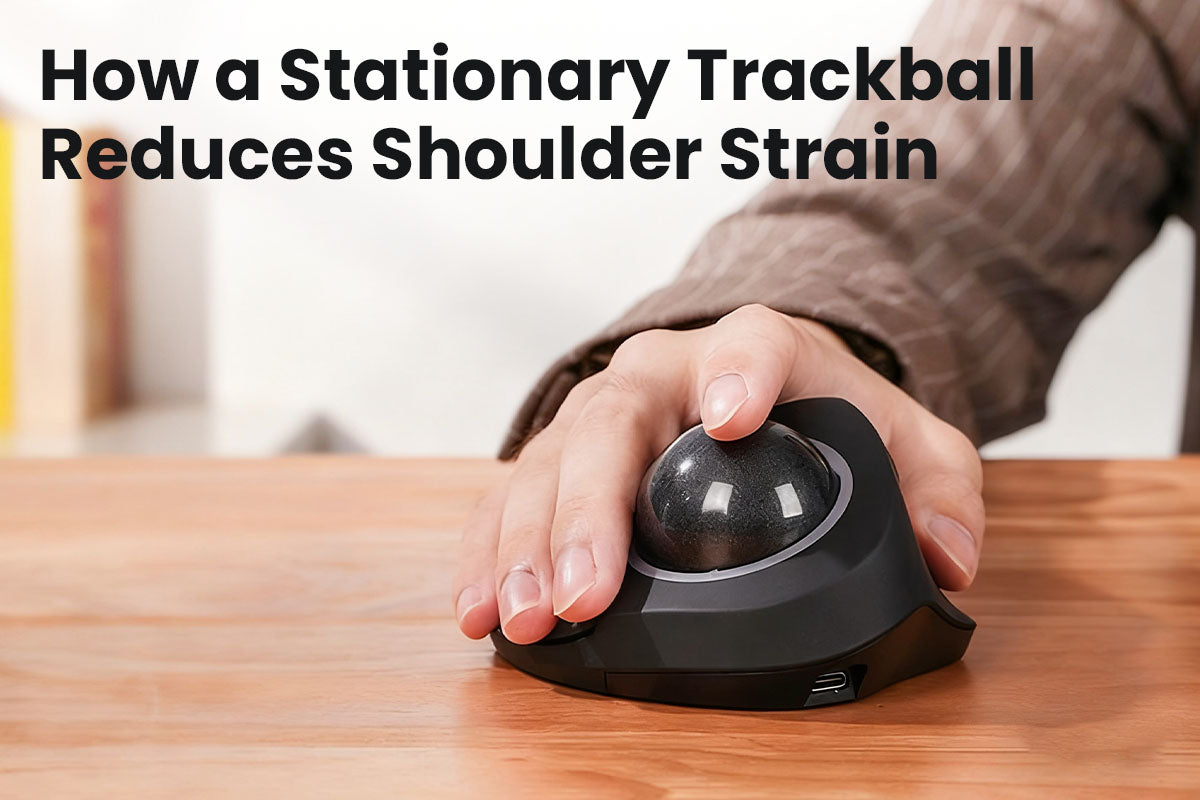
How a Stationary Trackball Reduces Shoulder Strain
Your computer mouse is causing your shoulder pain. Switching to a trackball mouse lets your fingers do the work, which eliminates the muscle strain and stops the pain.

More Than Just Comfort: Smart Designs of the ProtoArc EM01 Trackball Mouse & Split Keyboard
🚀 Introduction: Unlock a More Comfortable and Efficient Workspace What does a truly ergonomic workspace look like? To help answer that question, we're sharing an expert review of the ProtoArc EM01...

How to Choose the Right Keyboard for Your Job: A Professional's Guide
"Struggling with discomfort while typing? Learn how to choose a keyboard that fits your needs and improves your comfort and efficiency at work!"
